







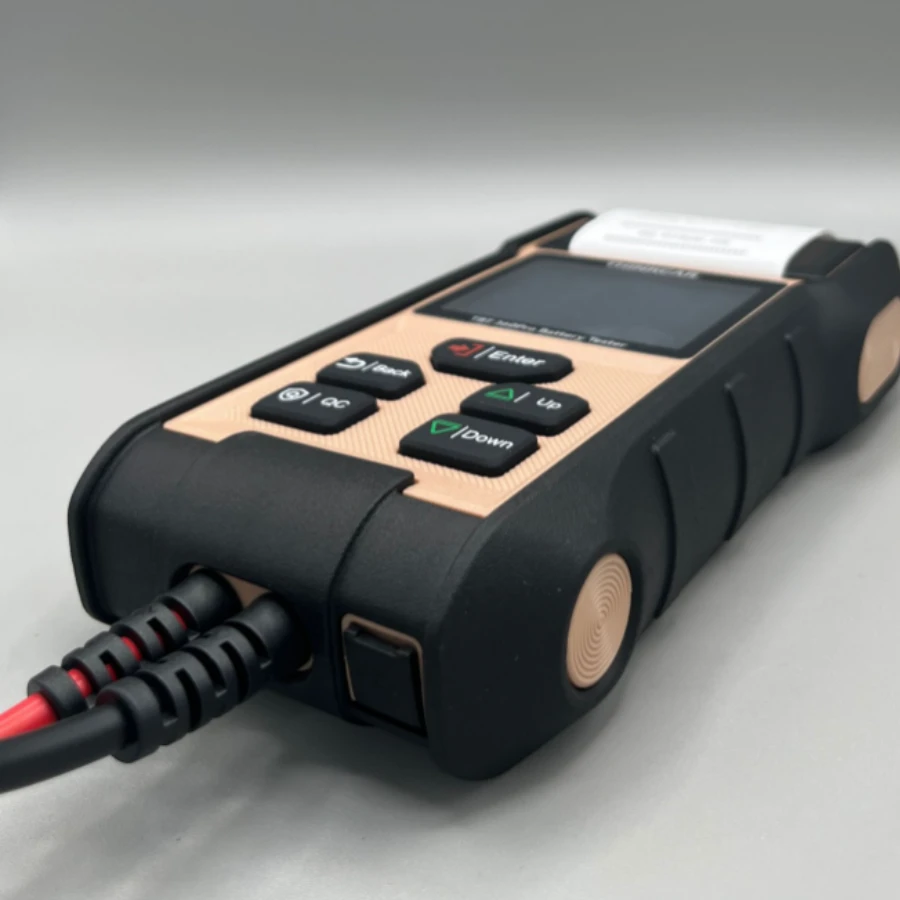
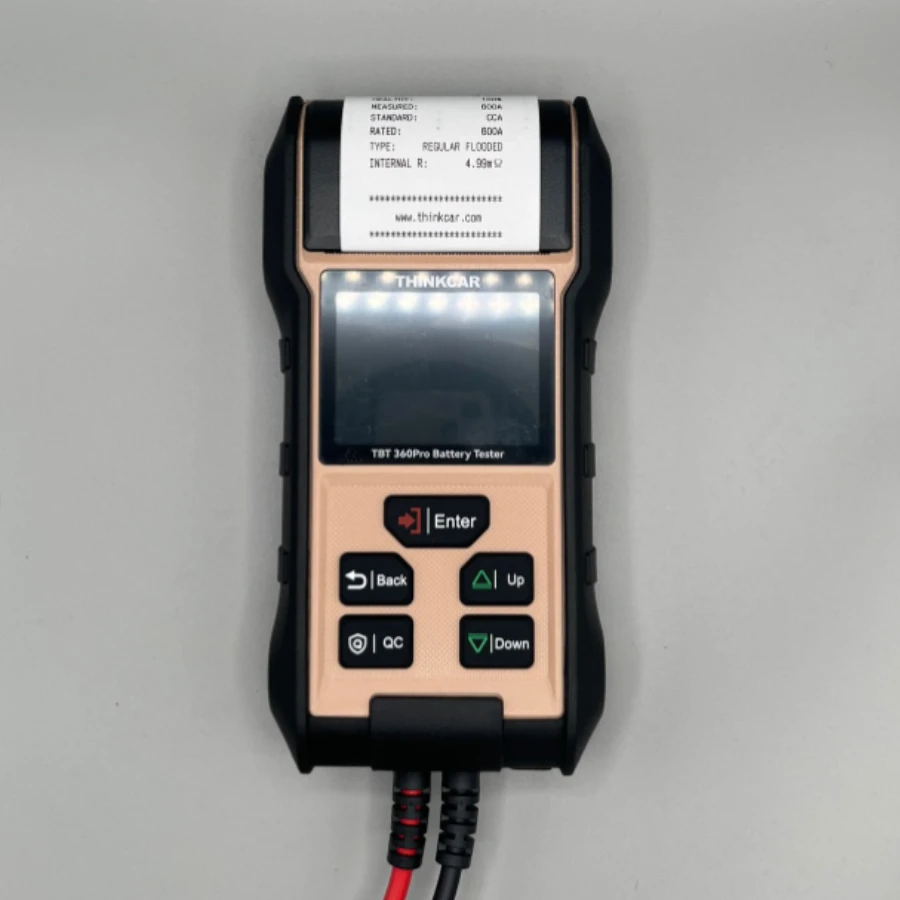

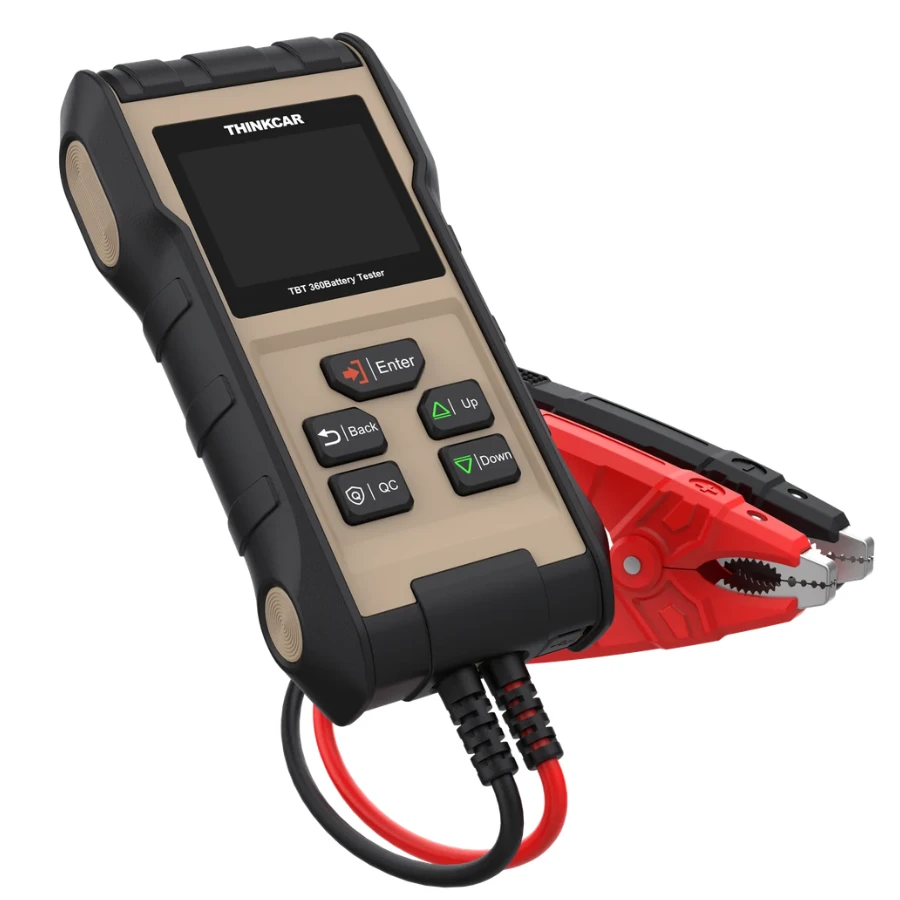
Thinkcar TBT 360 PRO Professional Battery Cranking and Charging System Tester with Built-in Printer
The Thinkcar TBT 360 PRO is a heavy-duty, professional-grade battery diagnostic solution designed for automotive technicians who require fast, accurate, and documented results. This advanced tool goes beyond simple voltage checks, providing a comprehensive analysis of the battery's health, the engine's cranking capability, and the alternator's charging efficiency.
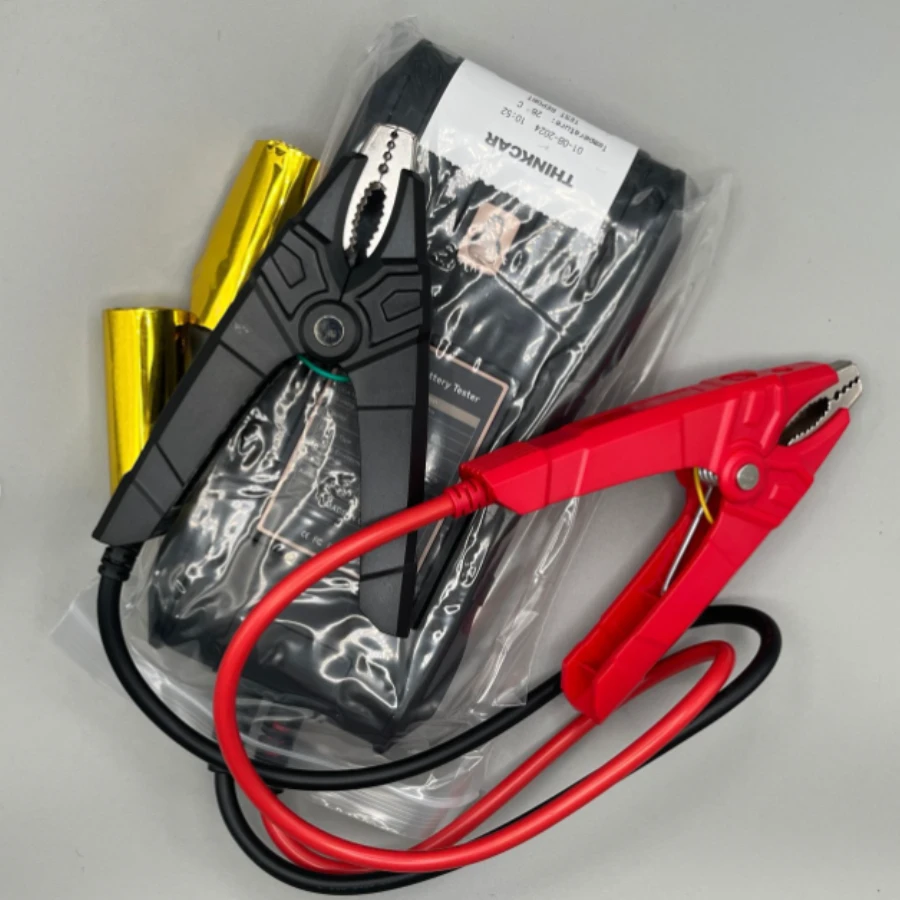
Equipped with a built-in thermal printer, the TBT 360 PRO allows you to provide immediate physical proof of battery health to your customers, enhancing trust and professional service. Its rugged, ergonomic design and high-quality copper clamps ensure reliable performance in demanding workshop environments.
Core Functions and Capabilities
Battery Health Test: Analyzes State of Health (SOH), State of Charge (SOC), and internal resistance to determine if a battery needs recharging or replacement.
Cranking System Test: Measures the actual cranking voltage and time to identify potential starter motor or wiring issues.
Charging System Test: Evaluates the alternator's output under different load conditions to ensure the battery is being properly maintained during vehicle operation.
Integrated Thermal Printer: Instantly generates a detailed diagnostic report including the test date, vehicle data, and specific battery parameters.
Wide Battery Compatibility: Supports a variety of battery types including Regular Flooded, AGM Flat Plate, AGM Spiral, GEL, and EFB.
Global Standards: Compatible with almost all battery rating standards, including CCA, BCI, CA, MCA, JIS, DIN, IEC, EN, SAE, and GB.
Quick User Manual: How to Use the TBT 360 PRO
Connection: Connect the Red clamp to the positive (+) terminal and the Black clamp to the negative (-) terminal of the battery. The device will automatically power on using the battery's voltage.
Battery Test: Select "Battery Test" from the main menu. Input the battery type and the rated CCA (found on the battery label). The device will display the SOH, SOC, and a clear "Good" or "Replace" verdict.
Cranking Test: Select "Cranking Test" and follow the on-screen prompts to start the engine. The tool will record the lowest voltage reached during startup.
Charging Test: Select "Charging Test" with the engine running. Follow prompts to increase RPM and turn on electrical loads (like headlights) to verify alternator stability.
Print Results: Once the tests are complete, press the "Print" button. The integrated printer will provide a hard copy for the customer or for workshop records.
Safety First: Ensure the clamps have a firm, clean connection to the terminals for the most accurate resistance readings.
Related products
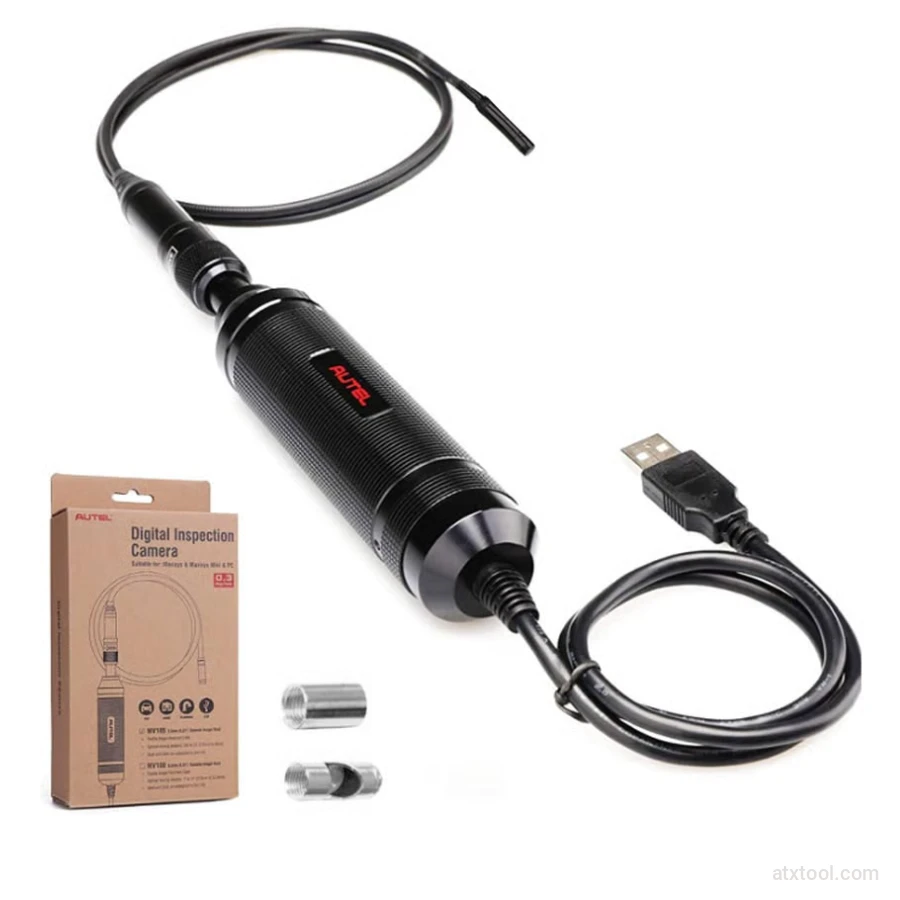
Autel MV105S Inspection Video Scope
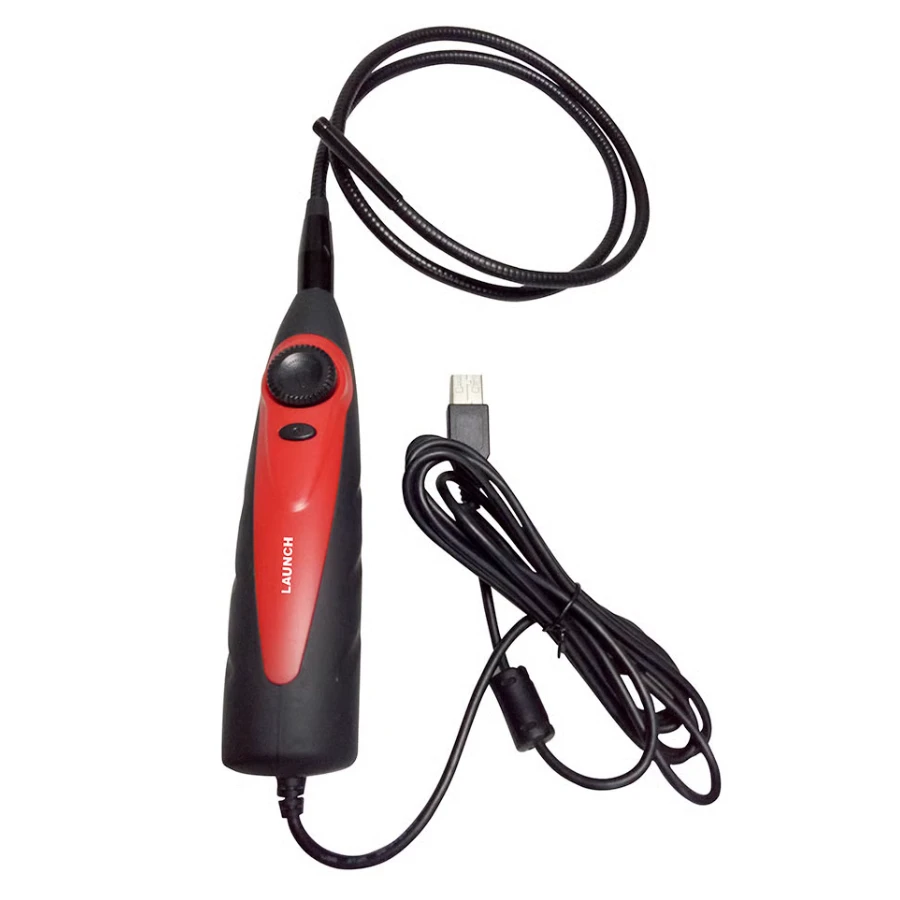
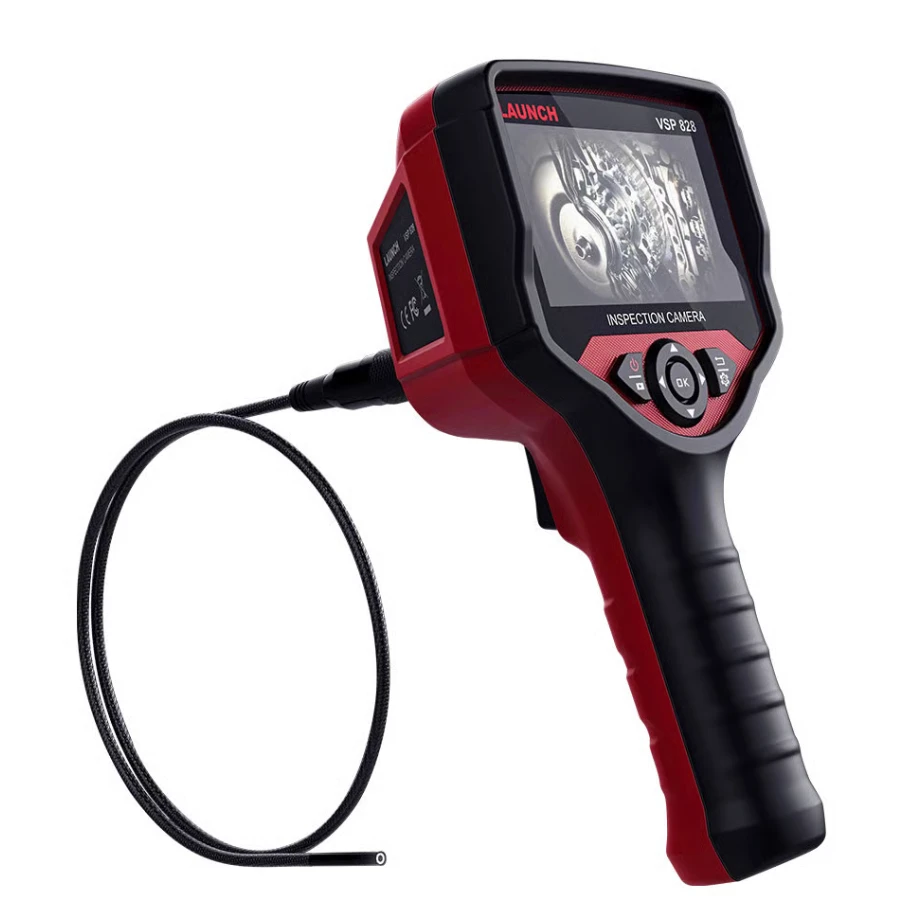
Launch VSP-828 | Advanced 180° Rotating Borescope


Frequently Bought Together
No frequently bought products found!
Products from this Seller
View All
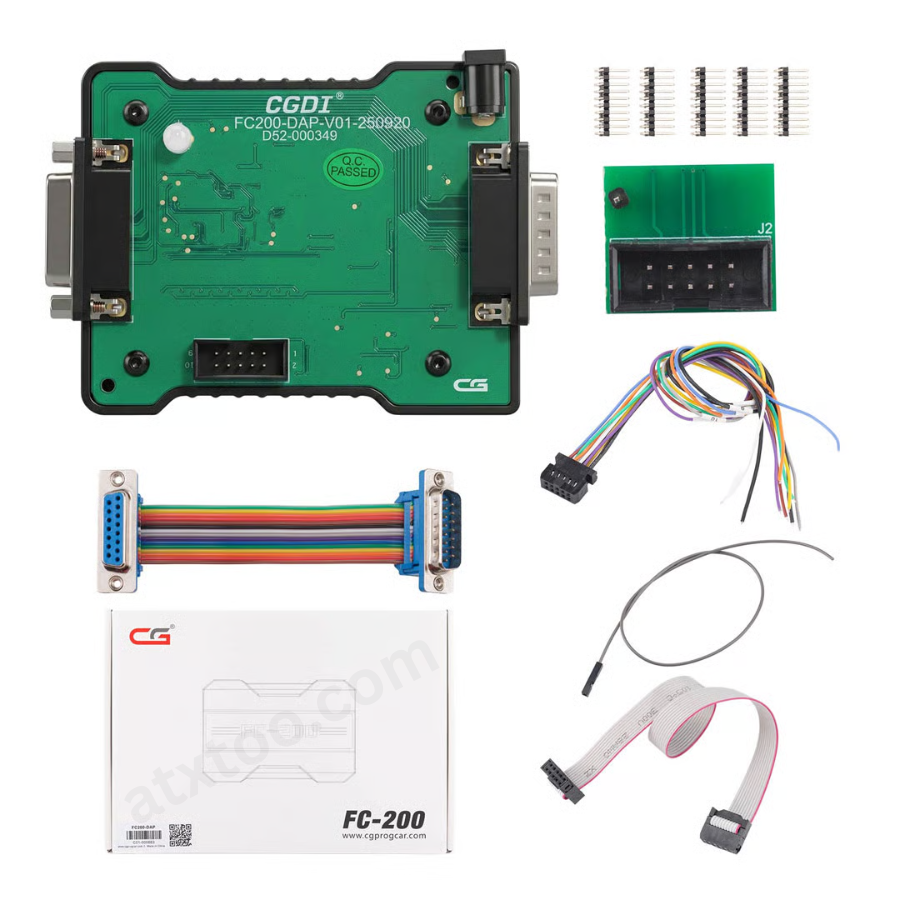
CGDI FC200 DAP Adapter for CG FC200 Programmer
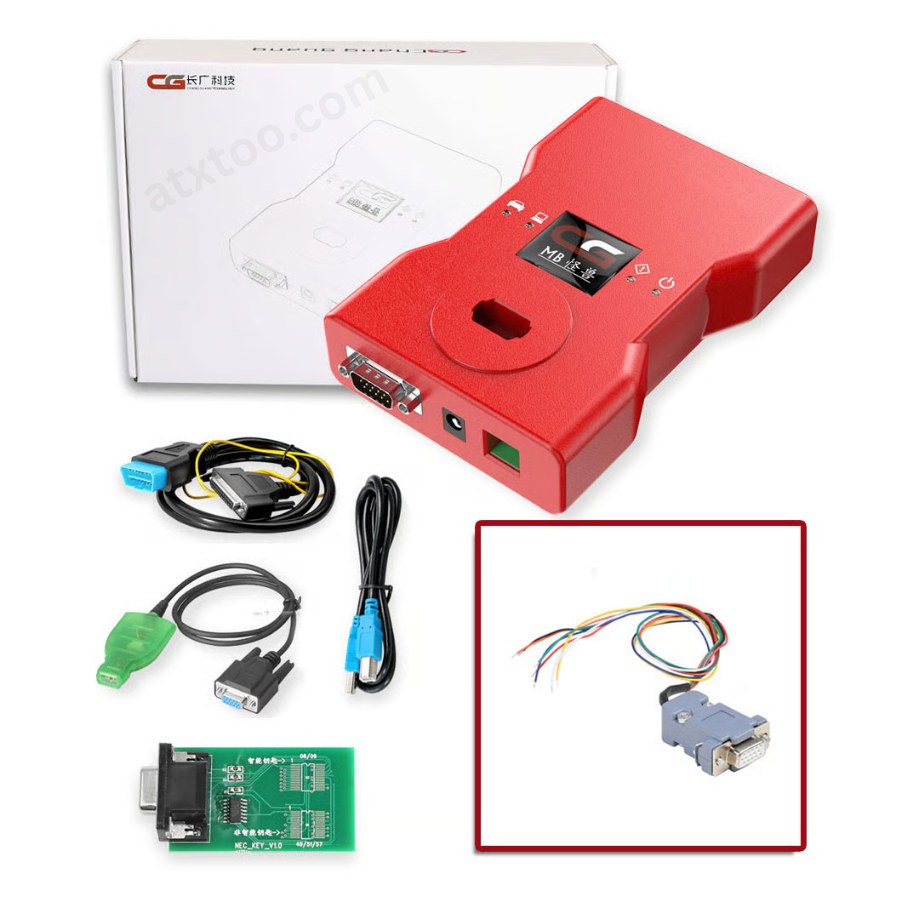
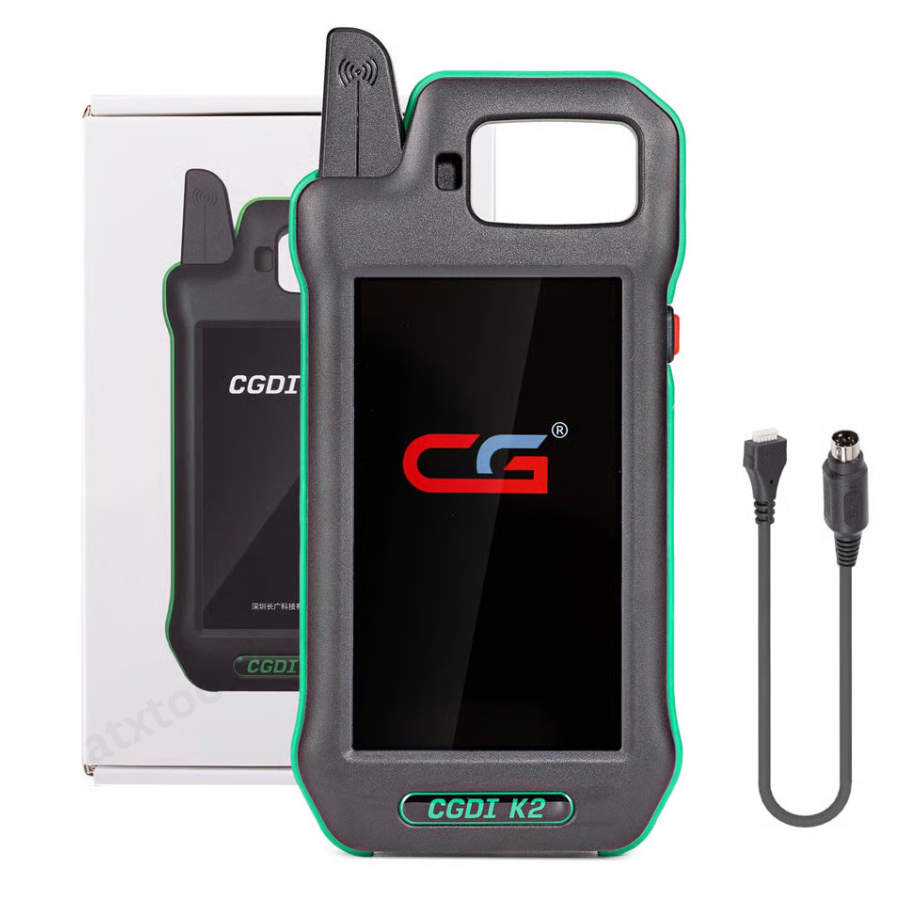
CGDI K2 WiFi Professional Smart Locksmith Key Tool and Remote Generator
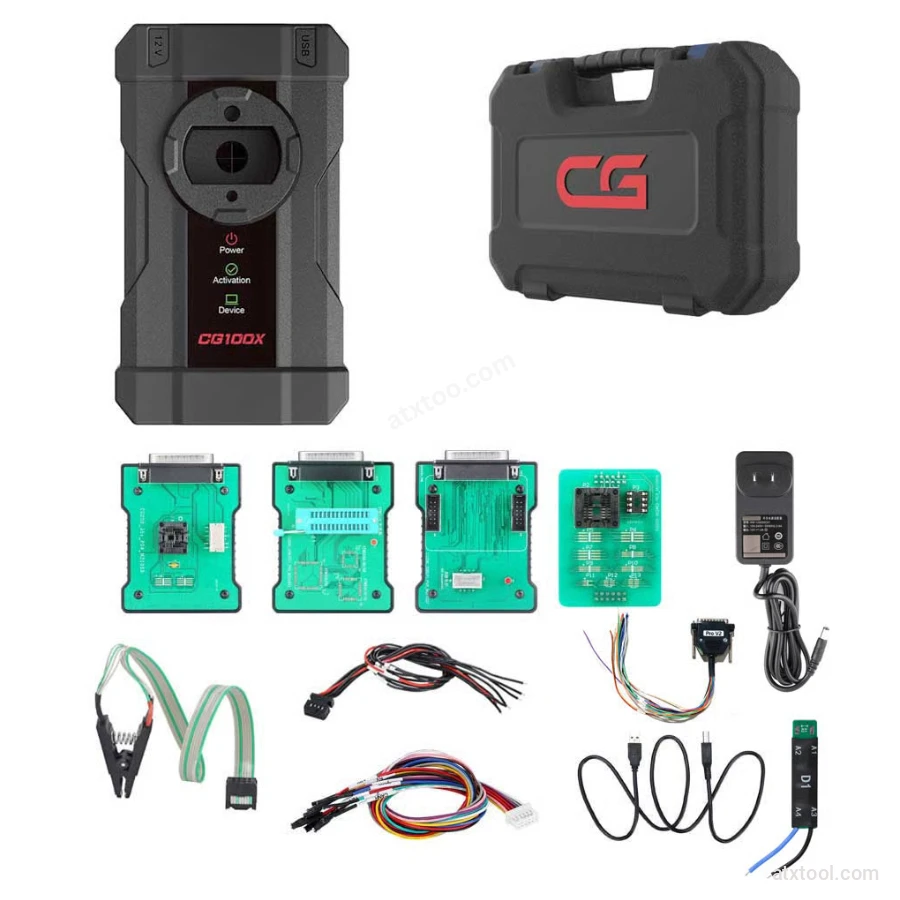
CGDI CG100X New Generation Smart Car Programmer
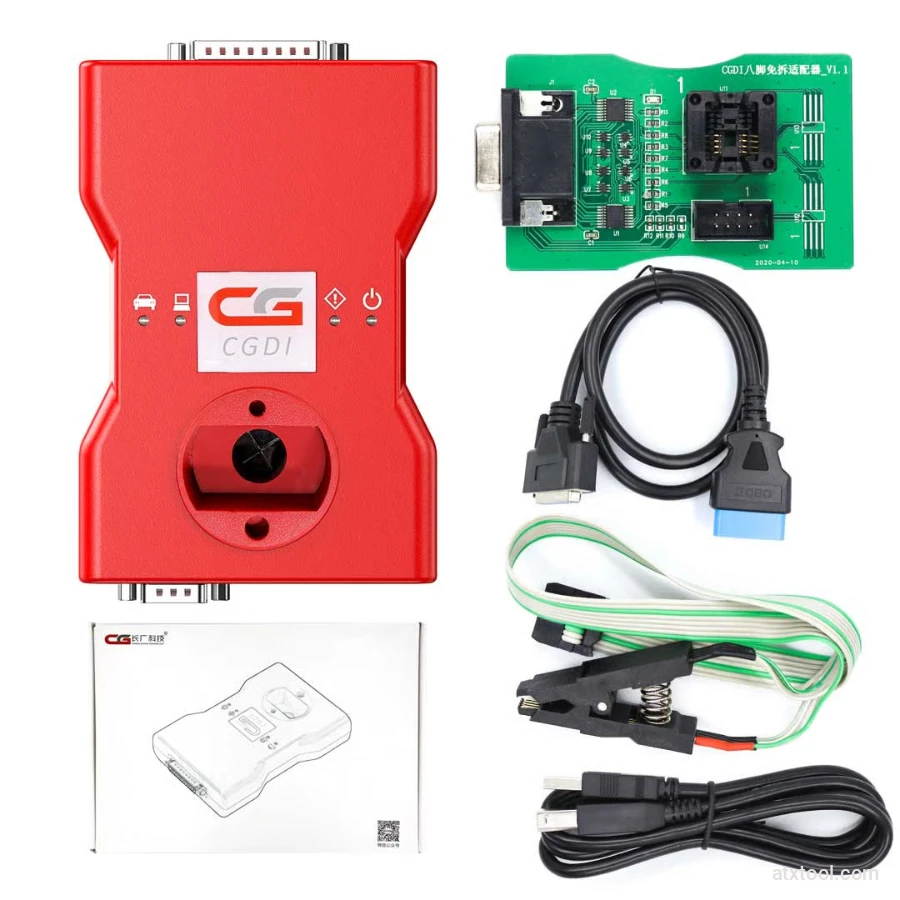
CGDI BMW Full Function Version MSV80 Car Key Programmer
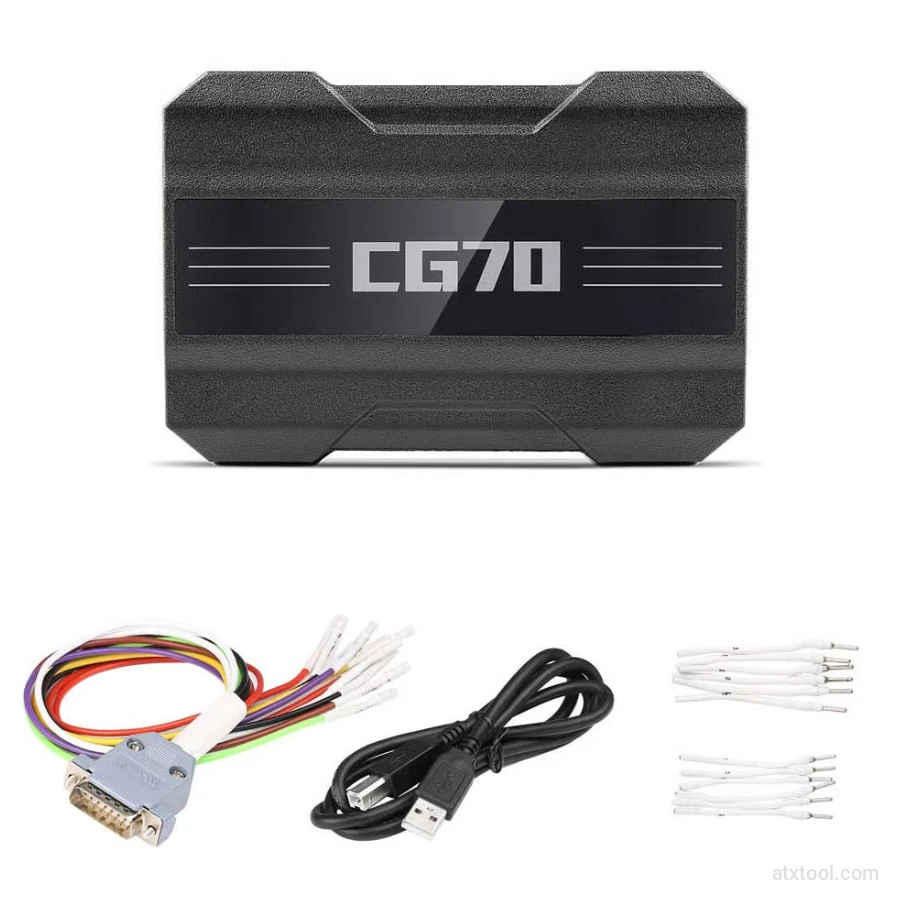
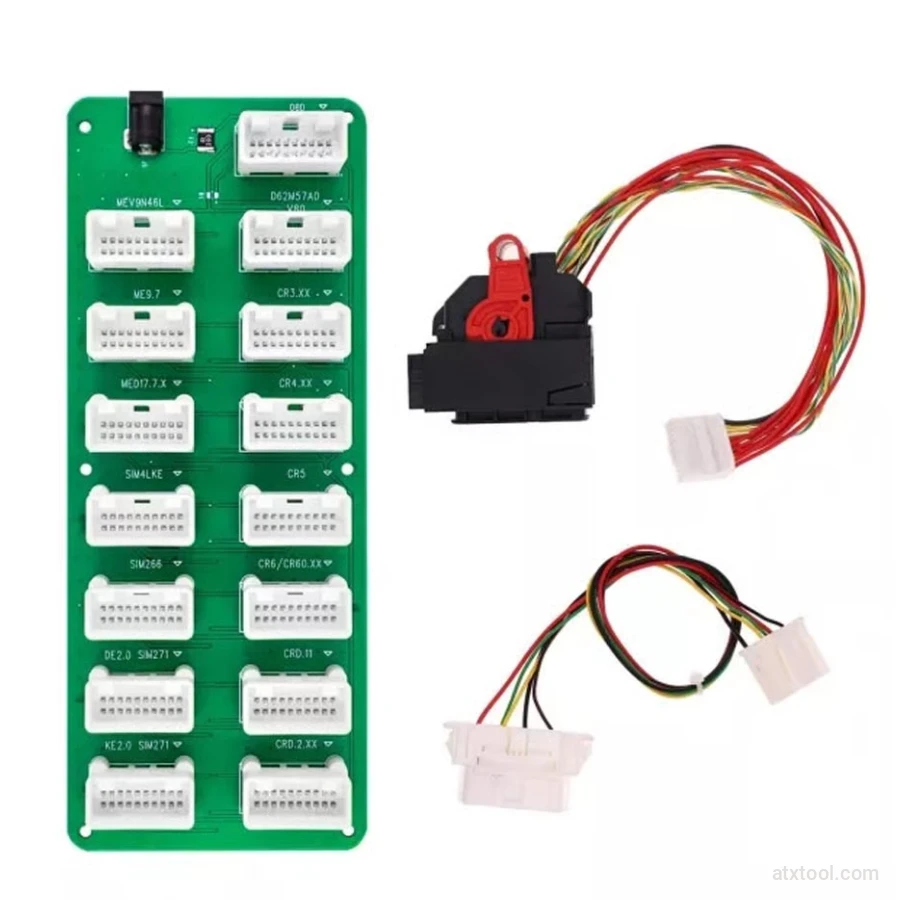
CGDI DME-DDE ECU Connecting Board and Testing Cable
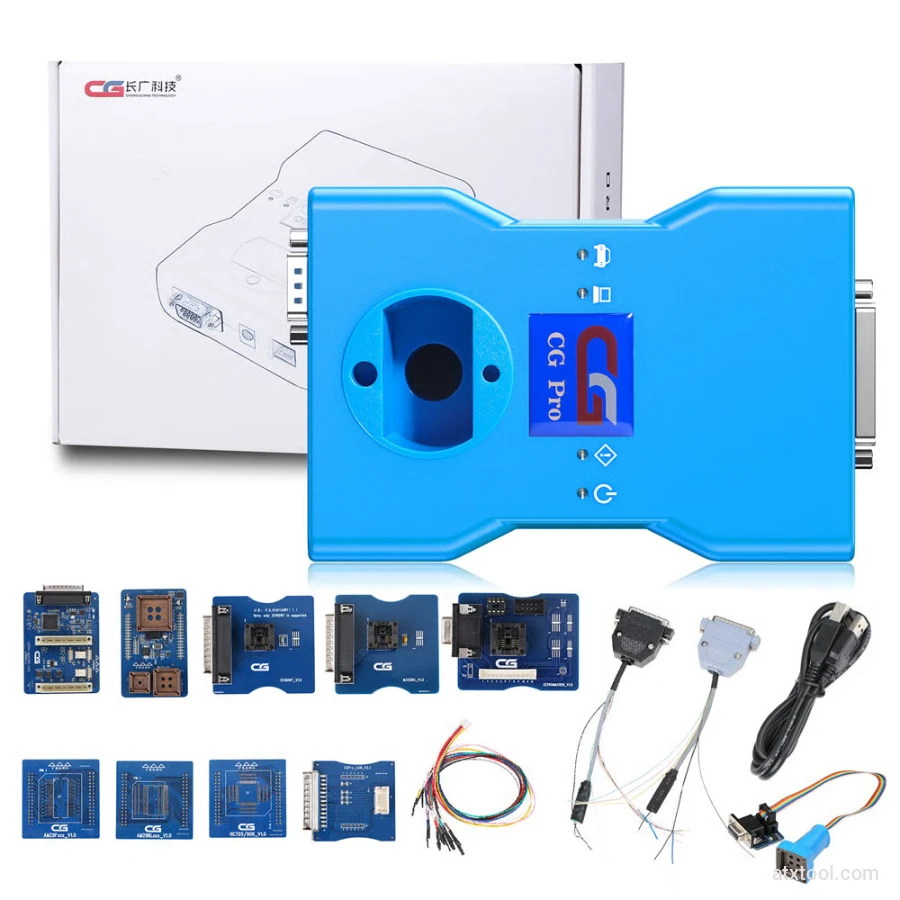
CG Pro 9S12 Programmer Full Version with All Adapters
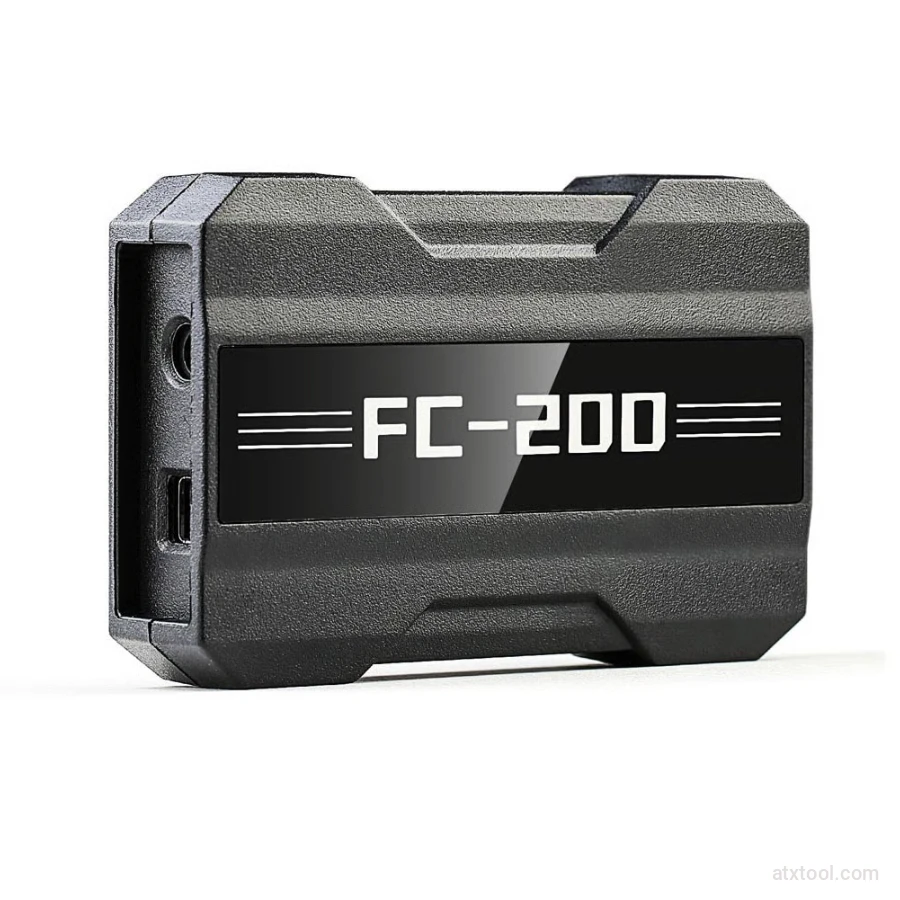
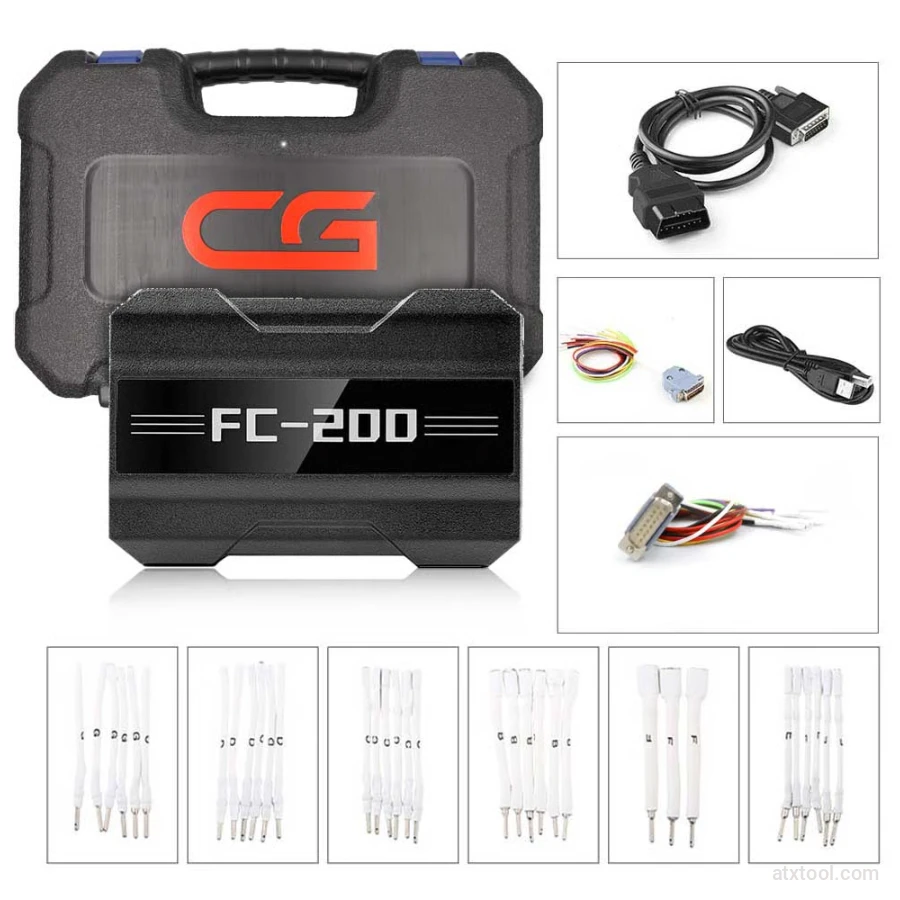
CGDI CG FC200 ECU Programmer Full Version
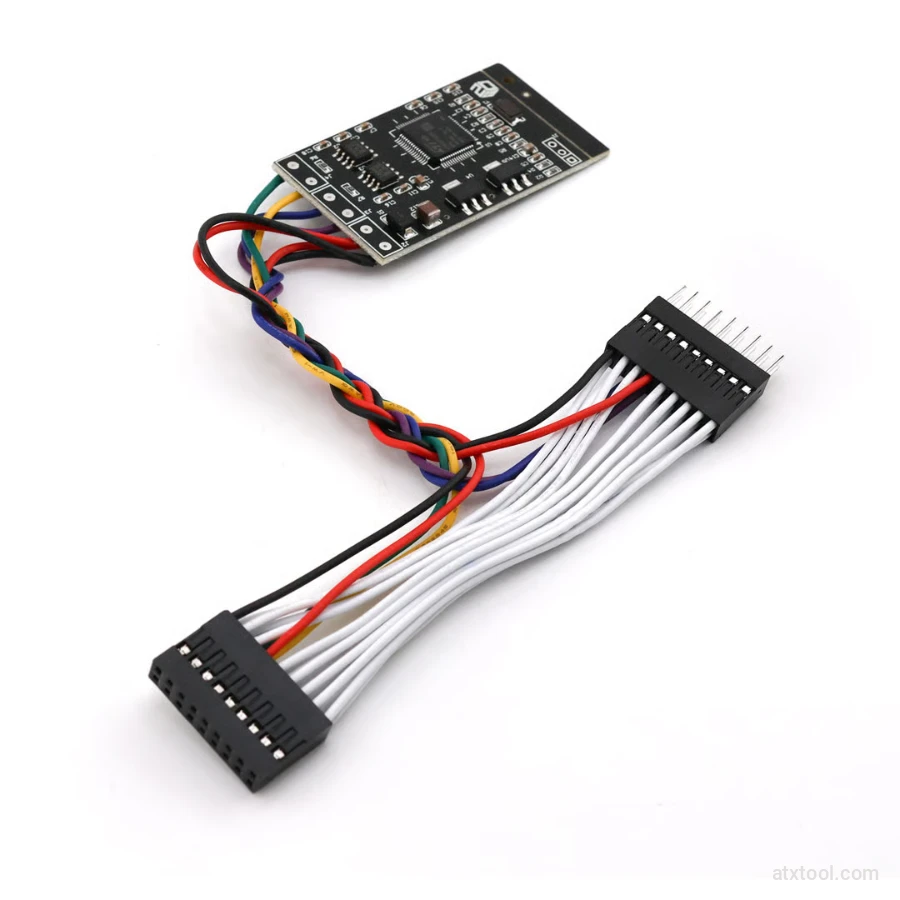
CGDI Super Kilometer CAN Filter Mileage Correction Emulator
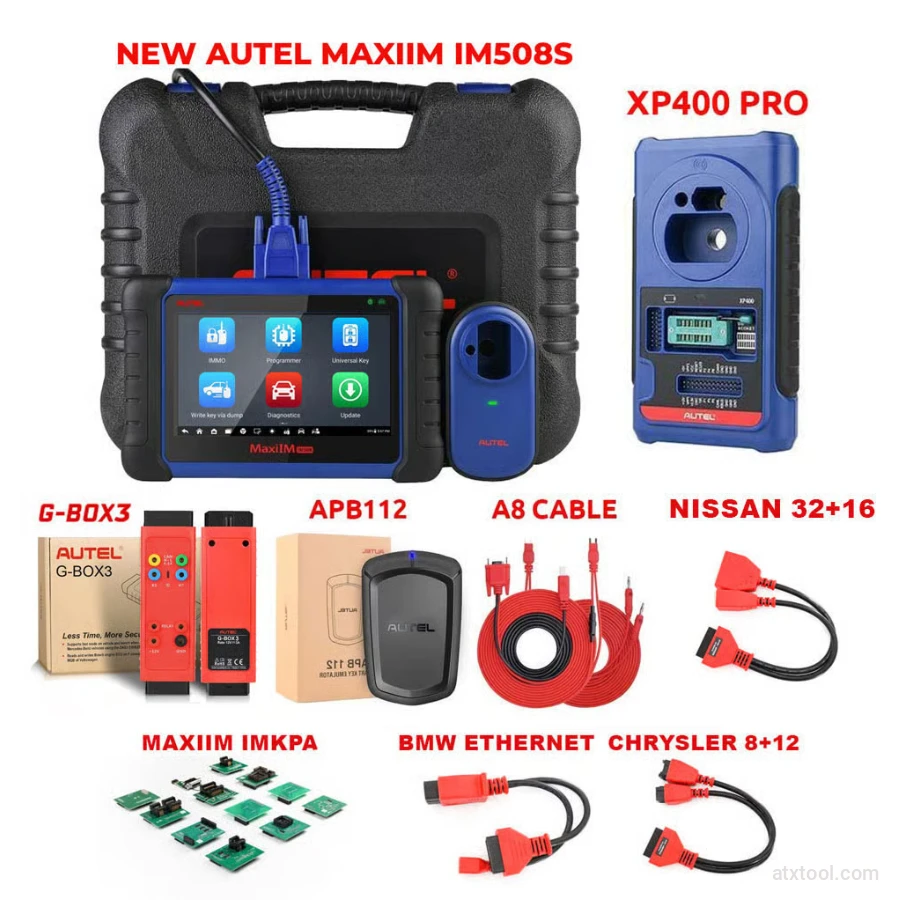
Autel MaxiIM IM508S Key Programming Full Package Bundle
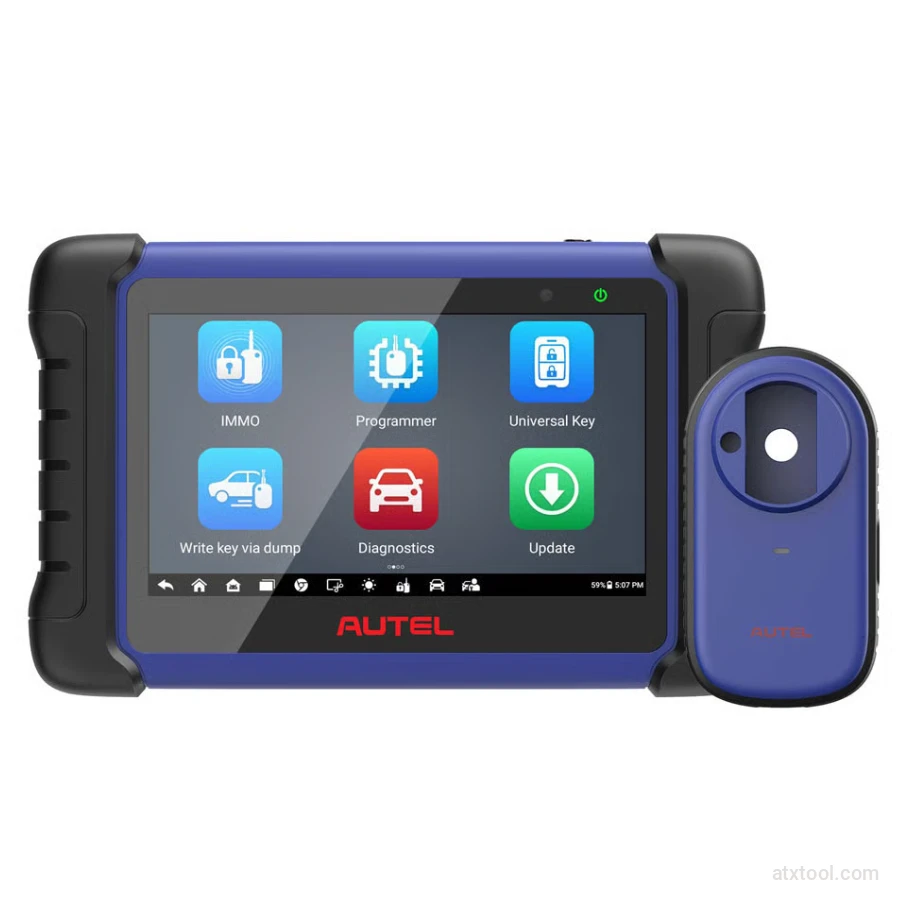
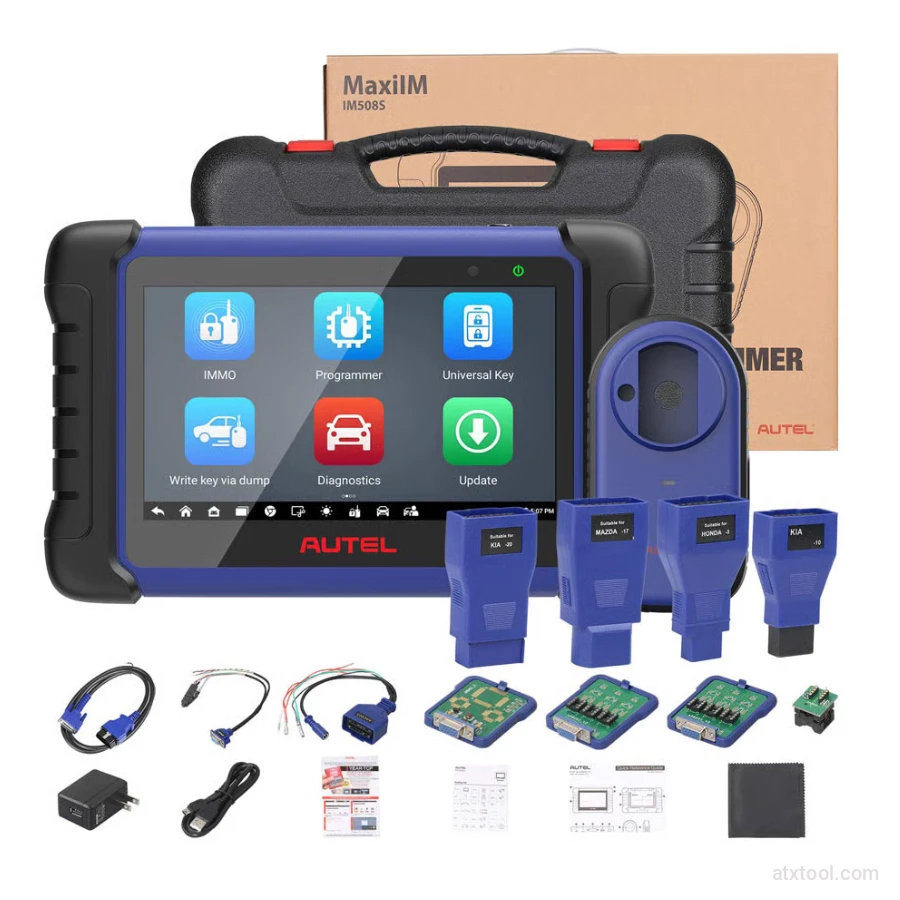
Autel MaxiIM IM508S Key Programming Service Tool Device
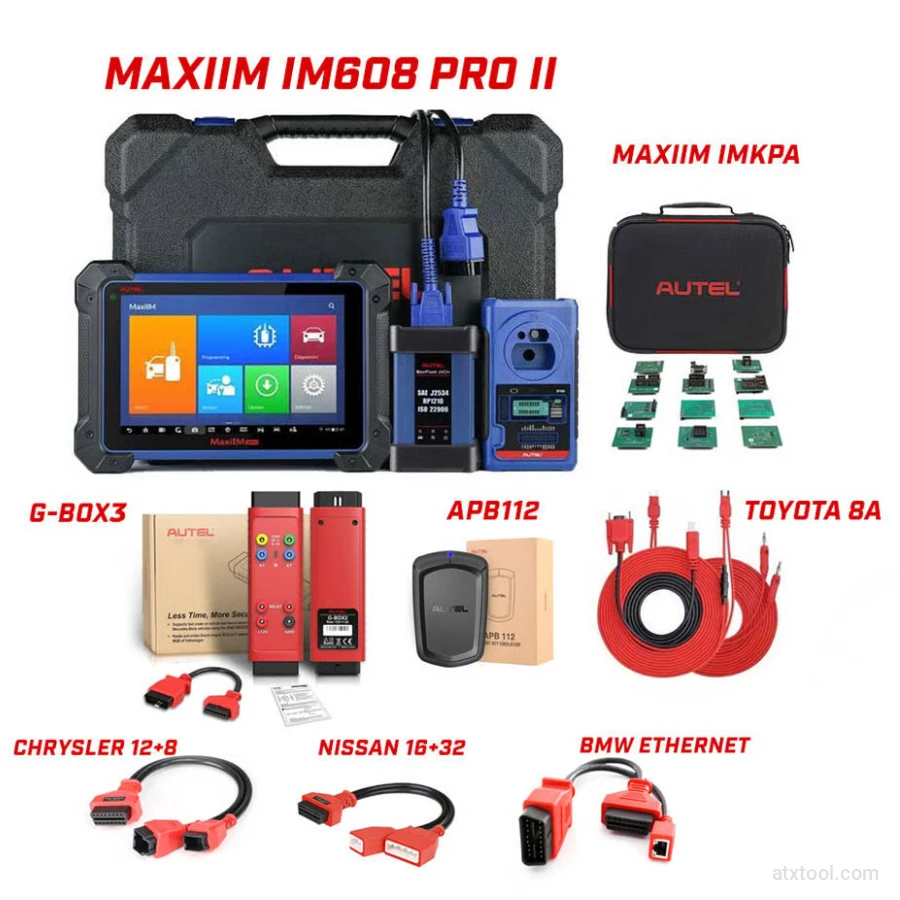
Autel MaxiIM IM608 PRO II Key Programming Tool Full Adapters Bundle
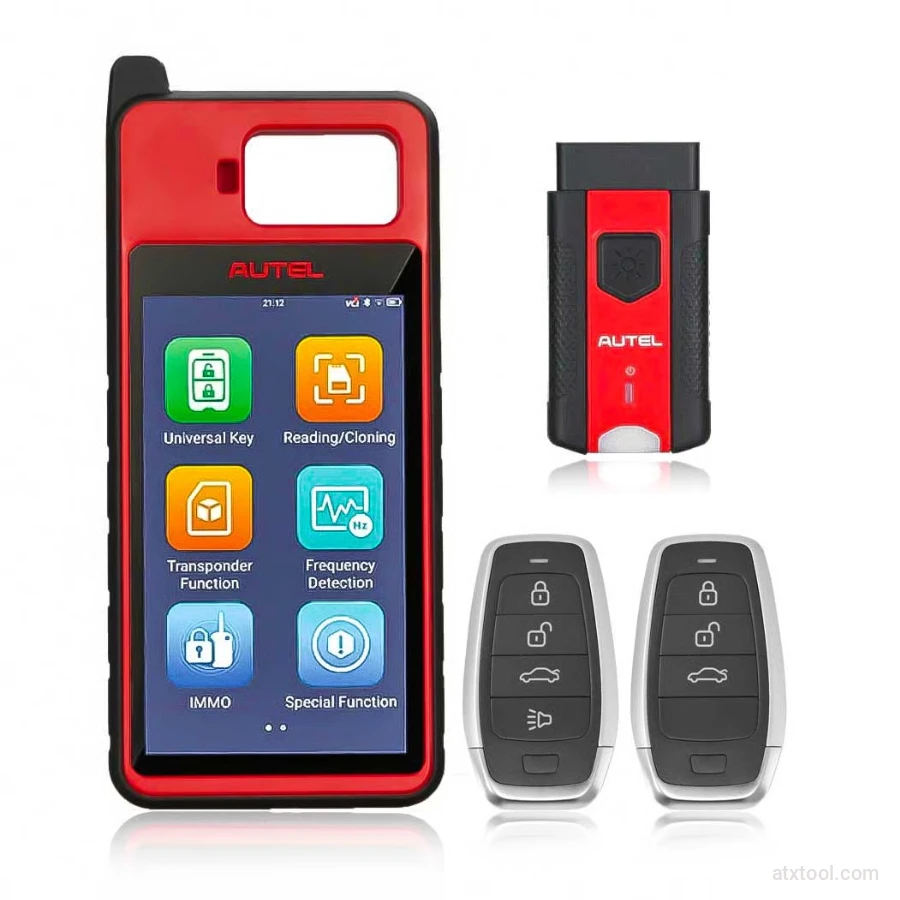
Autel MaxiIM KM100 Universal Key Generator and IMMO Tool
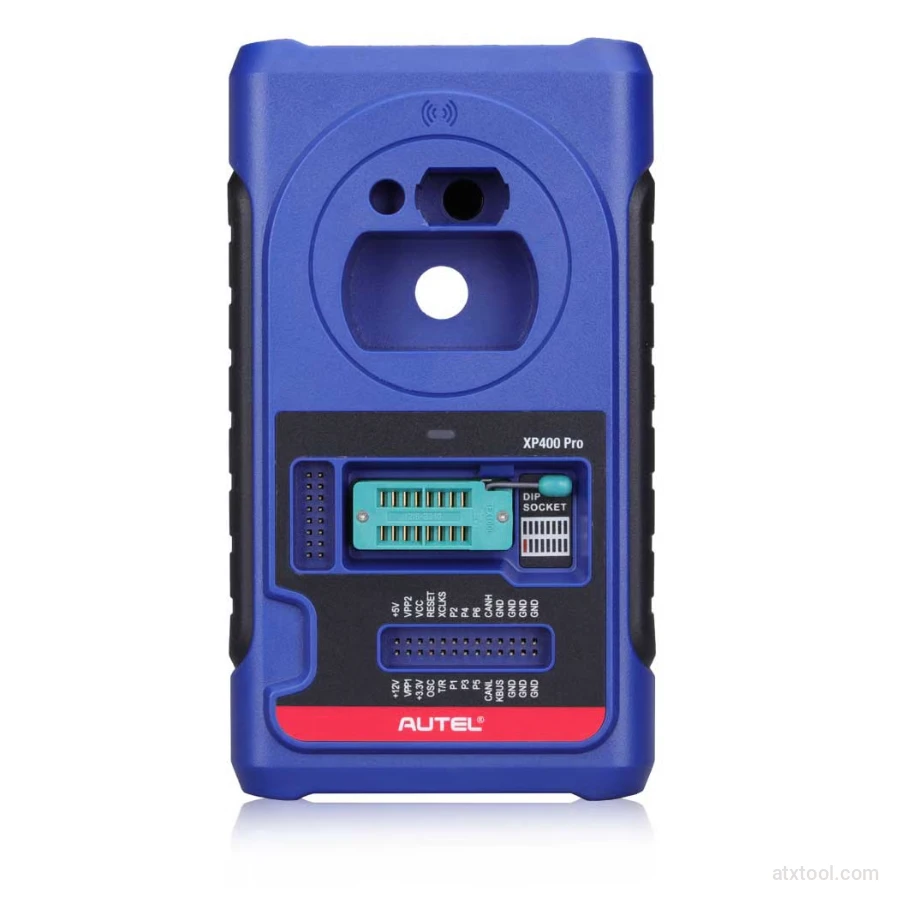
Autel XP400 PRO Key and Chip Programmer
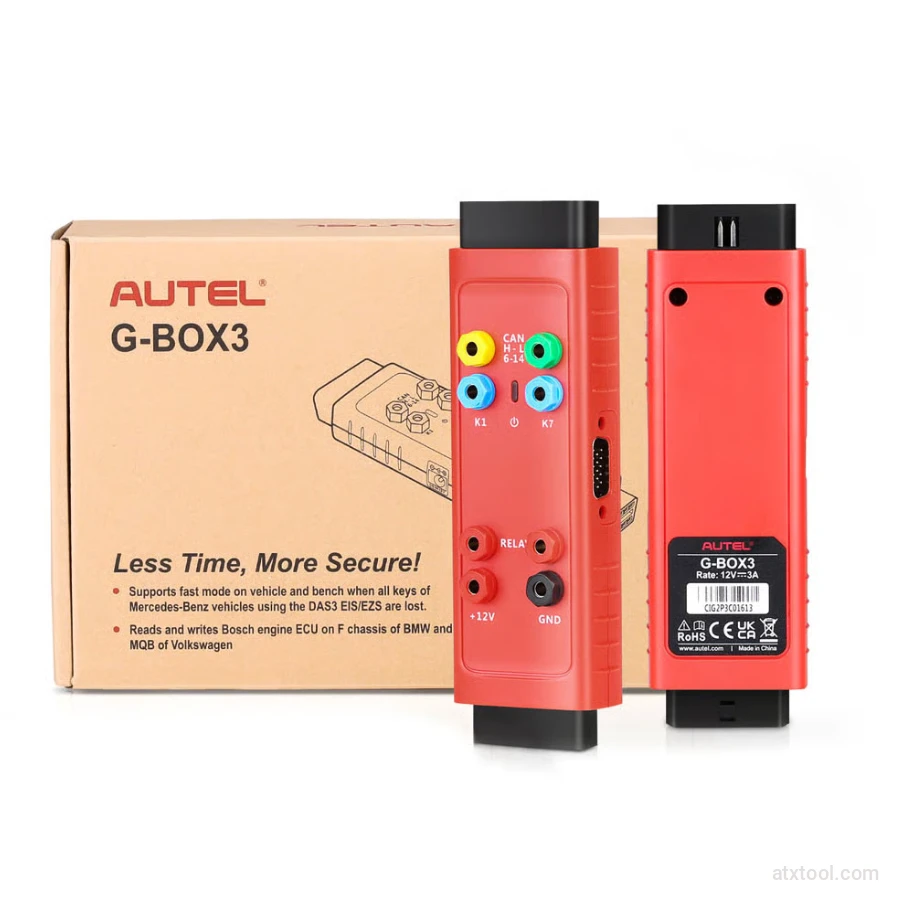
Autel G-BOX2 Key Programming Adapter for Mercedes and BMW Vehicles
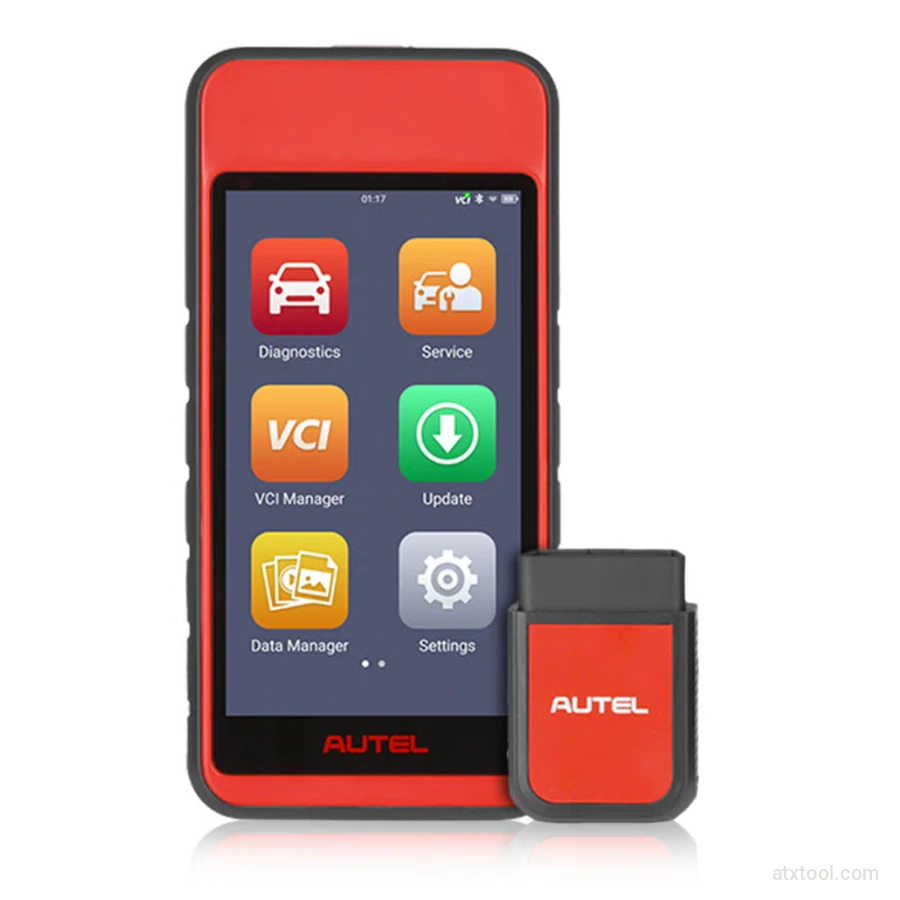
Autel MaxiDiag MD909 Pro Professional Scan Tool
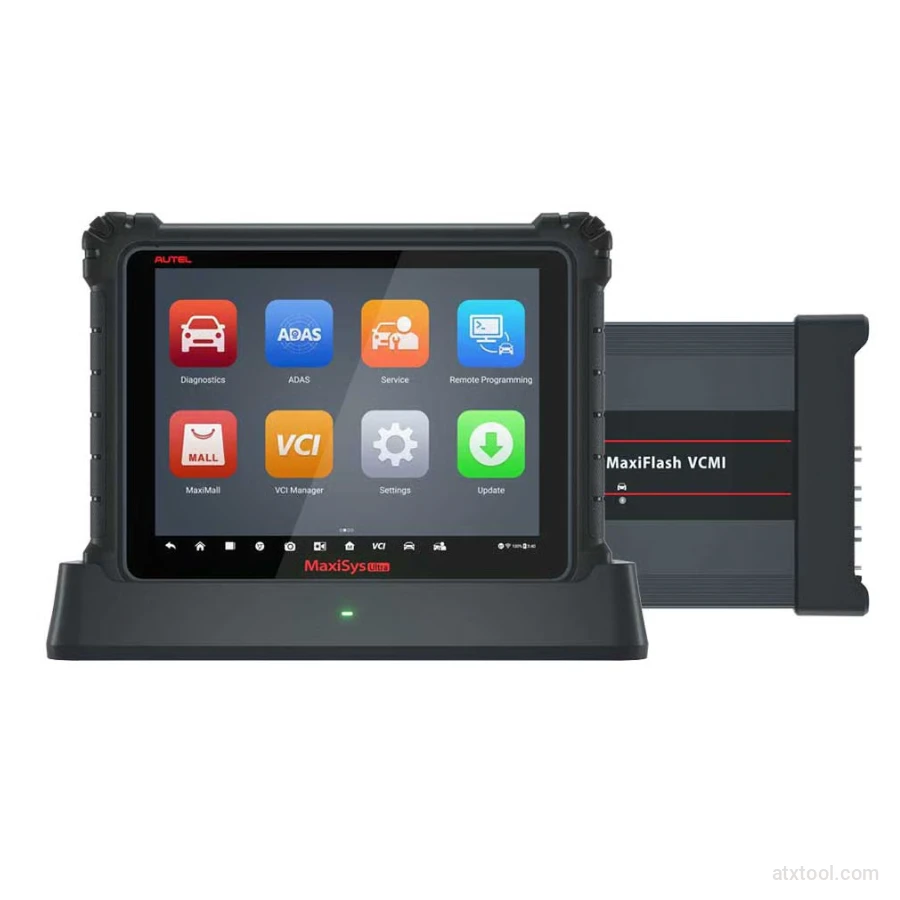
Autel MaxiSys Ultra Advanced OBD2/CAN Diagnostic Tool
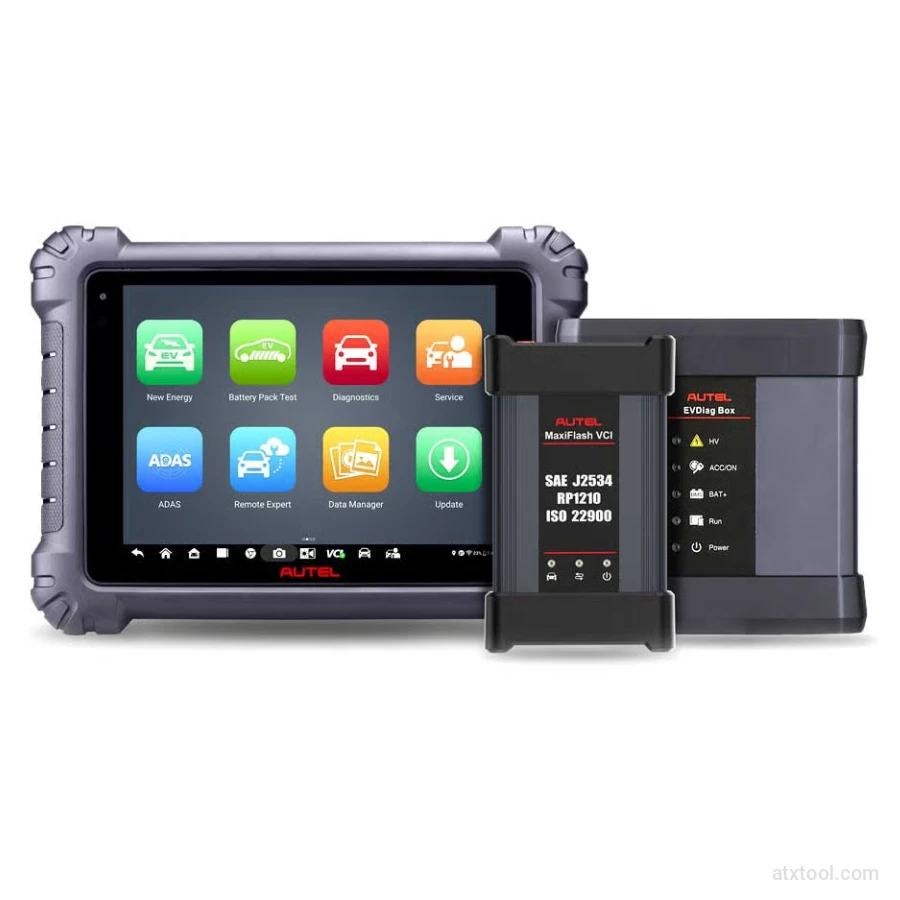
Autel MaxiSYS MS909EV Tablet Diagnostic Tool
Get In Touch With ATXTool




Share with Friends
Trading is more effective when you share products with friends!Share you link
Share to