









GODIAG GT110 VW/Audi CAN-Bus UDS 4th Generation IMMO Test Platform POGO PIN Interface for Bench Reading & Writing
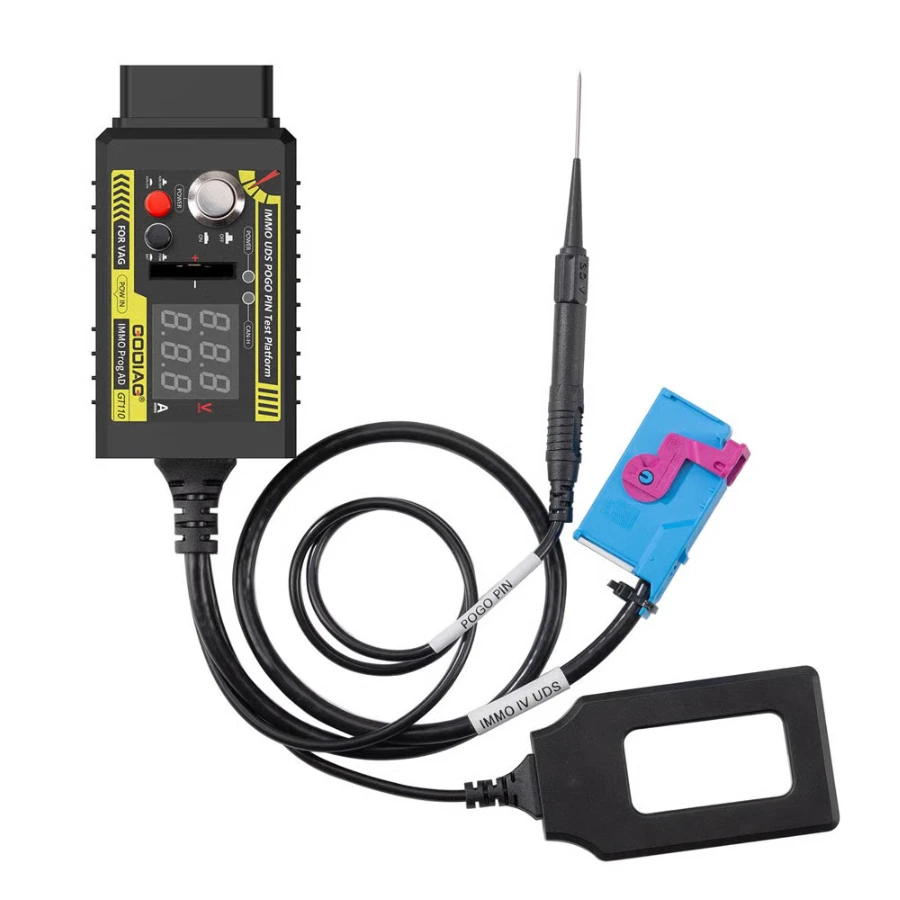
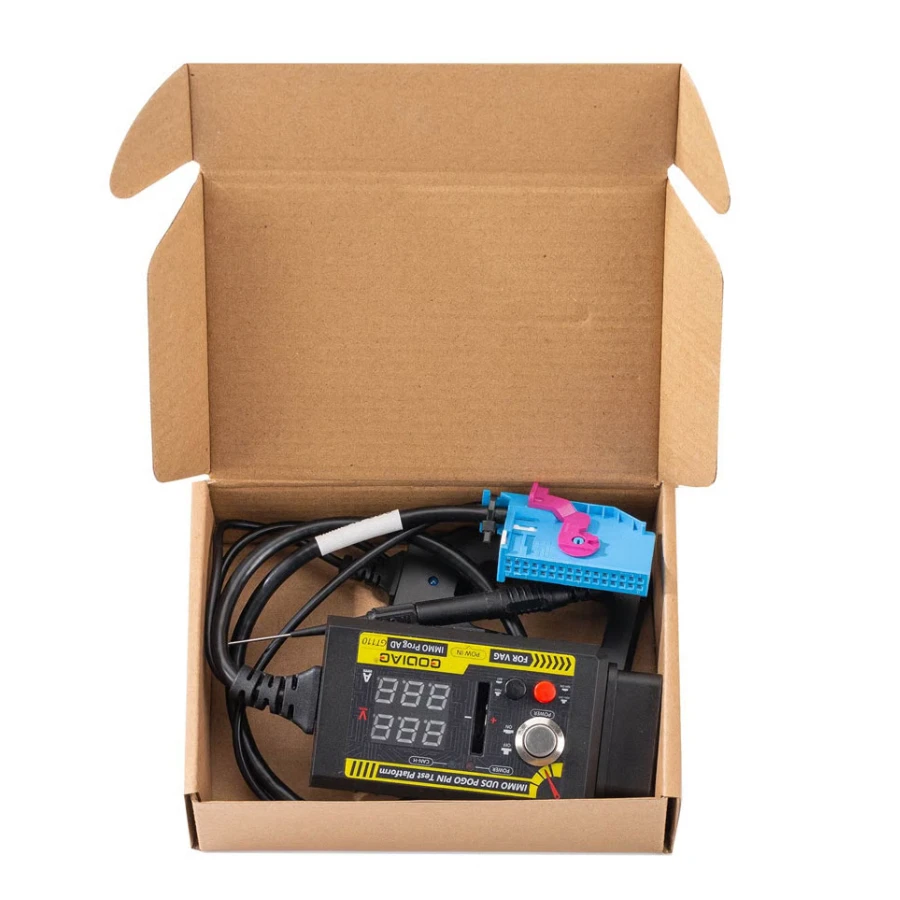
The GODIAG GT110 is a specialized diagnostic and testing platform designed for professional locksmiths and ECU technicians working with Volkswagen, Audi, Skoda, and Seat vehicles. It is engineered specifically for the 4th Generation IMMO (UDS-based) systems, allowing for comprehensive bench-top operations without requiring the dashboard or components to be installed in the vehicle.
This tool features a stable POGO PIN interface, which provides a secure and non-destructive way to read and write data from the dashboard's chip points. With its built-in OBD2 female port, it effectively converts a disconnected dashboard into a standard diagnostic interface that can be accessed by major programming tools.
Key Features & Advanced Capabilities
Offline Data Access: Perform POGO PIN data reading and writing for dashboards, including Boot Probe operations for UDS systems.
Real-Time Monitoring: Dual digital displays show the working voltage and current in real-time, helping to detect hardware faults or short circuits instantly.
IMMO System Testing: Includes an Intelligent Emergency Start Area Induction Detection feature to locate the vehicle's emergency sensing zone for dead smart keys.
Integrated Controls: Equipped with an independent power switch, a simulated ignition switch, and a buzzer that provides audible prompts for ignition status.
Battery Detection: Built-in tester for CR2032 remote key batteries to ensure the key fob is powered correctly before matching.
Communication Status: Features a CANH UDS communication indicator light and a key induction adapter with visual feedback.
Compatible Diagnostic & Programming Tools
The GT110 is a universal interface that works seamlessly with top-tier professional equipment:
Xhorse: VVDI2, VVDI Key Tool Plus.
Autel: MaxiIM series (IM508, IM608).
VAG Specialized: HEX V2, VCDS 5053, VAS 5054A, VAS 6154.
Locksmith Tools: Obdstar (X300 DP Plus), Lonsdor (K518), AVDI, Zed-FULL, and more.
Quick User Manual: POGO PIN Data Reading
Preparation: Connect your 12V power supply to the GT110, ensuring the main power switch is in the OFF position.
Ignition Activation: Turn the IGN ignition switch to the ON position.
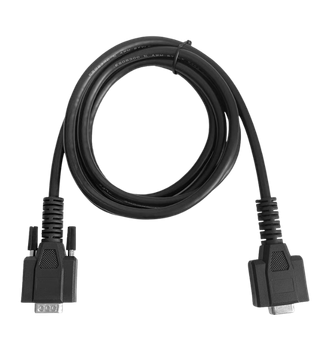
Connection: Plug the dashboard's connector into the GT110 cable.
POGO PIN Placement: Locate the data points on the instrument cluster (referencing your software's diagrams) and connect them using the POGO PIN probe.
Entering Read Mode: Turn on the main power switch. Wait 3–5 seconds; once the dashboard’s ABS light begins to flash, the device has successfully entered read/write mode.
Related products
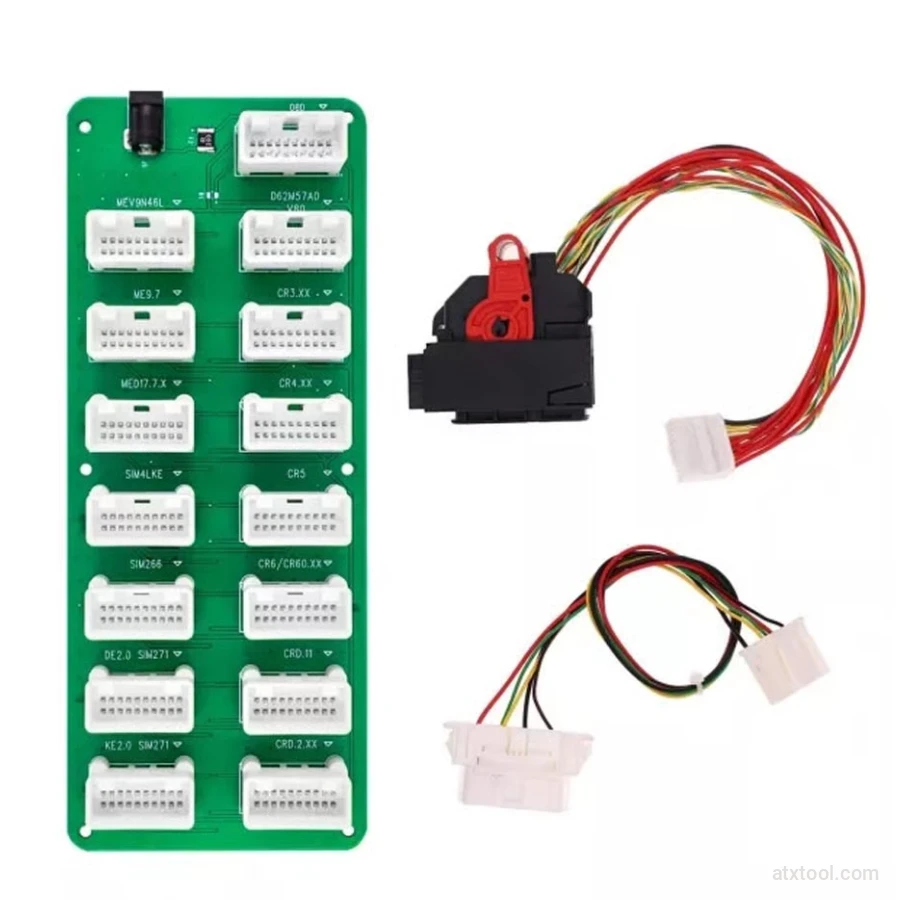
CGDI DME-DDE ECU Connecting Board and Testing Cable
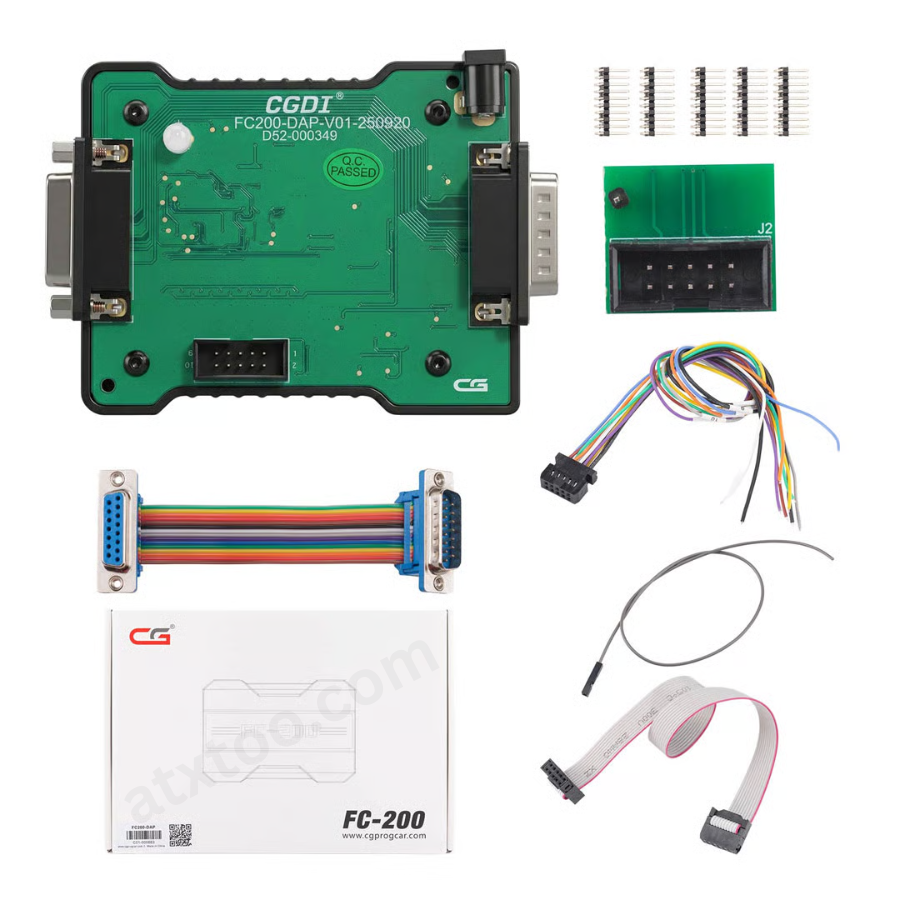
CGDI FC200 DAP Adapter for CG FC200 Programmer
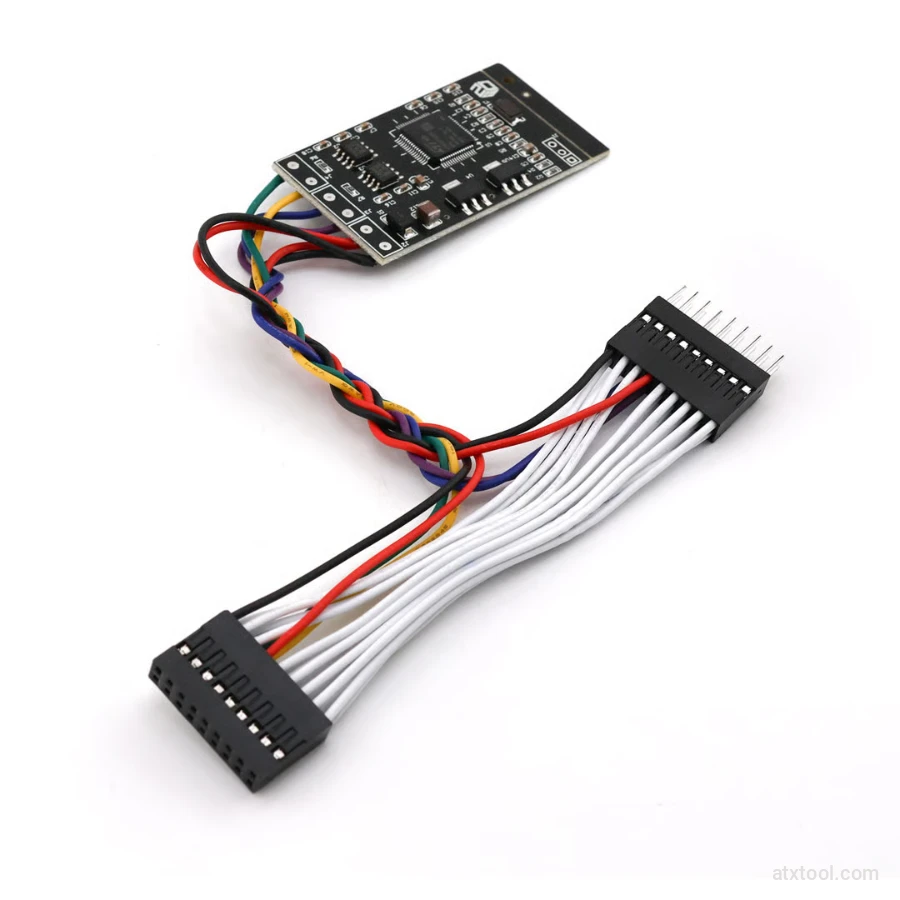
CGDI Super Kilometer CAN Filter Mileage Correction Emulator
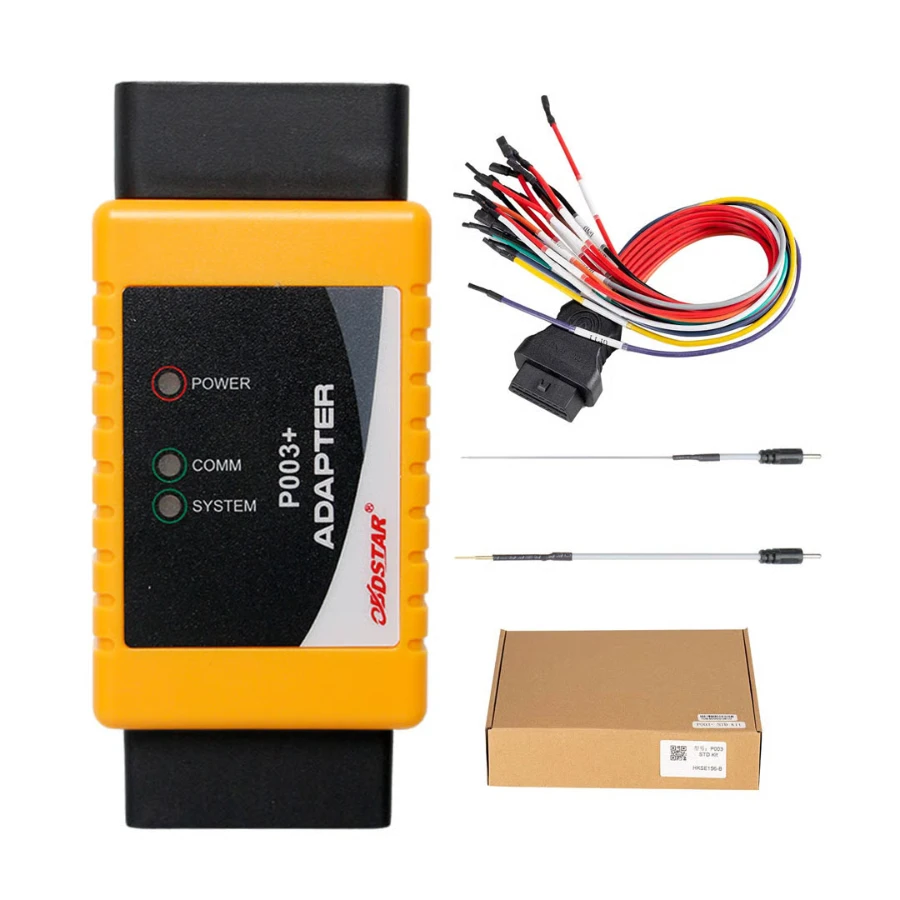
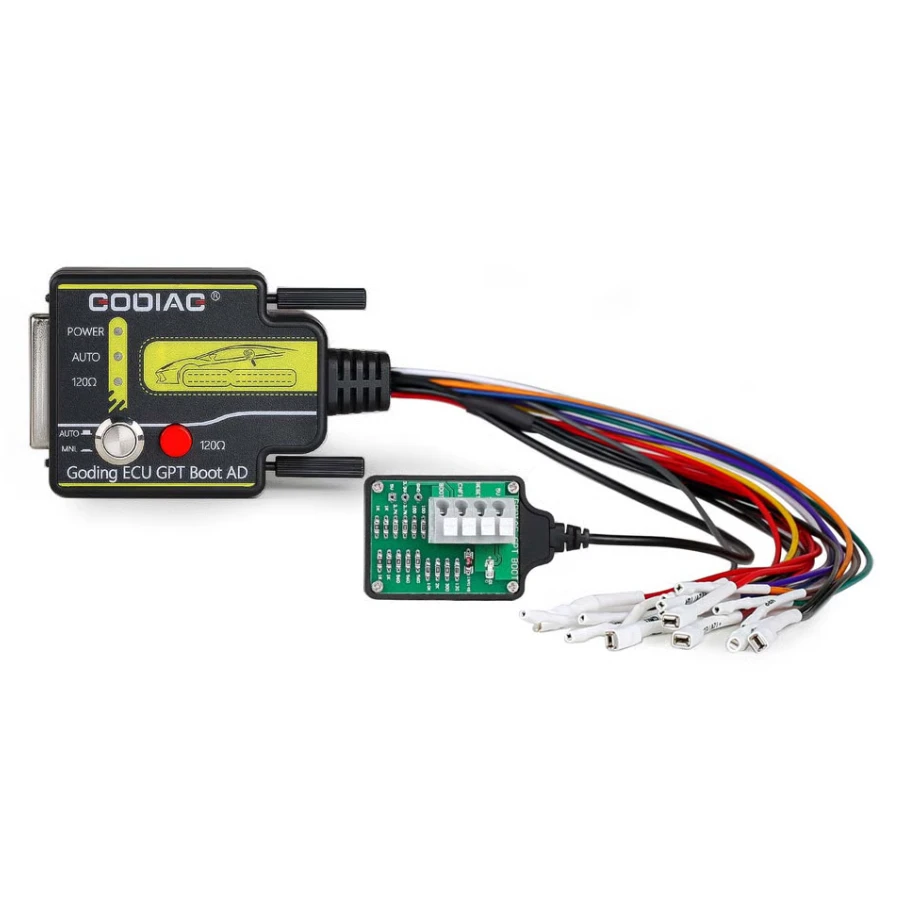
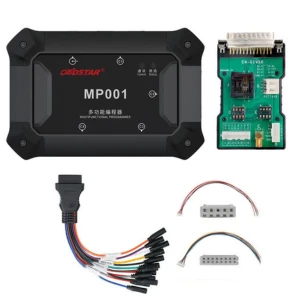
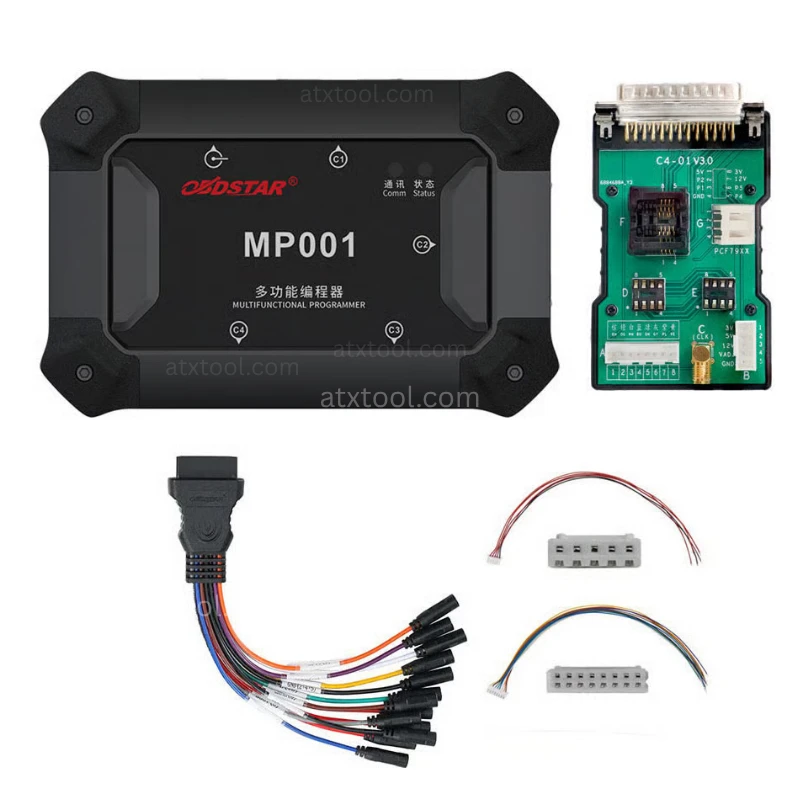
OBDSTAR P003+ Adapter with ECU Bench Cables
Frequently Bought Together
No frequently bought products found!
Products from this Seller
View All
CGDI FC200 DAP Adapter for CG FC200 Programmer
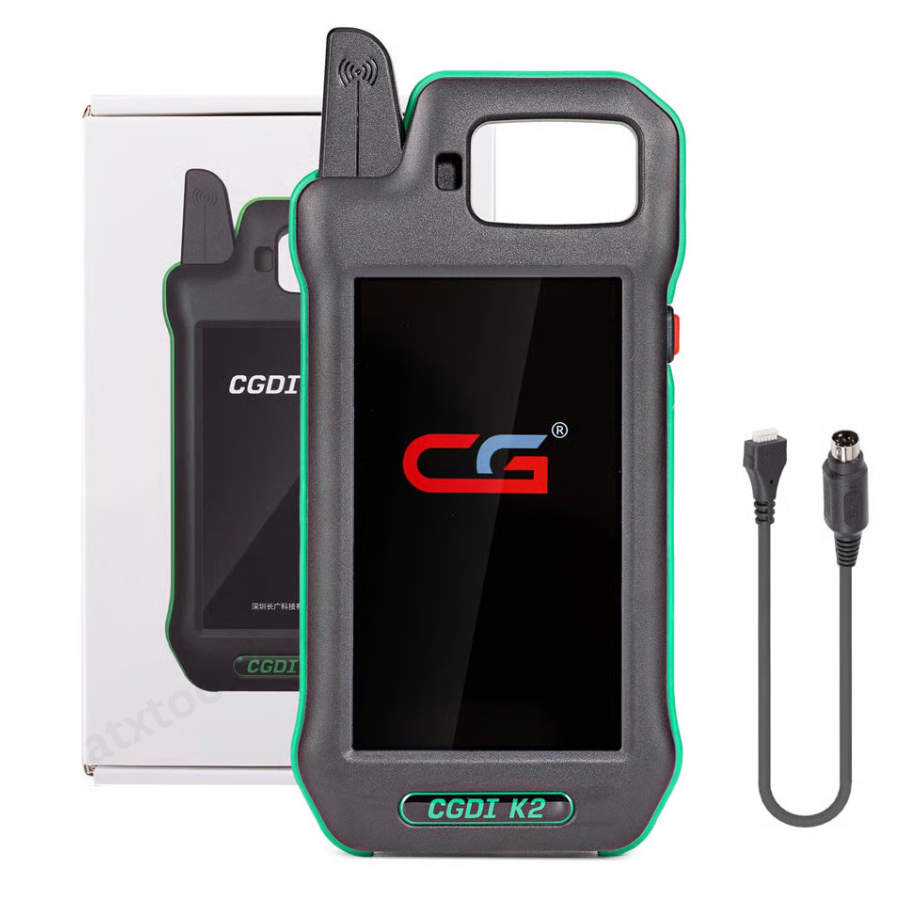
CGDI K2 WiFi Professional Smart Locksmith Key Tool and Remote Generator
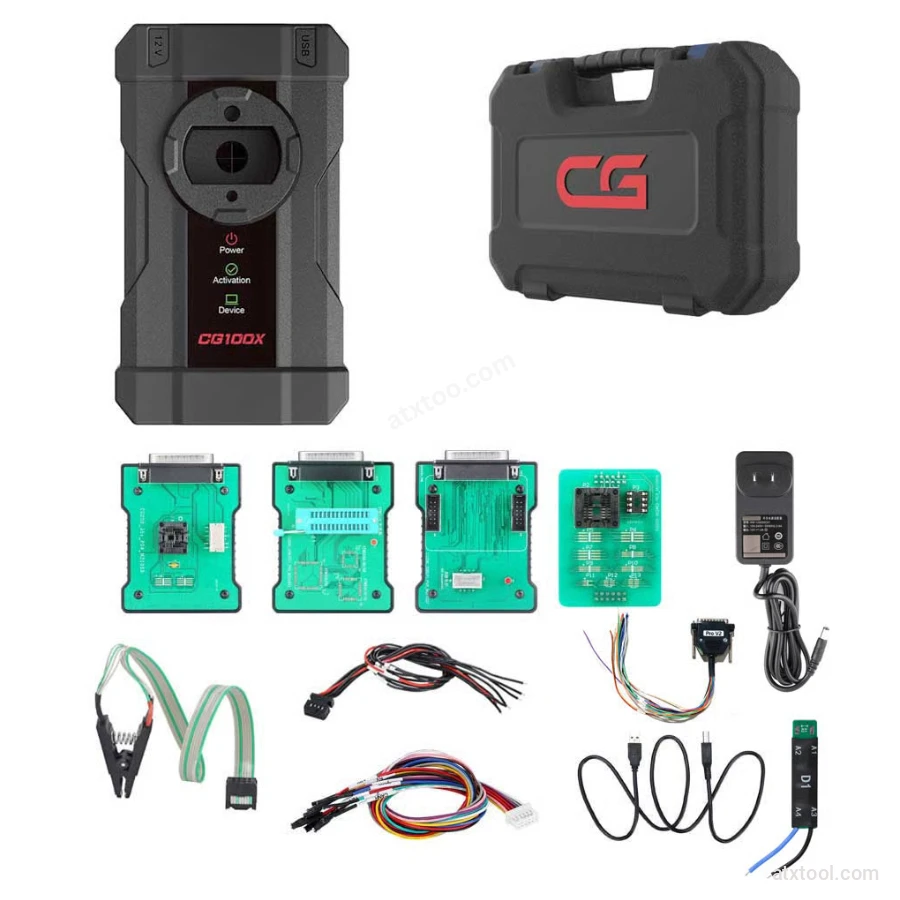
CGDI CG100X New Generation Smart Car Programmer
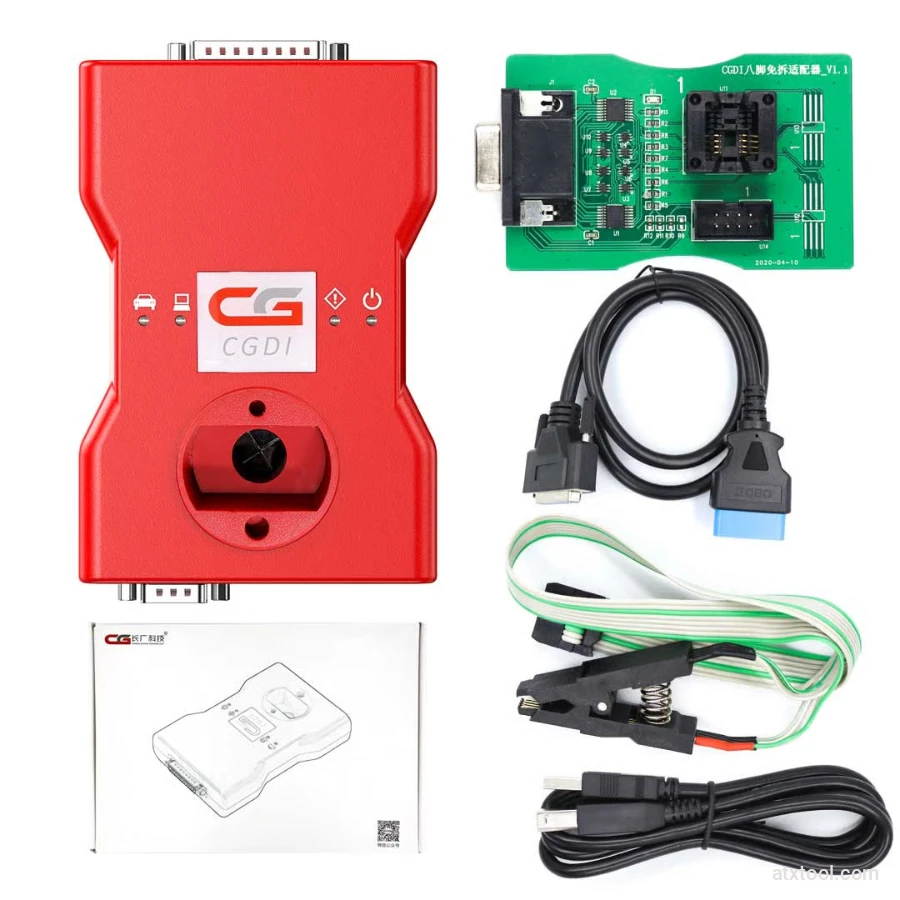
CGDI BMW Full Function Version MSV80 Car Key Programmer
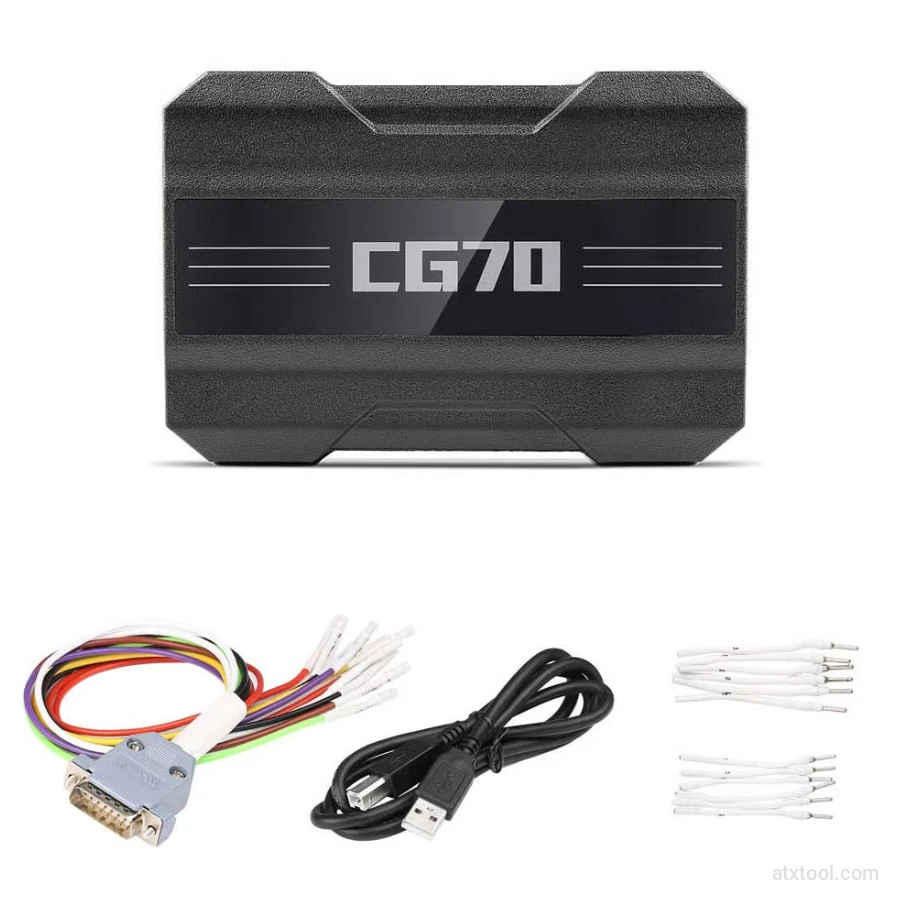
CGDI DME-DDE ECU Connecting Board and Testing Cable
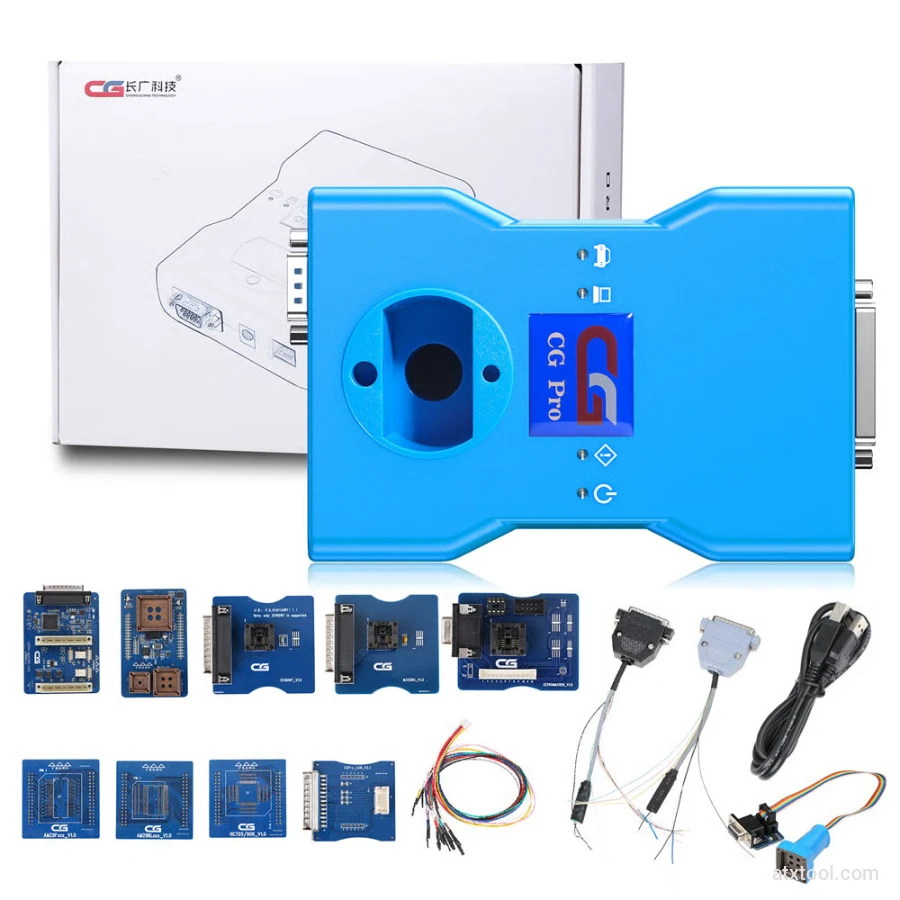
CG Pro 9S12 Programmer Full Version with All Adapters
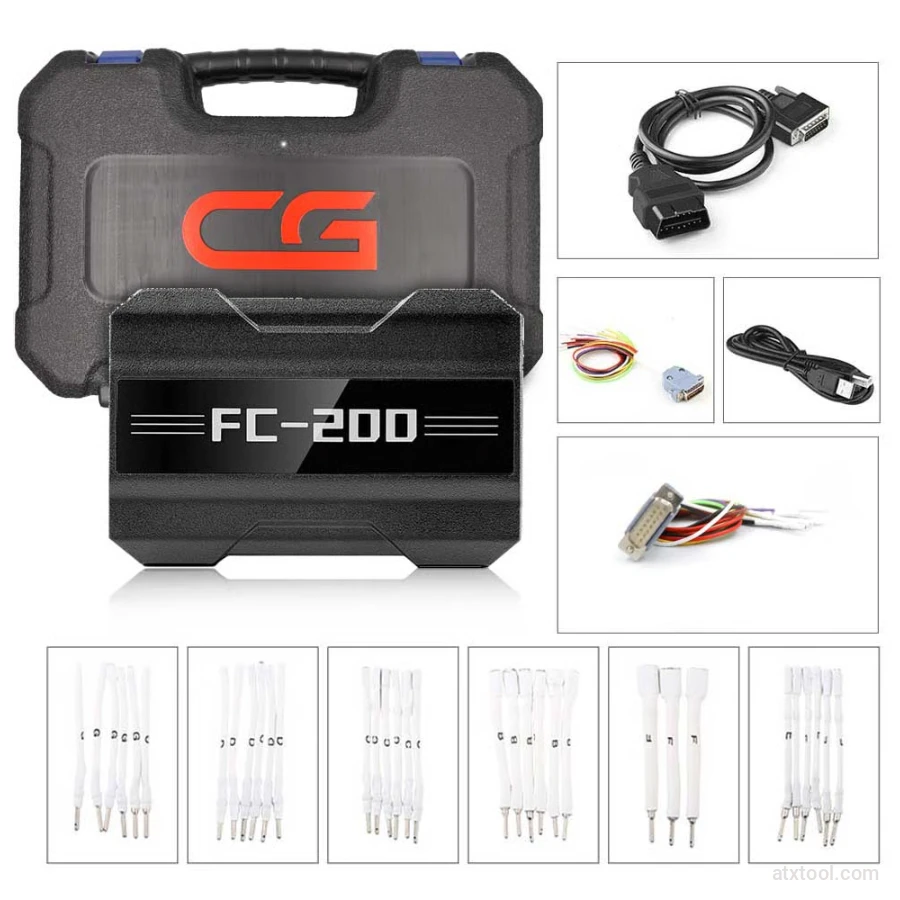
CGDI CG FC200 ECU Programmer Full Version
CGDI Super Kilometer CAN Filter Mileage Correction Emulator

Autel MaxiIM IM508S Key Programming Full Package Bundle
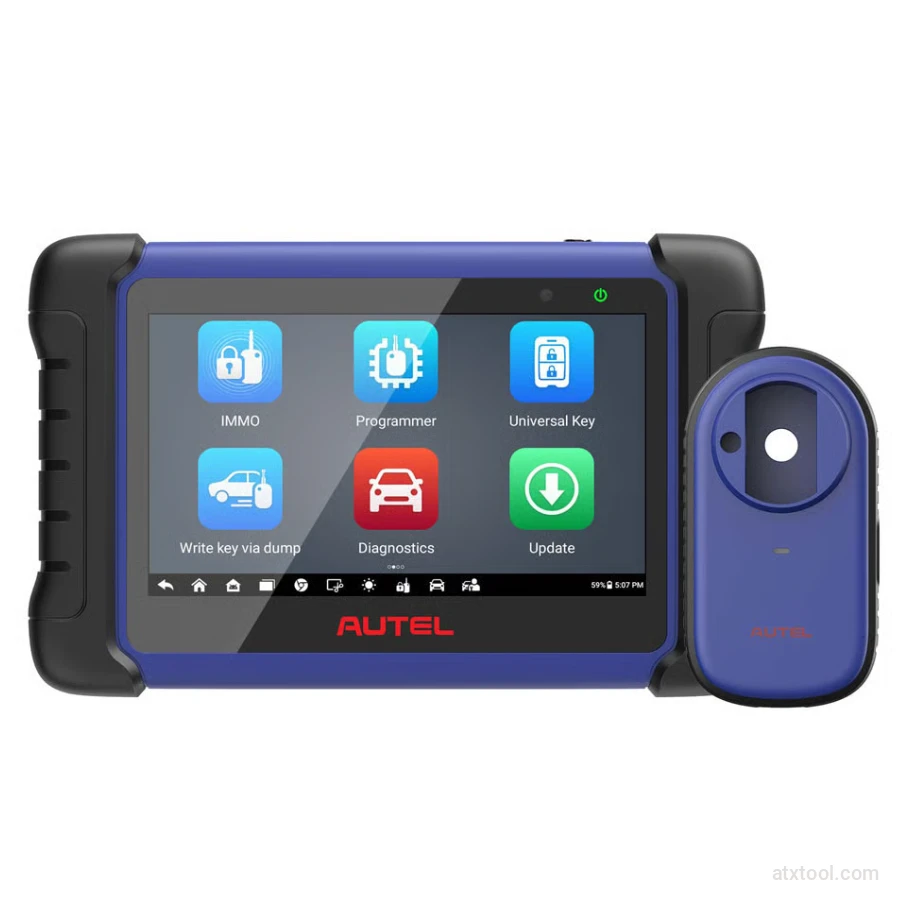
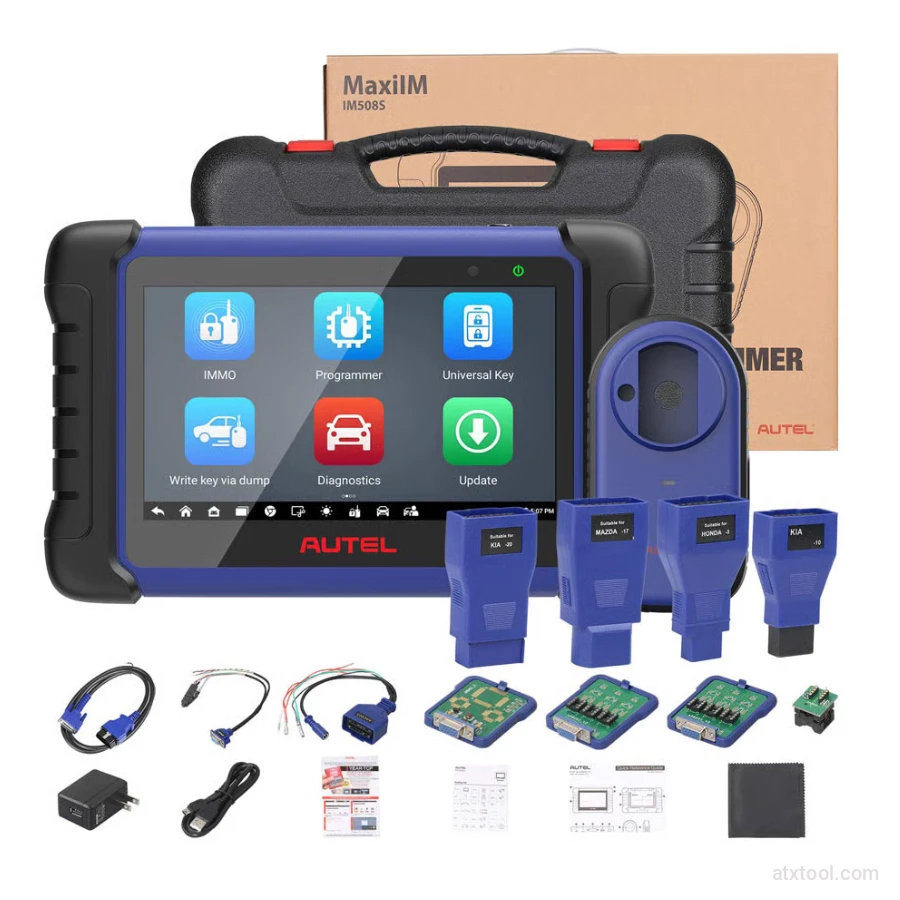
Autel MaxiIM IM508S Key Programming Service Tool Device

Autel MaxiIM IM608 PRO II Key Programming Tool Full Adapters Bundle
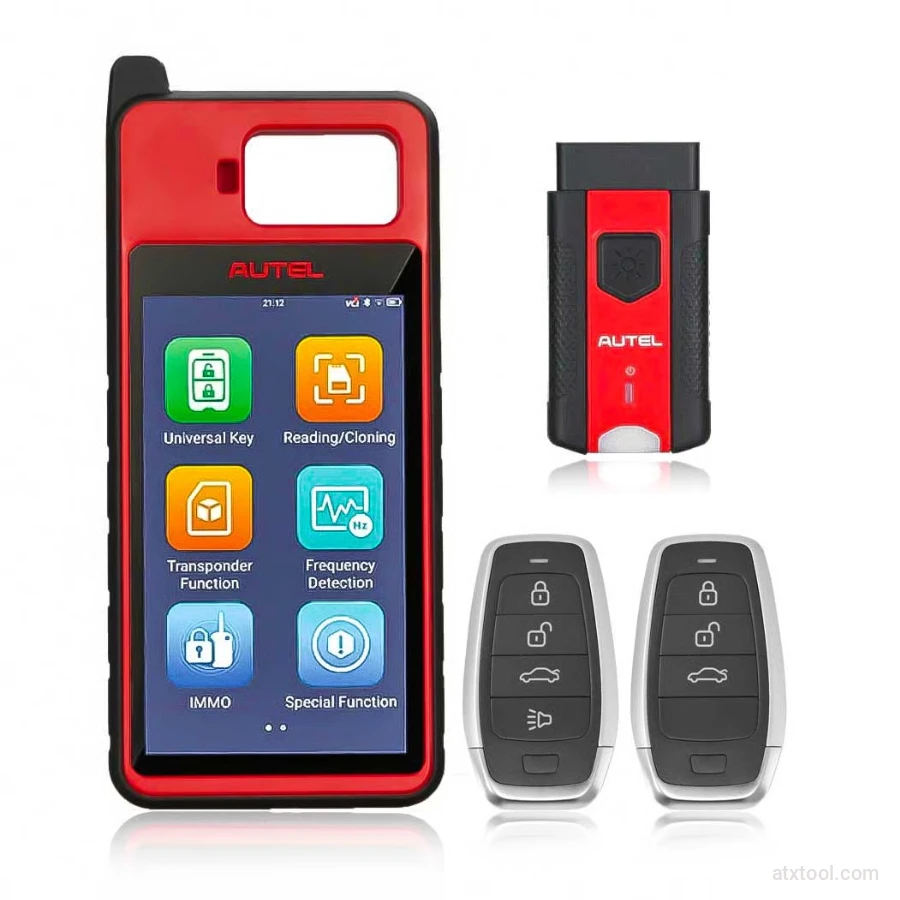
Autel MaxiIM KM100 Universal Key Generator and IMMO Tool
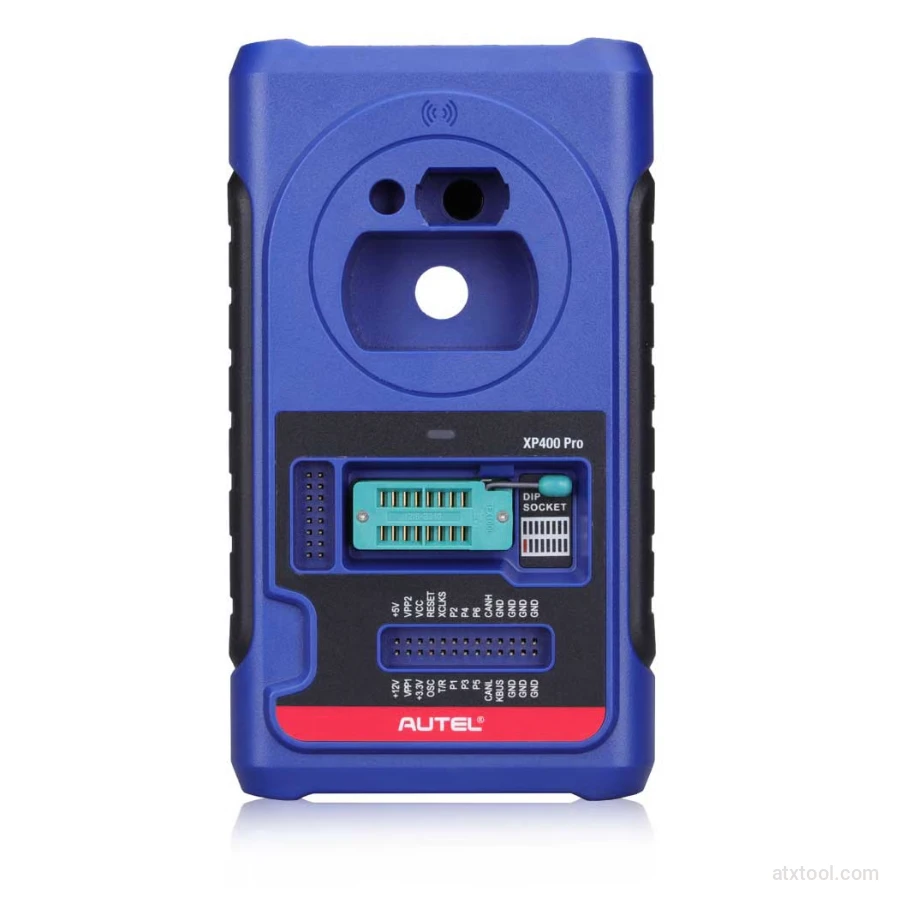
Autel XP400 PRO Key and Chip Programmer

Autel G-BOX2 Key Programming Adapter for Mercedes and BMW Vehicles
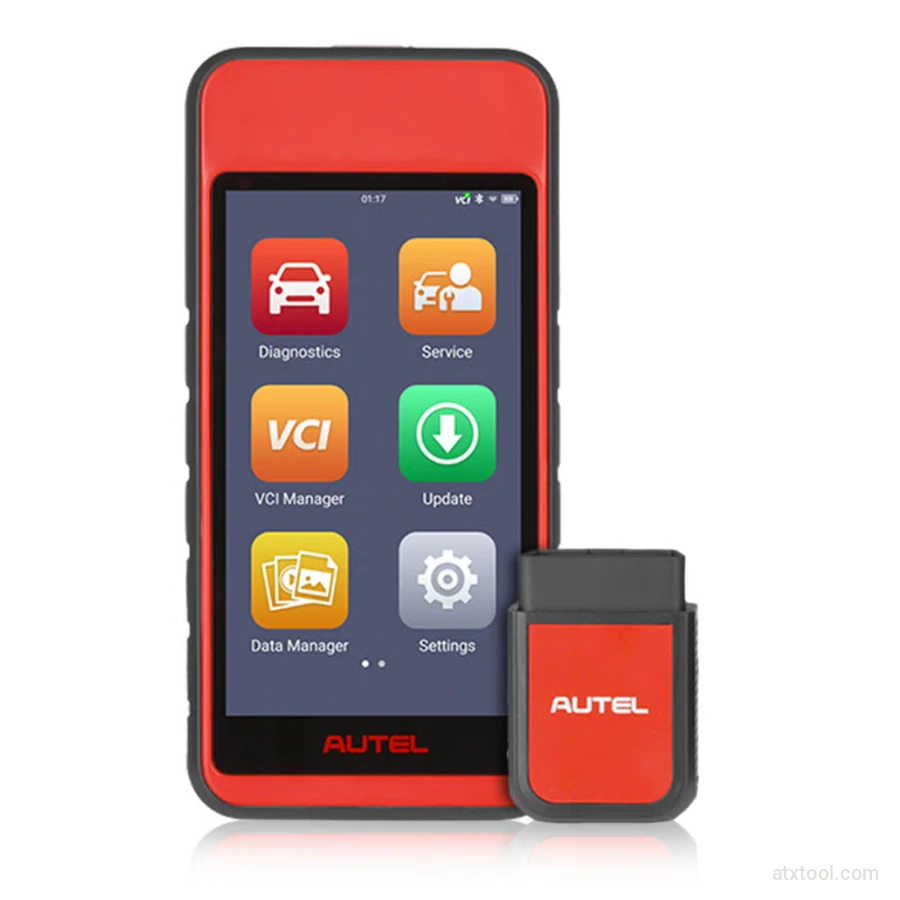
Autel MaxiDiag MD909 Pro Professional Scan Tool
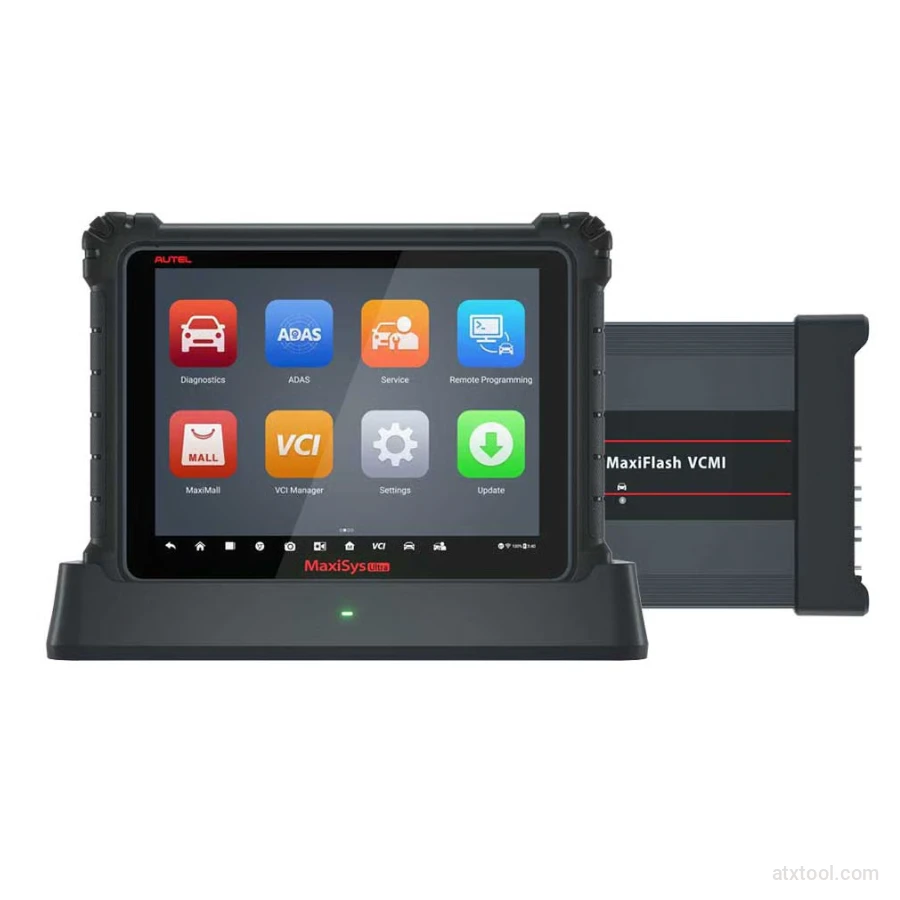
Autel MaxiSys Ultra Advanced OBD2/CAN Diagnostic Tool
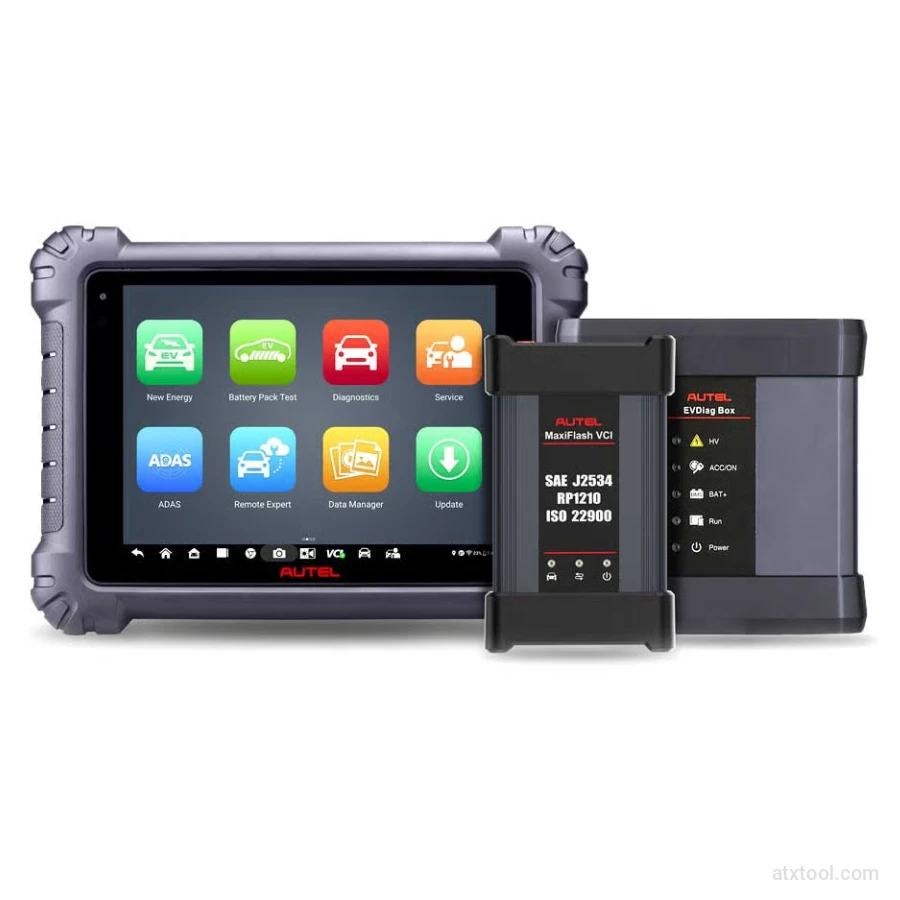
Autel MaxiSYS MS909EV Tablet Diagnostic Tool
Get In Touch With ATXTool




Share with Friends
Trading is more effective when you share products with friends!Share you link
Share to