






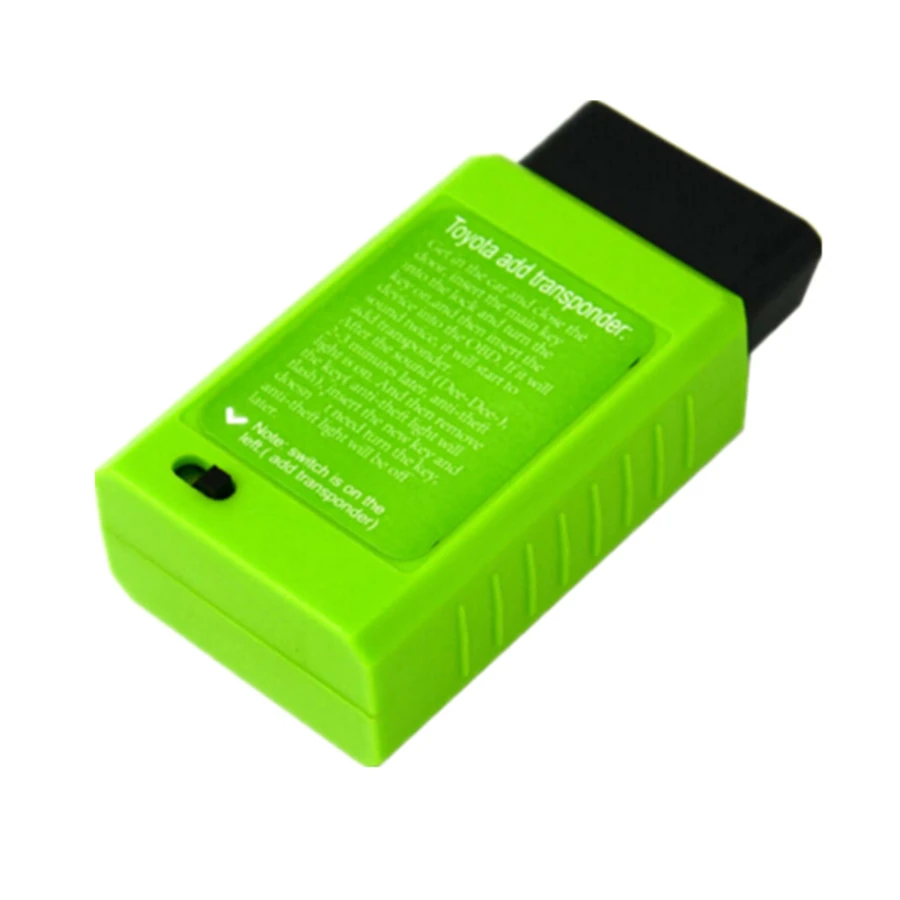
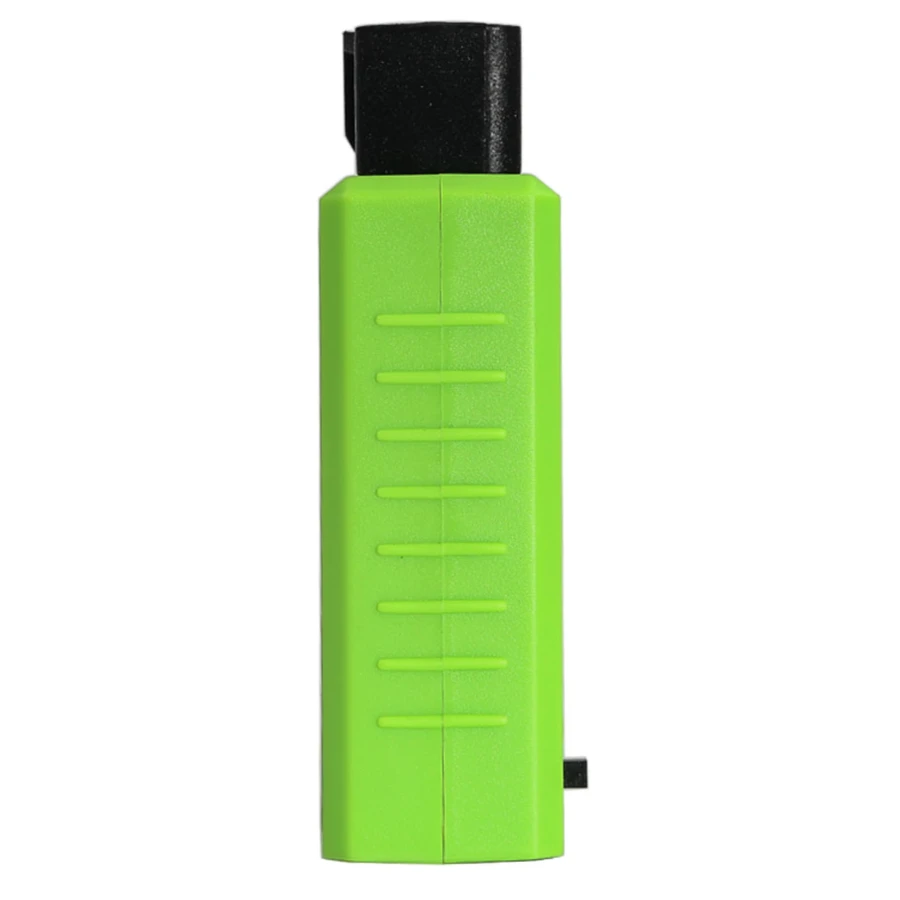
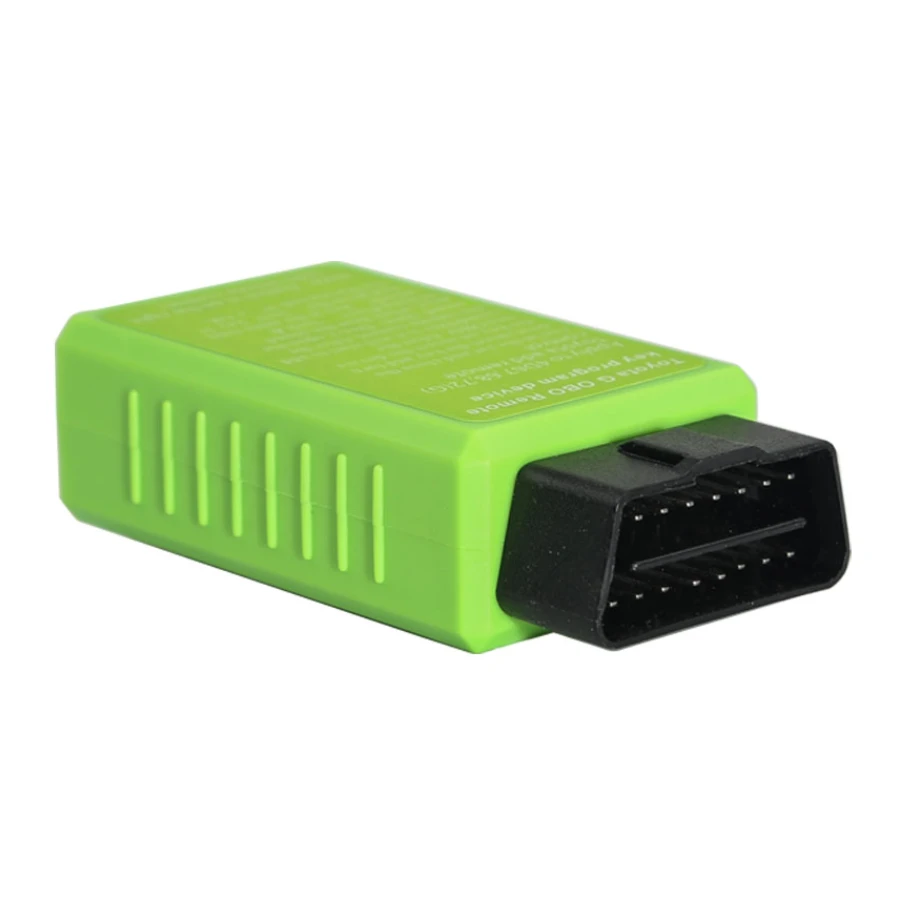
Toyota G and H Chip OBD Remote Key Programmer Specialized Key & Remote Matching Device
The Toyota G and H Chip OBD Remote Key Programmer is a dedicated, high-efficiency tool designed for automotive locksmiths and Toyota specialists. This compact OBDII device provides a streamlined solution for adding new keys and matching remotes for Toyota vehicles equipped with G Chips (found in many 2010-2014 models) and H Chips (found in 2014+ models).
By bypassing complex menu navigation, this tool offers a "Plug and Play" experience for key synchronization. It is specifically engineered to handle the security protocols of Toyota's immobilizer systems, ensuring a safe and stable connection through the vehicle's standard diagnostic port.
Core Functions and Features
Dual Chip Support: Fully compatible with both Toyota G and Toyota H transponder chip systems.
Key & Remote Matching: Capable of adding both the ignition transponder key and the remote control functionality in one session.
Direct OBDII Interface: Operates entirely through the vehicle's OBD port, requiring no external power or laptop connection.
Safe Immobilizer Access: Uses optimized protocols to communicate with the Immobilizer Control Unit without risking data corruption.
User-Friendly Operation: Features simple LED indicators or audible beeps to guide the technician through the programming steps.
Model and Year Support
This device is compatible with a wide range of Toyota models using the 4D-67 (G) and 8A (H) chip architectures, including:
Toyota Camry: 2010–2024
Toyota Corolla: 2010–2024
Toyota RAV4: 2010–2023
Toyota Hilux & Fortuner: 2012–2024
Toyota Yaris & Vios: 2012–2024
Quick User Manual: How to Program Keys
Preparation: Sit in the driver's seat with all doors closed. Insert the original working key and turn the ignition to the ON position.
Device Connection: Plug the Toyota G/H Programmer into the OBDII port located under the dashboard.
Entering Programming Mode: Follow the device-specific signal (usually a beep or LED flash). Once the device enters matching mode, remove the original key.
Key Matching: Insert the new G or H chip key. Turn the ignition ON. Wait for the immobilizer light on the dashboard to stop flashing or for the device to signal completion.
Remote Matching: For remote programming, follow the door open/close sequence as prompted by the tool to sync the wireless buttons.
Confirmation: Remove the tool and test both the new key (start the engine) and the remote (lock/unlock) to ensure successful programming.
Related products
CGDI K2 WiFi Professional Smart Locksmith Key Tool and Remote Generator
CGDI CG100X New Generation Smart Car Programmer
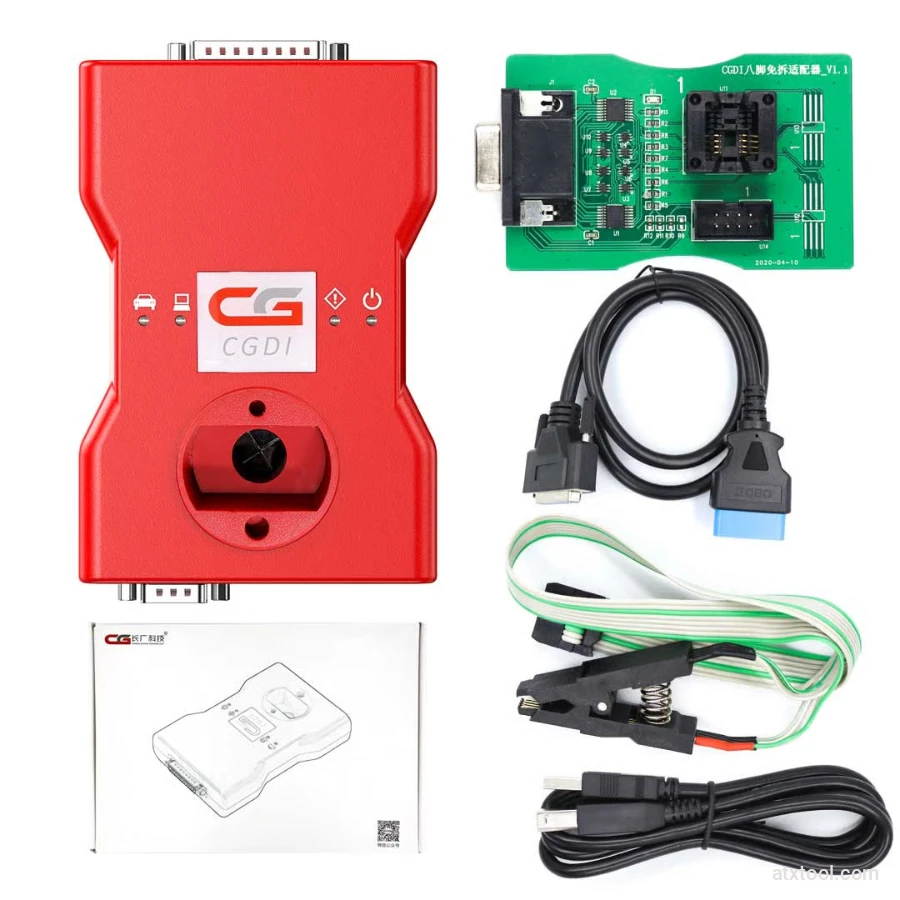
CGDI BMW Full Function Version MSV80 Car Key Programmer
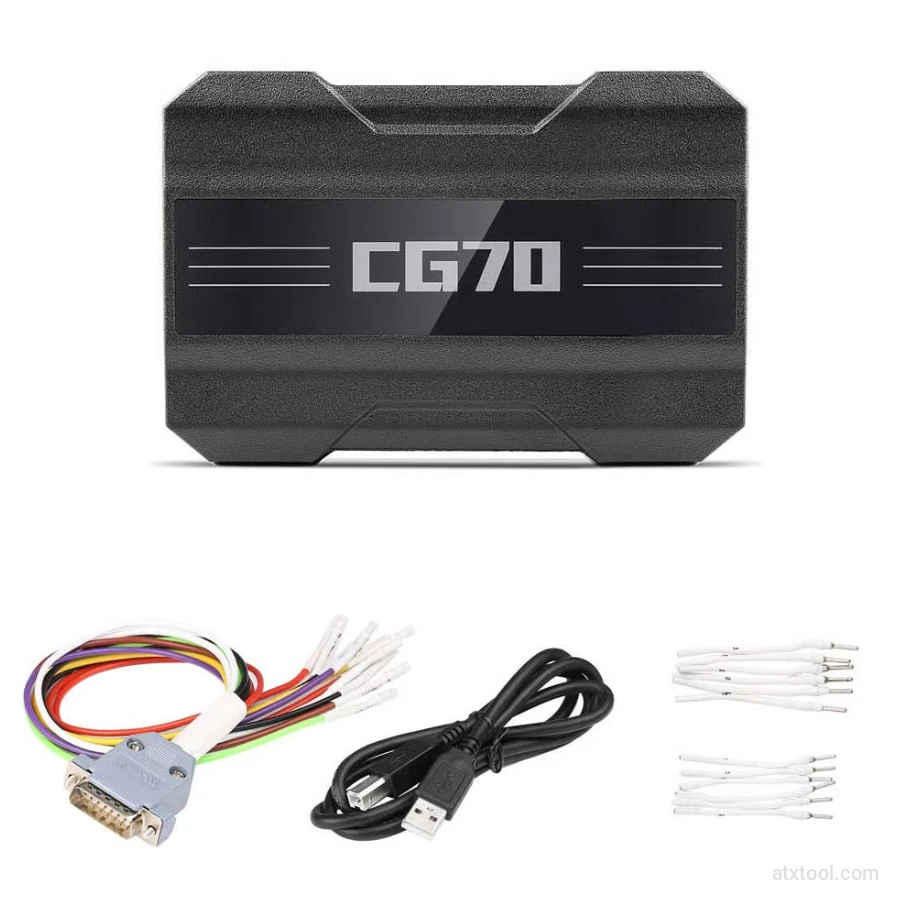
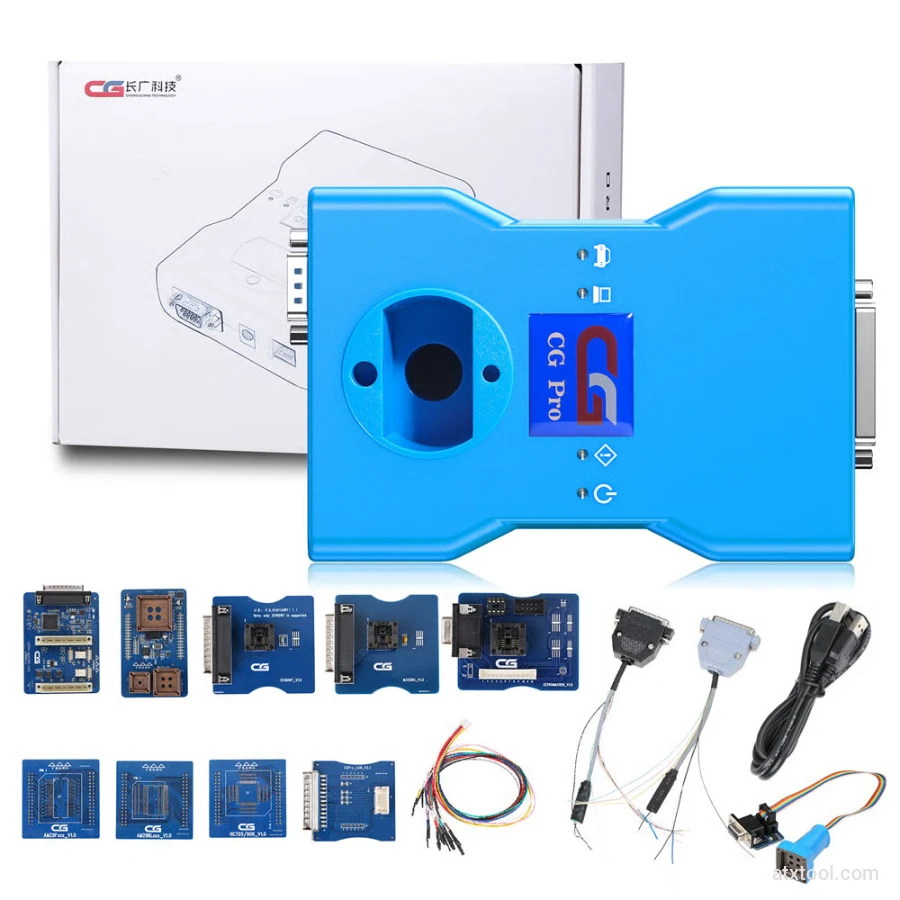
CG Pro 9S12 Programmer Full Version with All Adapters
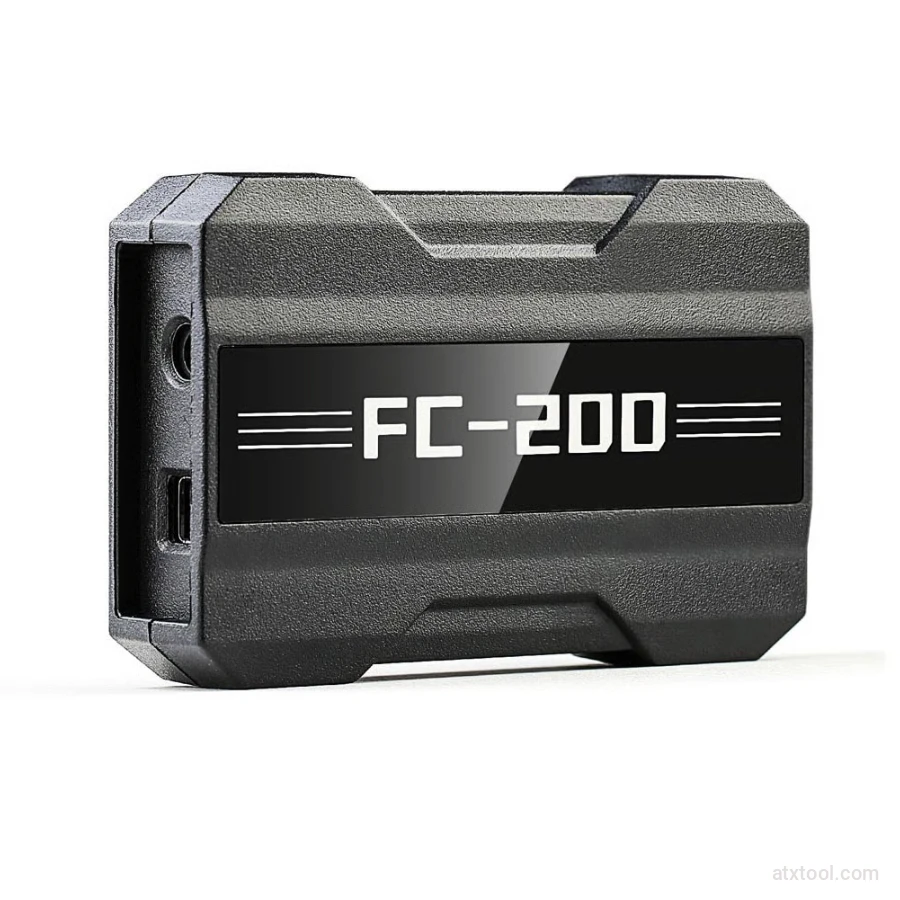
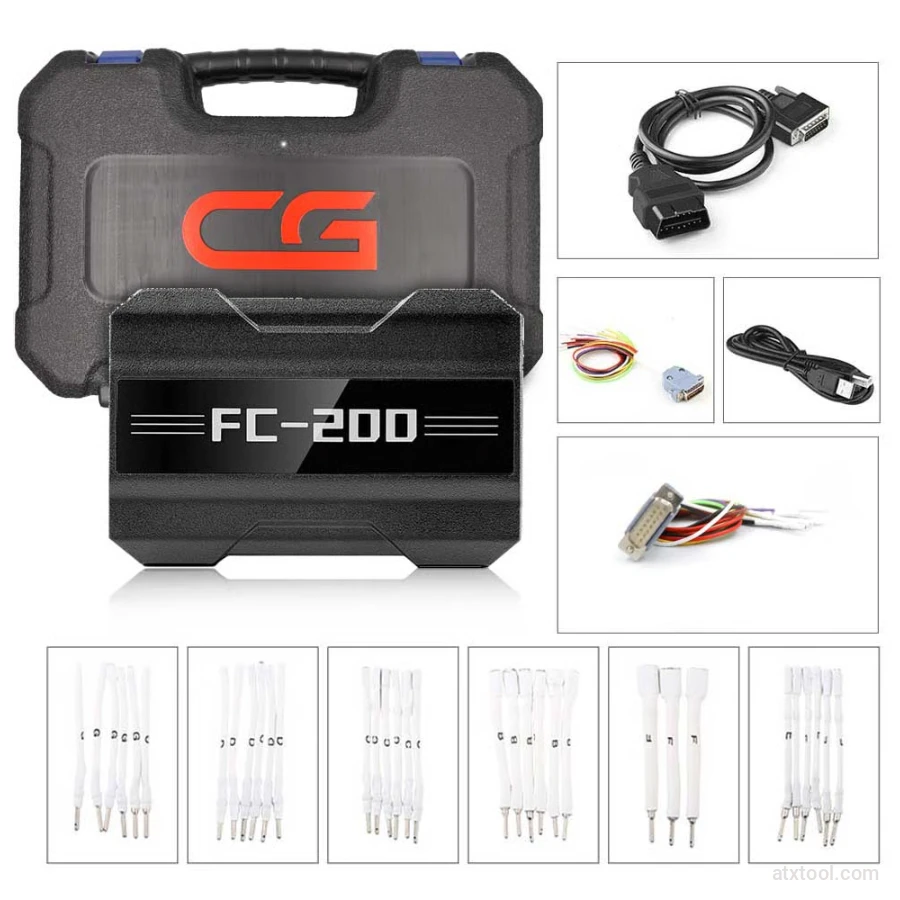
CGDI CG FC200 ECU Programmer Full Version
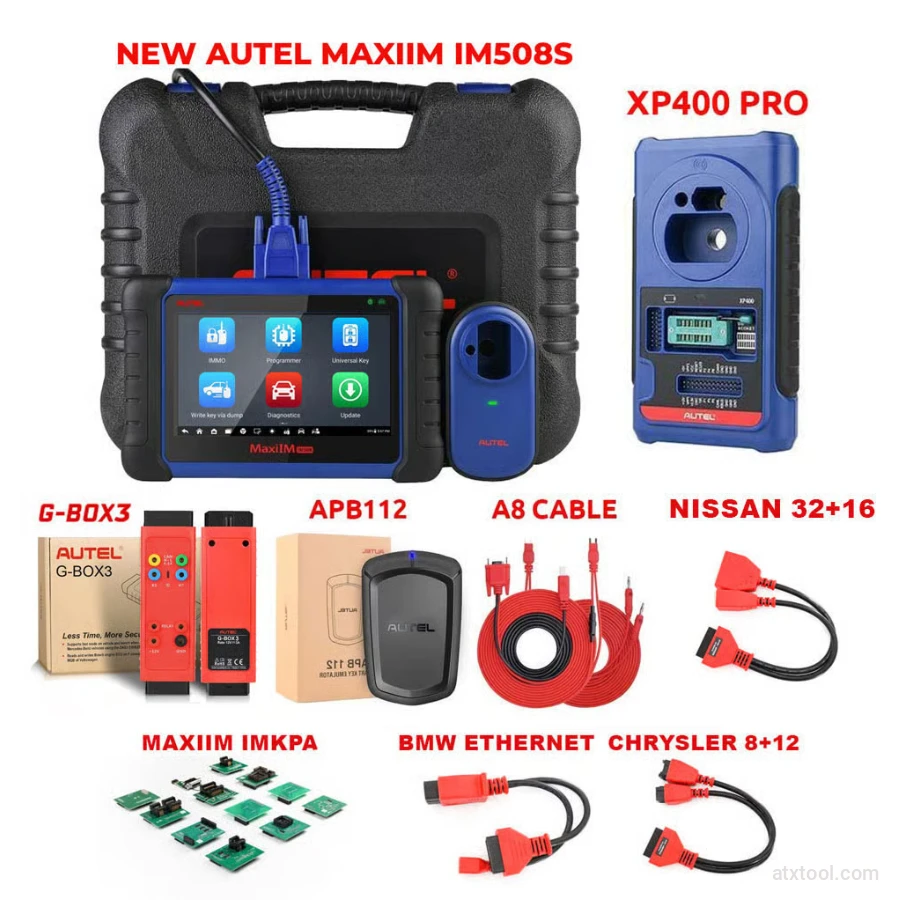
Autel MaxiIM IM508S Key Programming Full Package Bundle
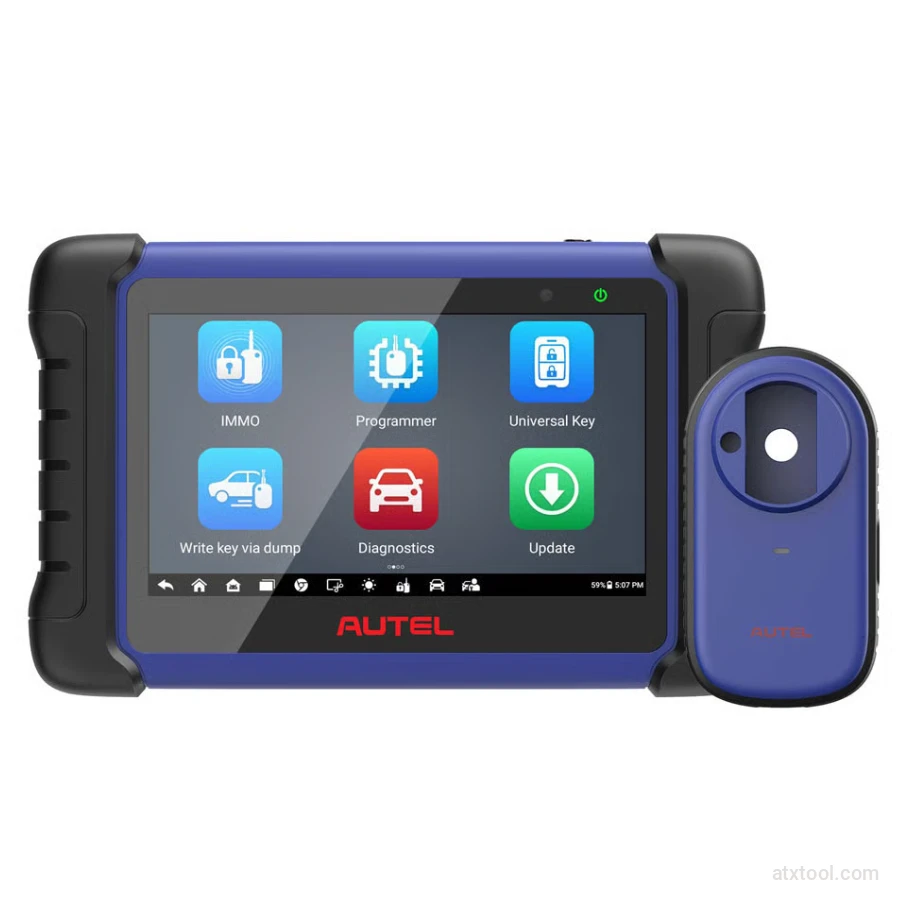
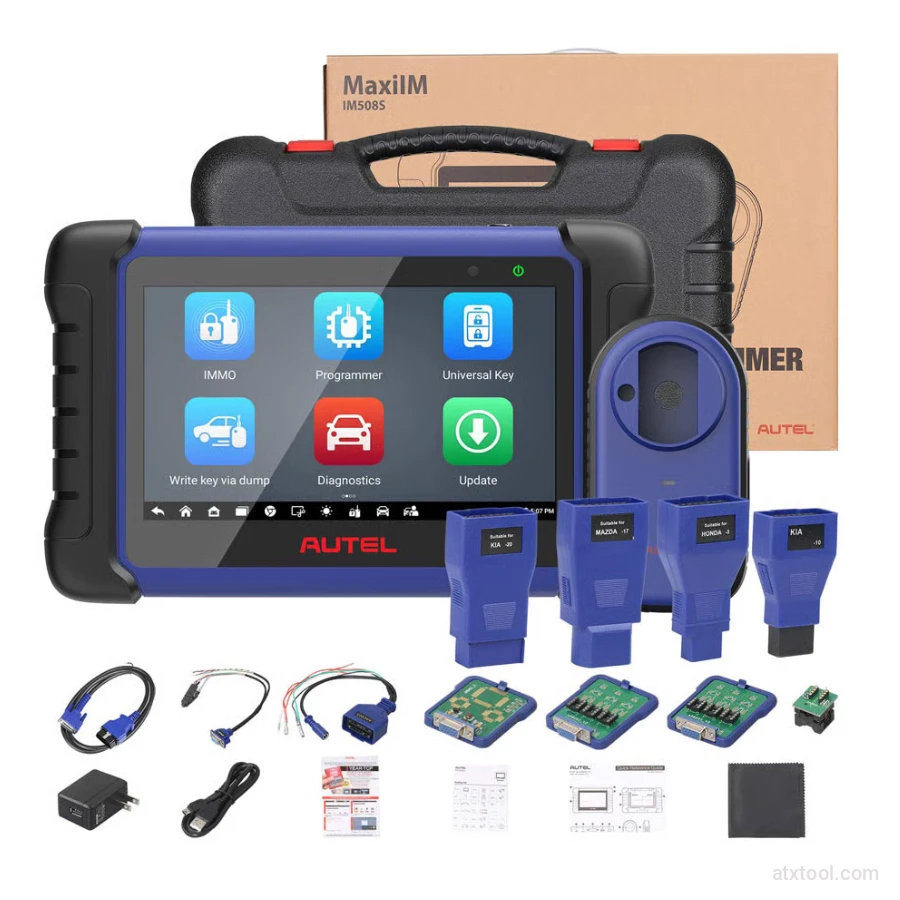
Autel MaxiIM IM508S Key Programming Service Tool Device
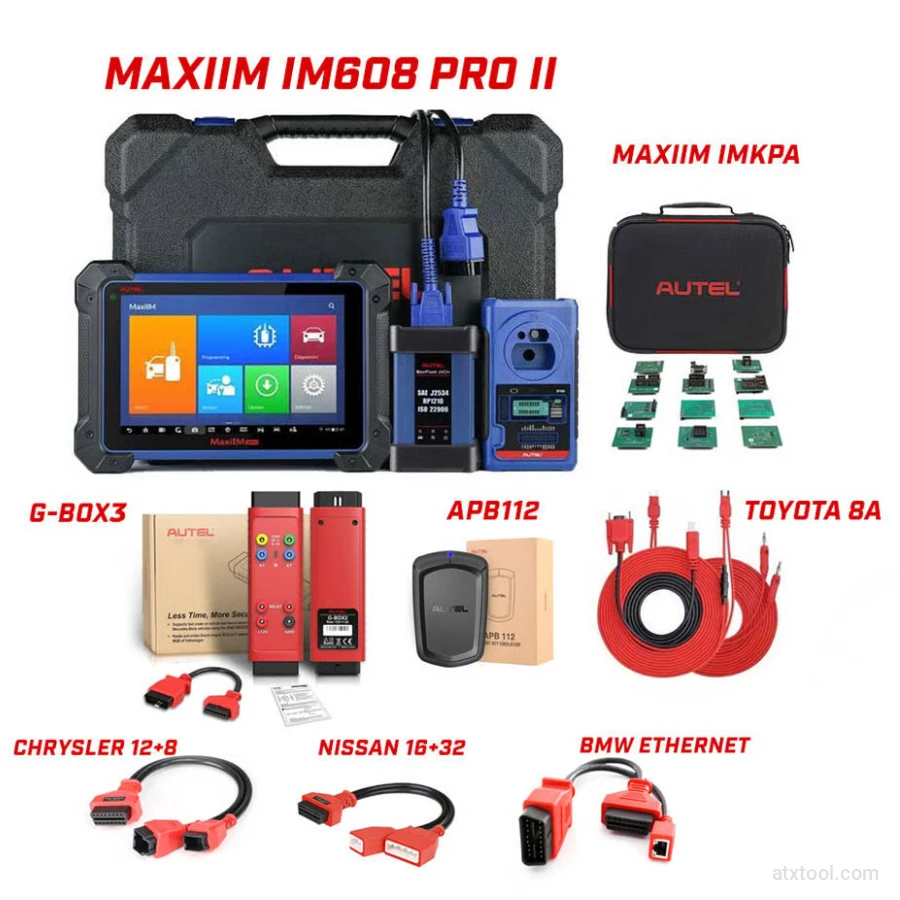
Autel MaxiIM IM608 PRO II Key Programming Tool Full Adapters Bundle
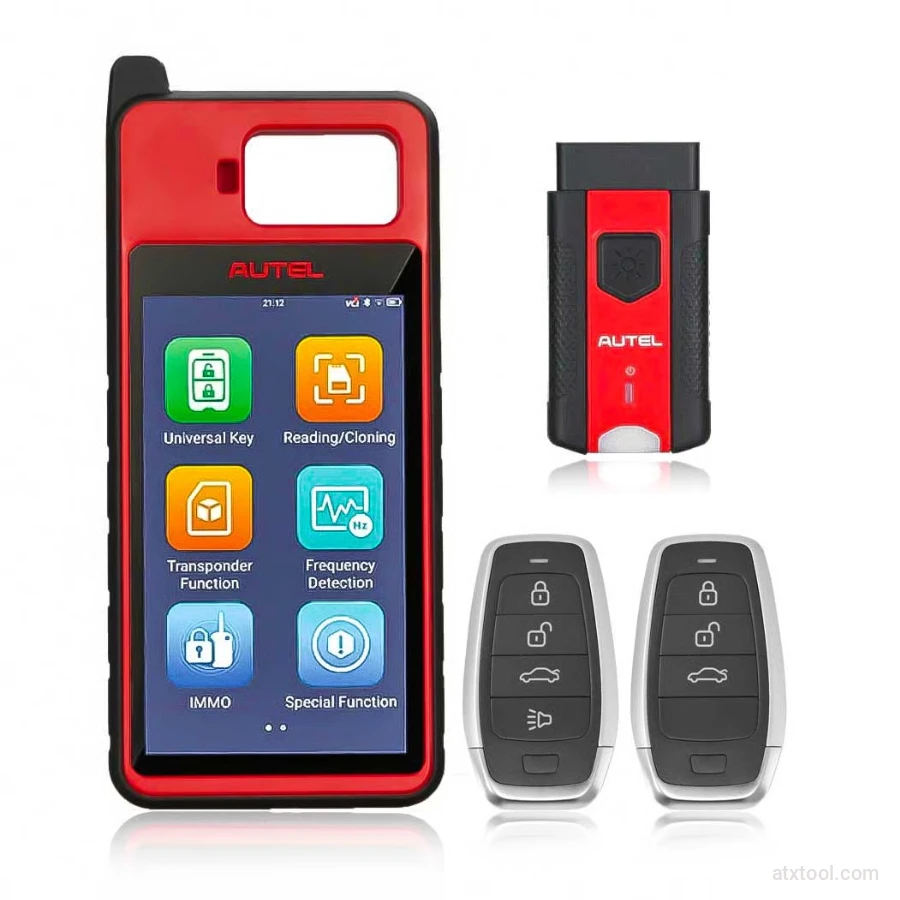
Autel MaxiIM KM100 Universal Key Generator and IMMO Tool
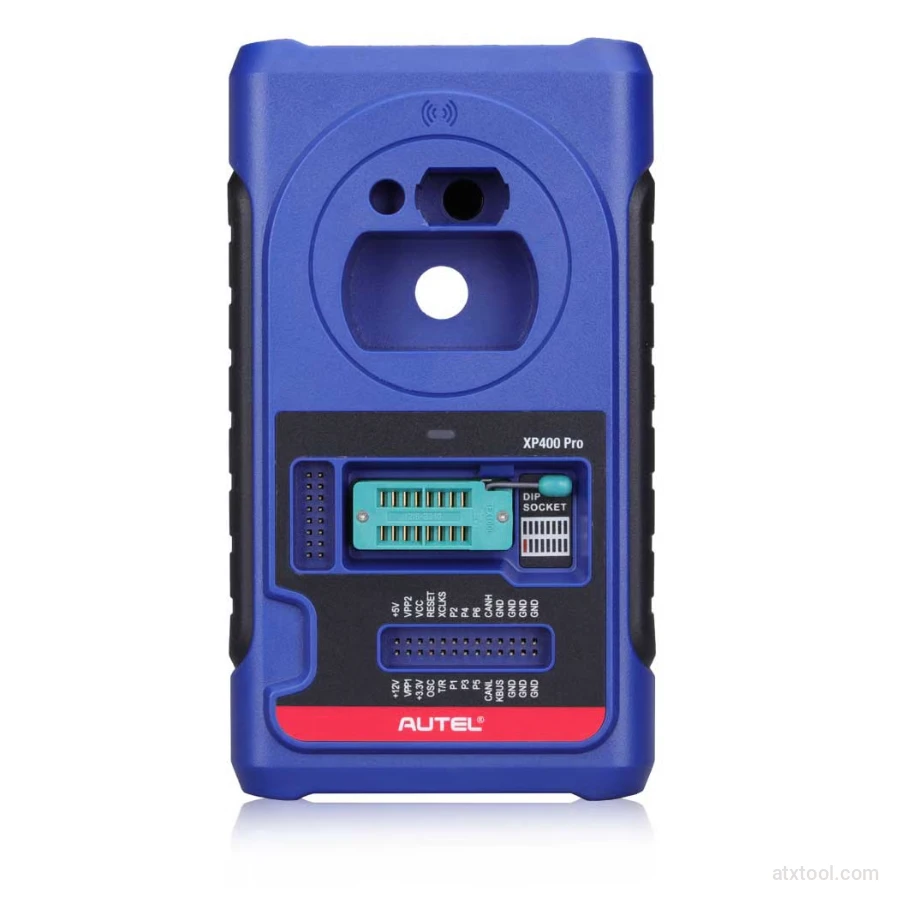
Autel XP400 PRO Key and Chip Programmer
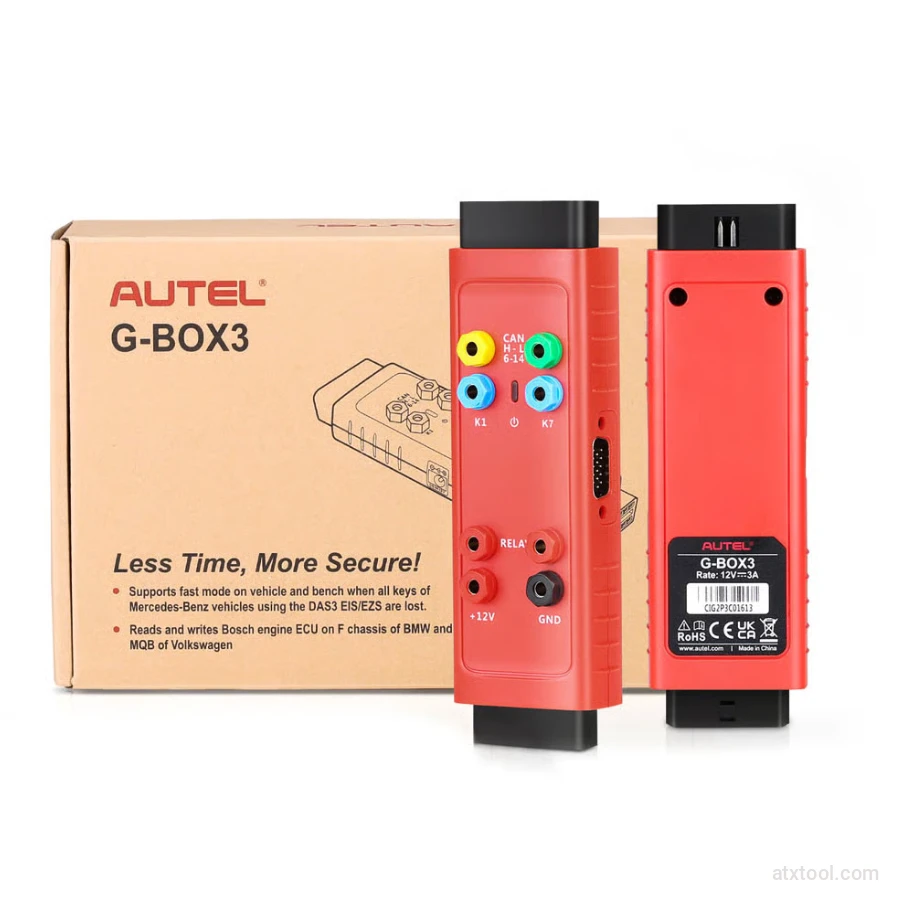
Autel G-BOX2 Key Programming Adapter for Mercedes and BMW Vehicles
Frequently Bought Together
No frequently bought products found!
Products from this Seller
View All
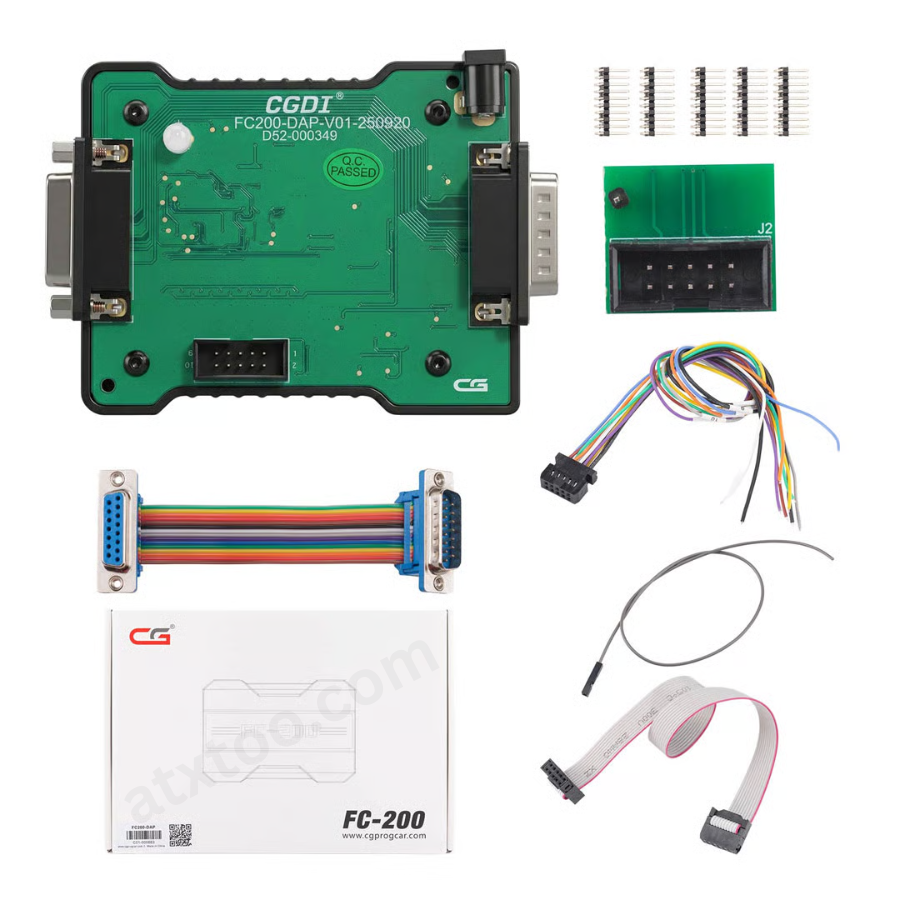
CGDI FC200 DAP Adapter for CG FC200 Programmer
CGDI K2 WiFi Professional Smart Locksmith Key Tool and Remote Generator
CGDI CG100X New Generation Smart Car Programmer
CGDI BMW Full Function Version MSV80 Car Key Programmer
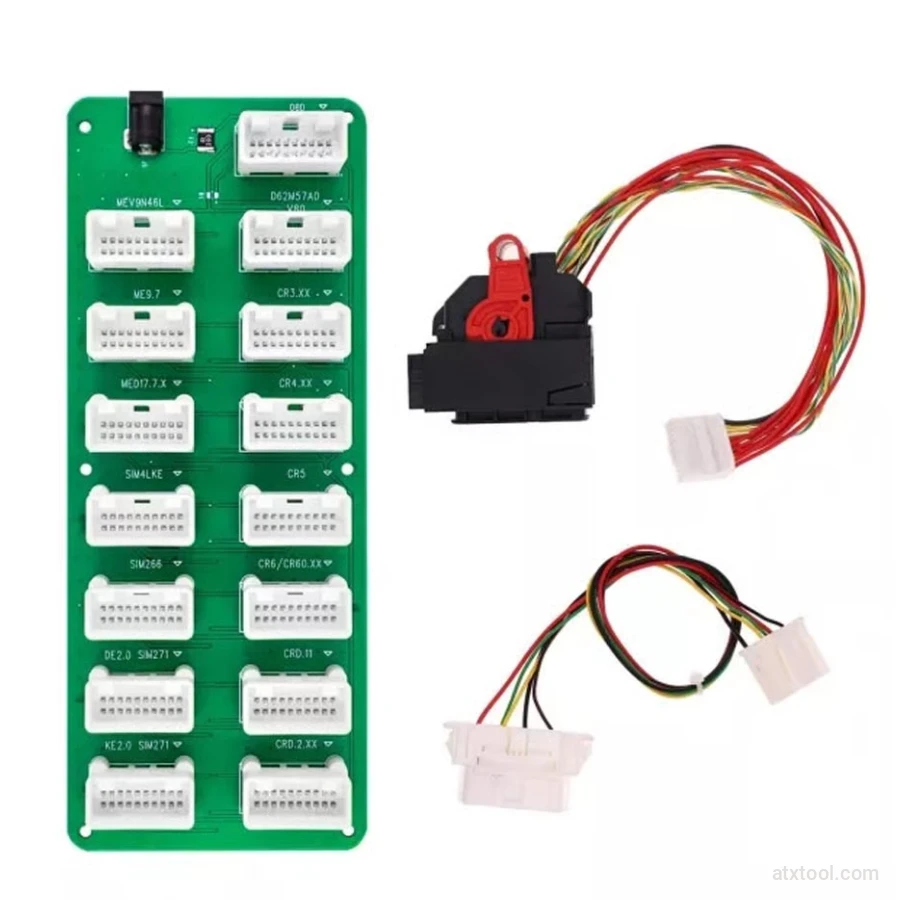
CGDI DME-DDE ECU Connecting Board and Testing Cable
CG Pro 9S12 Programmer Full Version with All Adapters
CGDI CG FC200 ECU Programmer Full Version
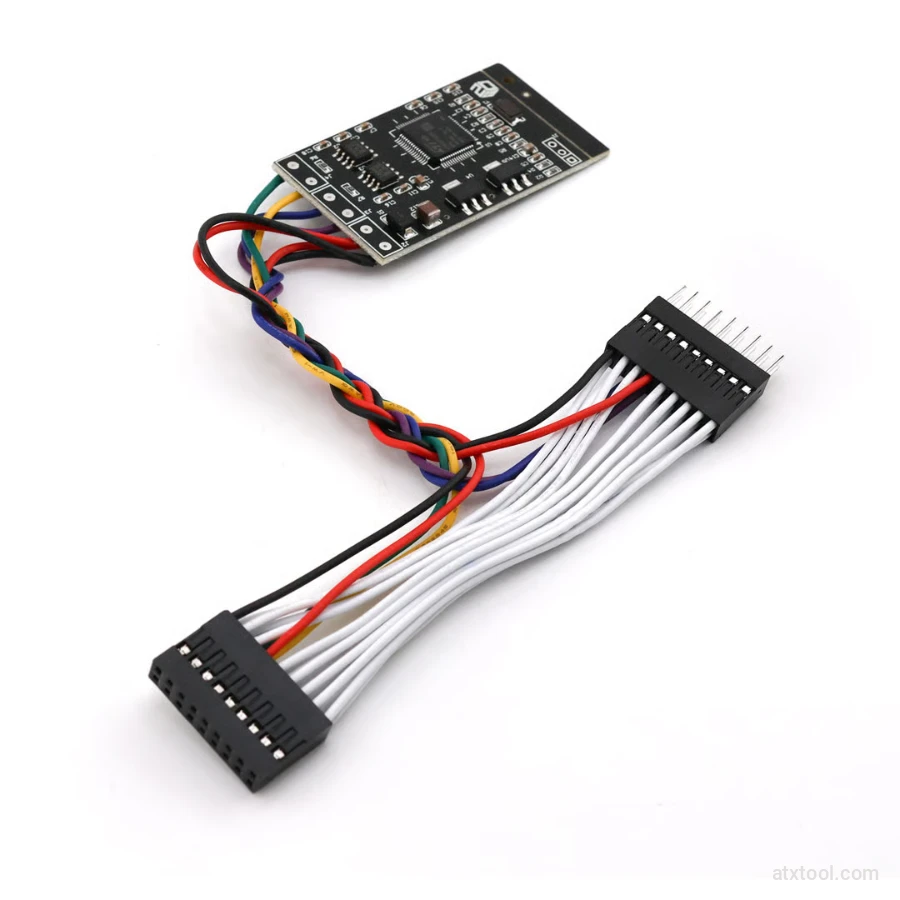
CGDI Super Kilometer CAN Filter Mileage Correction Emulator
Autel MaxiIM IM508S Key Programming Full Package Bundle
Autel MaxiIM IM508S Key Programming Service Tool Device
Autel MaxiIM IM608 PRO II Key Programming Tool Full Adapters Bundle
Autel MaxiIM KM100 Universal Key Generator and IMMO Tool
Autel XP400 PRO Key and Chip Programmer
Autel G-BOX2 Key Programming Adapter for Mercedes and BMW Vehicles
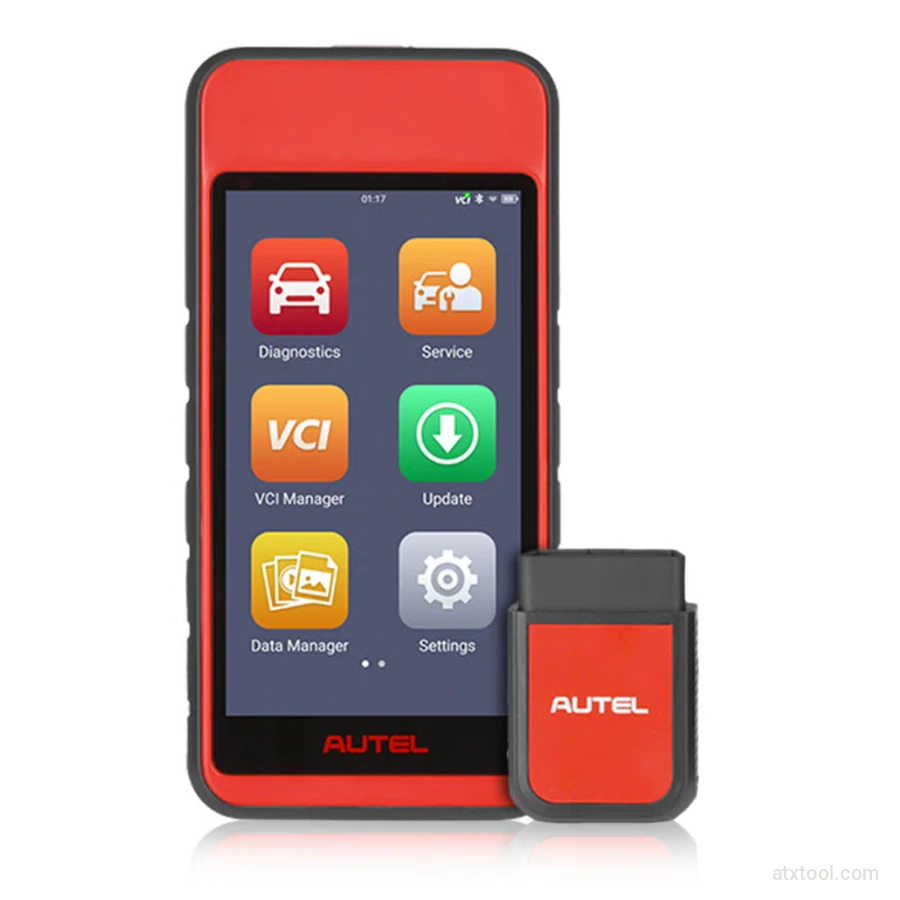
Autel MaxiDiag MD909 Pro Professional Scan Tool
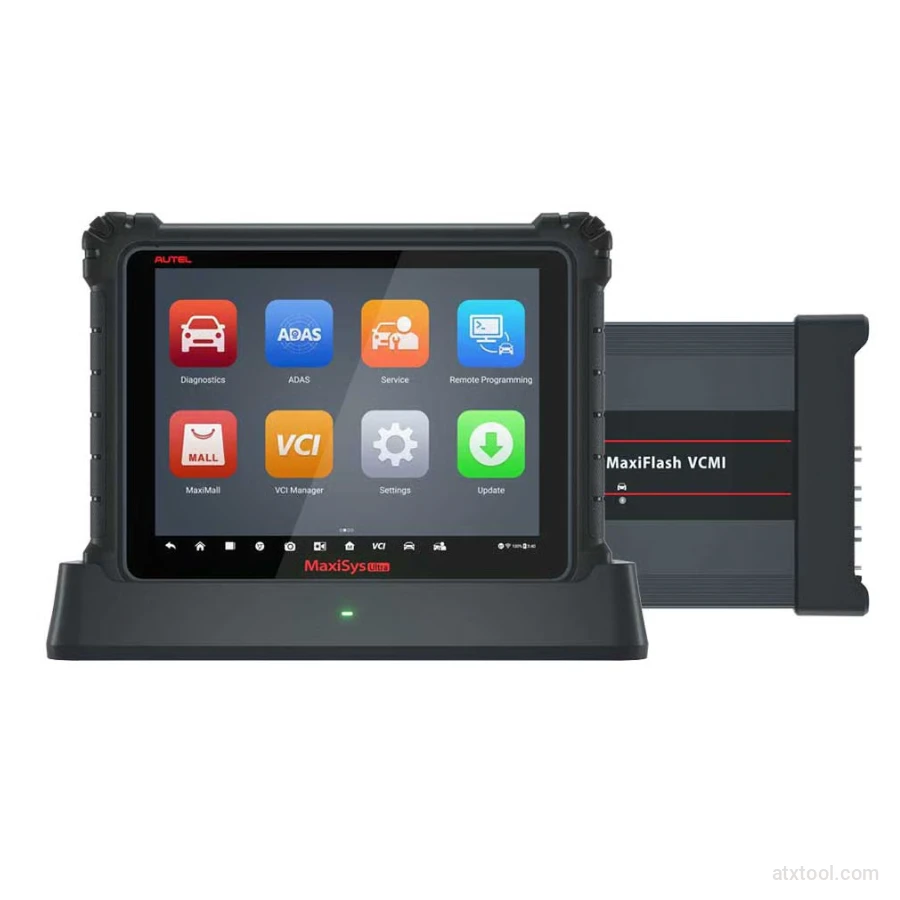
Autel MaxiSys Ultra Advanced OBD2/CAN Diagnostic Tool
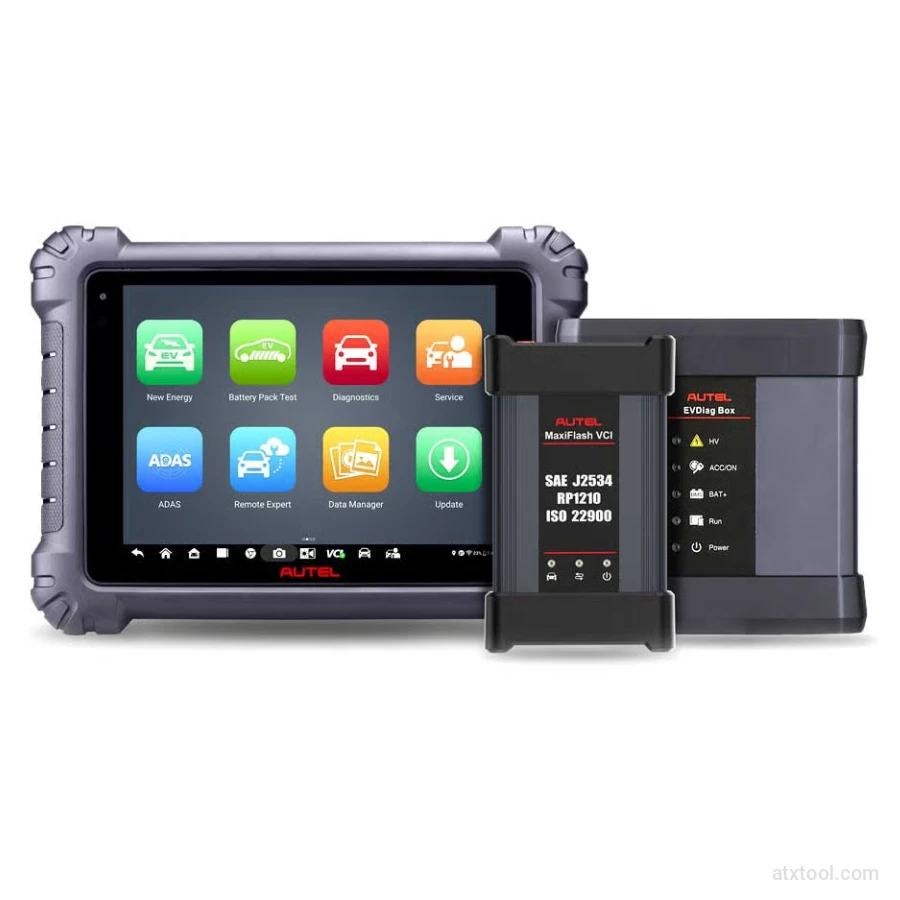
Autel MaxiSYS MS909EV Tablet Diagnostic Tool
Get In Touch With ATXTool




Share with Friends
Trading is more effective when you share products with friends!Share you link
Share to