







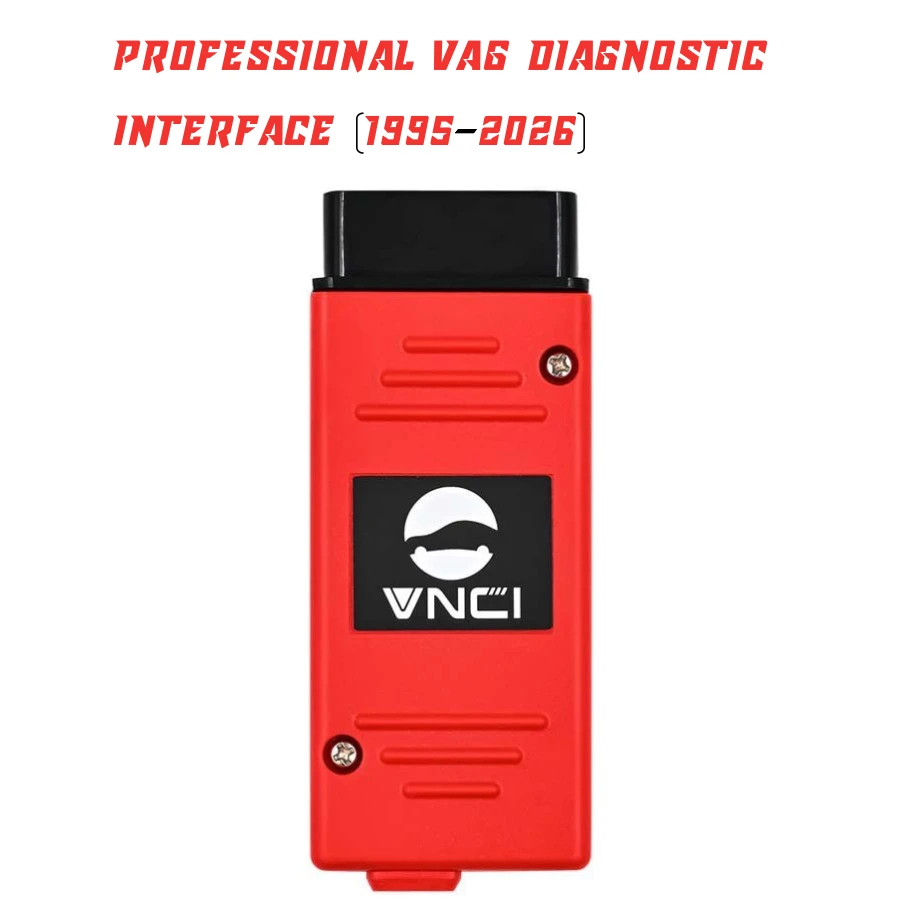
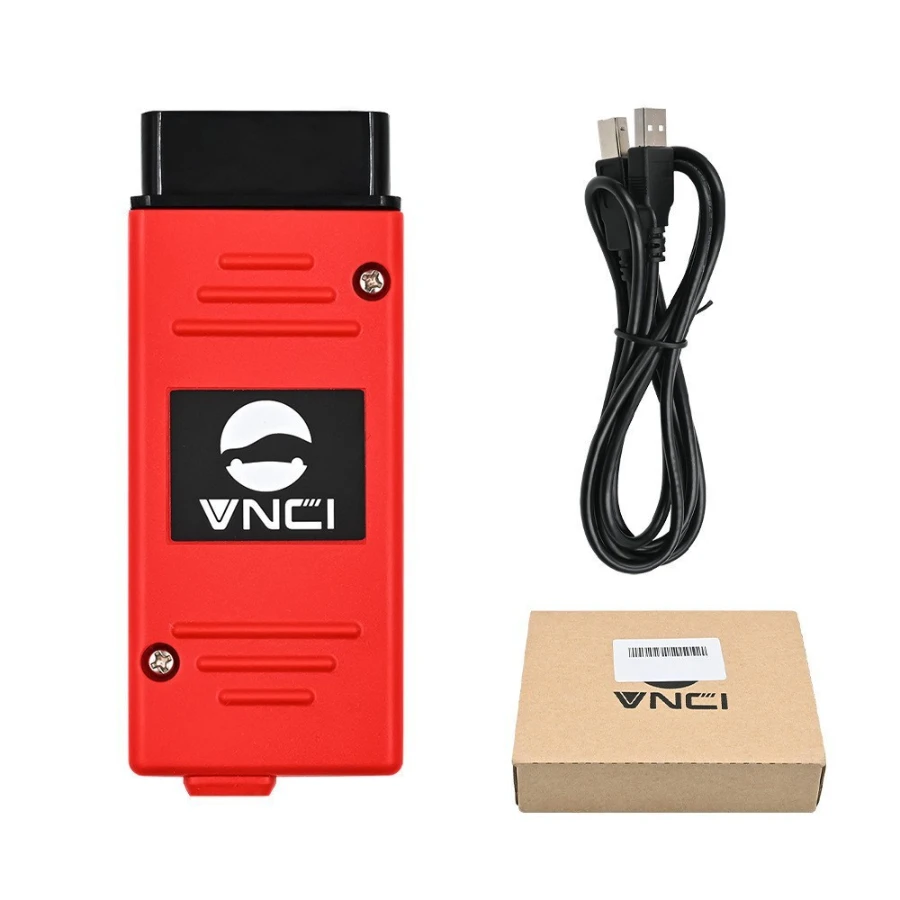
New ODIS Specialist VNCI 6154A Professional VAG Diagnostic Interface (1995-2026)
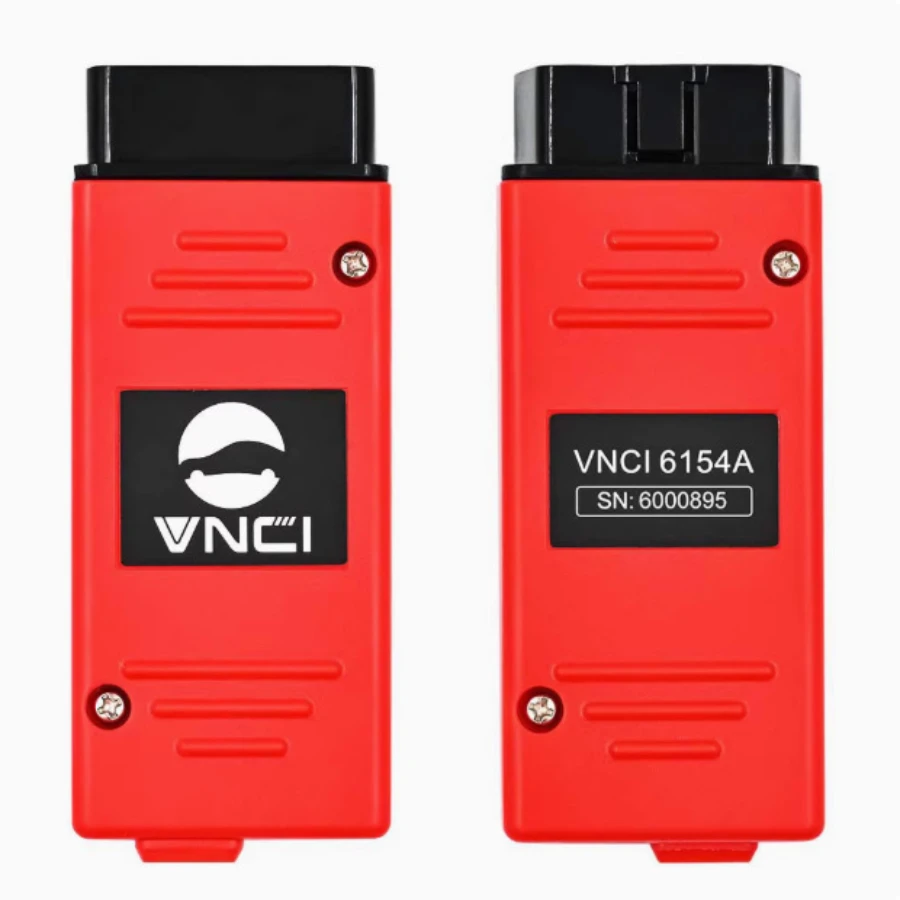
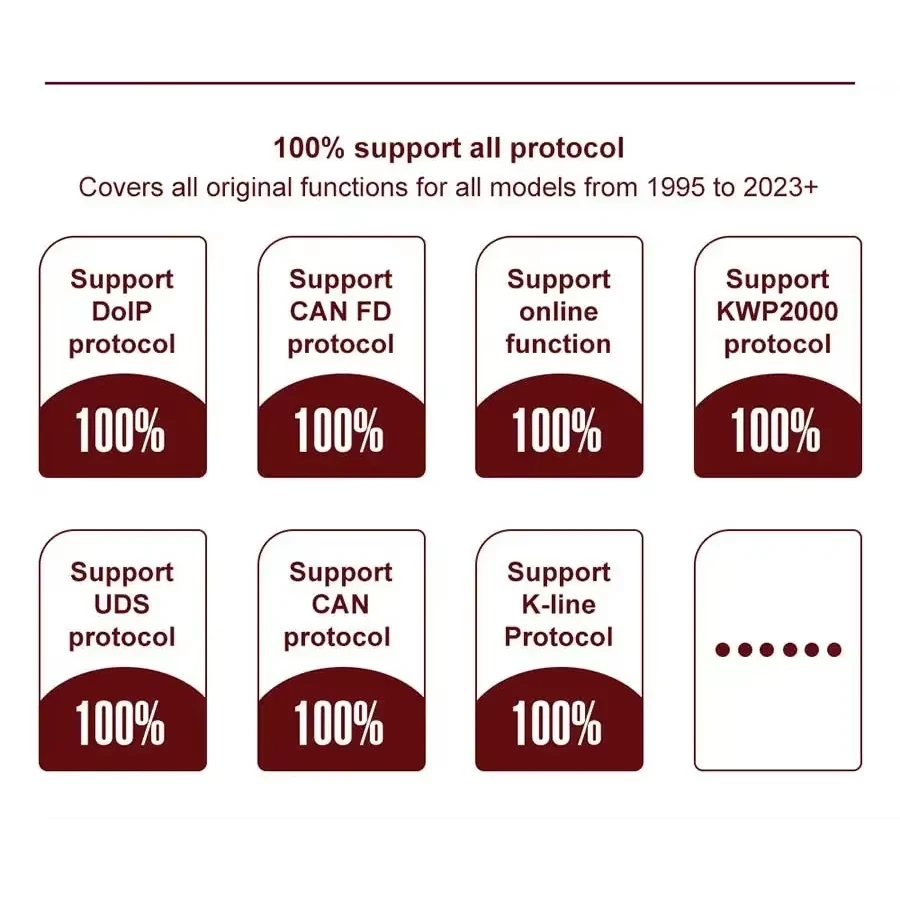
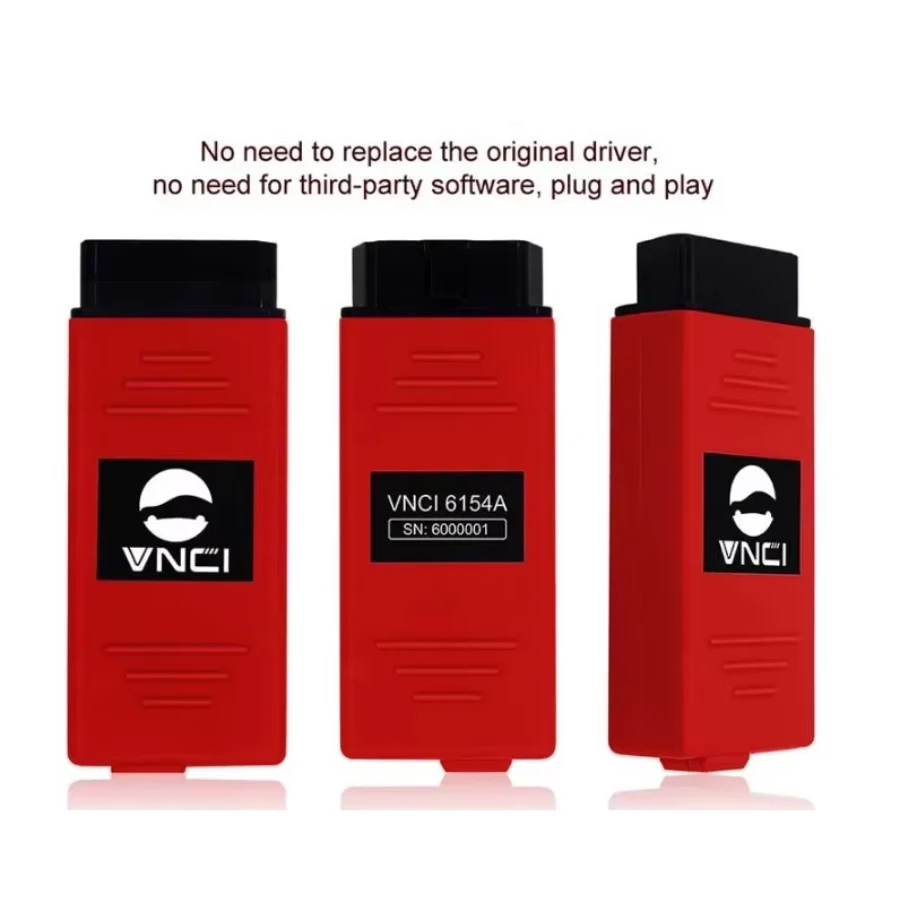
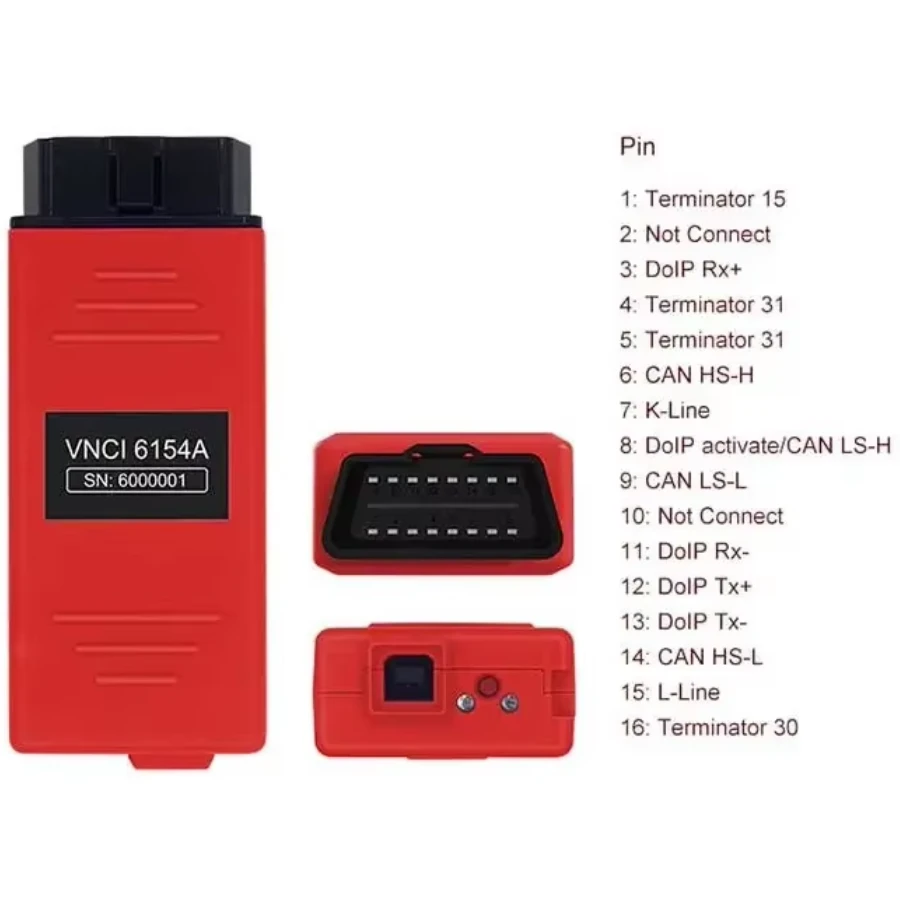
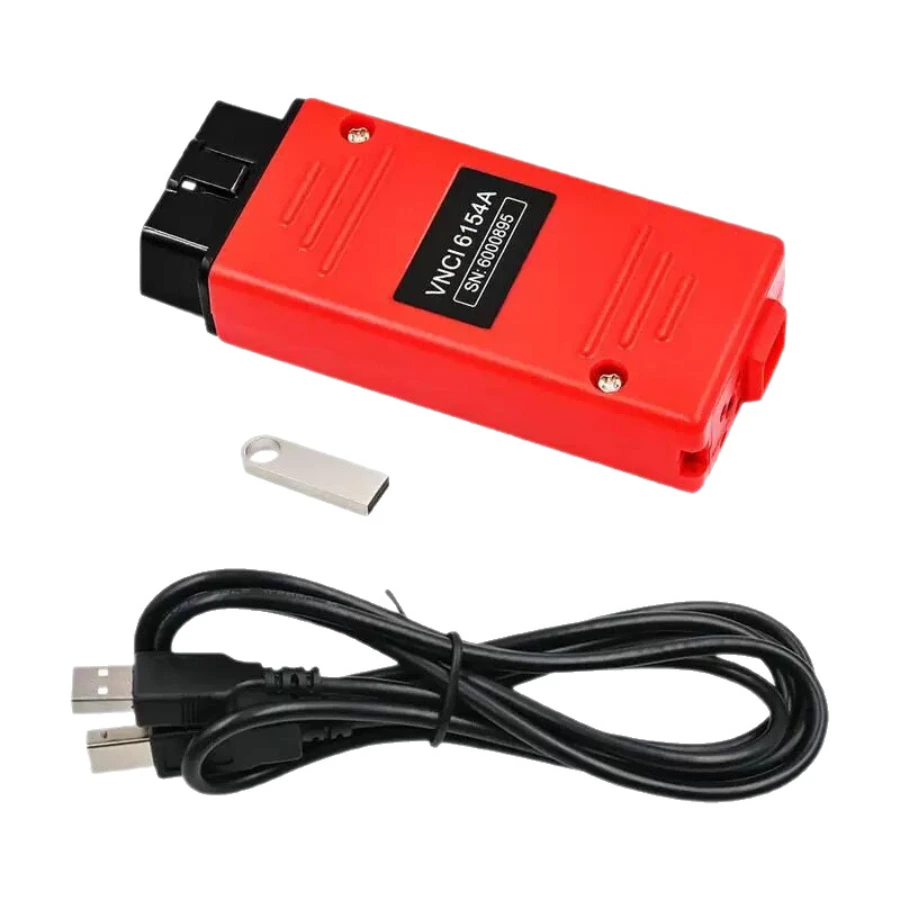
The VNCI 6154A (Red Case) is the most advanced alternative to the original VAS 6154A diagnostic interface. Specifically engineered for the Volkswagen Group (VAG), this "Red Version" is a high-performance tool that supports the latest CAN FD and DoIP protocols, making it compatible with both classic models and the newest 2024-2026 vehicles. Unlike cheaper clones, it works directly with original ODIS drivers without needing a third-party driver manager.
Elite Performance & Technical Highlights
Plug & Play: Works with original ODIS-S (Service) and ODIS-E (Engineering) drivers. No extra patches or "Driver Managers" are required.
Modern Protocols: 100% support for CAN FD and DoIP communication, essential for diagnosing 2020+ models (like the VW ID series, Golf 8, etc.).
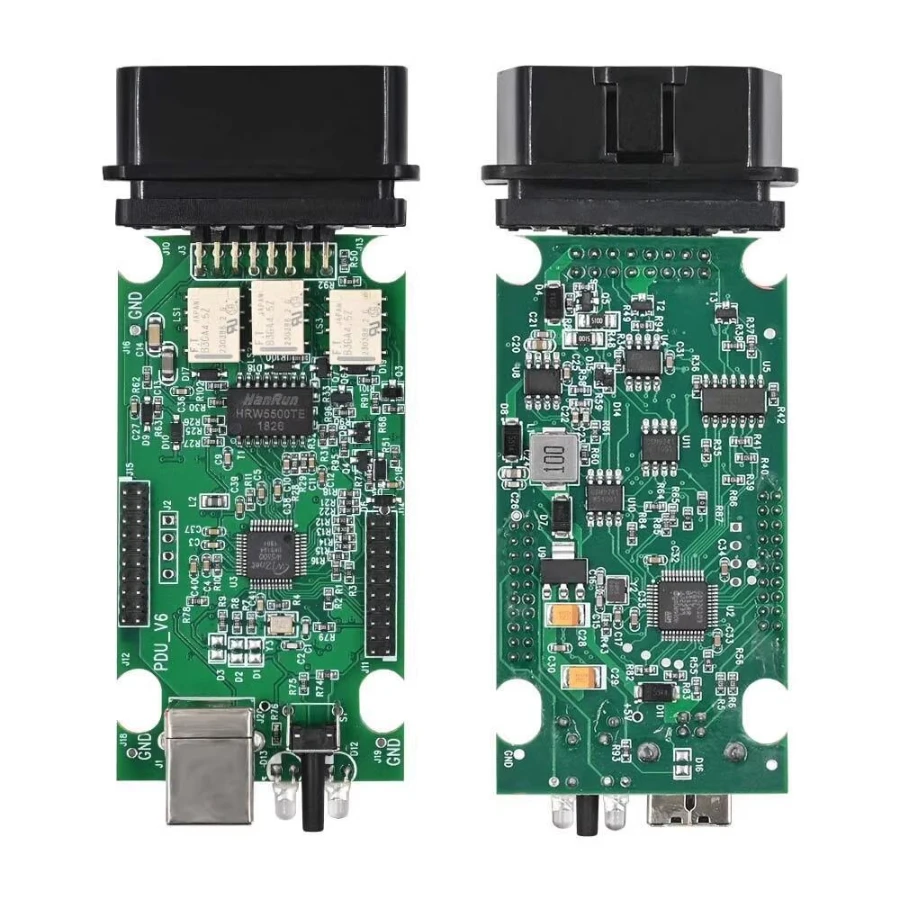
No Overheating: The upgraded Red Case hardware fixes the common overheating issues found in older SVCI/VNCI models, ensuring stability during long programming sessions.
Dual Connectivity: Supports high-speed USB connection, AP Mode (Direct Wi-Fi), and Station Mode (WLAN) for flexible workshop use.
Free License: Comes with a built-in firmware license valid until the year 2030.
Comprehensive Brand & Model Support (1995–2026)
The VNCI 6154A covers all vehicles under the Volkswagen Group umbrella:
Volkswagen (VW): Passenger cars and Commercial vehicles (1995 to latest 2026 models).
Audi: All models including the e-tron and RS series.
Skoda & SEAT: Full range coverage.
Bentley & Lamborghini: Professional-level diagnostics for luxury and supercars.
MAN: Support for MAN trucks and commercial vans.
Core Functions & Capabilities
Full System Diagnostics: Read and clear Diagnostic Trouble Codes (DTCs) across all modules (Engine, ABS, Airbag, Transmission, etc.).
ECU Programming & Coding: Perform online and offline module programming, long coding, and adaptations.
Component Activation: Test components like fuel pumps, fans, and injectors without disassembly.
Service Resets: Oil service reset, EPB (Brake) retraction, DPF regeneration, and SAS calibration.
Hidden Feature Flashing: Unlock factory-hidden features (e.g., Needle Sweep, DRL settings, Mirror folding).
Guided Fault Finding (GFF): Follow step-by-step dealer-level repair instructions through ODIS software.
Quick User Manual (How to Use)
Software Preparation: Ensure your PC (Windows 10/11 64-bit) has ODIS Service or ODIS Engineer installed.
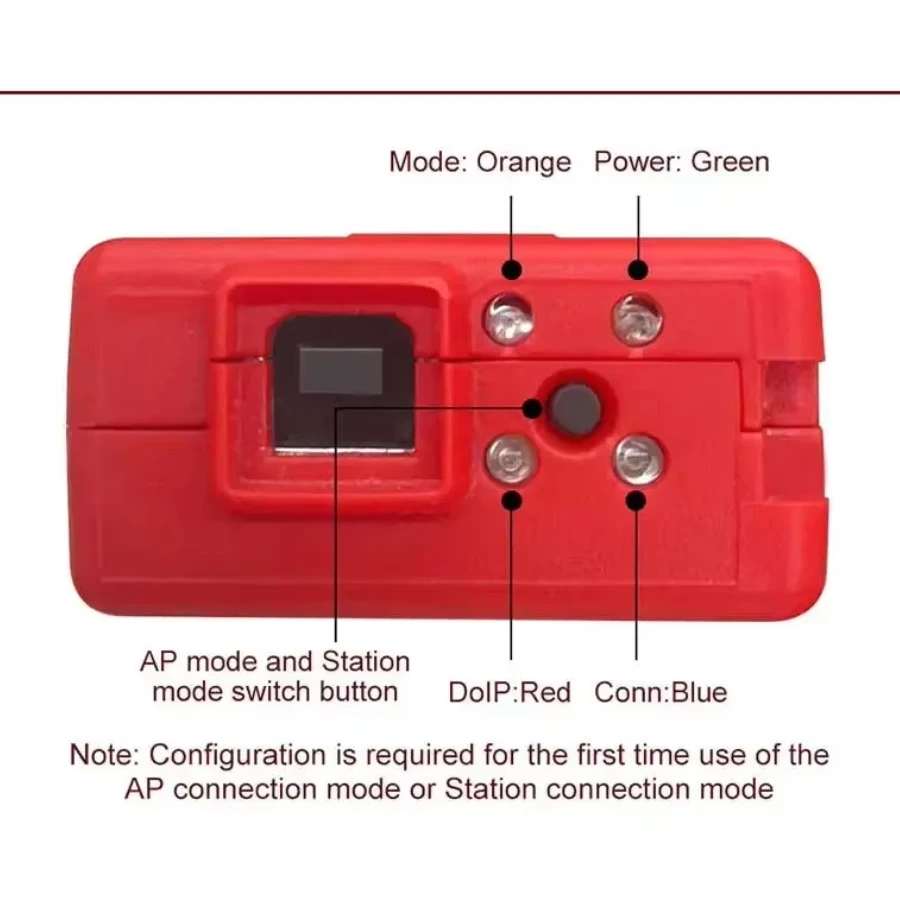
Hardware Connection: Plug the VNCI 6154A into the vehicle's OBDII port. The Green LED (Power) will light up.
PC Connection:
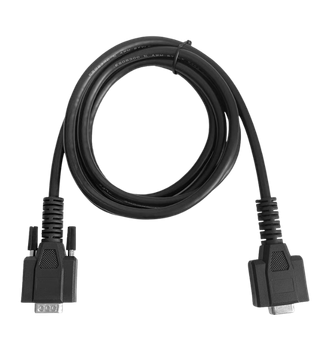
USB Mode: Connect the device to your laptop via the provided USB cable.
Wi-Fi Mode: Use the hardware button on the device to switch to AP Mode (connect to the device's Wi-Fi SSID) or Station Mode (connect to your workshop network).
Launch ODIS: Start your ODIS software. The device will be automatically detected as a standard 6154 interface.
Diagnostics: Select your vehicle model and start the diagnostic or programming session.
Related products
Autel MaxiDiag MD909 Pro Professional Scan Tool
Autel MaxiSys Ultra Advanced OBD2/CAN Diagnostic Tool

Autel MaxiSYS MS909EV Tablet Diagnostic Tool
Autel MaxiSYS MS908CV II Heavy Duty Diagnostic Scanner
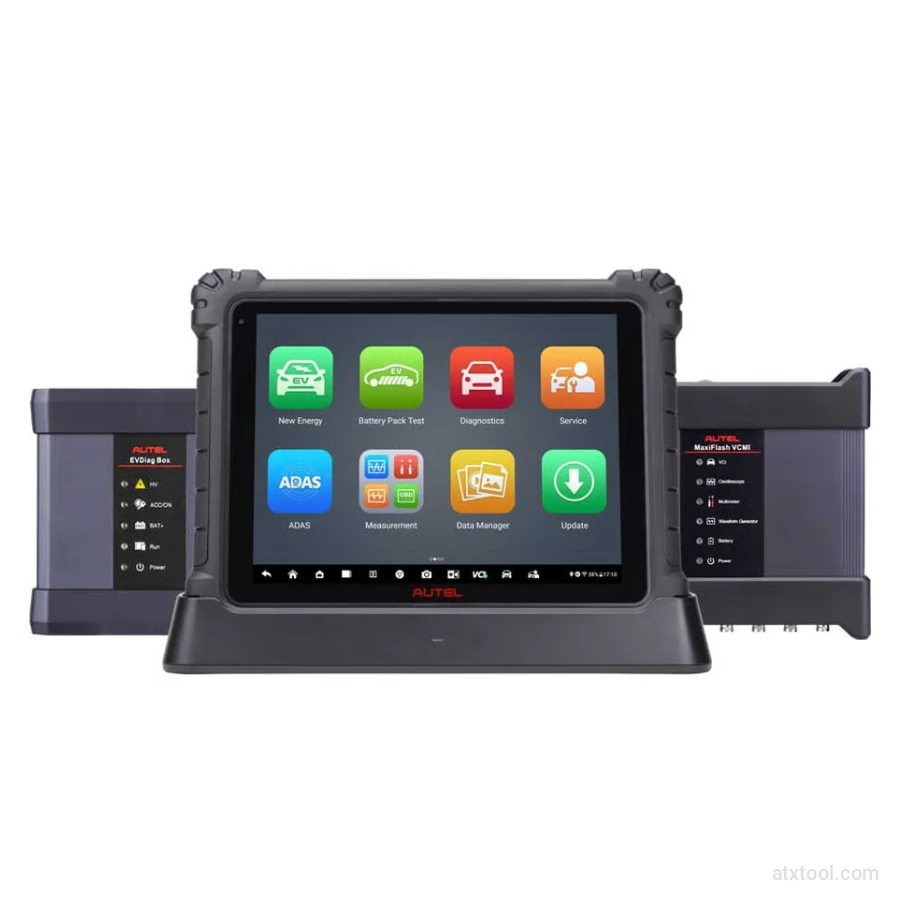
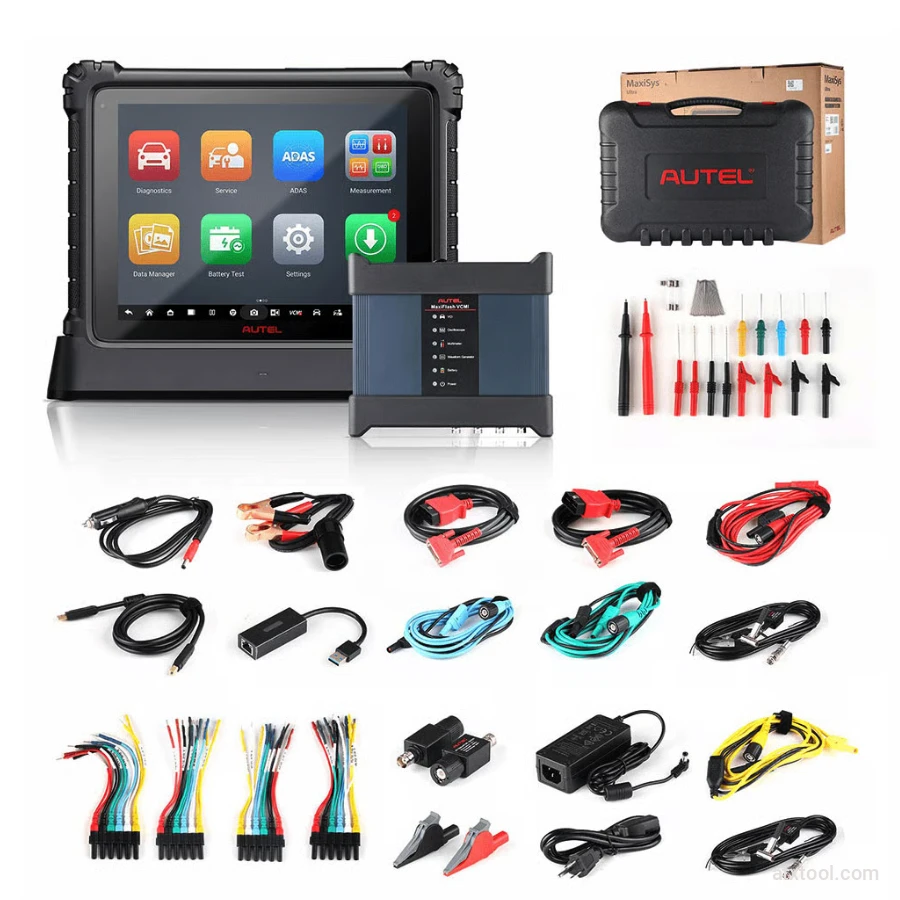
Autel MaxiSYS Ultra EV Tablet Diagnostic Tool
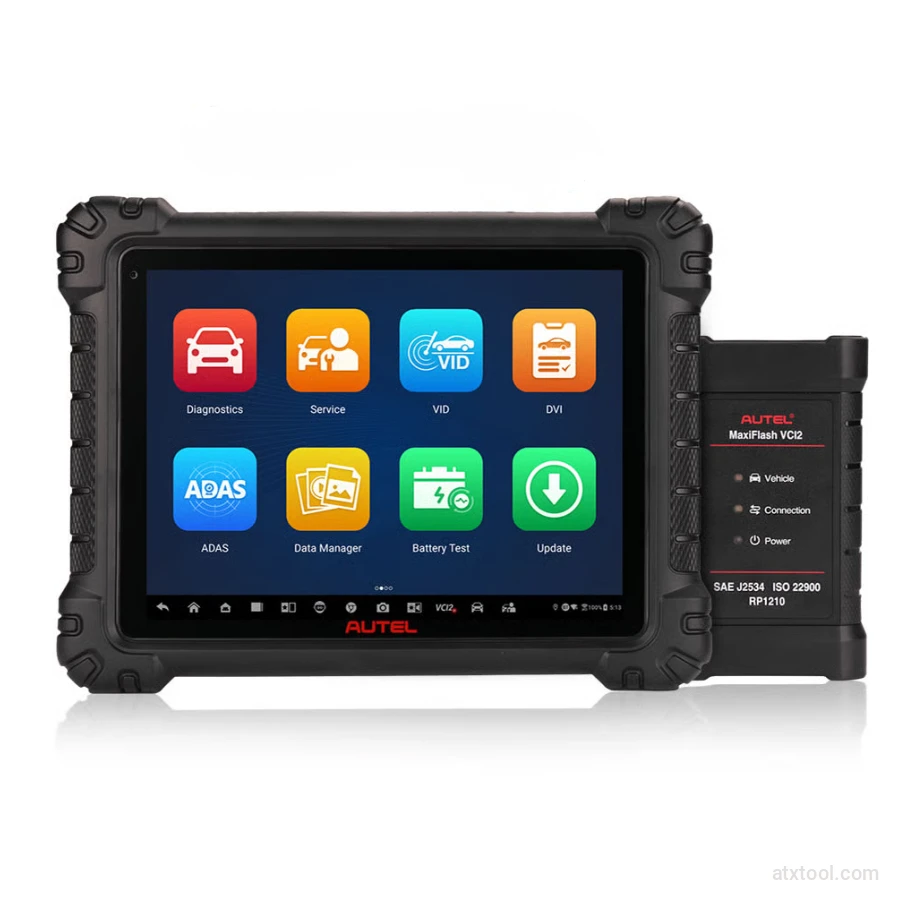
Autel MaxiSys MS909S2 Advanced Diagnostic Tool with AI
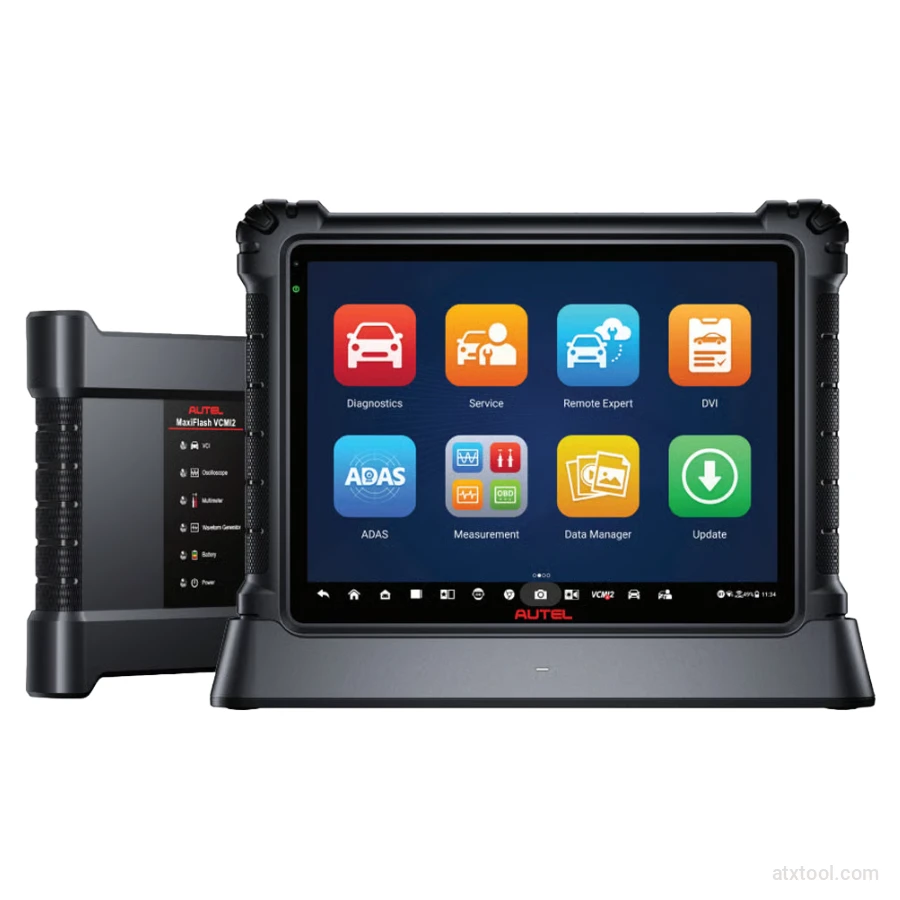
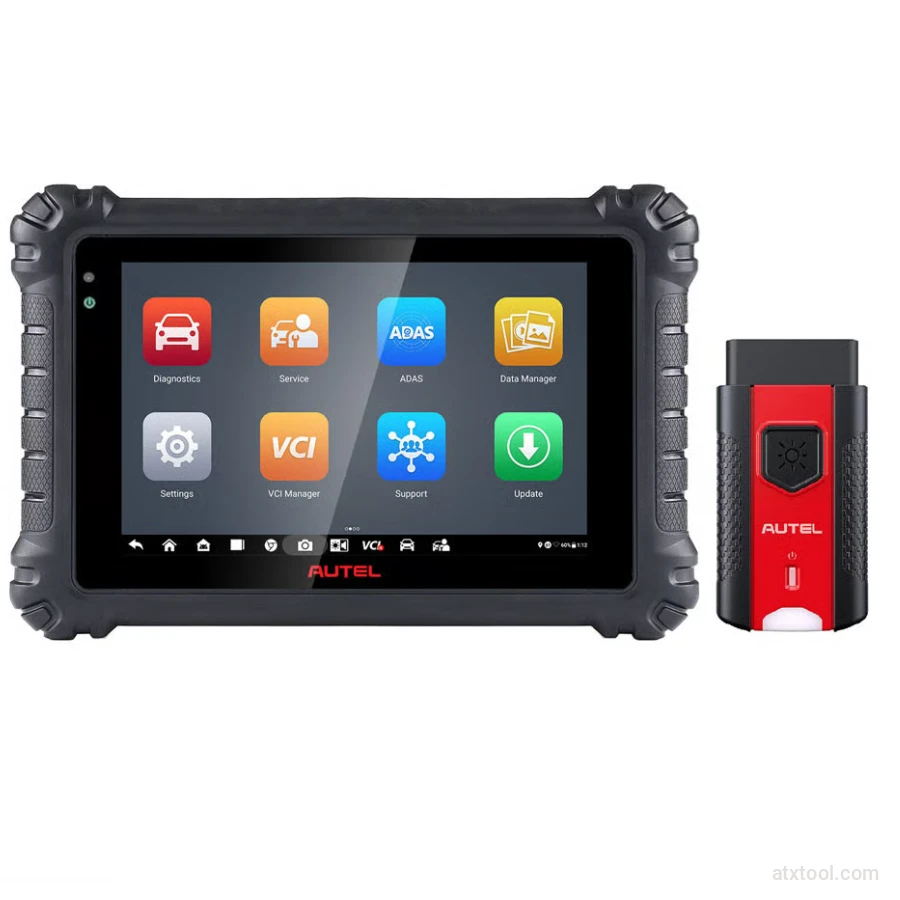
Autel MaxiSYS MS906 Max Professional Diagnostic Tool
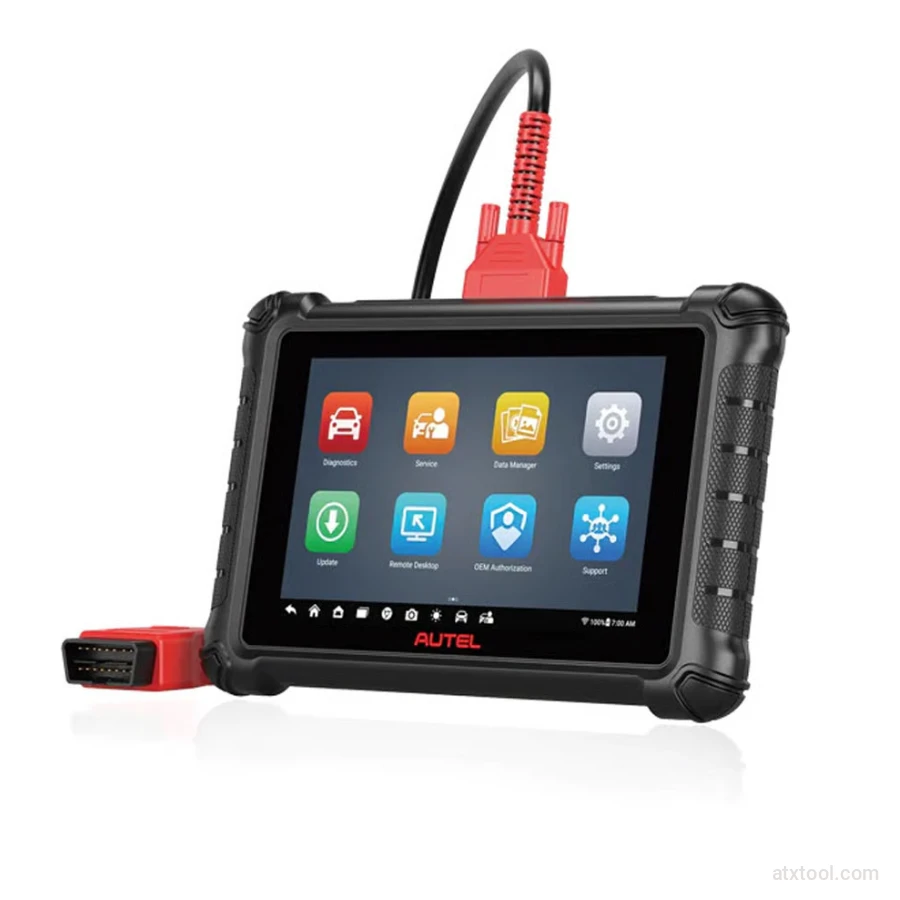
Autel Maxicheck MX900 Diagnostic Tool
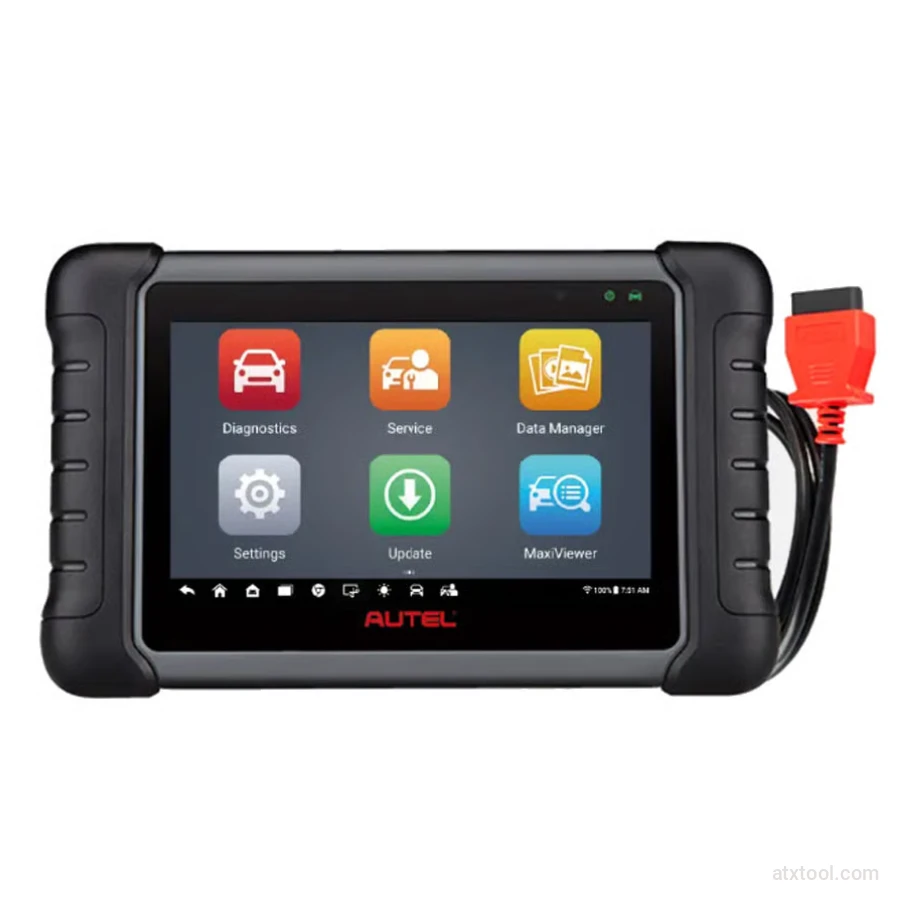
Autel MaxiCheck MX808S Advanced Diagnostic Tablet
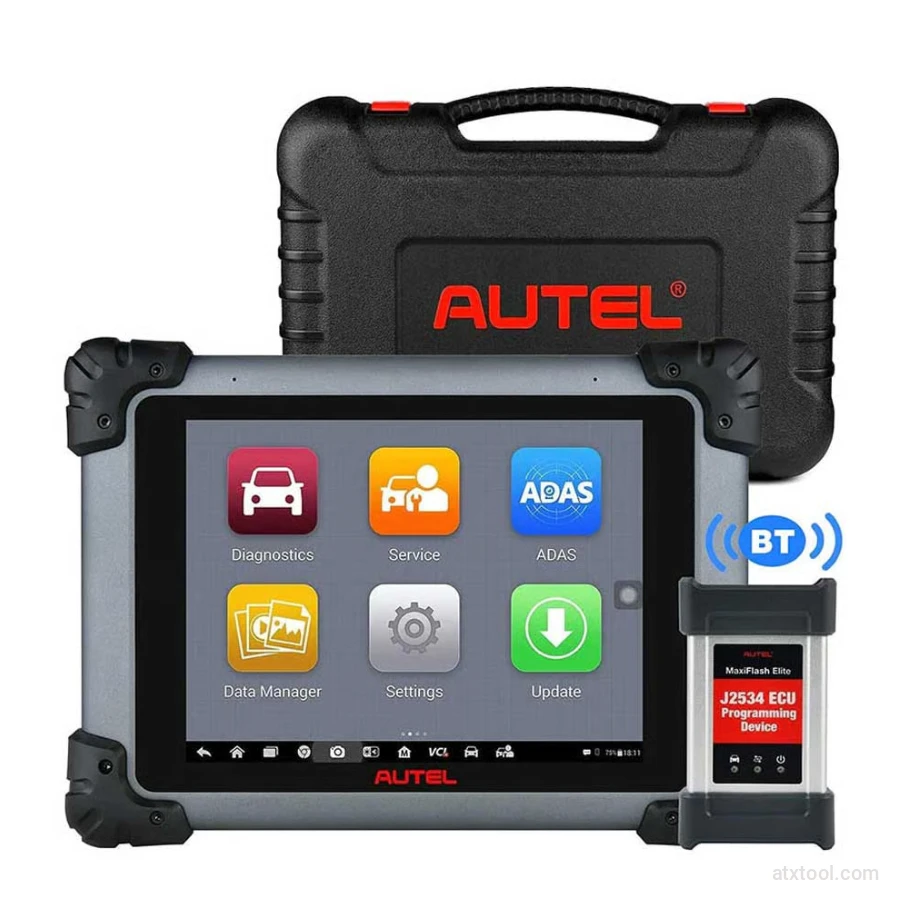
Autel MaxiSYS MS906 Pro Advanced Diagnostic Tool
Autel MaxiSYS MS908CV Heavy-Duty Diagnostic Scanner

Frequently Bought Together
No frequently bought products found!
Products from this Seller
View All
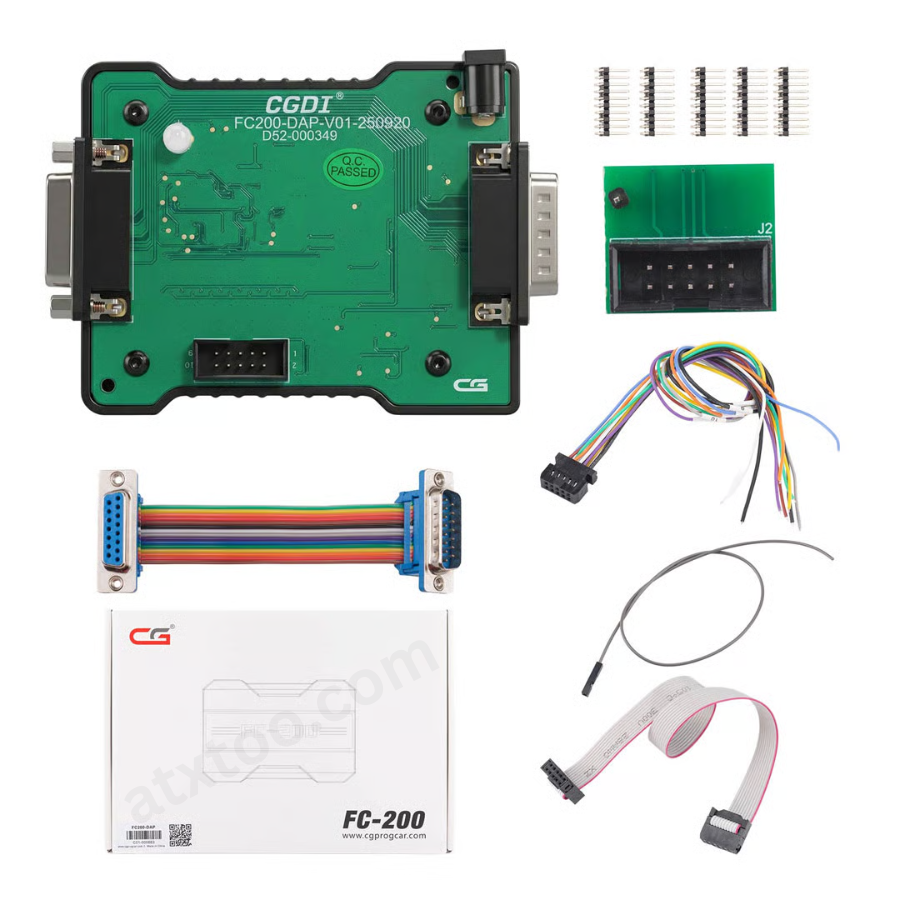
CGDI FC200 DAP Adapter for CG FC200 Programmer
CGDI K2 WiFi Professional Smart Locksmith Key Tool and Remote Generator
CGDI CG100X New Generation Smart Car Programmer
CGDI BMW Full Function Version MSV80 Car Key Programmer
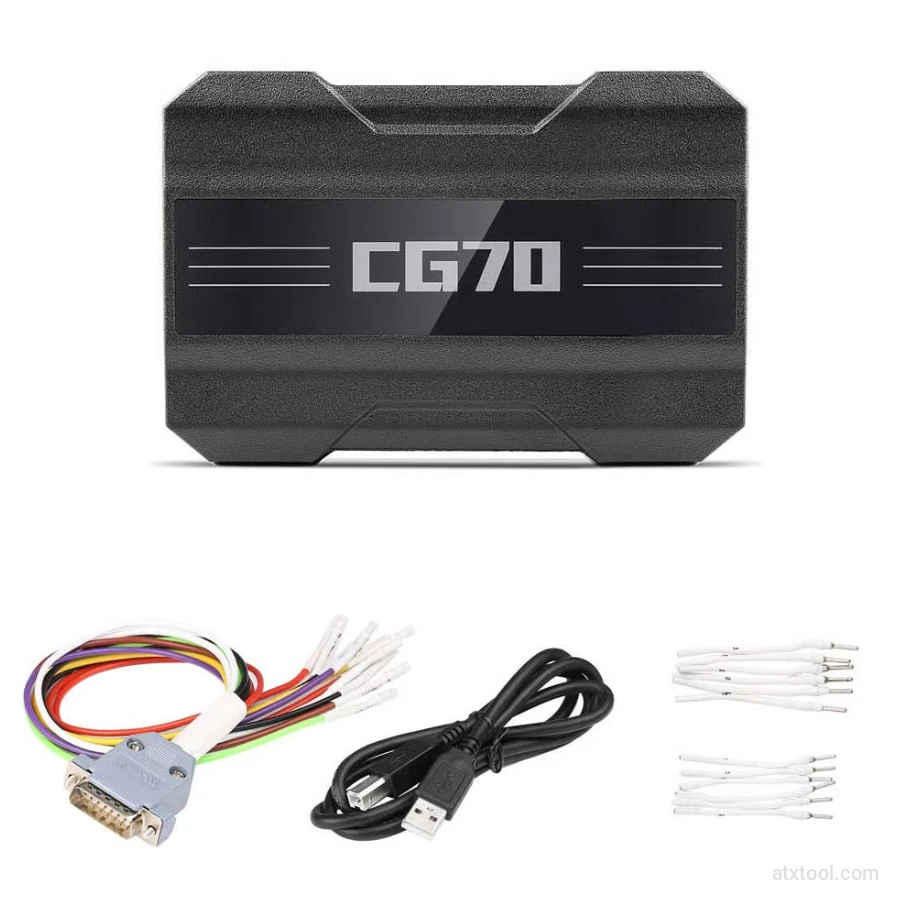
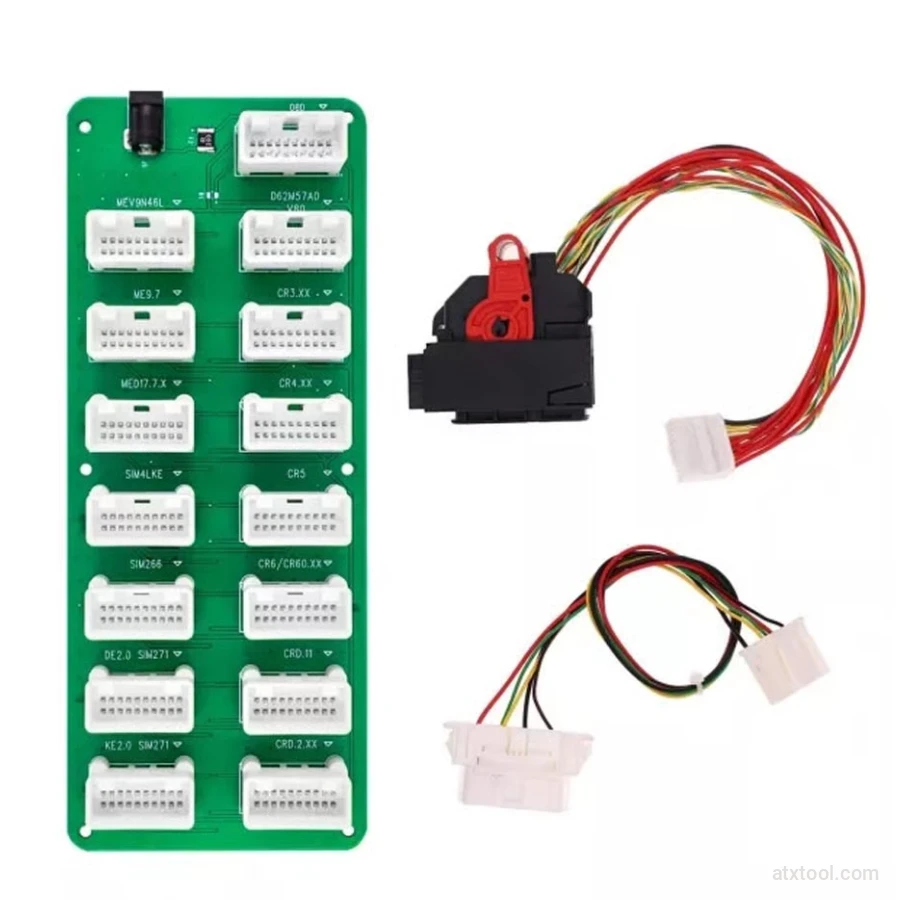
CGDI DME-DDE ECU Connecting Board and Testing Cable
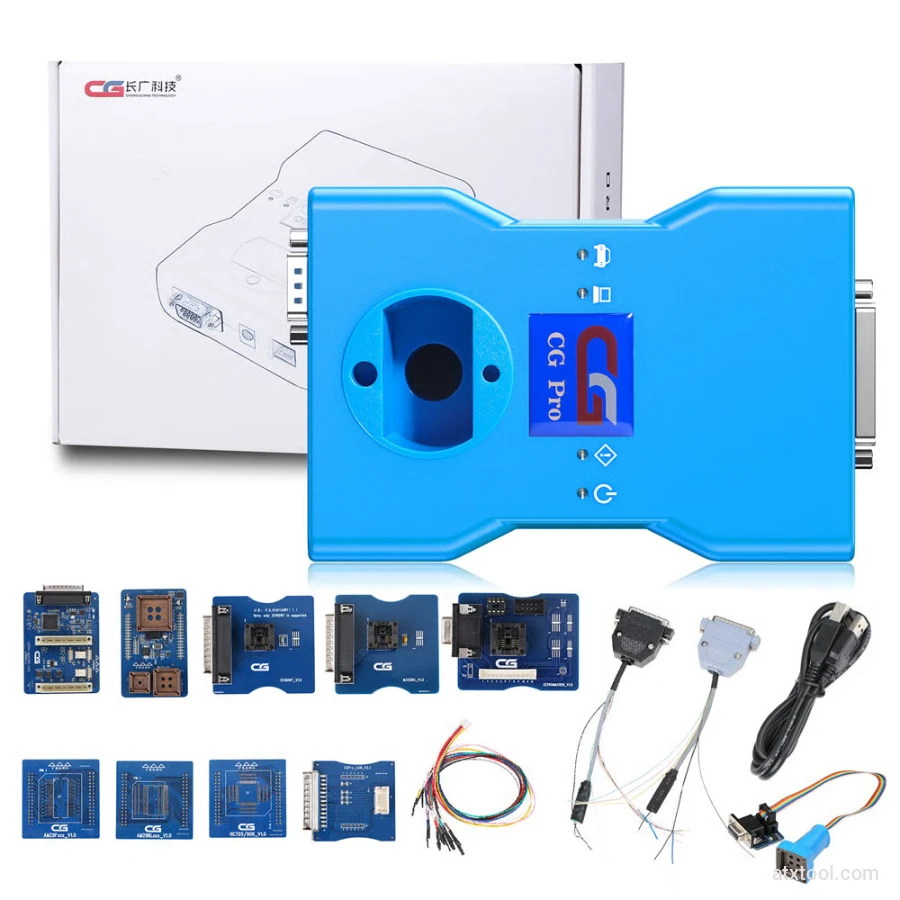
CG Pro 9S12 Programmer Full Version with All Adapters
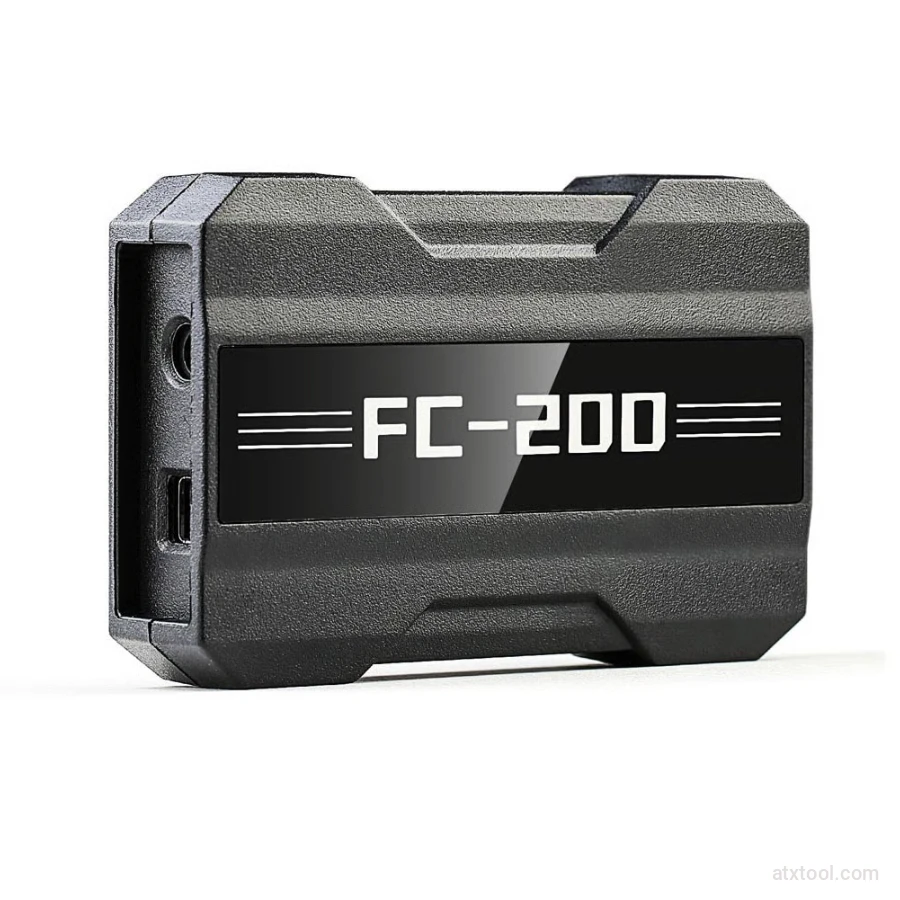
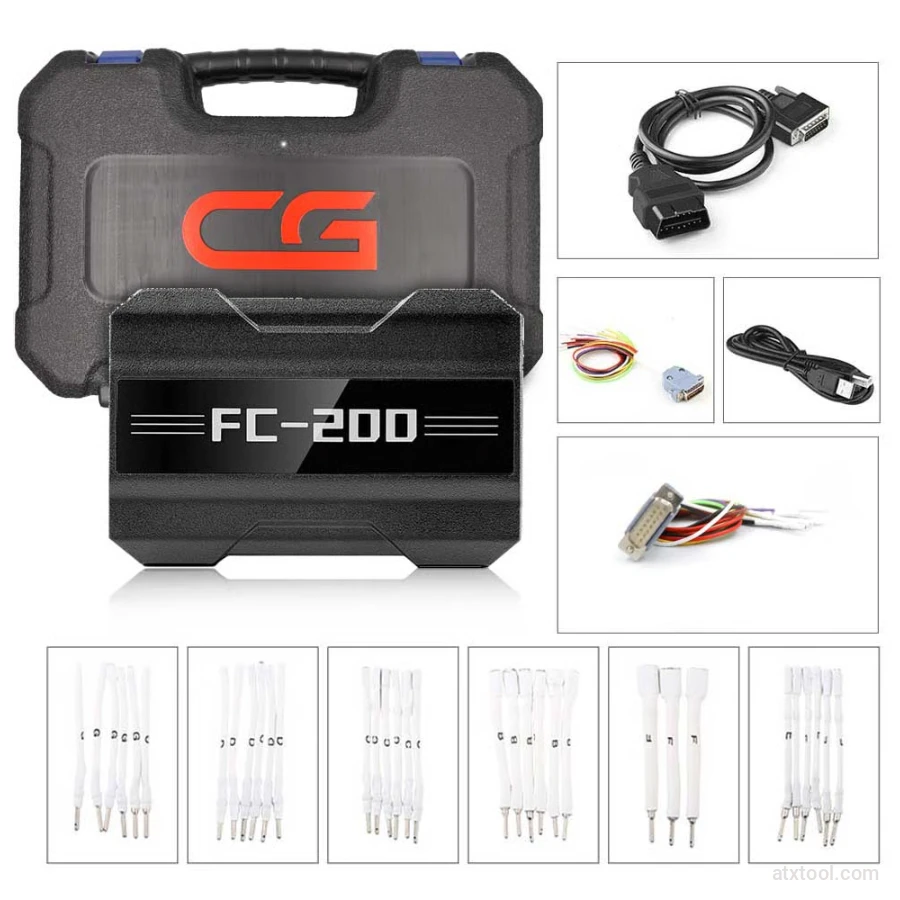
CGDI CG FC200 ECU Programmer Full Version
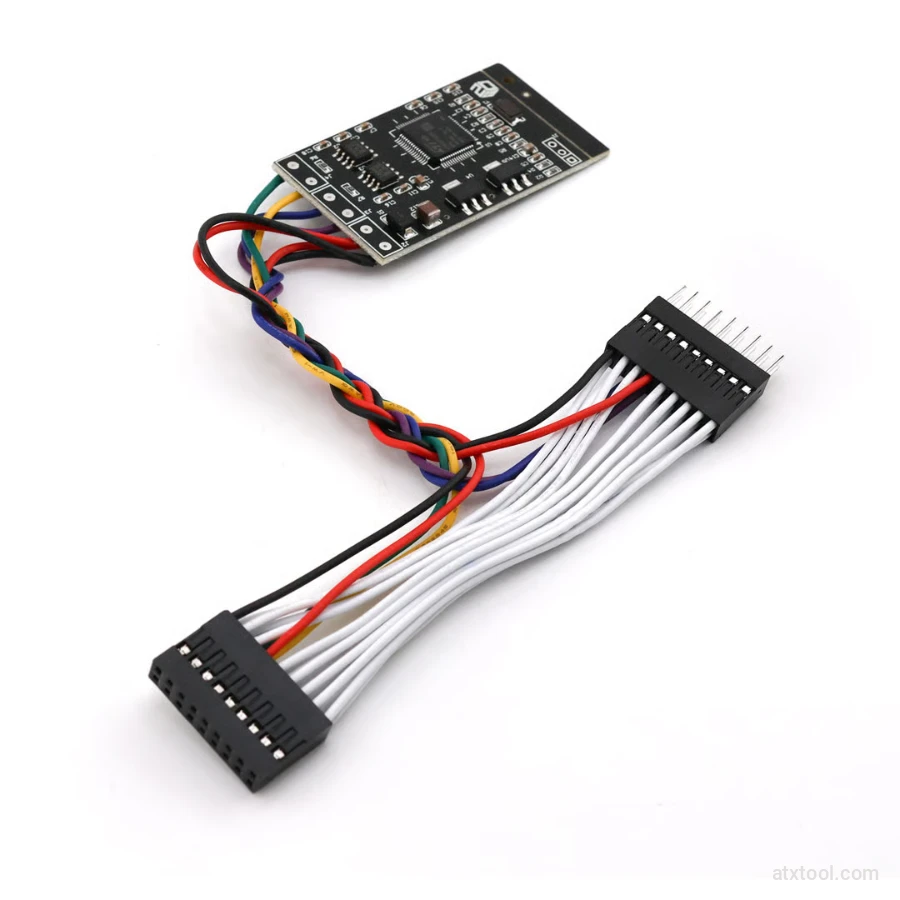
CGDI Super Kilometer CAN Filter Mileage Correction Emulator
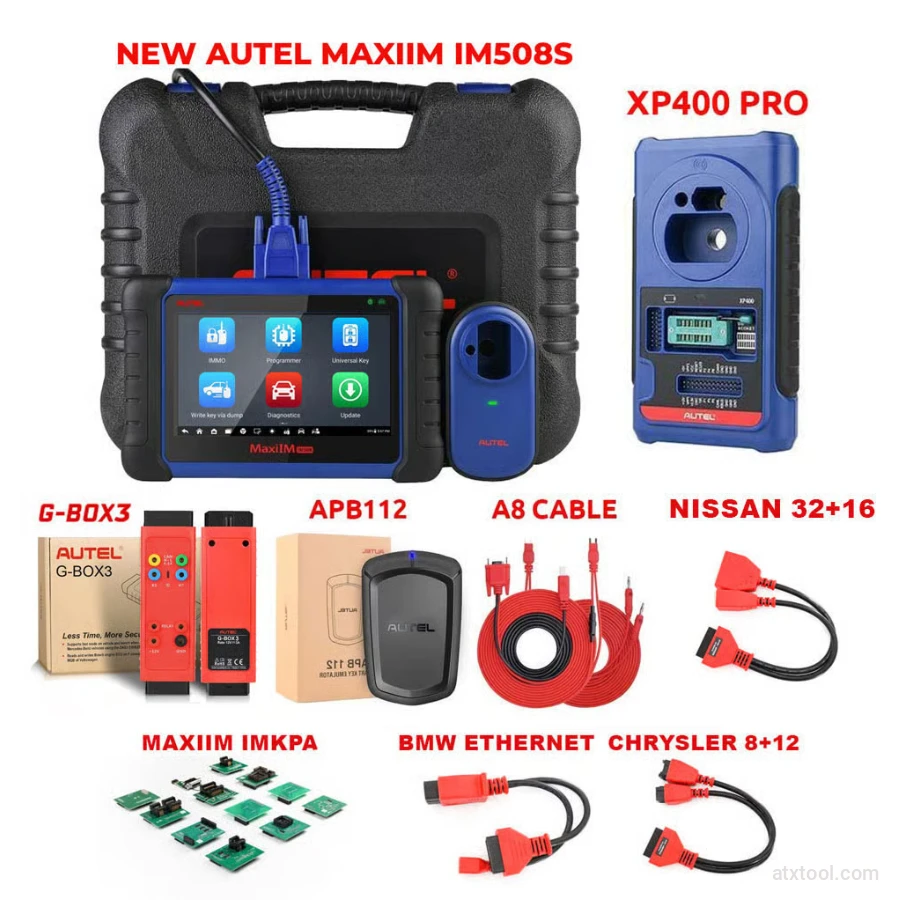
Autel MaxiIM IM508S Key Programming Full Package Bundle
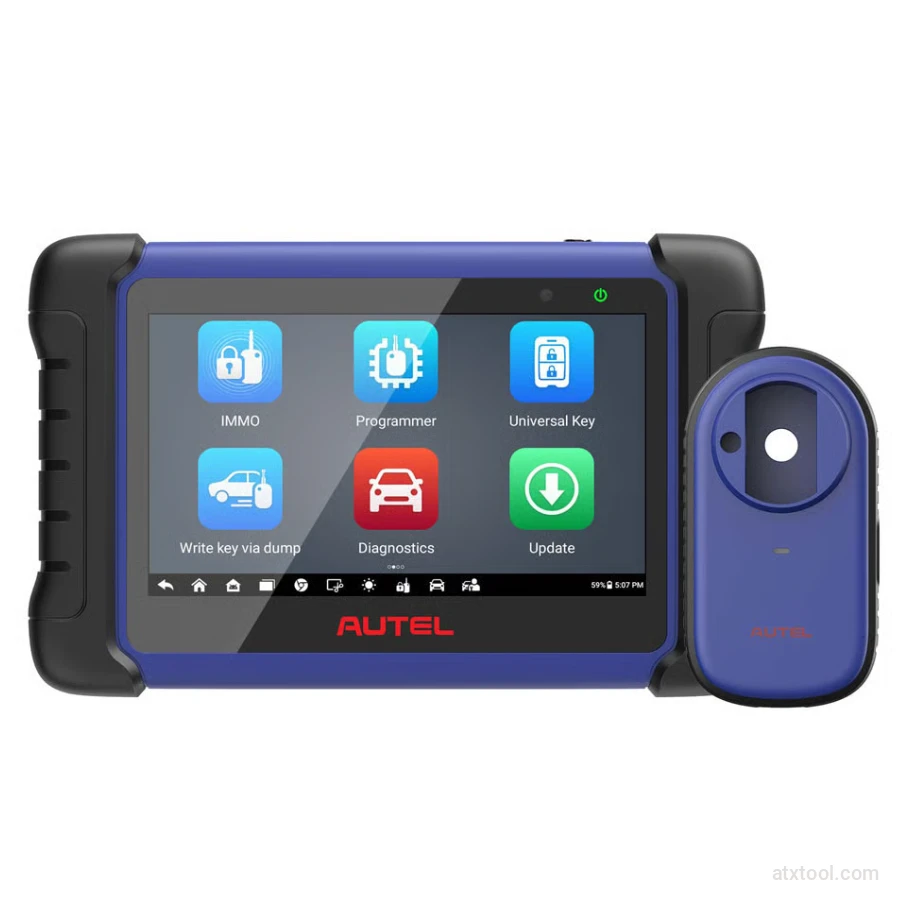
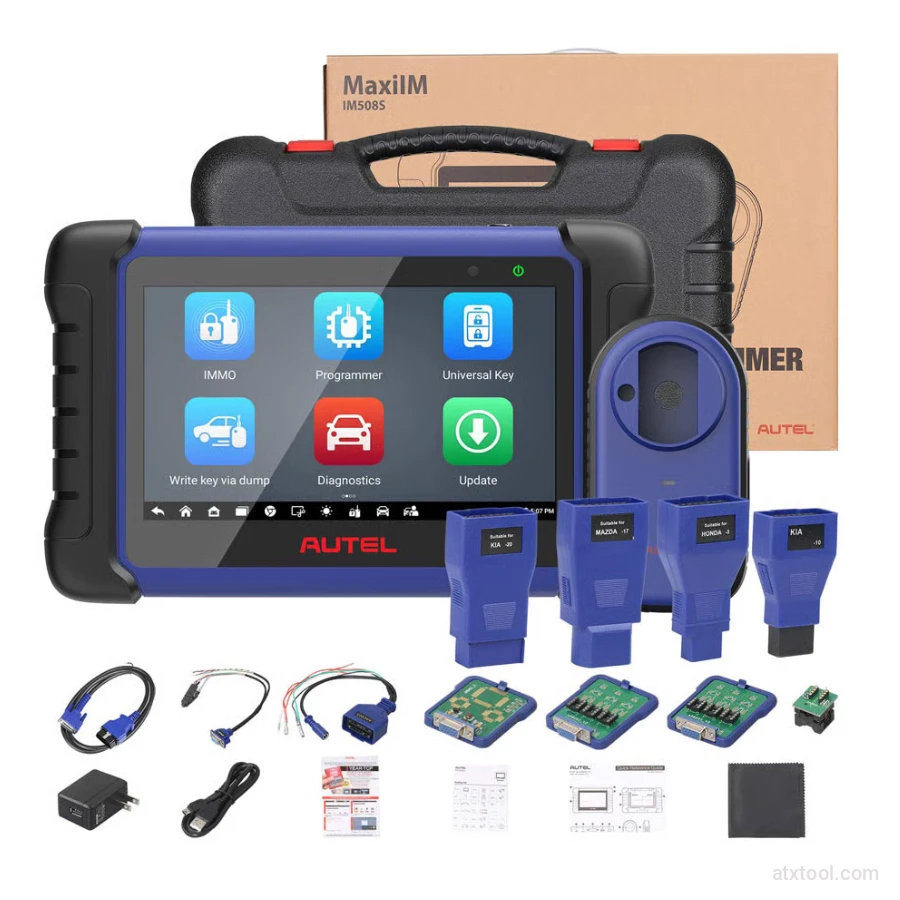
Autel MaxiIM IM508S Key Programming Service Tool Device
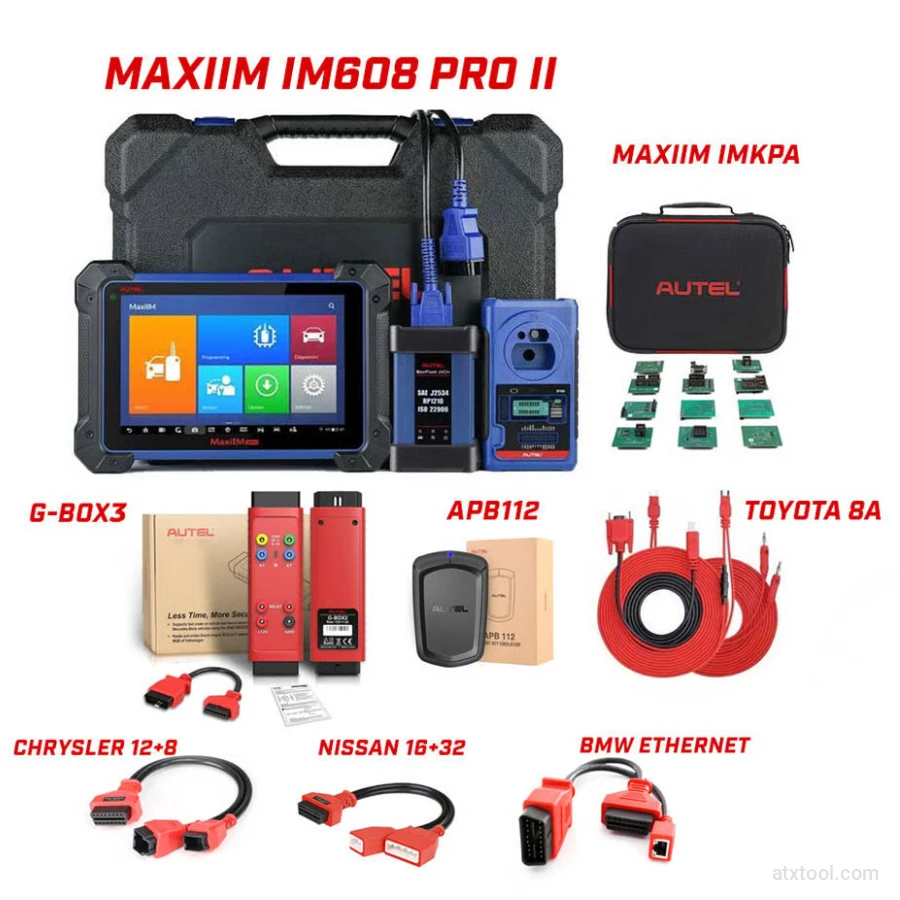
Autel MaxiIM IM608 PRO II Key Programming Tool Full Adapters Bundle
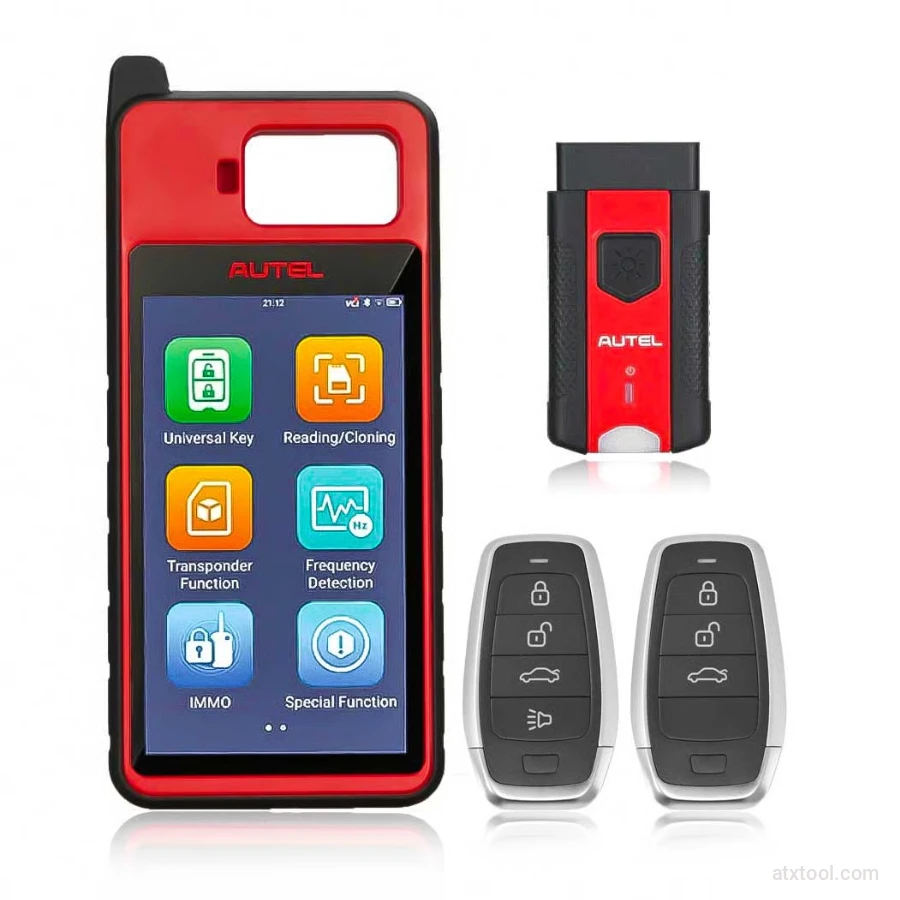
Autel MaxiIM KM100 Universal Key Generator and IMMO Tool
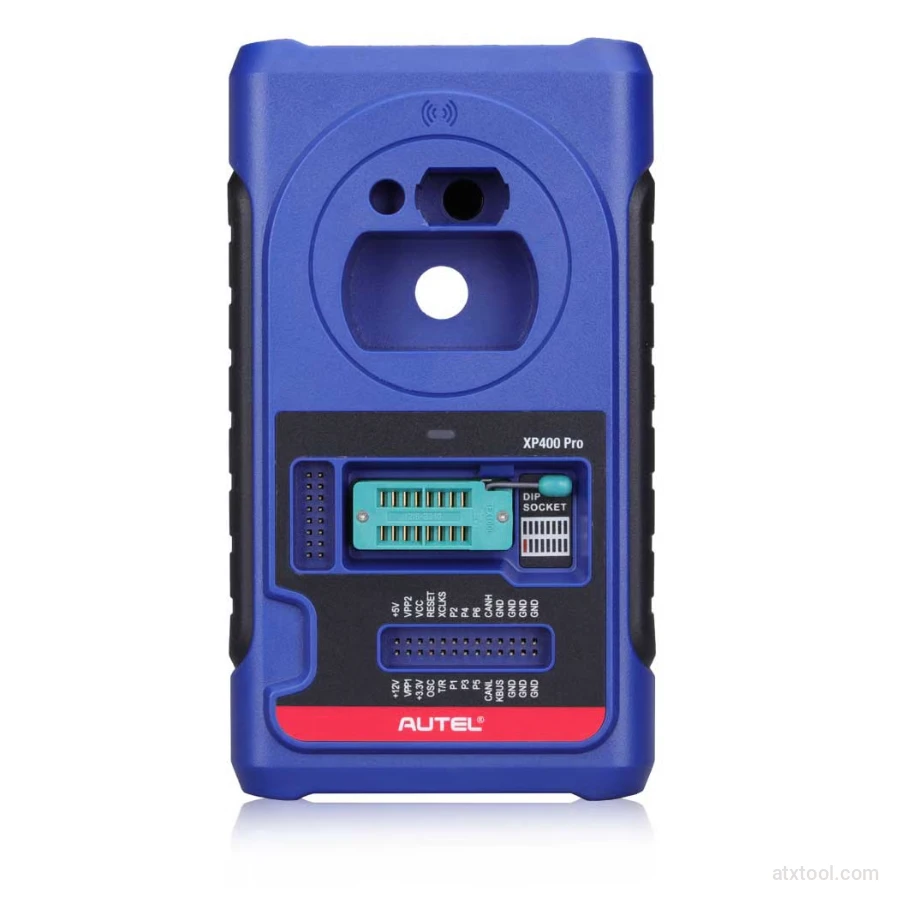
Autel XP400 PRO Key and Chip Programmer
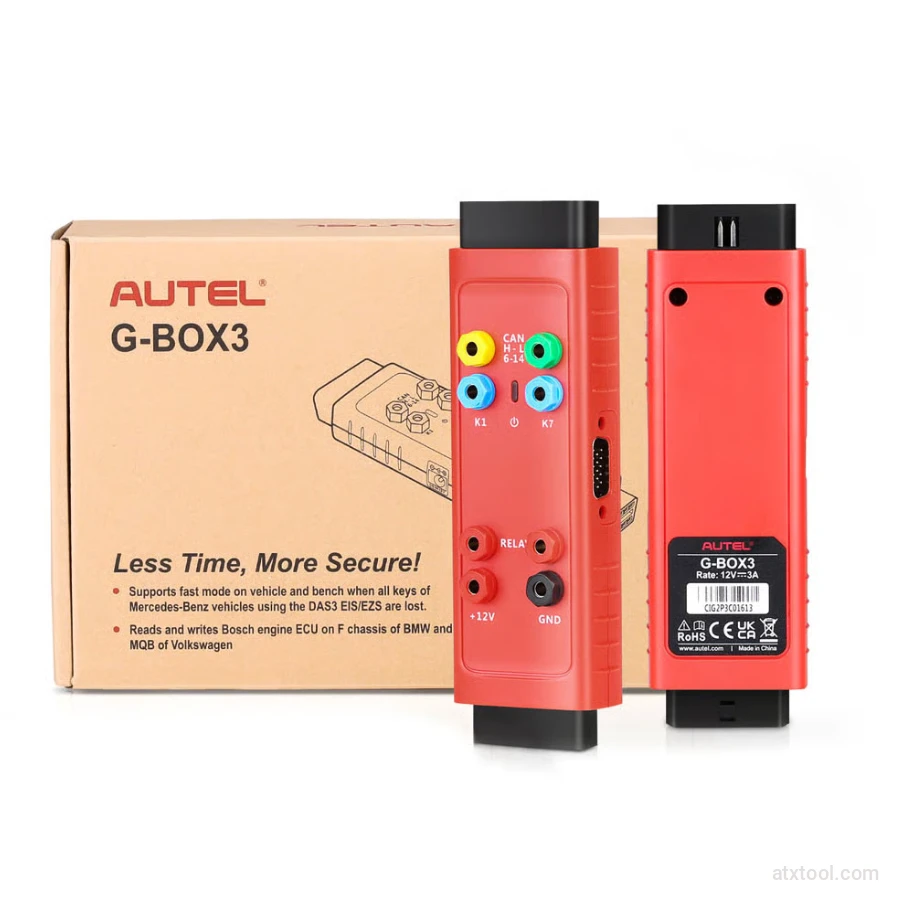
Autel G-BOX2 Key Programming Adapter for Mercedes and BMW Vehicles
Autel MaxiDiag MD909 Pro Professional Scan Tool
Autel MaxiSys Ultra Advanced OBD2/CAN Diagnostic Tool
Autel MaxiSYS MS909EV Tablet Diagnostic Tool
Get In Touch With ATXTool




Share with Friends
Trading is more effective when you share products with friends!Share you link
Share to