



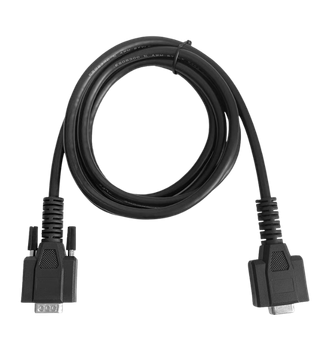




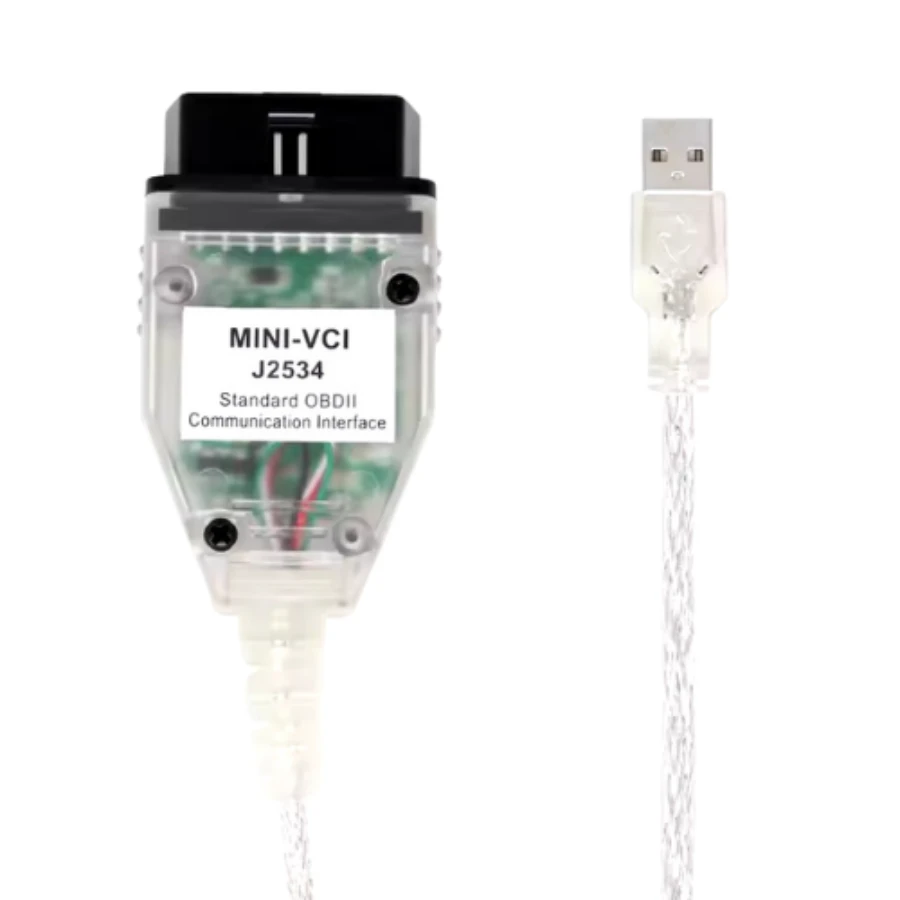
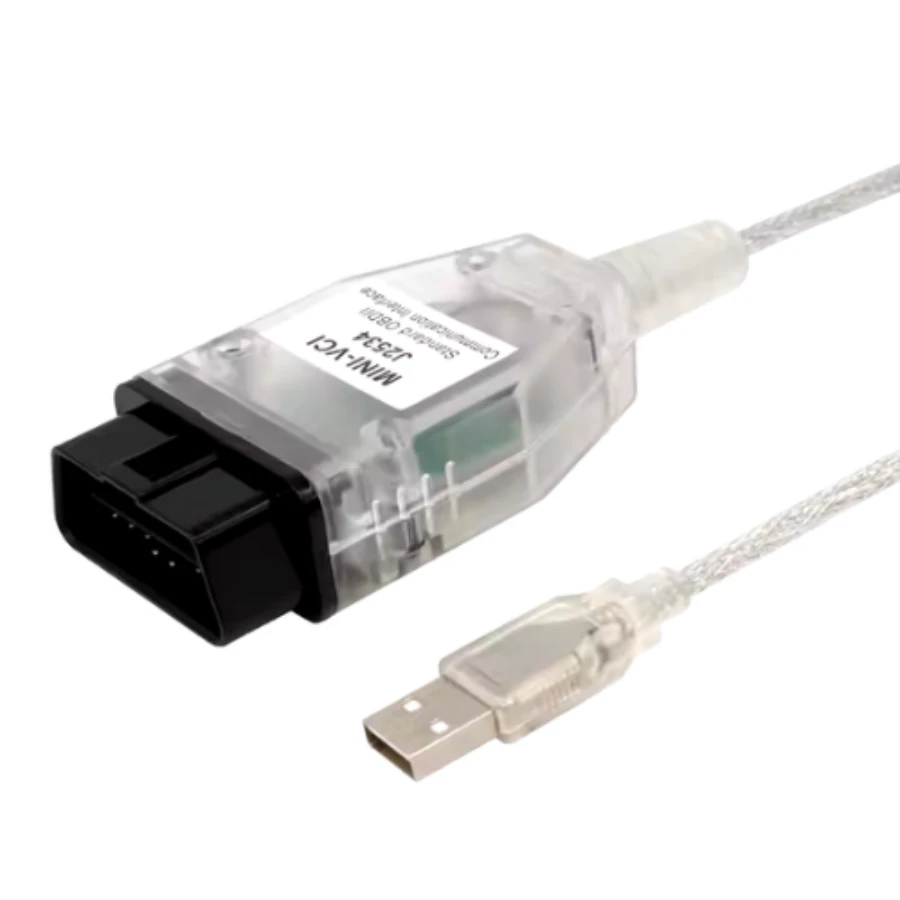
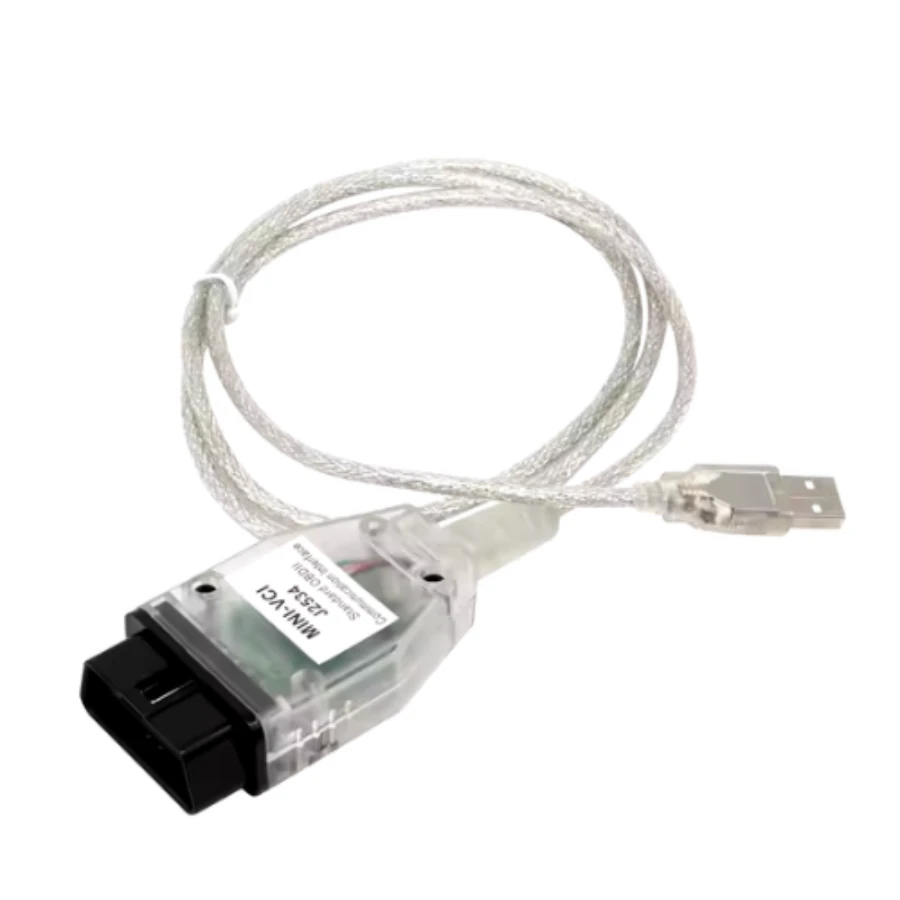
MINI VCI J2534 USB OBD2 Interface Dealer-Level Diagnostics for Toyota, Lexus, Honda & Nissan
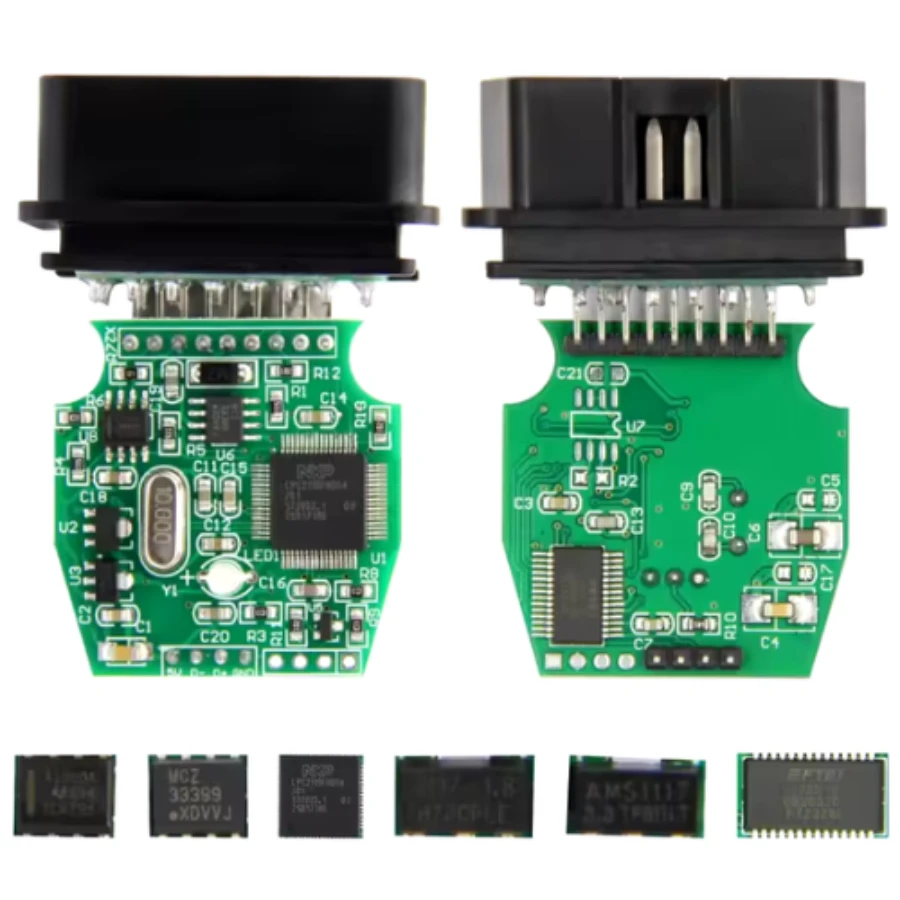
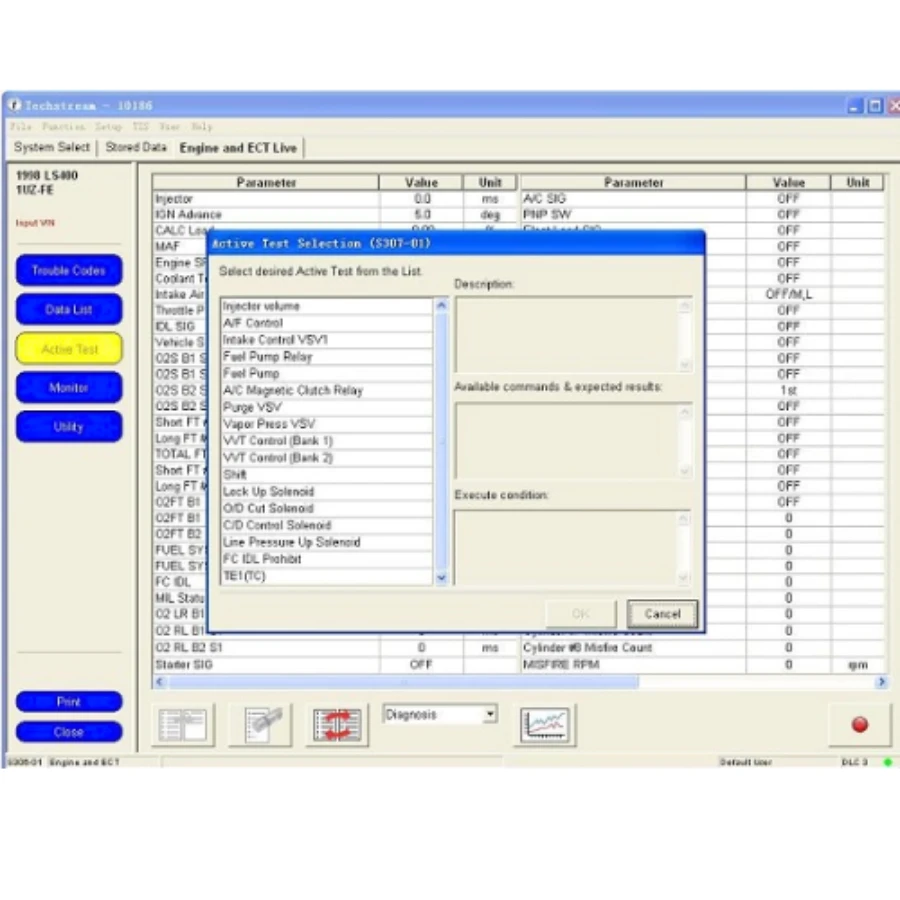
The MINI VCI J2534 USB OBD2 Interface is a cost-effective, high-performance solution for technicians and automotive enthusiasts seeking dealer-level diagnostic capabilities. Built with the reliable FT232RQ chip, this interface acts as a bridge between your vehicle's electronic control units and specialized diagnostic software like TechStream.
This tool is designed to provide comprehensive access to vehicle systems, allowing for deep-level scanning, real-time data monitoring, and electronic module configuration. Its compact design and high-speed USB connection ensure stable data transmission, making it a staple for anyone specializing in Japanese automotive brands.
Core Functions and Features
Full Protocol Support: Compatible with all diagnostic communication protocols required for Toyota and Lexus (since 1996), including K-Line ISO 9141, KWP 2000 ISO 14230-4, SAE J1850 PWM, SAE J1850 VPW, CAN 2.0B ISO 11898, and CAN ISO 15765-4.
Dealer-Level Diagnostics: Access all systems including Engine, ABS, SRS (Airbag), Transmission, and more to read and clear fault codes.
Active Tests: Perform bi-directional tests to trigger components like fuel pumps, fans, and solenoids for advanced troubleshooting.
Customization: Access "Customize" menus to modify vehicle behavior, such as door lock logic, light settings, and buzzer warnings.
High-Speed Communication: Equipped with the FT232RQ chip for superior stability and faster data processing compared to standard clones.
Wide OS Compatibility: Optimized for use with Windows 7, 8, and 10 (both 32-bit and 64-bit systems).
Vehicle Brand Support
While primarily famous for its Toyota integration, this J2534 interface supports multiple manufacturers depending on the software used:
Toyota / Lexus / Scion: 100% compatibility with TechStream software.
Honda: Supports HDS (Honda Diagnostic System).
Nissan: Compatible with specific Nissan diagnostic platforms.
Quick User Manual: How to Get Started
Driver Installation: Before connecting to a car, install the J2534 drivers and the FTDI chip drivers on your laptop.
Software Setup: Install your preferred diagnostic software (e.g., TechStream V18). Ensure the "VIM Select" within the software is set to XHorse - MVCI or MINI-VCI.
Connection: Plug the 16-pin connector into the vehicle's OBDII port and the USB end into your laptop. Turn the vehicle's ignition to the ON position.
Vehicle Connection: Launch the software and click "Connect to Vehicle." The tool will automatically detect the VIN, model, and engine type.
Diagnostic Session: Select the specific system you wish to scan (e.g., ABS) to view live data or perform health checks.
Safe Disconnect: Always close the software communication before unplugging the cable to prevent data interruption.
Related products
Autel MaxiDiag MD909 Pro Professional Scan Tool
Autel MaxiSys Ultra Advanced OBD2/CAN Diagnostic Tool
Autel MaxiSYS MS909EV Tablet Diagnostic Tool
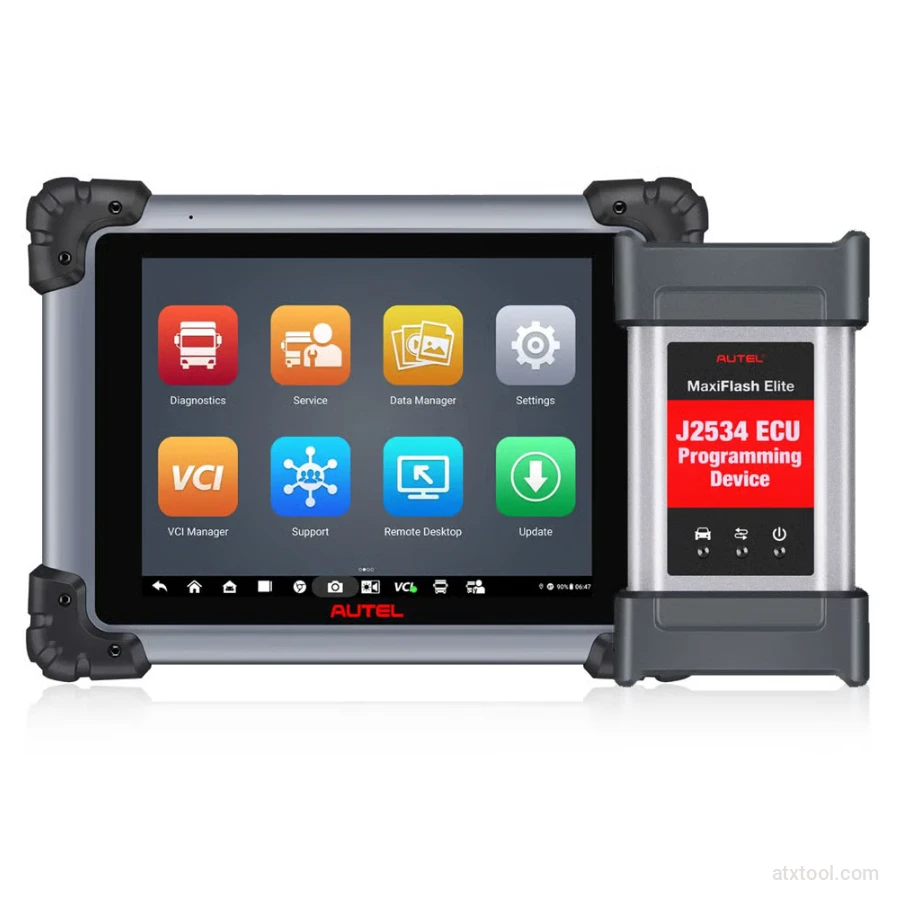
Autel MaxiSYS MS908CV II Heavy Duty Diagnostic Scanner
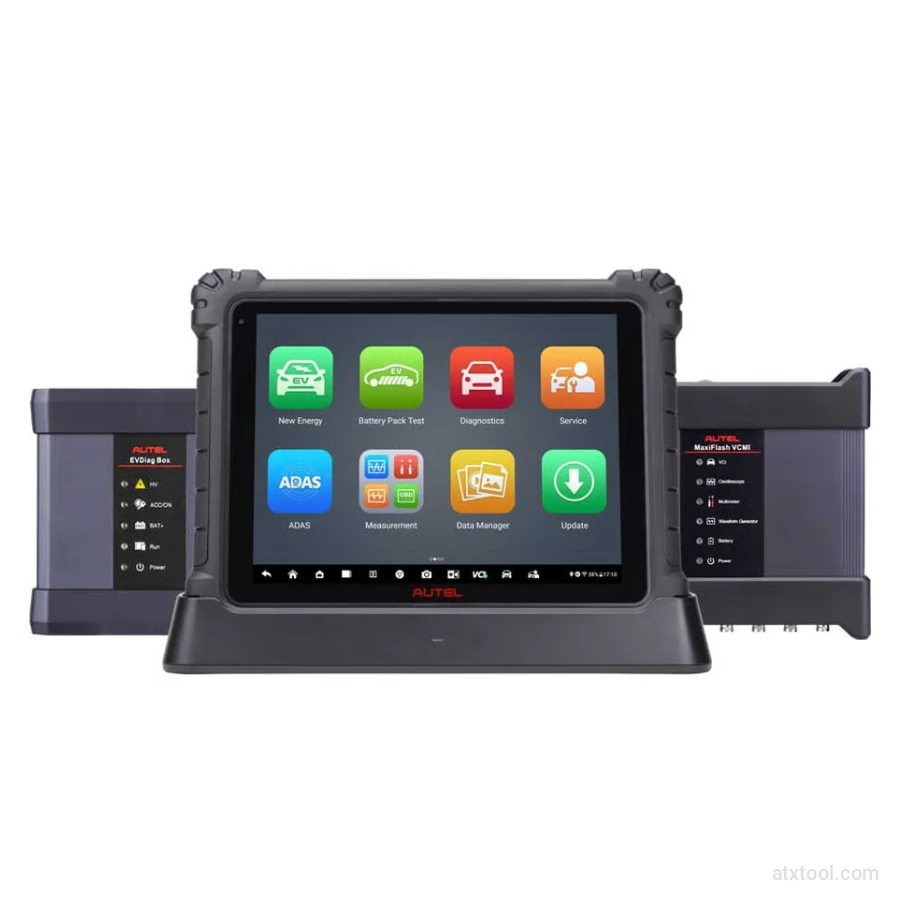
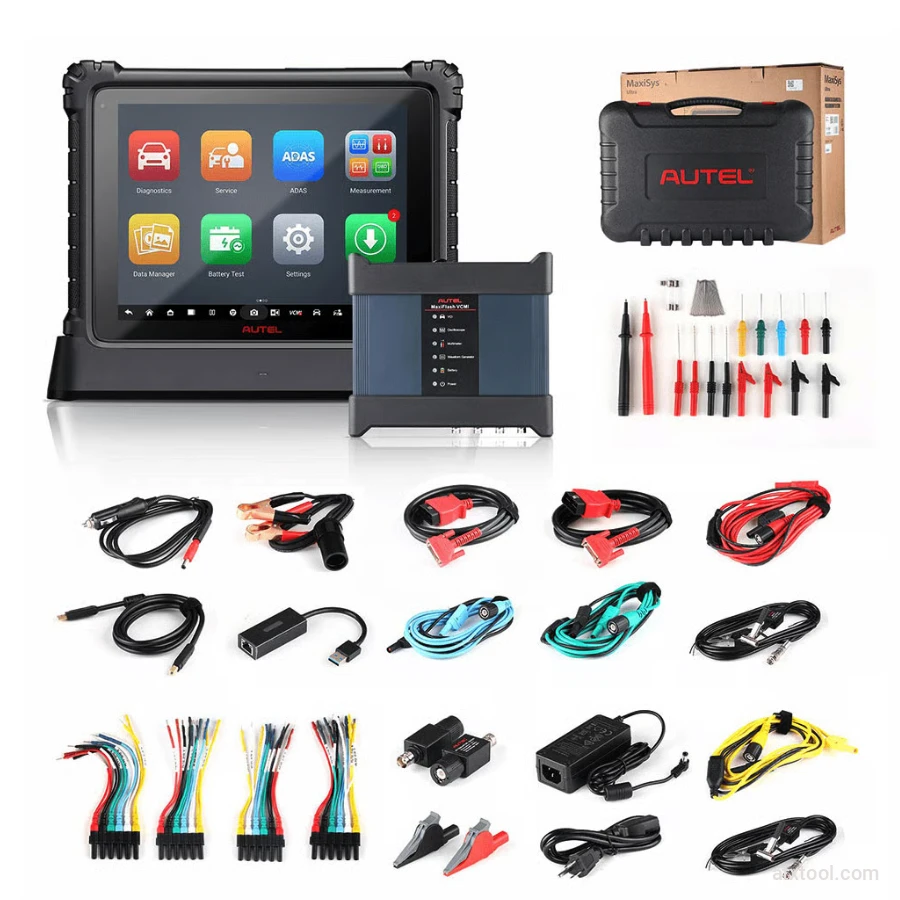
Autel MaxiSYS Ultra EV Tablet Diagnostic Tool
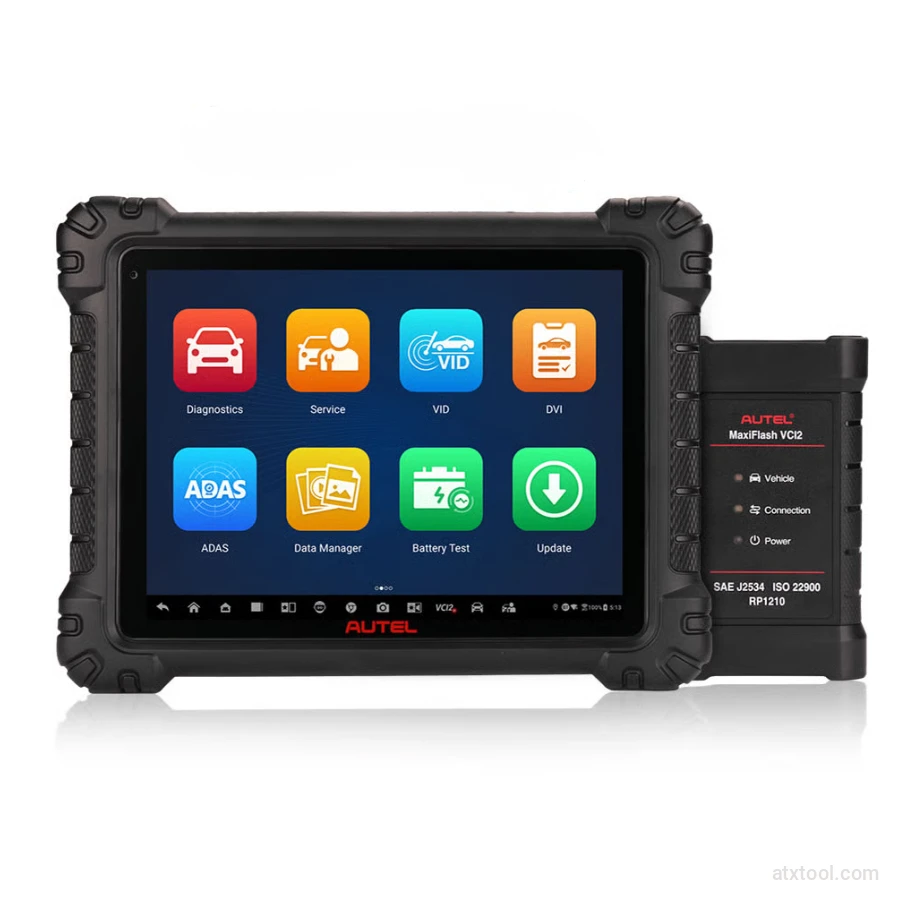
Autel MaxiSys MS909S2 Advanced Diagnostic Tool with AI
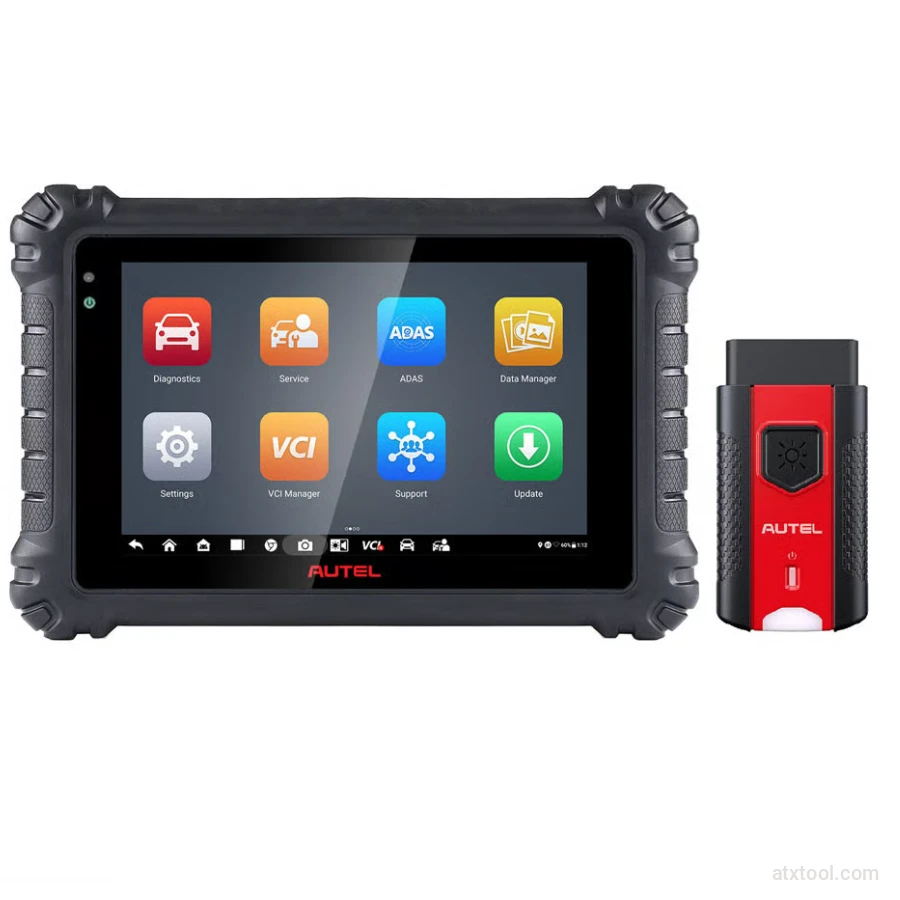
Autel MaxiSYS MS906 Max Professional Diagnostic Tool
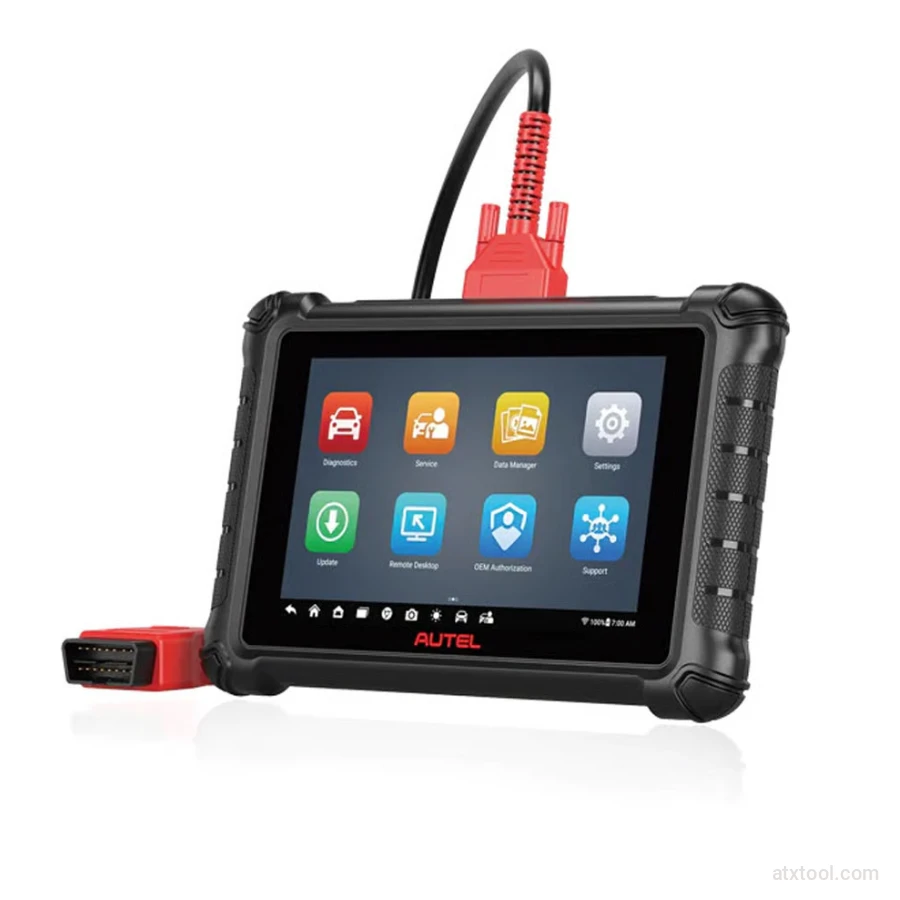
Autel Maxicheck MX900 Diagnostic Tool
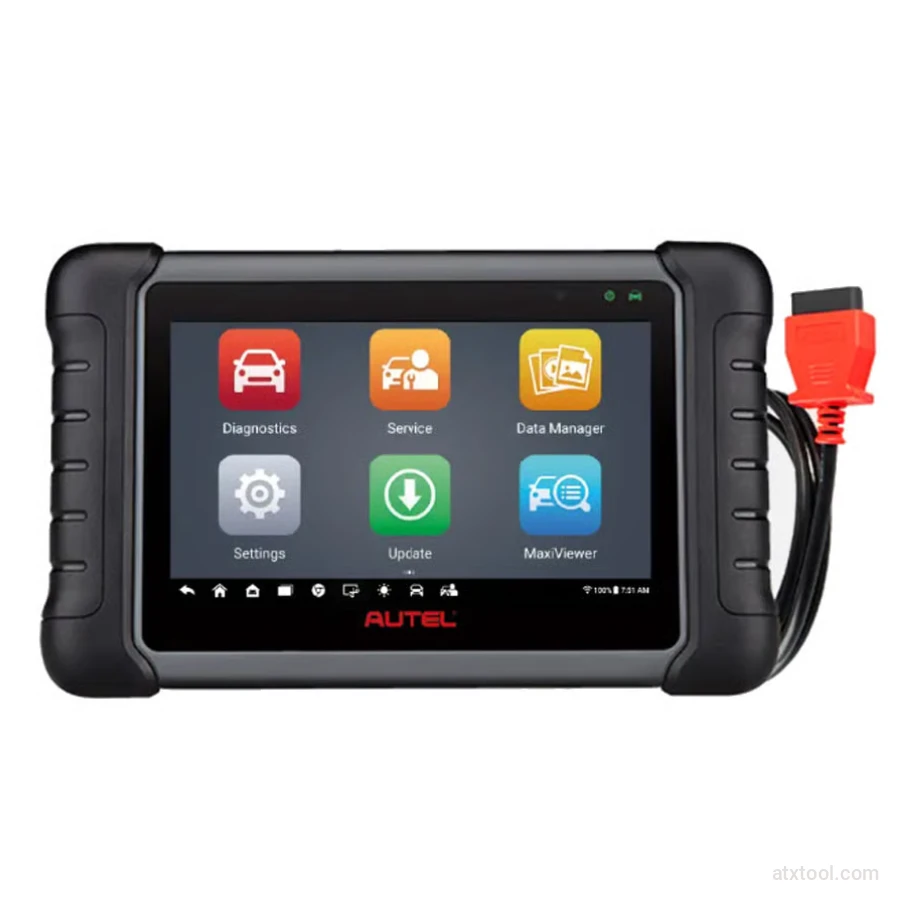
Autel MaxiCheck MX808S Advanced Diagnostic Tablet
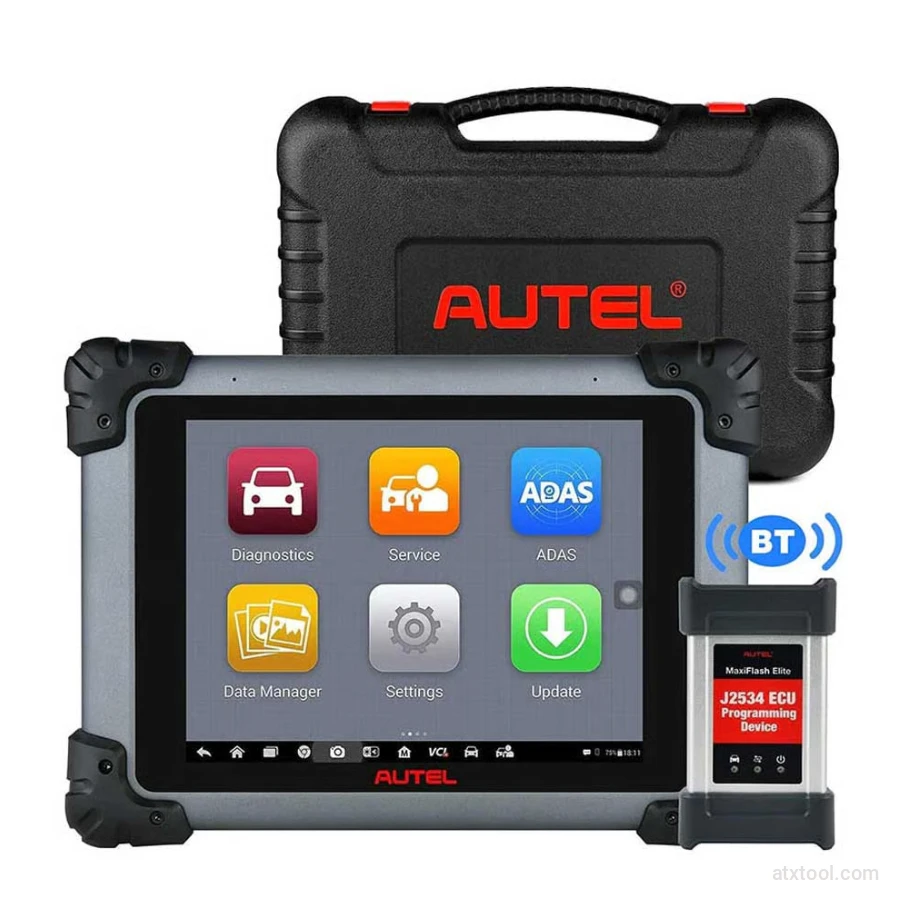
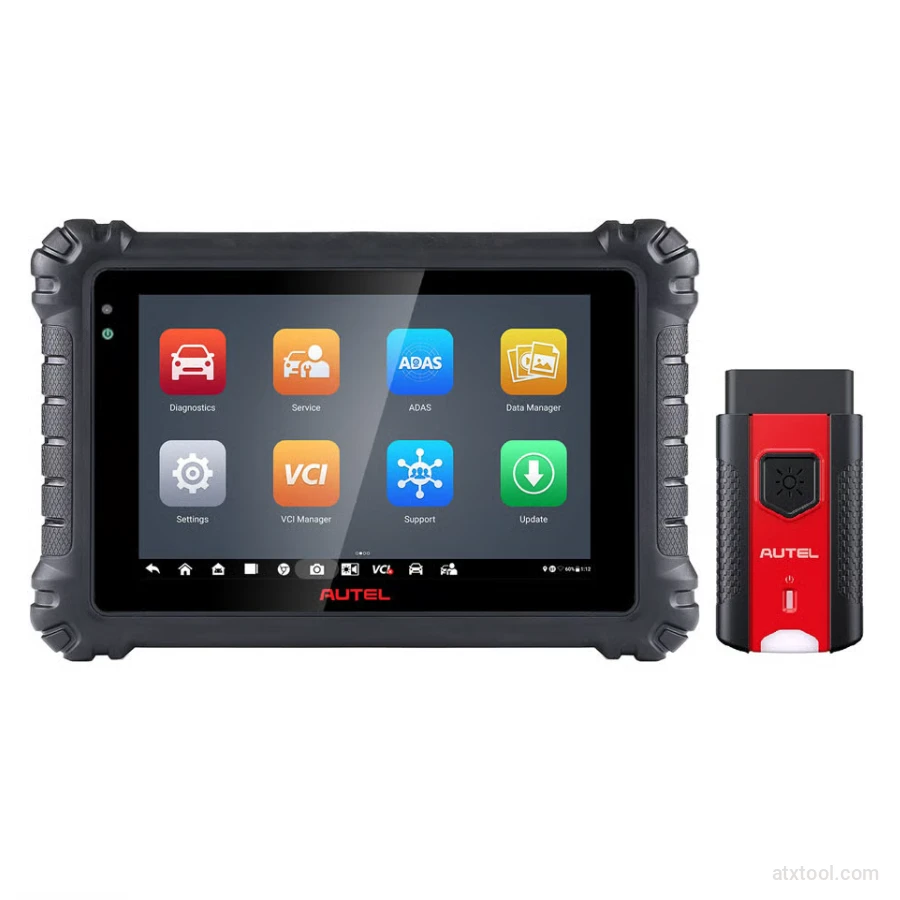
Autel MaxiSYS MS906 Pro Advanced Diagnostic Tool
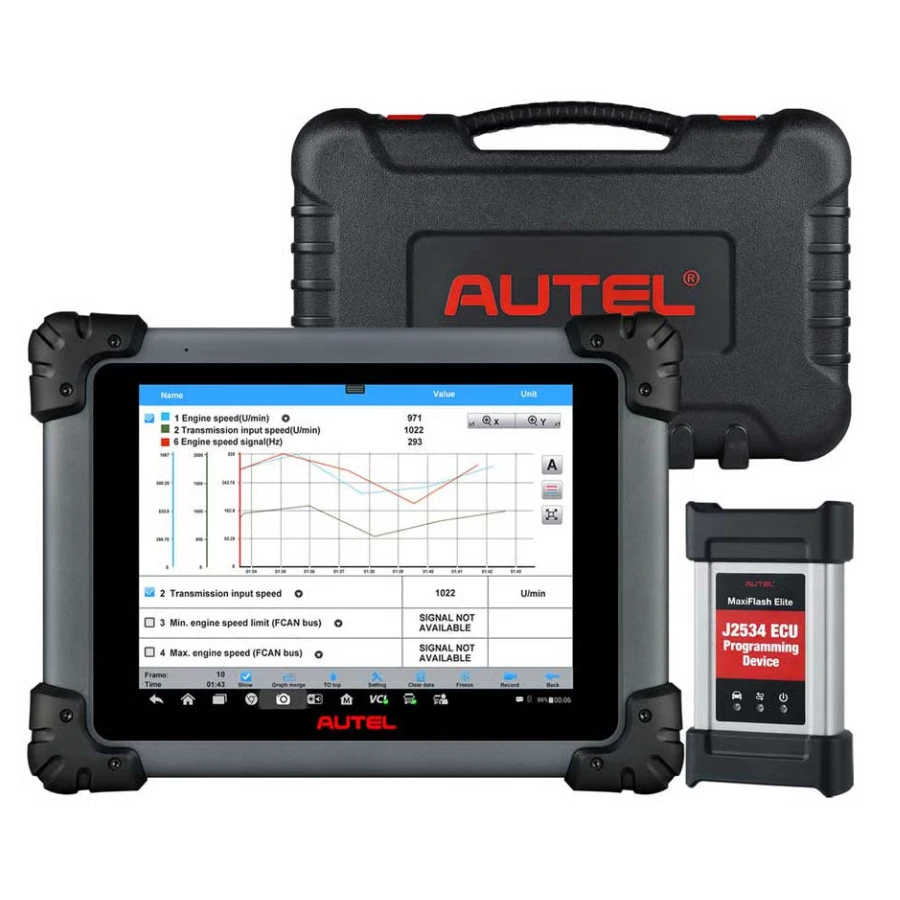
Autel MaxiSYS MS908CV Heavy-Duty Diagnostic Scanner
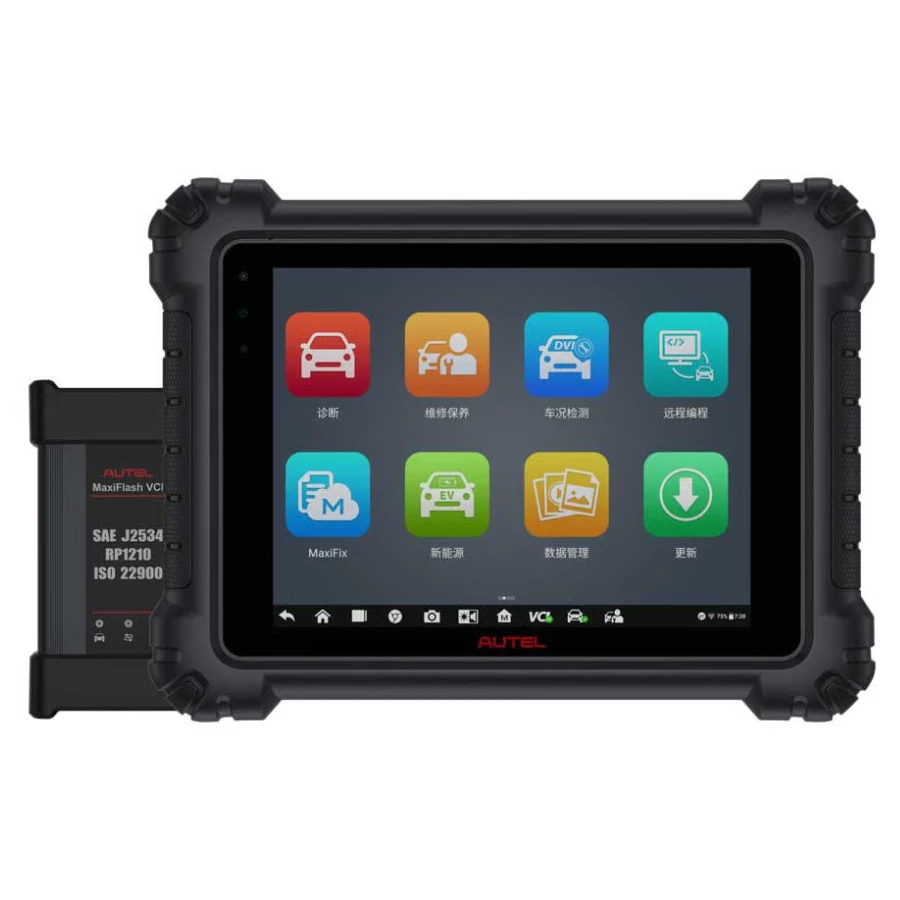

Frequently Bought Together
No frequently bought products found!
Products from this Seller
View All
CGDI FC200 DAP Adapter for CG FC200 Programmer
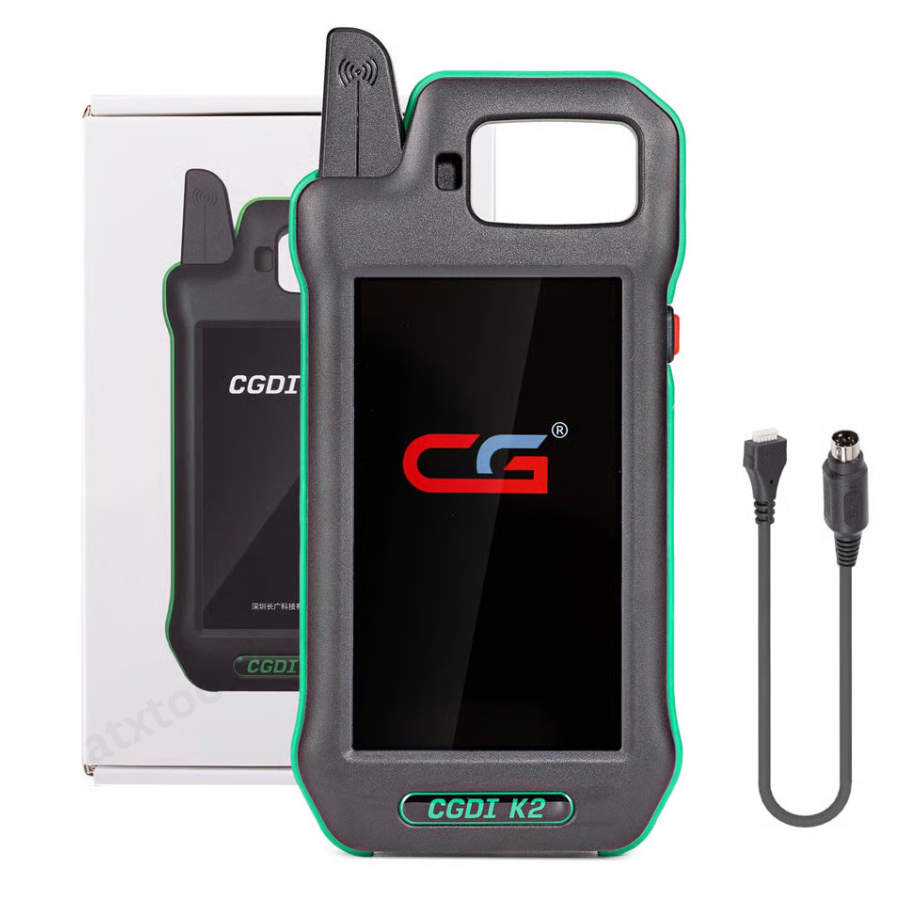
CGDI K2 WiFi Professional Smart Locksmith Key Tool and Remote Generator
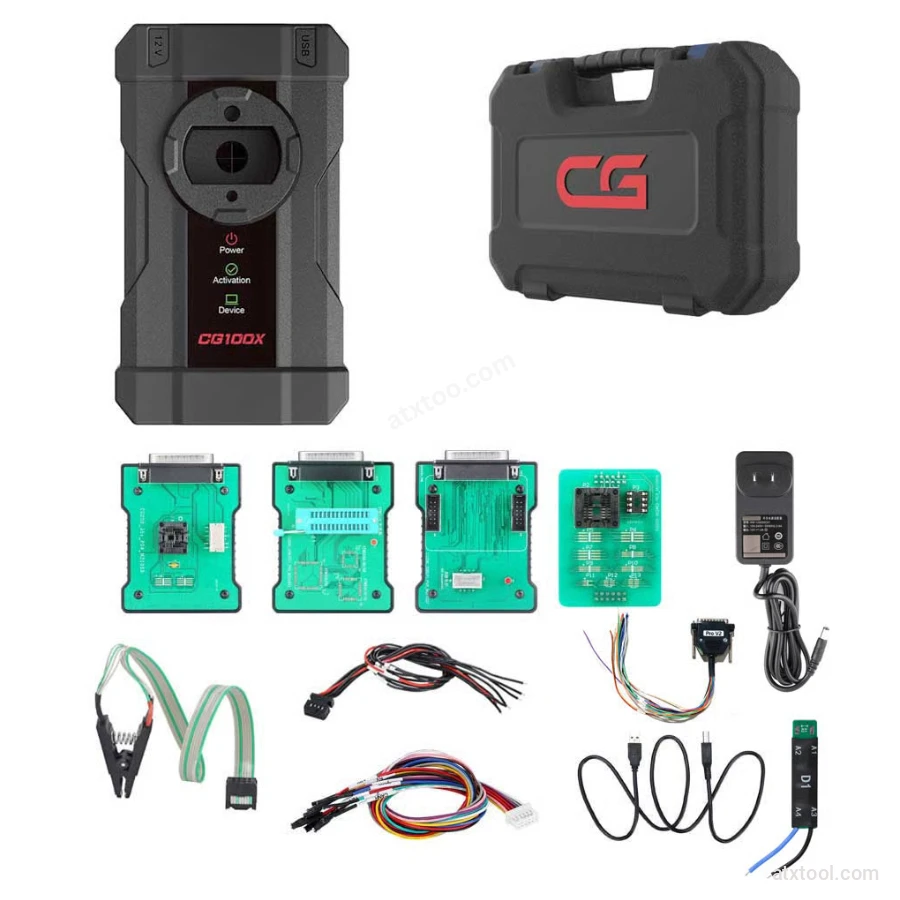
CGDI CG100X New Generation Smart Car Programmer
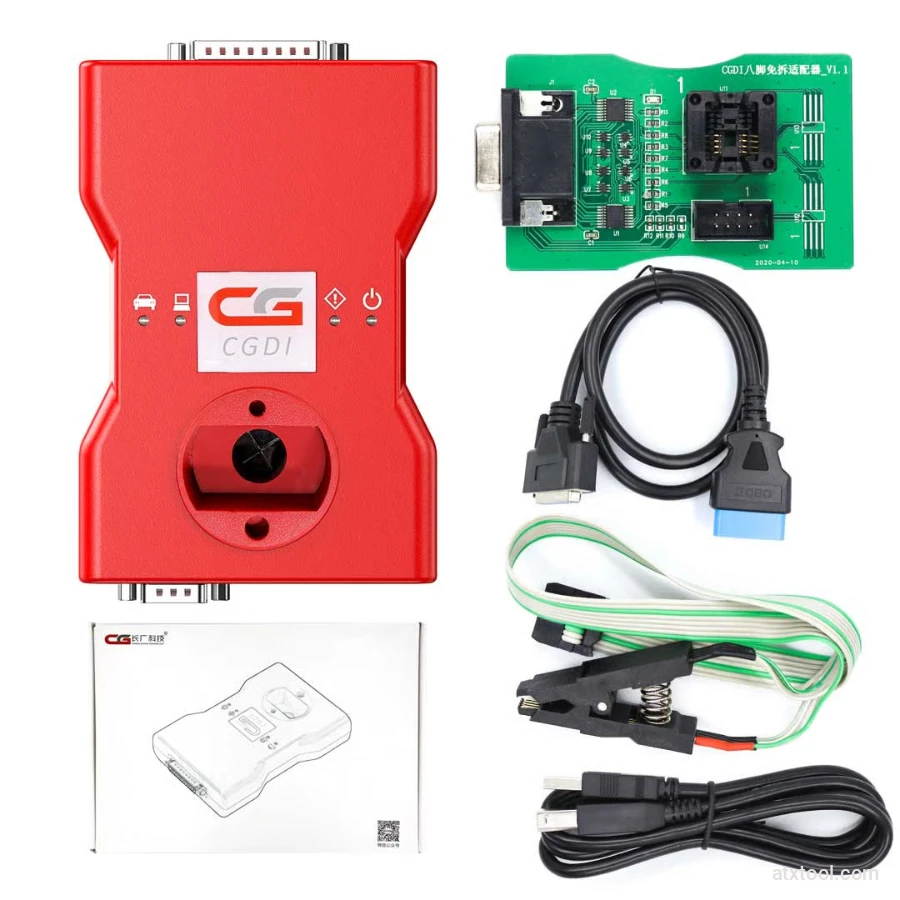
CGDI BMW Full Function Version MSV80 Car Key Programmer
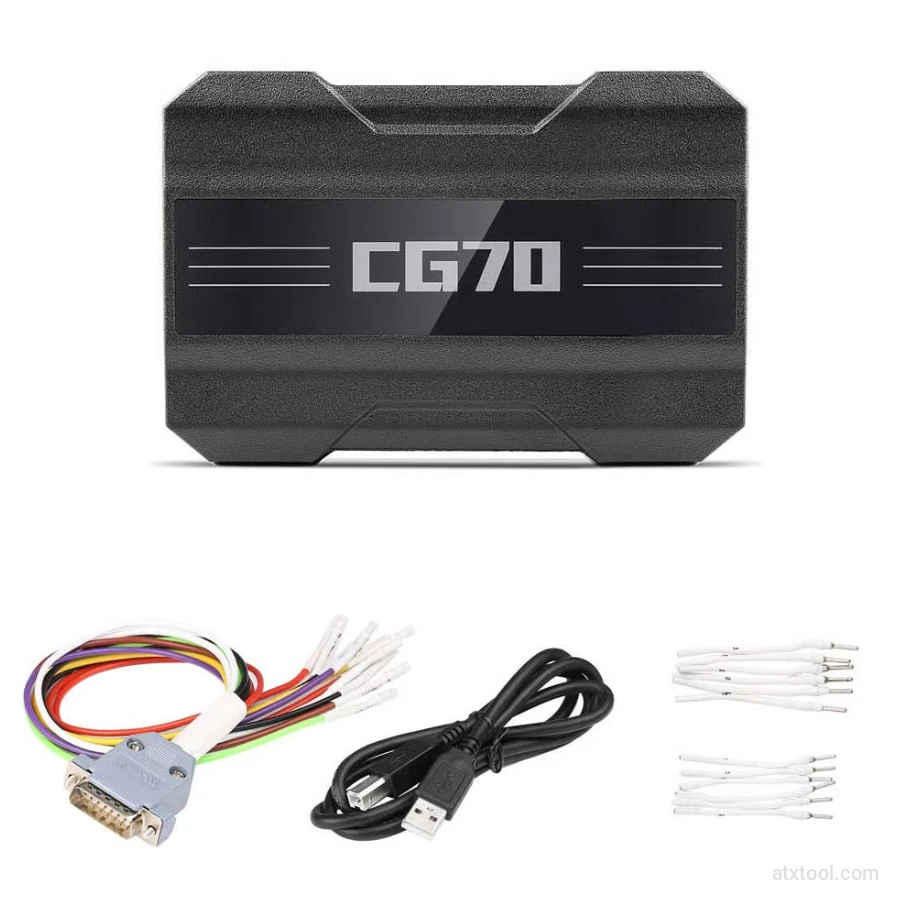
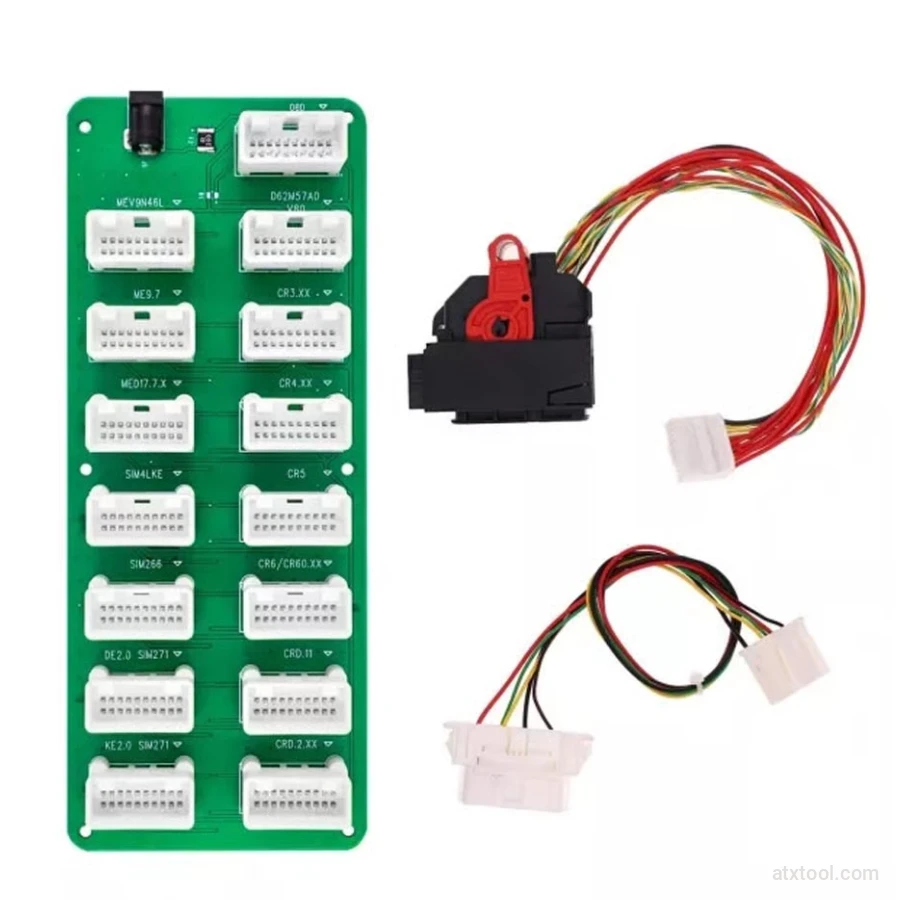
CGDI DME-DDE ECU Connecting Board and Testing Cable
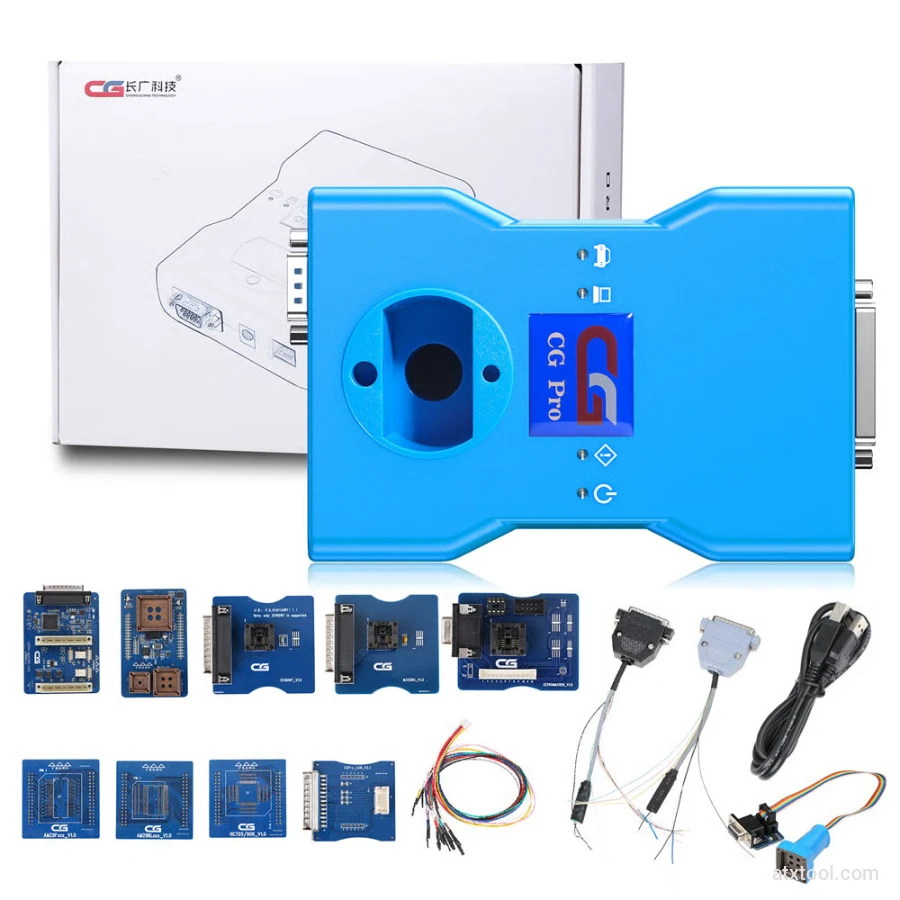
CG Pro 9S12 Programmer Full Version with All Adapters
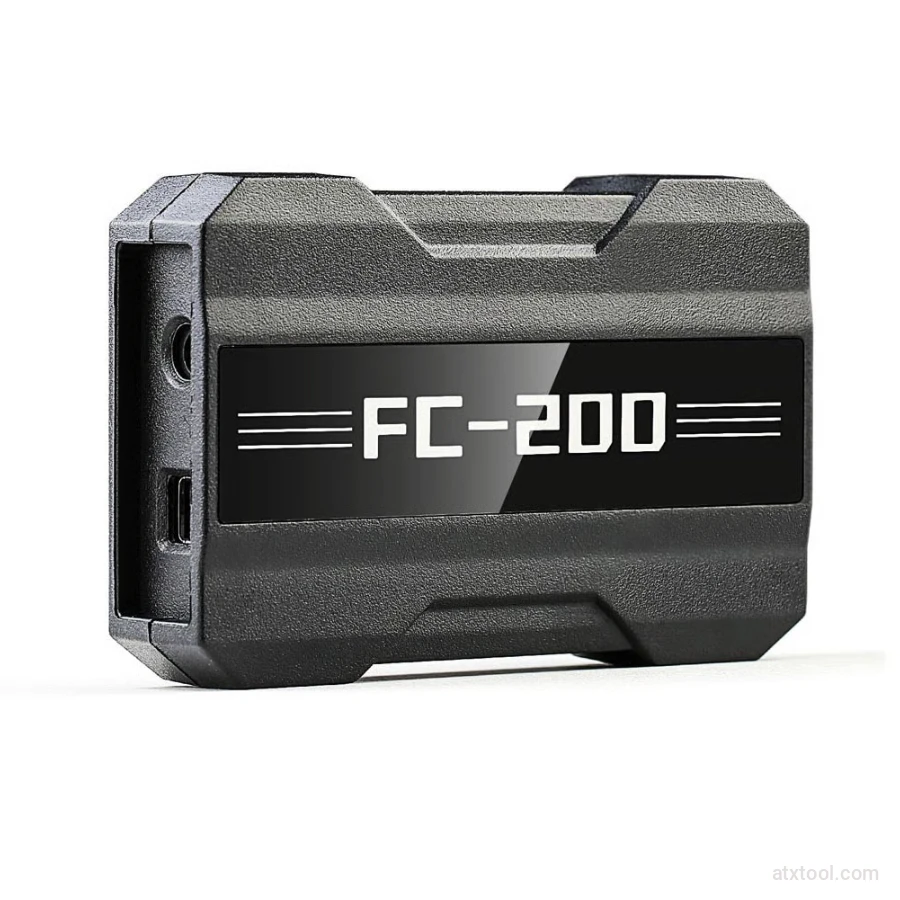
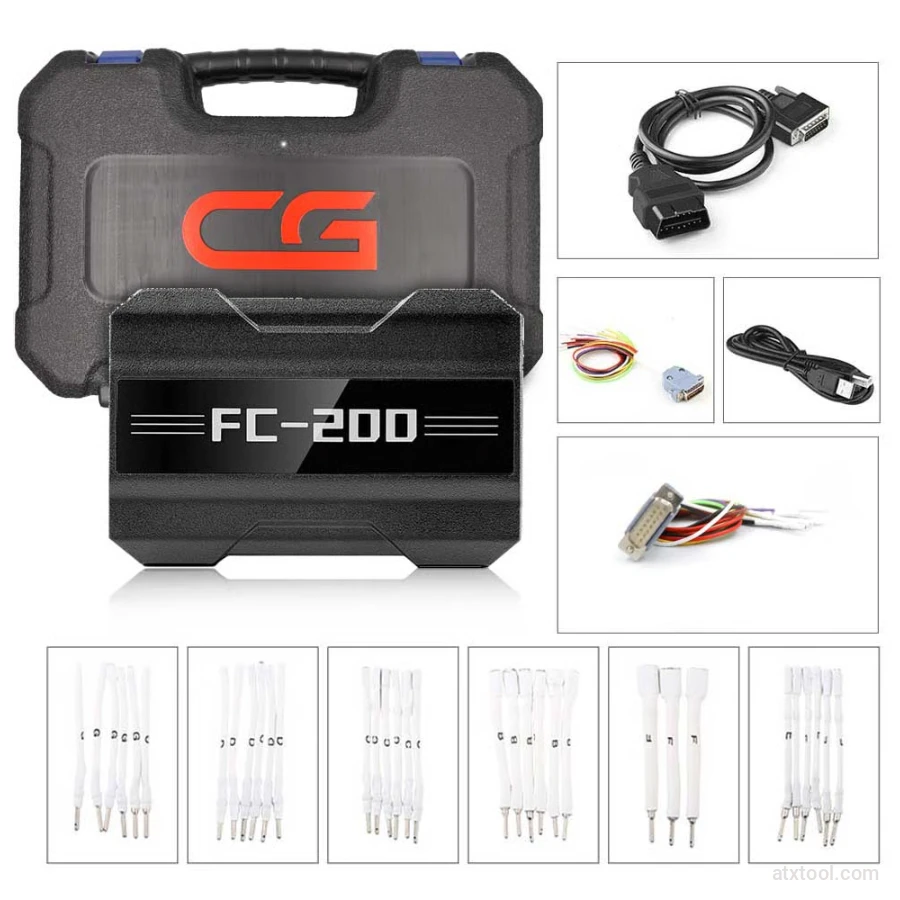
CGDI CG FC200 ECU Programmer Full Version
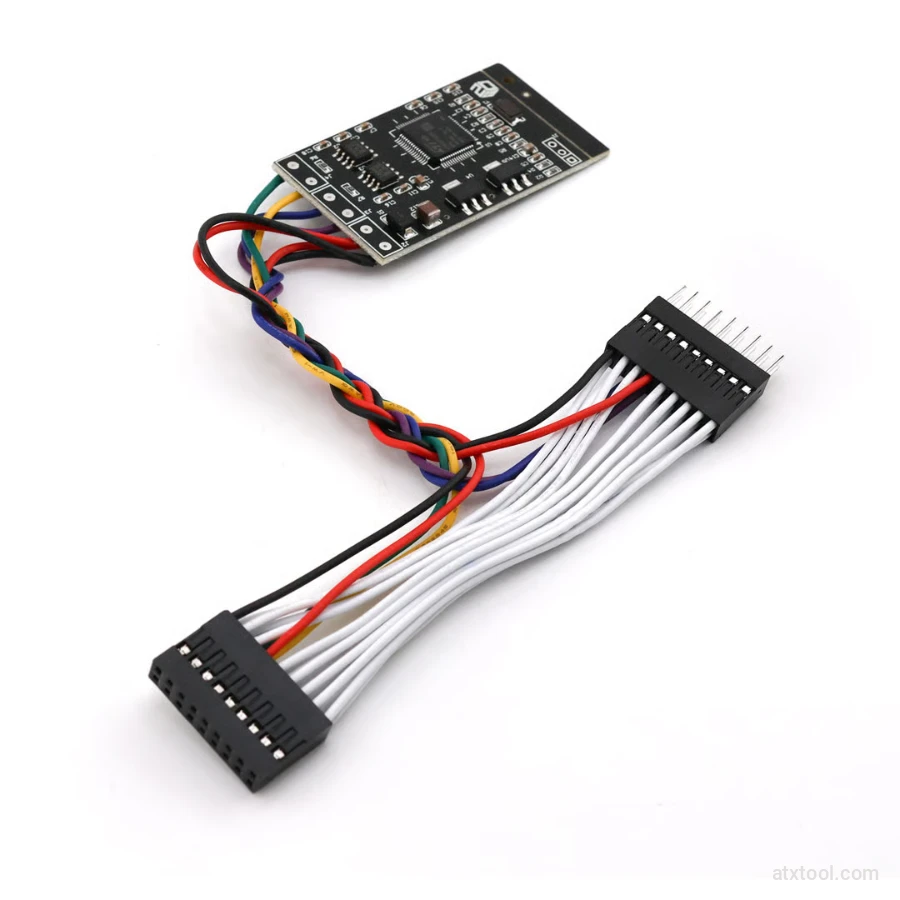
CGDI Super Kilometer CAN Filter Mileage Correction Emulator
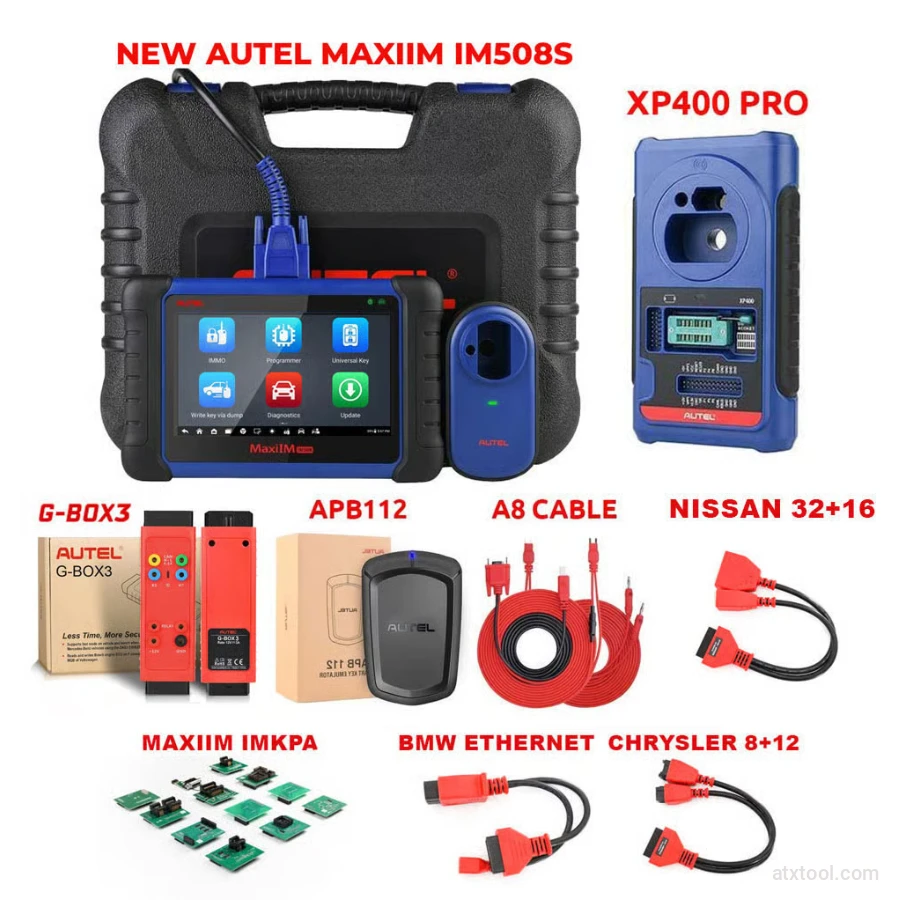
Autel MaxiIM IM508S Key Programming Full Package Bundle
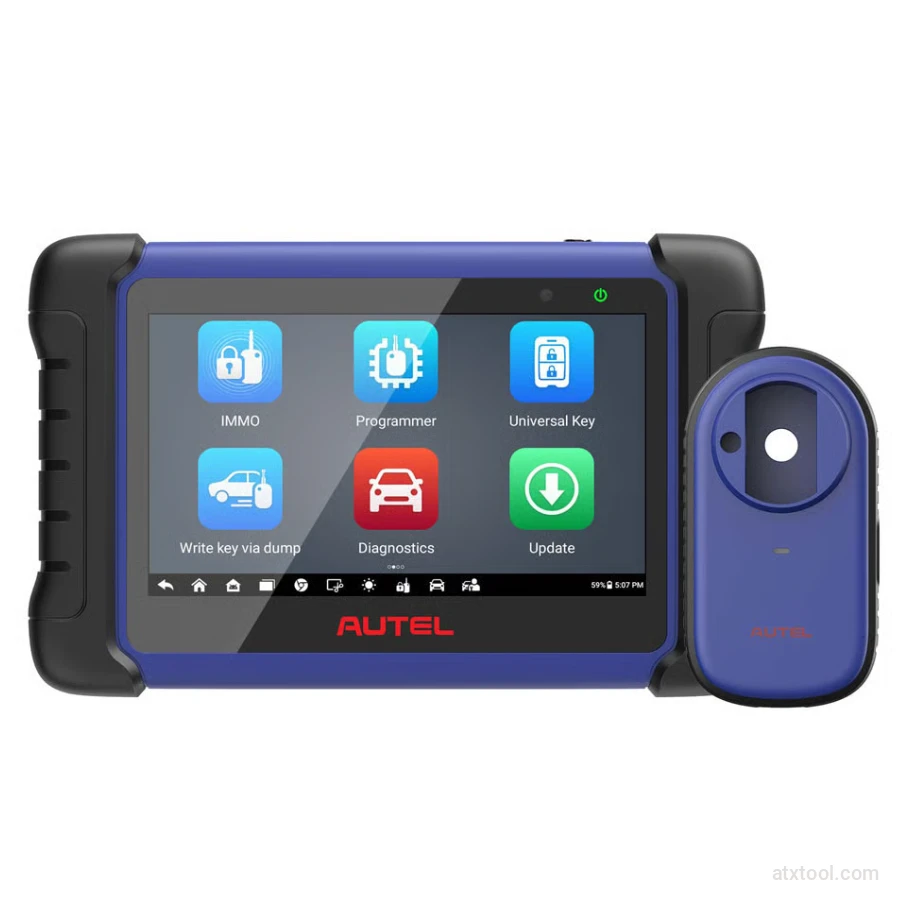
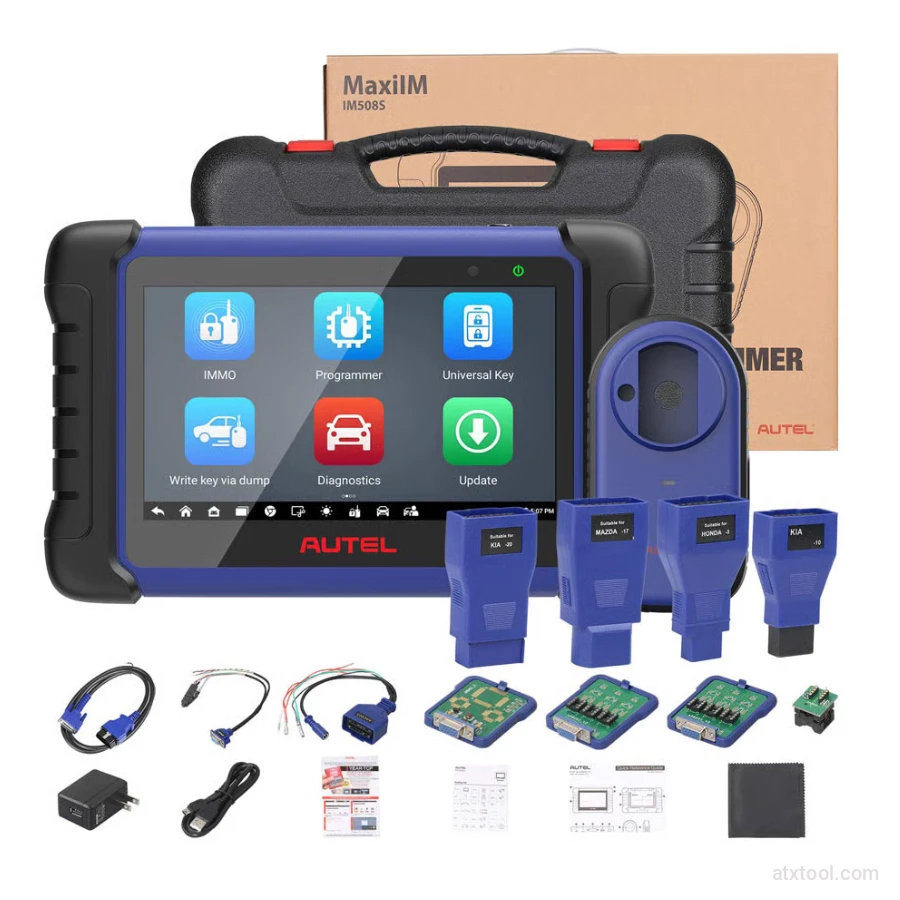
Autel MaxiIM IM508S Key Programming Service Tool Device
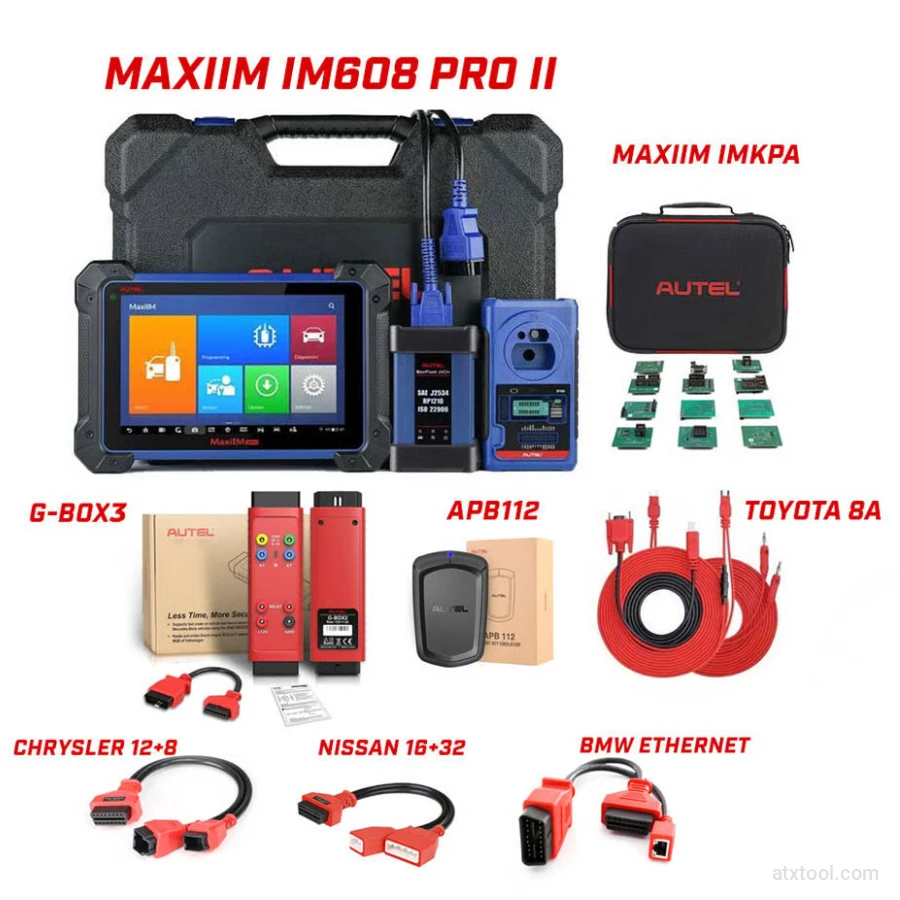
Autel MaxiIM IM608 PRO II Key Programming Tool Full Adapters Bundle
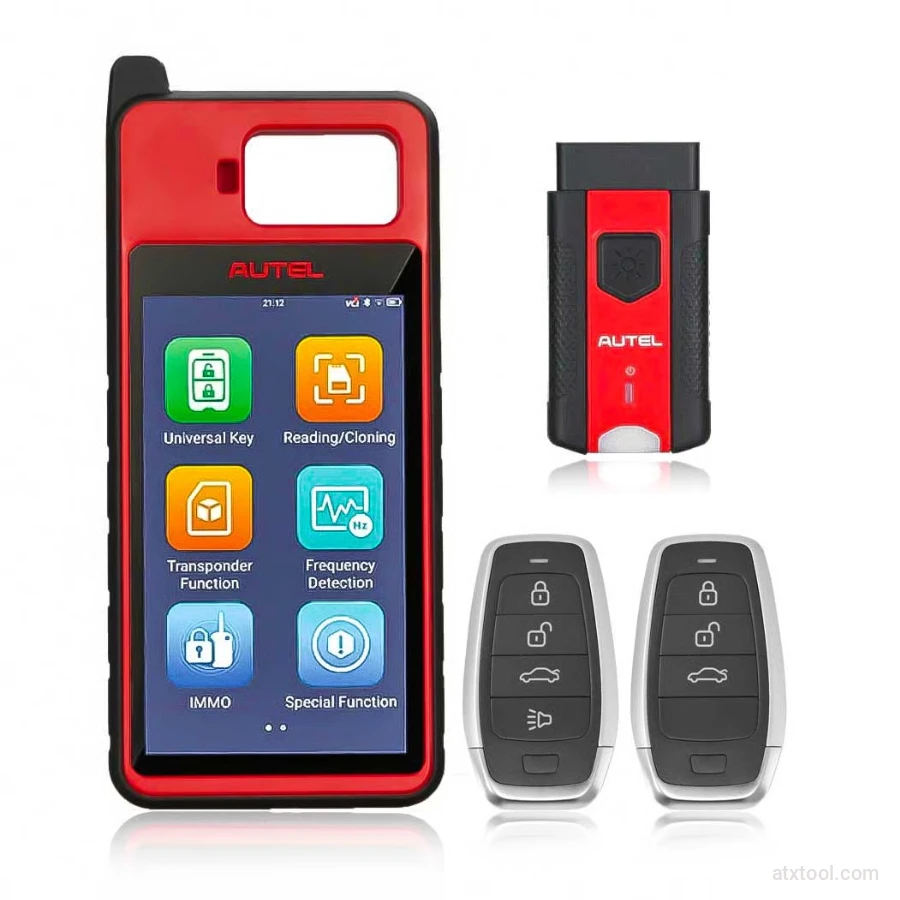
Autel MaxiIM KM100 Universal Key Generator and IMMO Tool
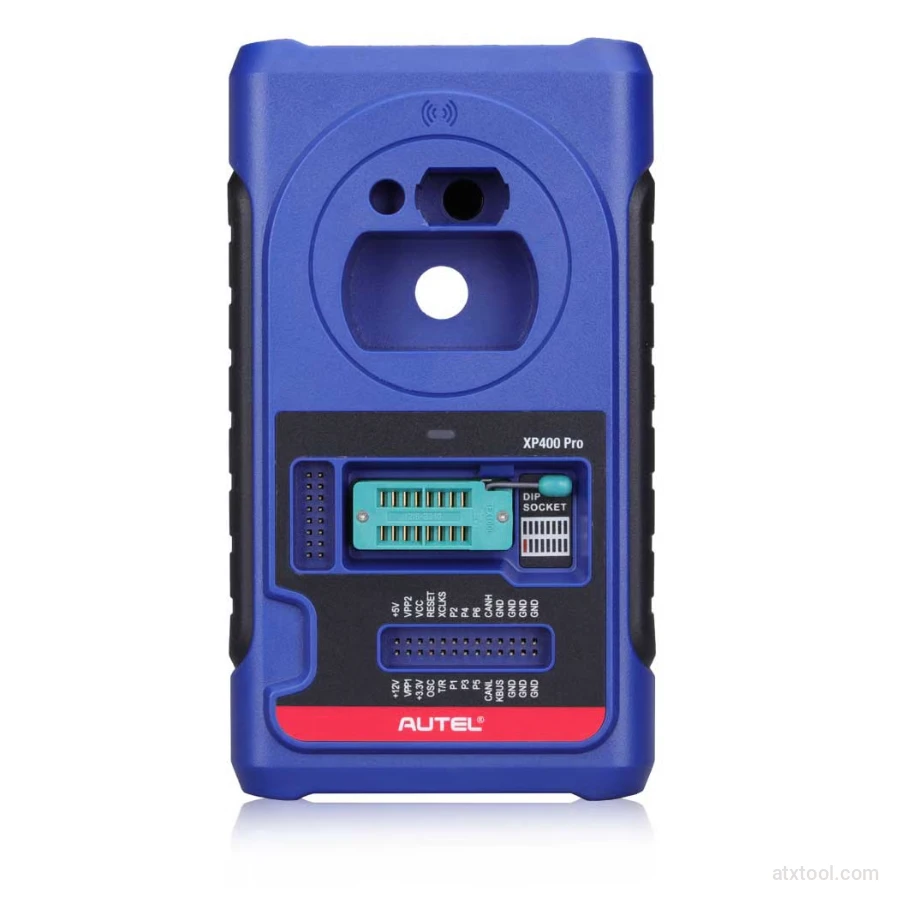
Autel XP400 PRO Key and Chip Programmer
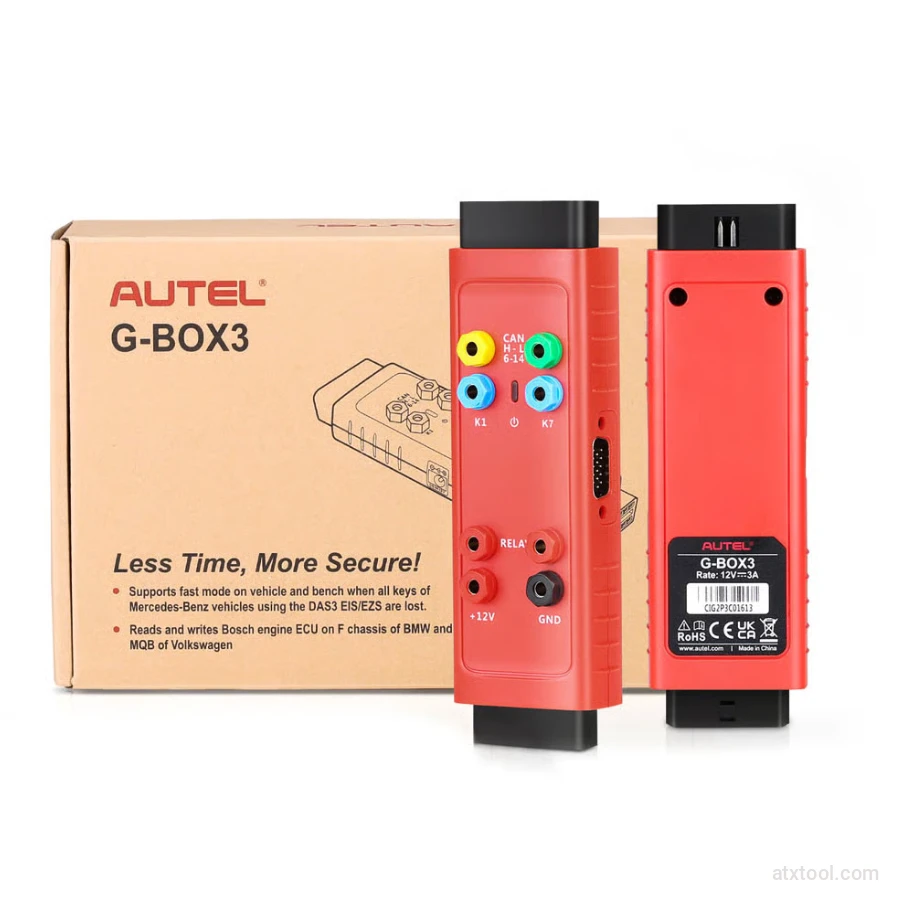
Autel G-BOX2 Key Programming Adapter for Mercedes and BMW Vehicles
Autel MaxiDiag MD909 Pro Professional Scan Tool
Autel MaxiSys Ultra Advanced OBD2/CAN Diagnostic Tool
Autel MaxiSYS MS909EV Tablet Diagnostic Tool
Get In Touch With ATXTool




Share with Friends
Trading is more effective when you share products with friends!Share you link
Share to