






Launch CRP239 CReader Professional 4-System Diagnostic Tool with 6 Reset Services Lifetime Free Update
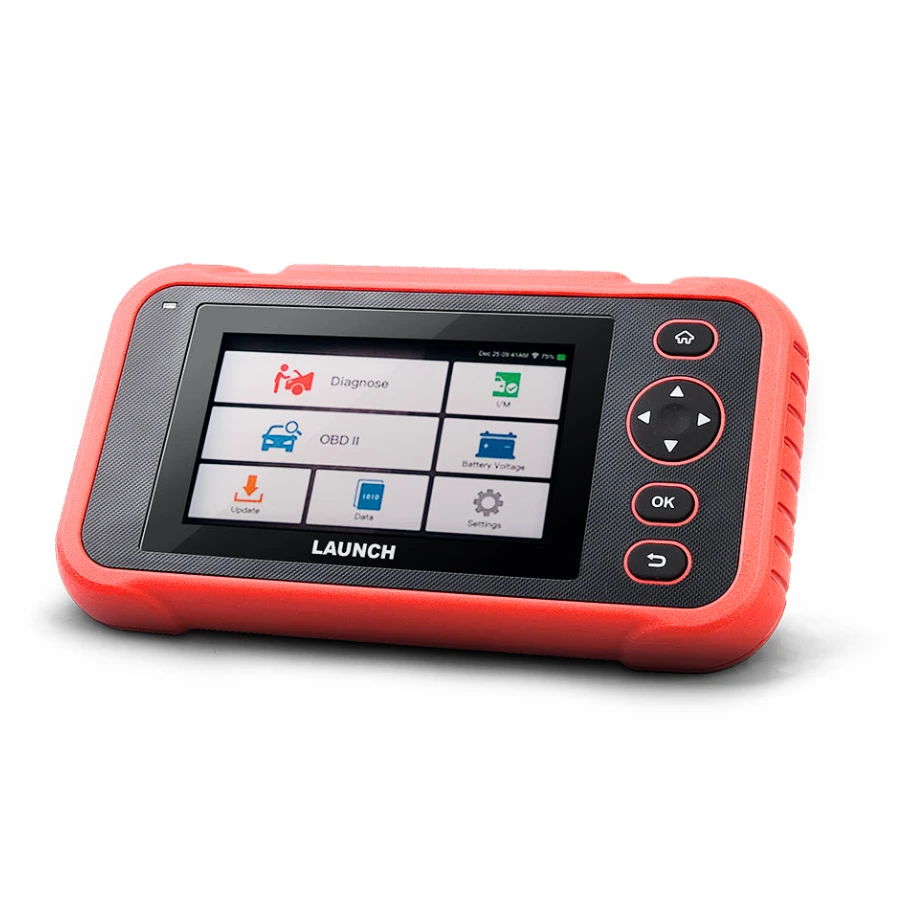
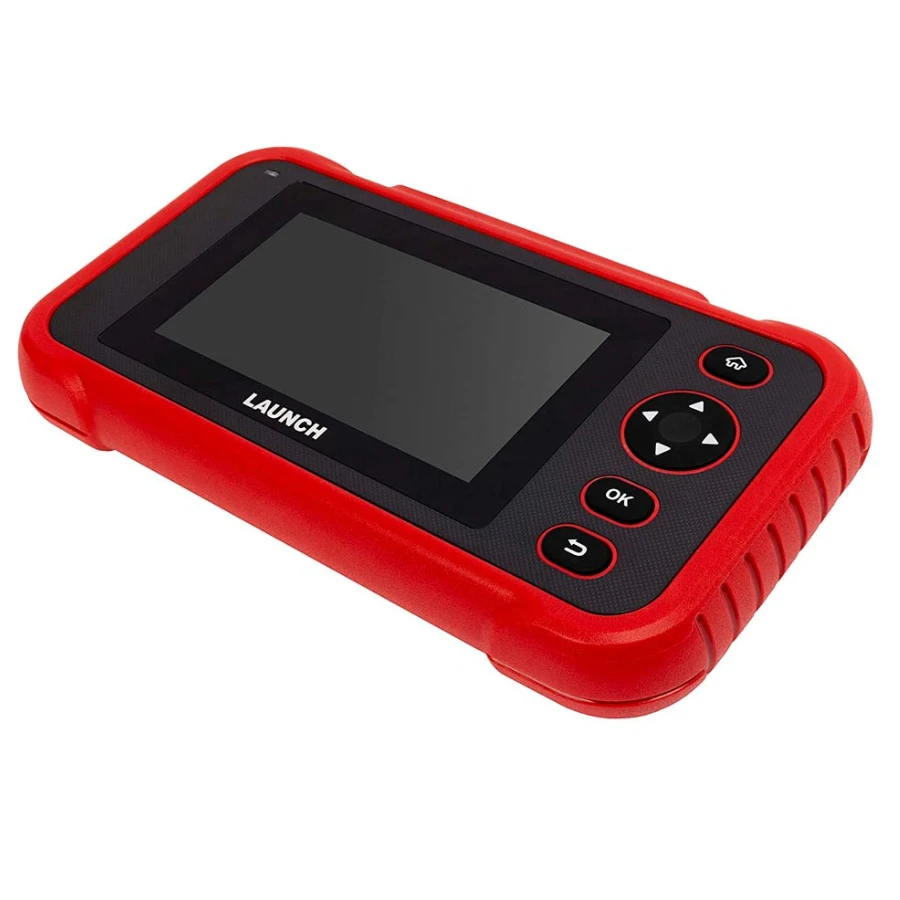
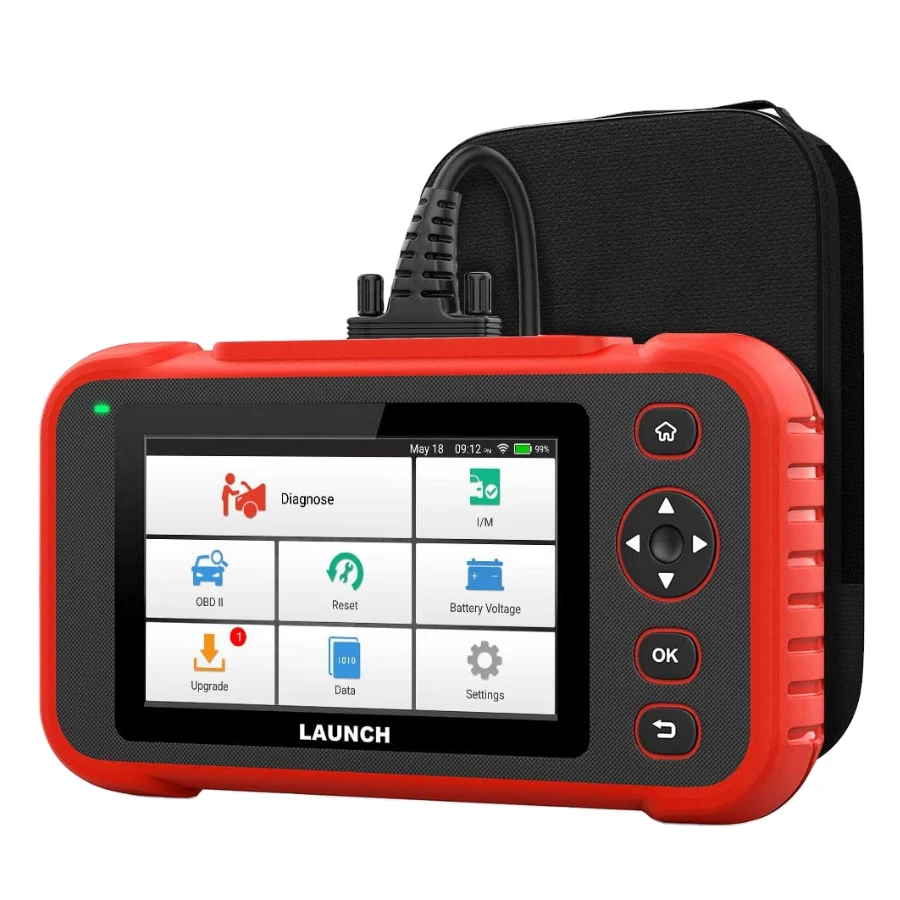
The Launch CRP239 is a high-performance Android-based intelligent diagnostic scanner designed for professional technicians and DIY enthusiasts. As an upgraded version of the CRP129, it offers deeper diagnostic capabilities for the four major vehicle systems and includes six essential maintenance reset functions. With its 5-inch HD touchscreen and Wi-Fi connectivity, it provides a fast and seamless diagnostic experience.
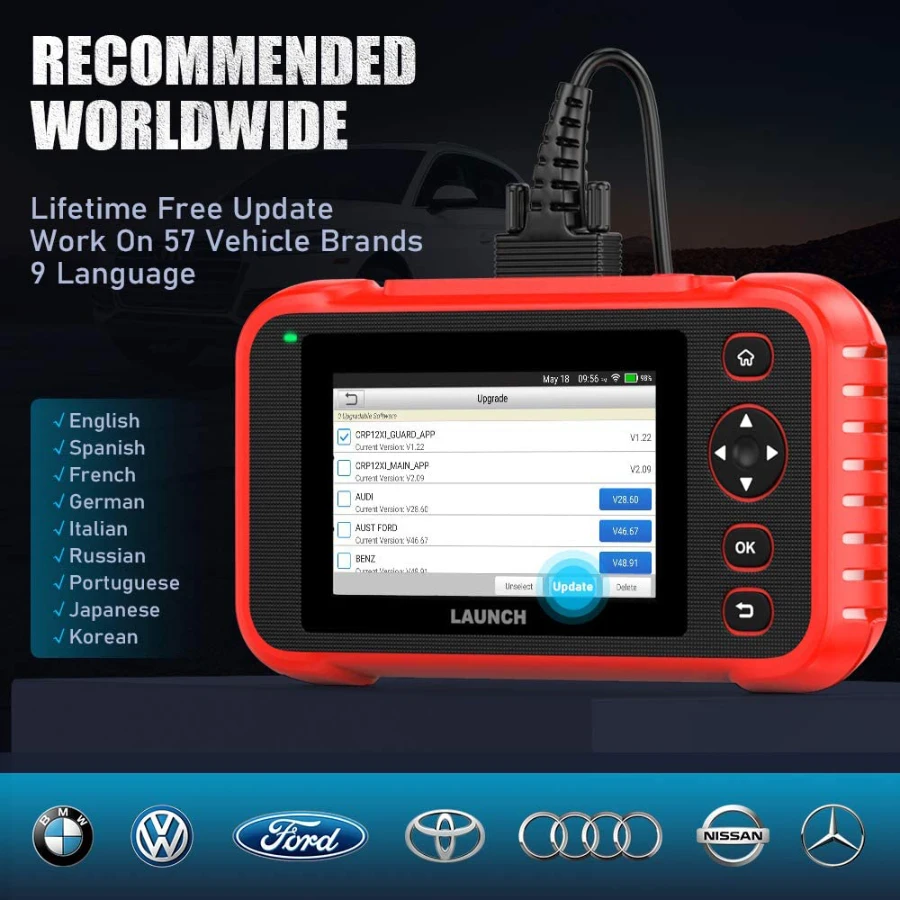
Comprehensive Brand & Model Support (1996-2026) Lifetime Free Update
The Launch CRP239 offers extensive coverage for over 57 global vehicle brands and thousands of models. It works on almost all OBDII-compliant vehicles manufactured from 1996 to the latest 2025/2026 models.
American Brands: Ford, GM, Chevrolet, Chrysler, Dodge, Jeep, Cadillac, Lincoln, Buick, etc.
European Brands: BMW, Mercedes-Benz, Audi, Volkswagen, Volvo, Land Rover, Jaguar, Porsche, Renault, Peugeot, Fiat, Opel, etc.
Asian Brands: Toyota, Honda, Nissan, Mazda, Mitsubishi, Hyundai, Kia, Suzuki, Lexus, Infiniti, Subaru, Isuzu, Acura, etc.
Australian Brands: Holden, Ford (AU).
Core Functions & Capabilities
4-System Diagnostics: Deep scanning and error code clearing for:
Engine (ECM): Diagnoses performance issues and turns off the Check Engine Light.
Transmission (TCM): Ensures smooth shifting and monitors sensor data.
ABS (Anti-lock Braking): Checks wheel speed sensors and brake health.
Airbag (SRS): Ensures the safety restraint system is functional.
6 Essential Reset Services:
Oil Lamp Reset: Resets the service mileage and interval.
EPB Reset: Safely deactivates and activates the brake control system for pad replacement.
SAS Reset: Calibrates the Steering Angle Sensor for precise handling.
BMS Reset: Registers a new battery to the vehicle's ECU.
DPF Regeneration: Clears particulate matter from the diesel filter.
Throttle Adaptation: Initializes the throttle actuators to the default state.
Full OBDII Functions: Supports all 10 modes of OBDII, including I/M Readiness, O2 Sensor tests, and Freeze Frame data.
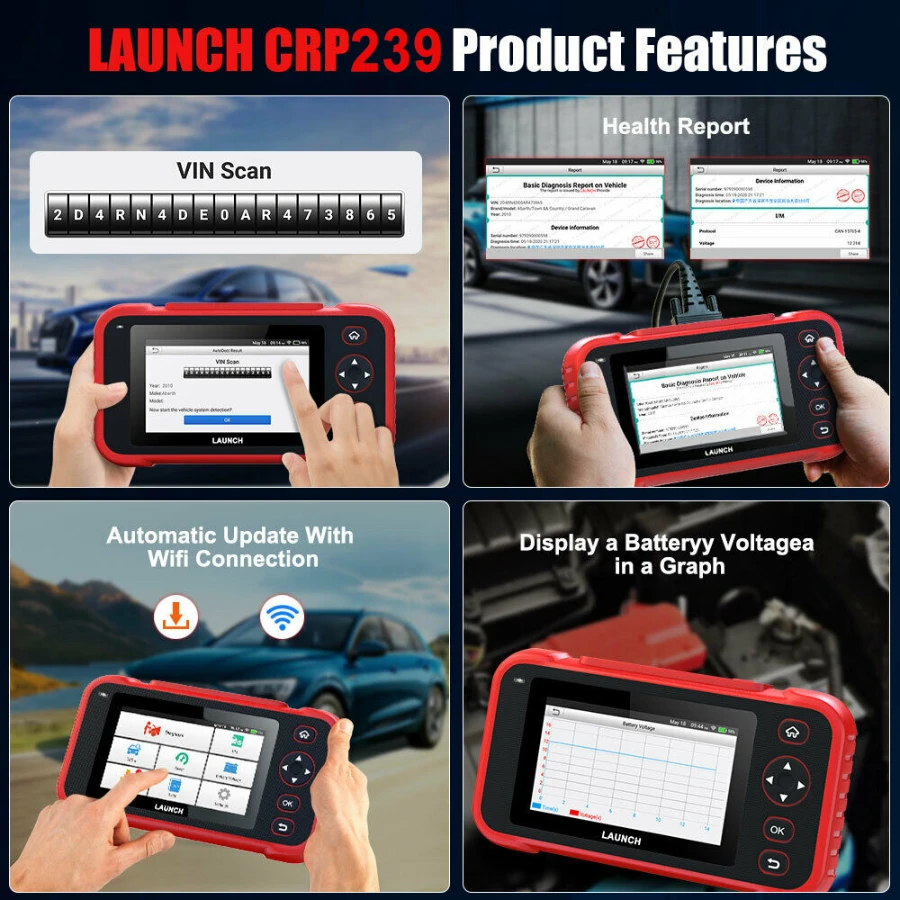
Auto-VIN Technology: Automatically identifies the vehicle's make, model, and year for faster diagnostics.
User Manual: How to Use the Launch CRP239
Power On & Setup: Press the power button to turn on the device. Connect to your workshop Wi-Fi to register and download the latest software updates.
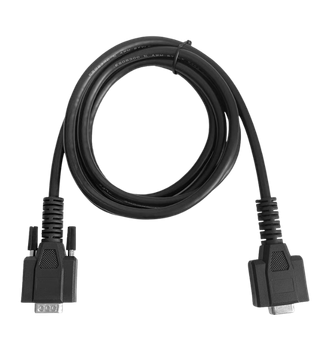
Connection: Locate the vehicle’s DLC (OBDII Port), usually found under the dashboard on the driver's side. Plug the scanner’s 16-pin cable into the port.
Vehicle Identification: Use the Auto-VIN feature to automatically detect the car, or manually select the Brand, Region, and Year.
Diagnostic Session:
Select "Diagnose" to scan the Engine, ABS, SRS, or Transmission.
Read codes to see the faults, then use "Clear Codes" after repairs are done.
Use "Live Data" to view real-time sensor performance in text or graph mode.
Service Resets: To perform maintenance, enter the "Reset" menu and select the required service (e.g., Oil Reset). Follow the on-screen prompts (usually requiring the ignition to be ON but the engine OFF).
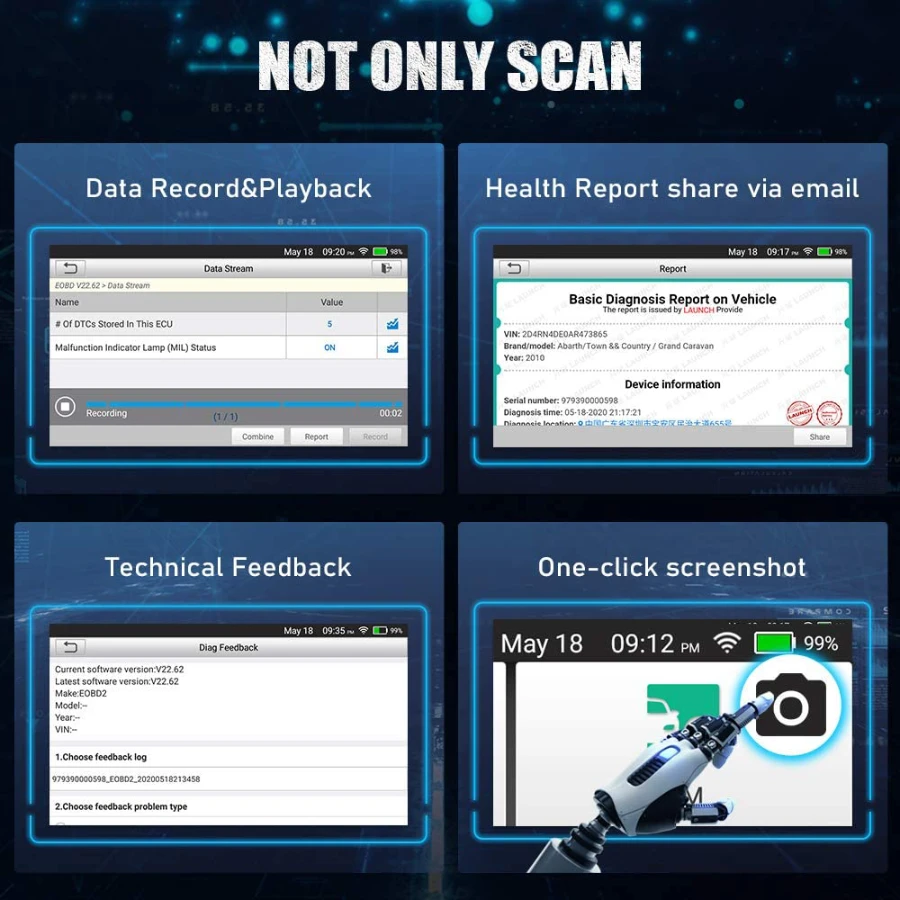
Report & Update: After diagnostics, generate a PDF report to share or print via PC. Check the "Update" menu regularly for the latest vehicle data.
Related products
Autel MaxiDiag MD909 Pro Professional Scan Tool
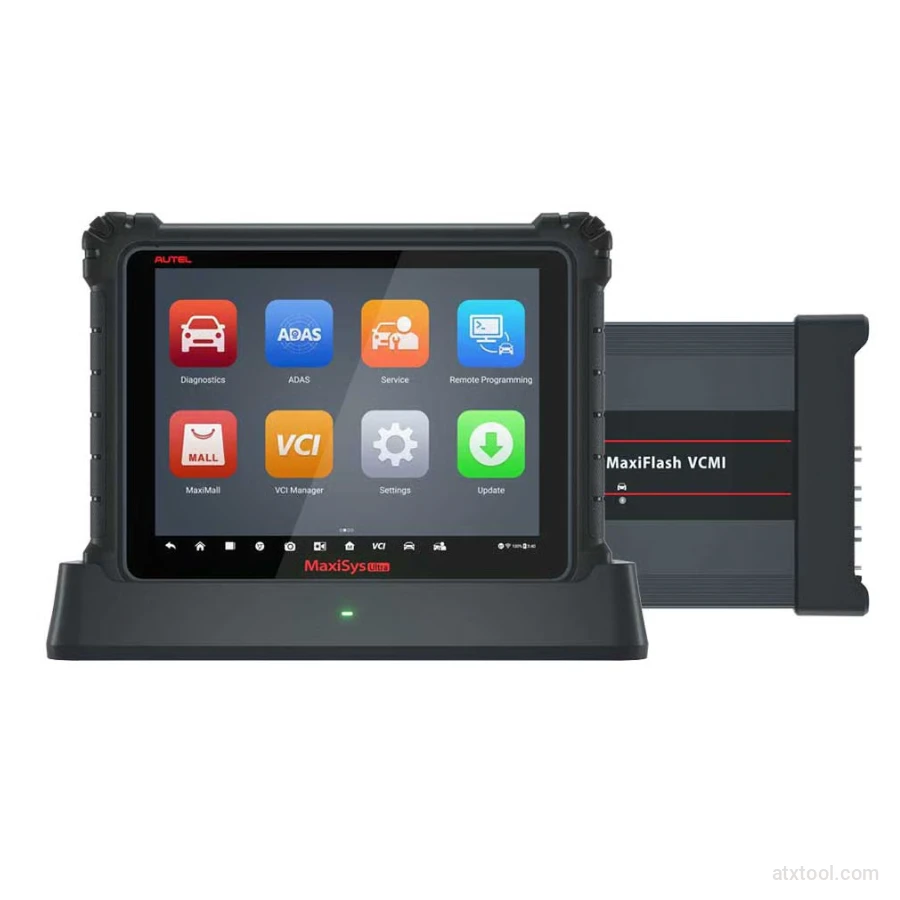
Autel MaxiSys Ultra Advanced OBD2/CAN Diagnostic Tool
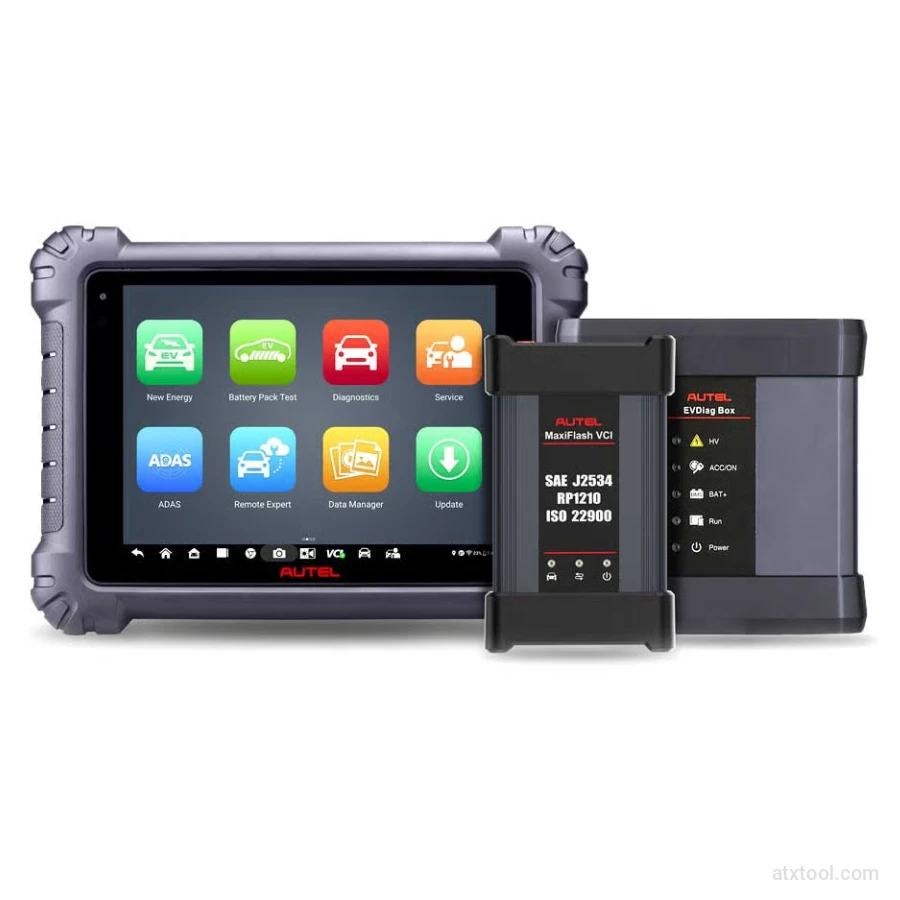
Autel MaxiSYS MS909EV Tablet Diagnostic Tool
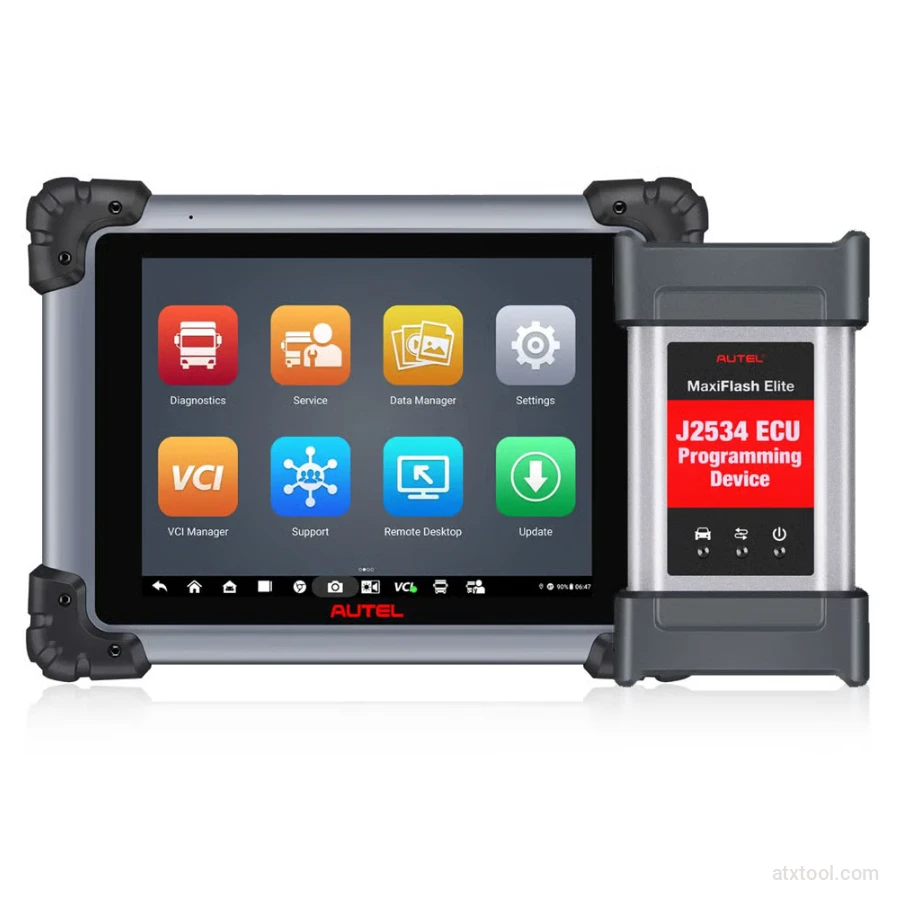
Autel MaxiSYS MS908CV II Heavy Duty Diagnostic Scanner
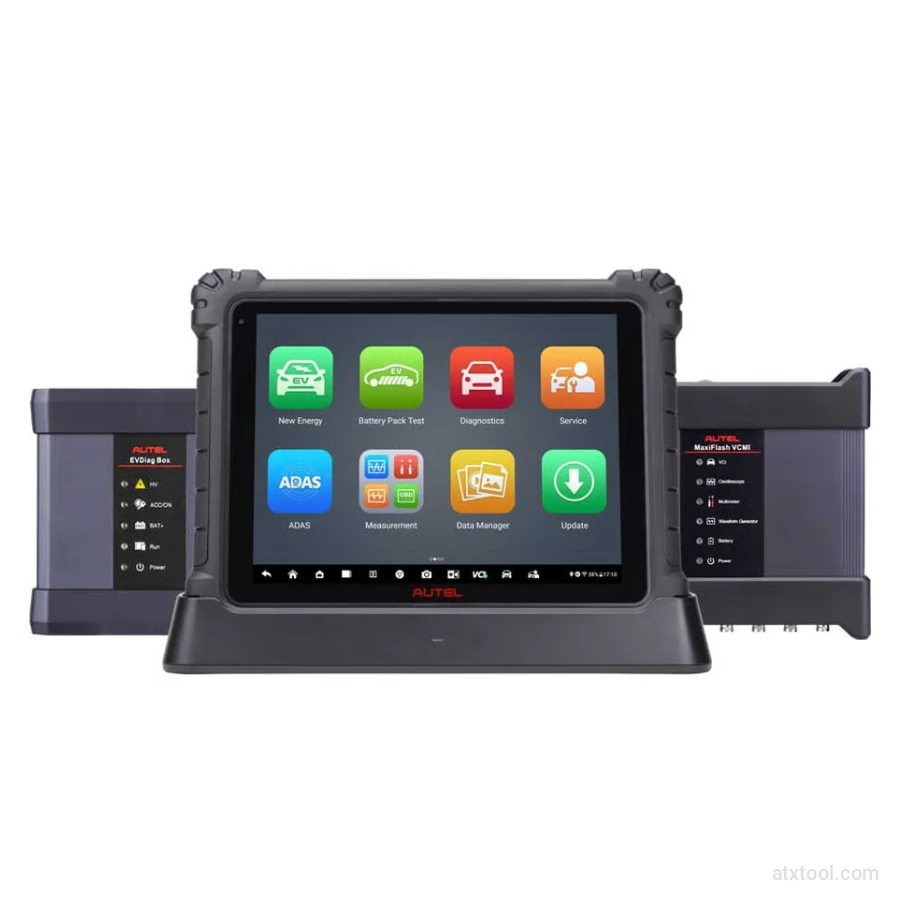
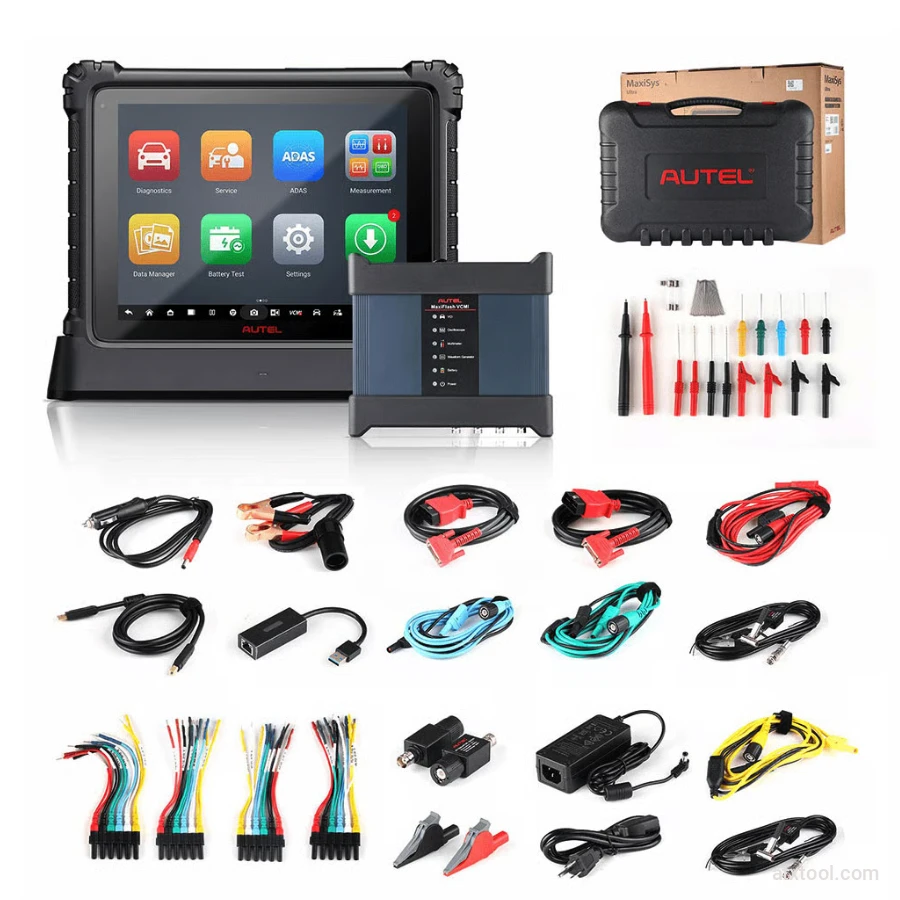
Autel MaxiSYS Ultra EV Tablet Diagnostic Tool
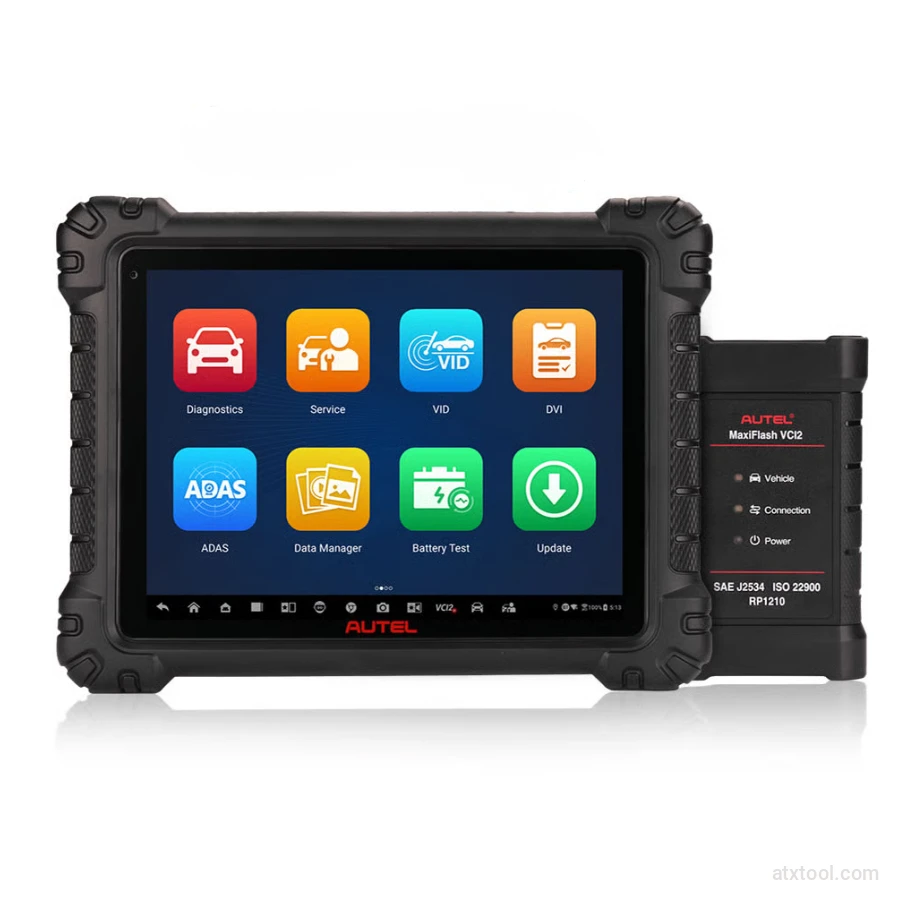
Autel MaxiSys MS909S2 Advanced Diagnostic Tool with AI
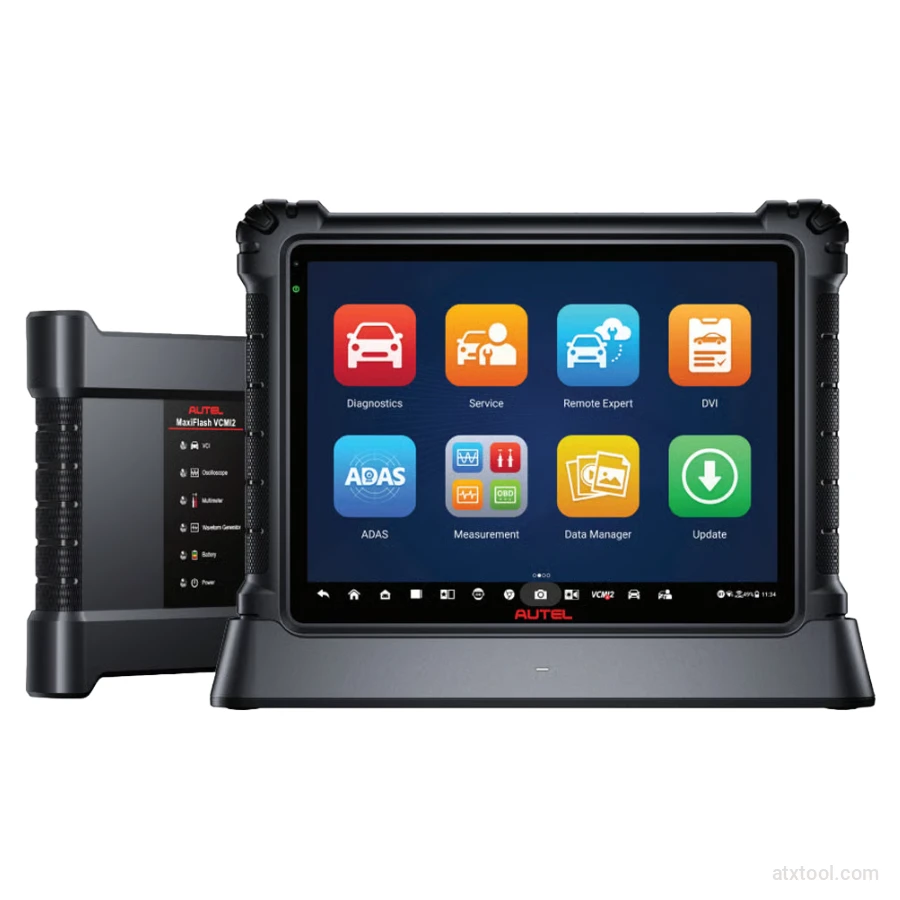
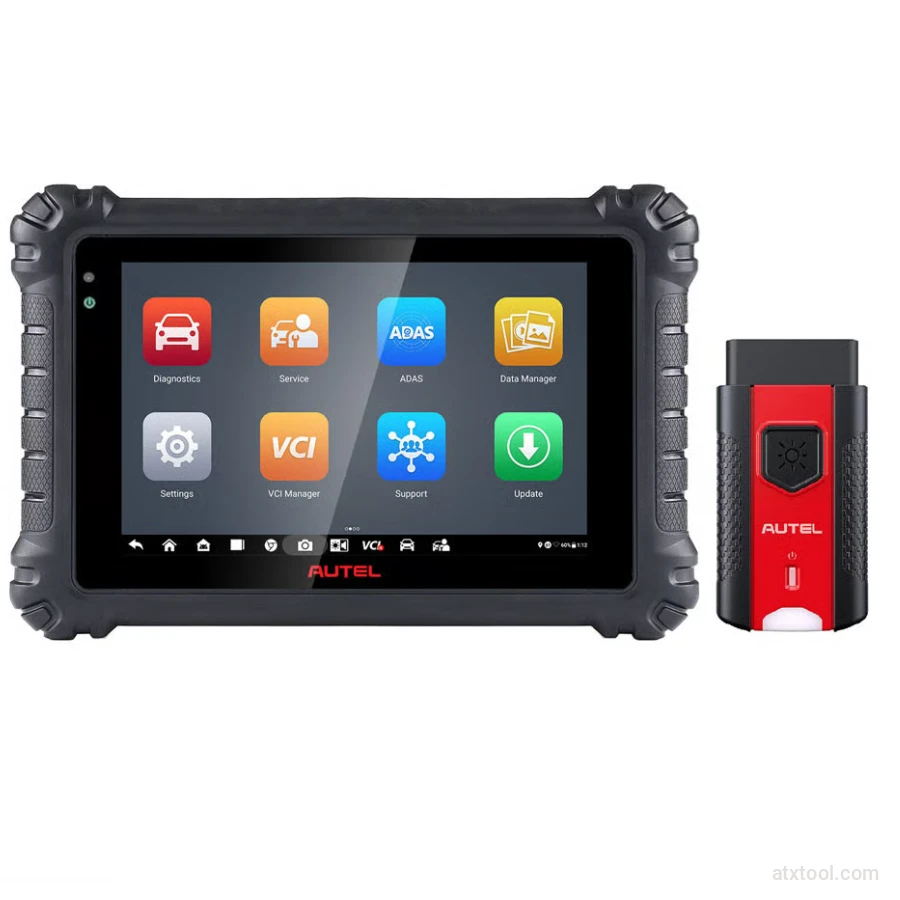
Autel MaxiSYS MS906 Max Professional Diagnostic Tool
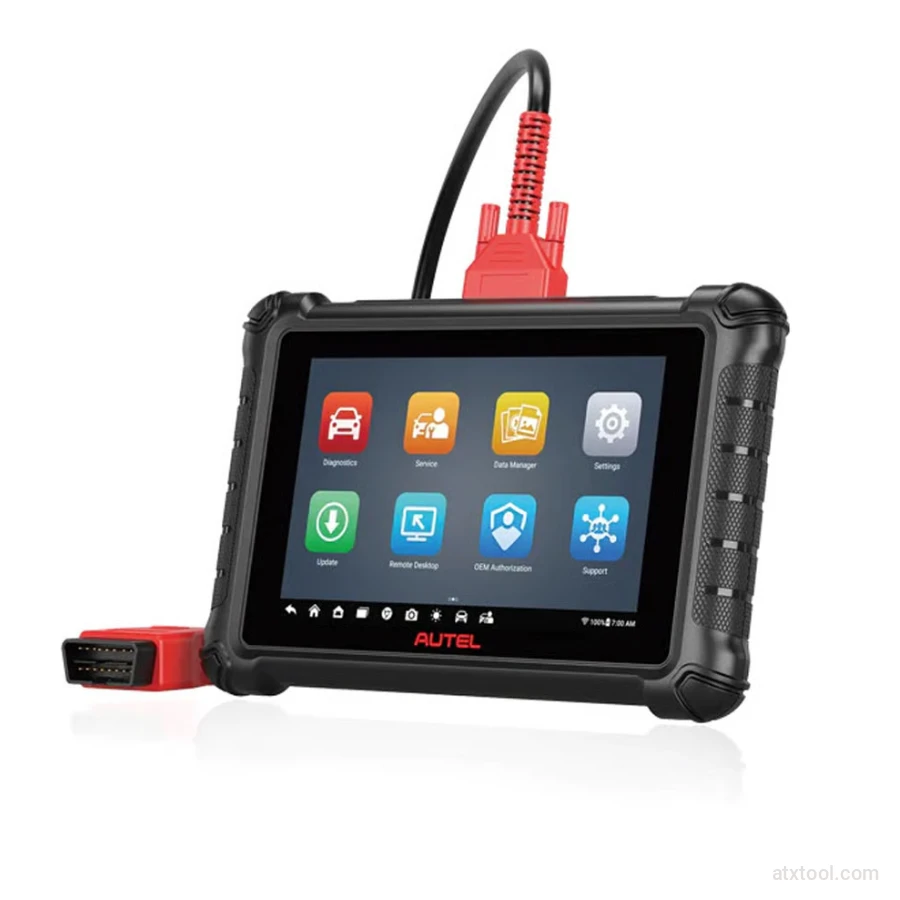
Autel Maxicheck MX900 Diagnostic Tool
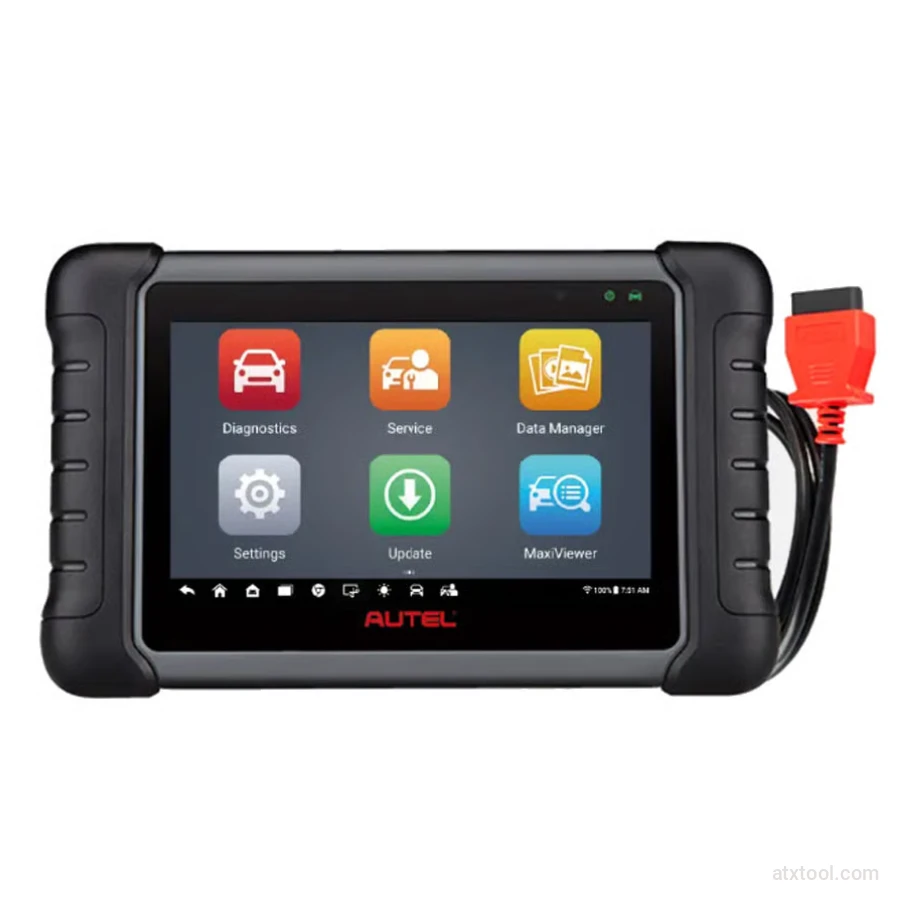
Autel MaxiCheck MX808S Advanced Diagnostic Tablet
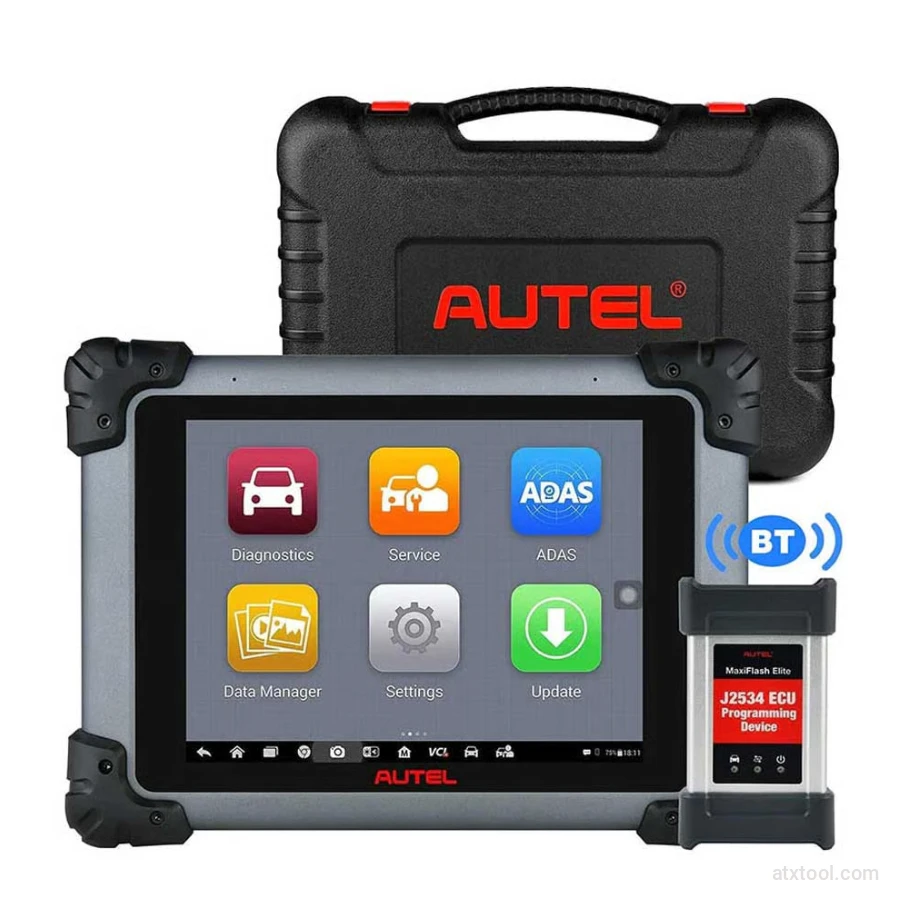
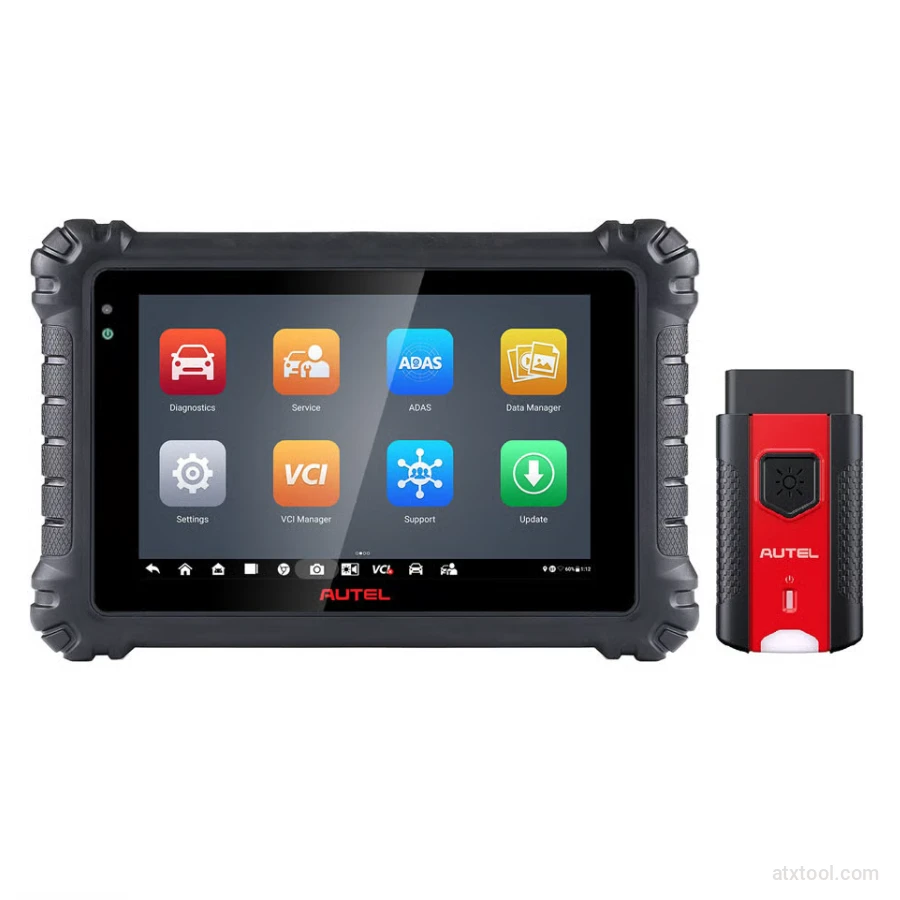
Autel MaxiSYS MS906 Pro Advanced Diagnostic Tool
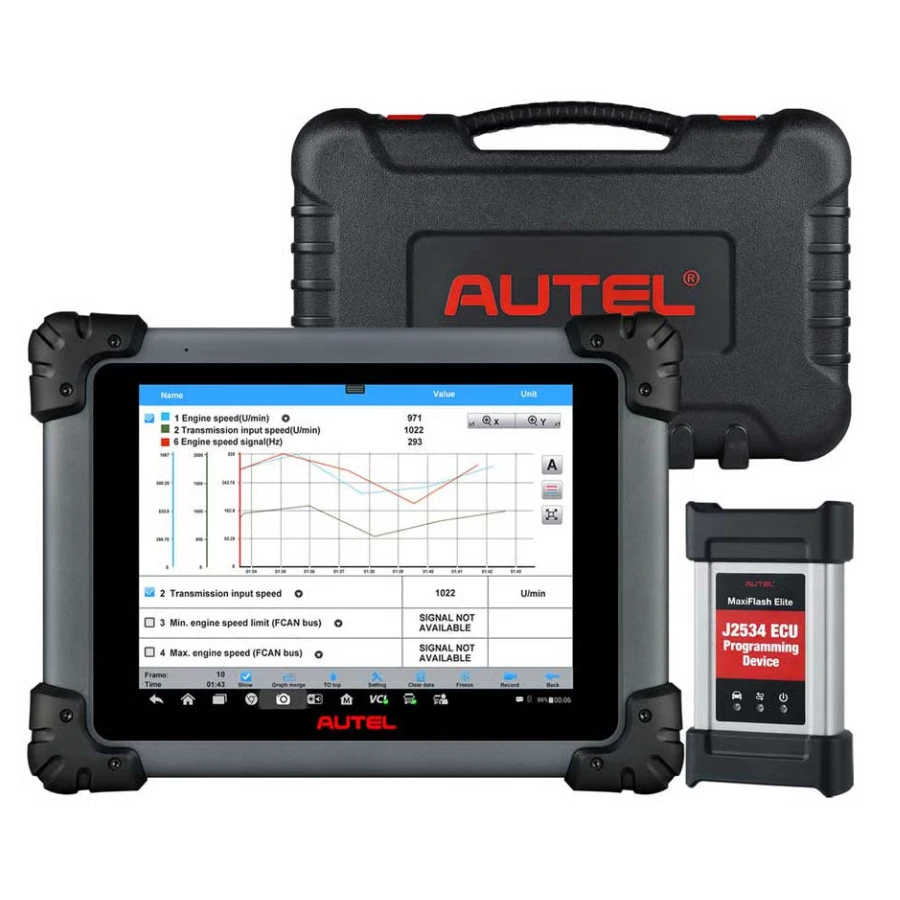
Autel MaxiSYS MS908CV Heavy-Duty Diagnostic Scanner

Frequently Bought Together
No frequently bought products found!
Products from this Seller
View All
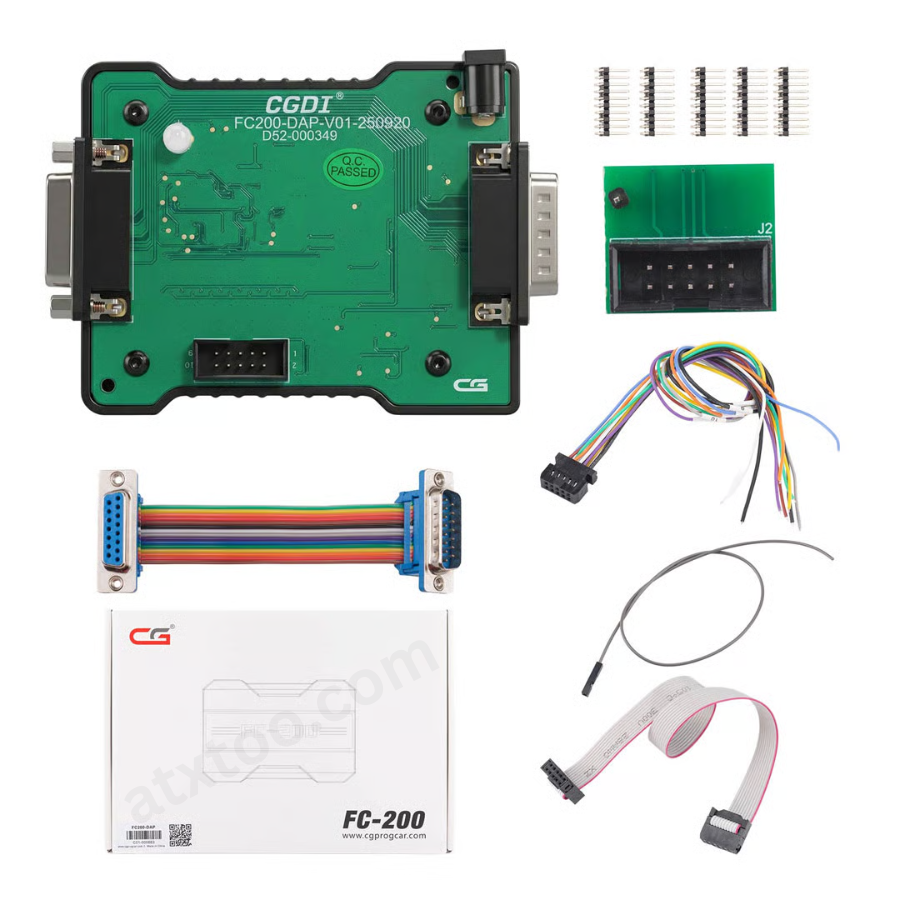
CGDI FC200 DAP Adapter for CG FC200 Programmer
CGDI K2 WiFi Professional Smart Locksmith Key Tool and Remote Generator
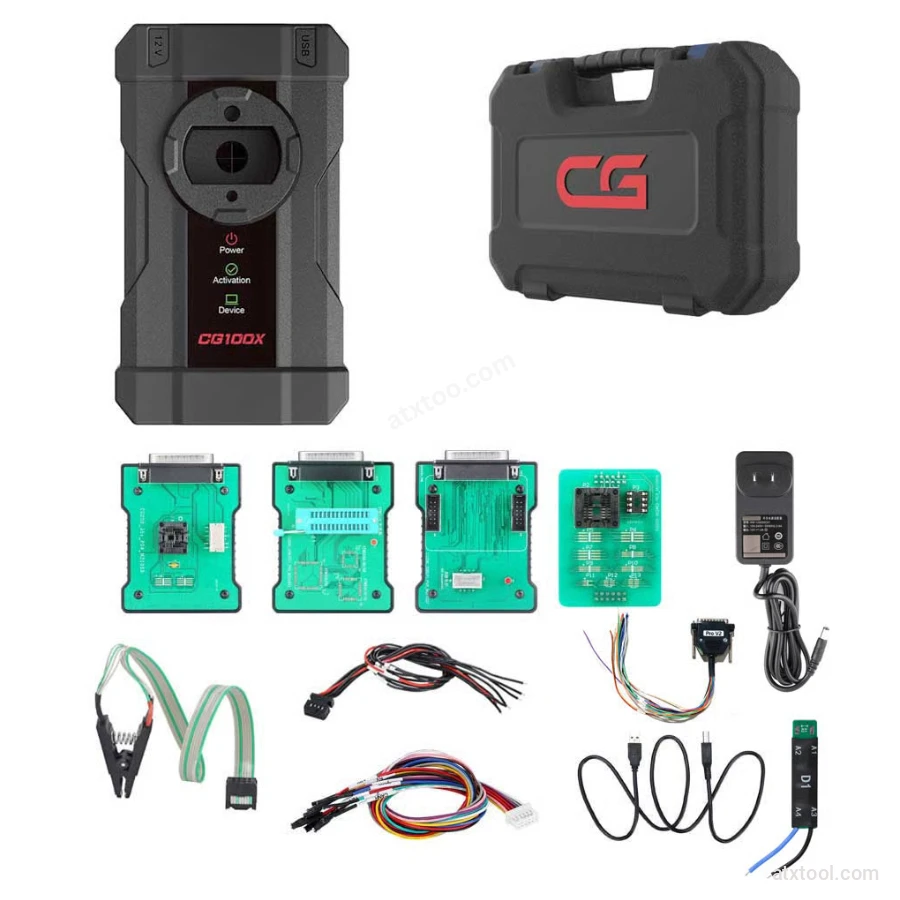
CGDI CG100X New Generation Smart Car Programmer
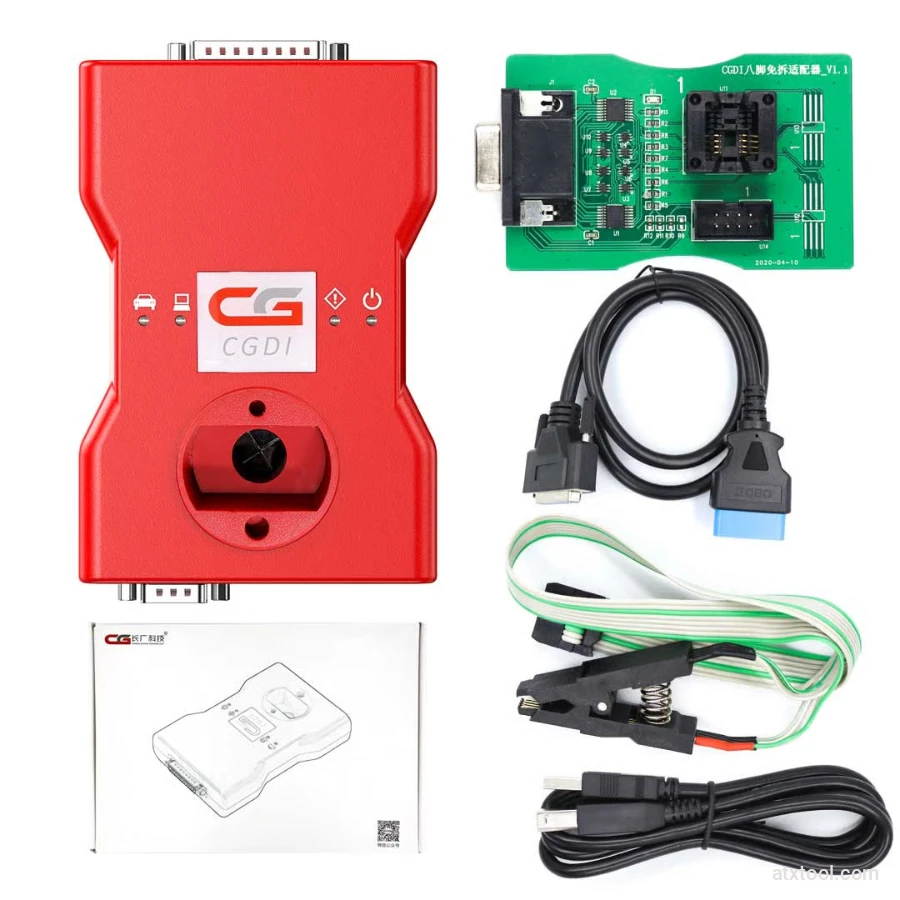
CGDI BMW Full Function Version MSV80 Car Key Programmer
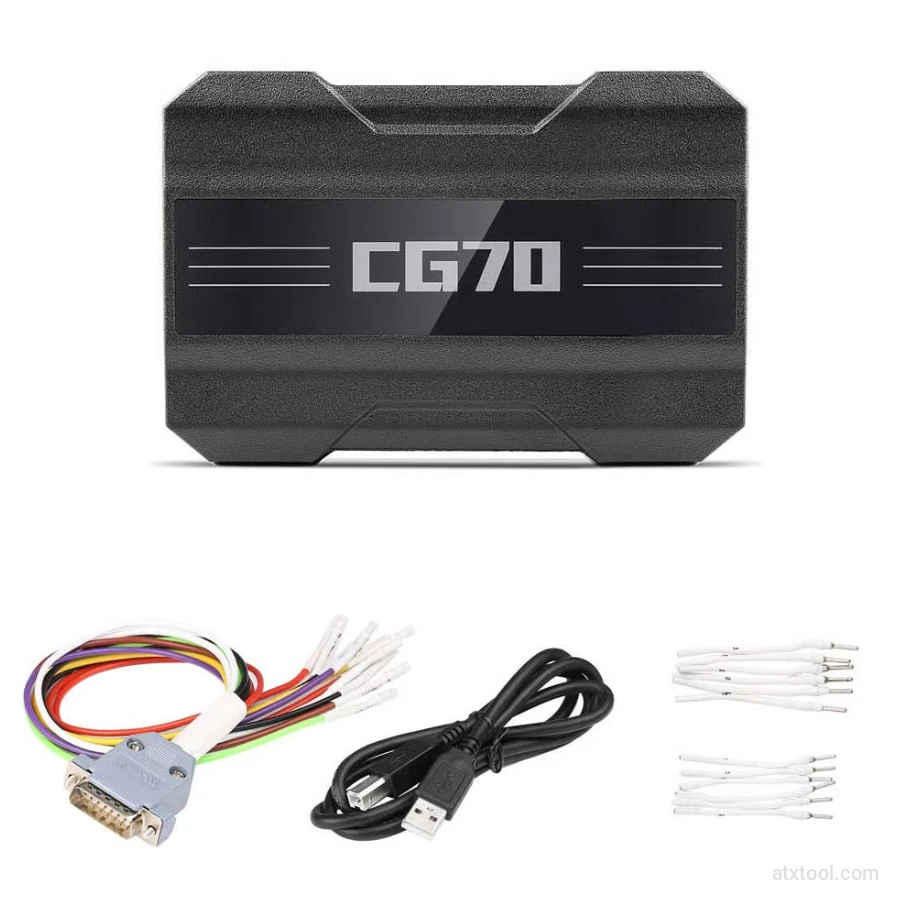
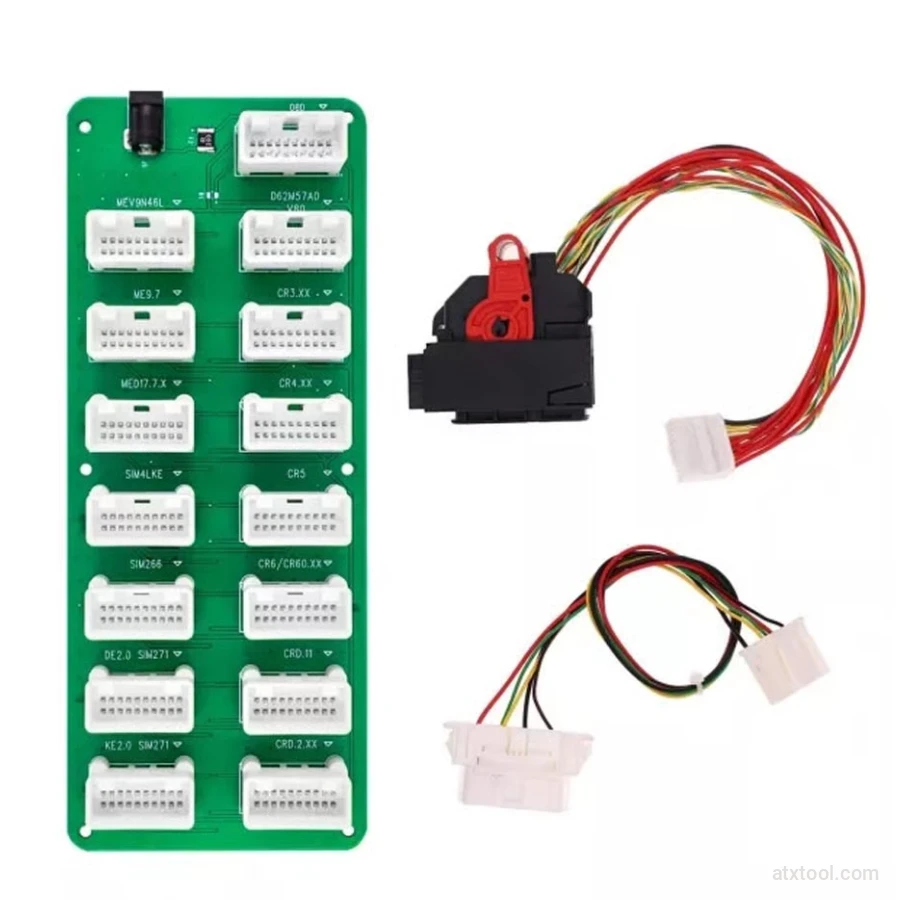
CGDI DME-DDE ECU Connecting Board and Testing Cable
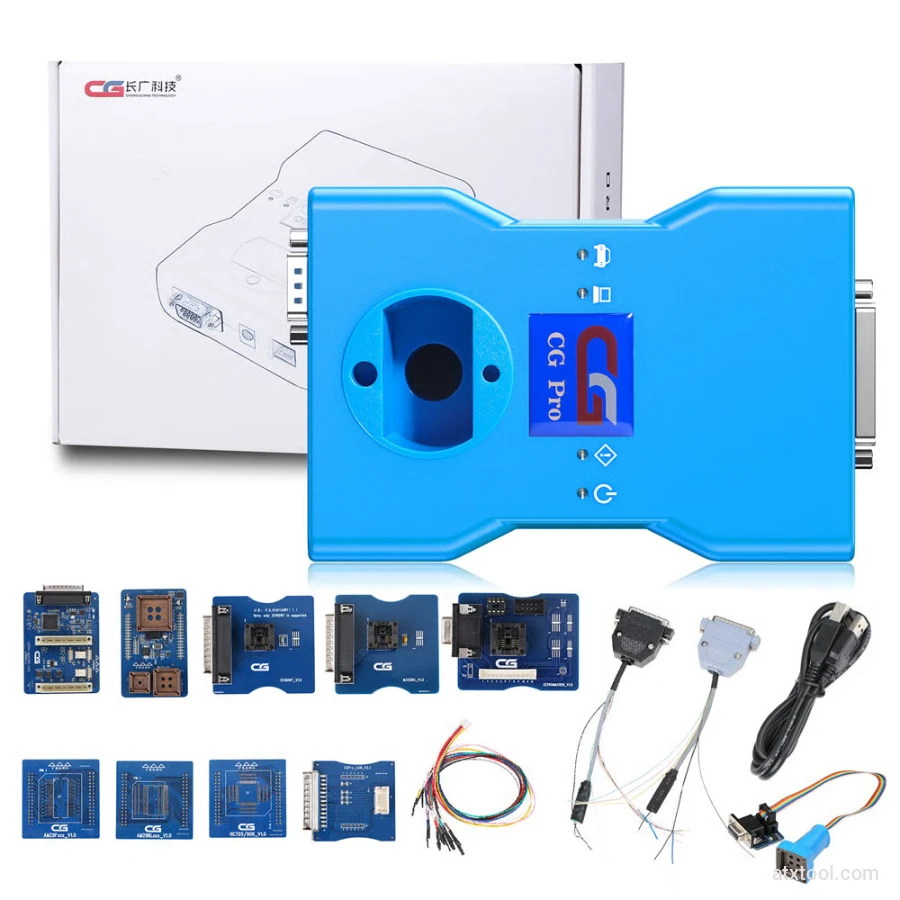
CG Pro 9S12 Programmer Full Version with All Adapters
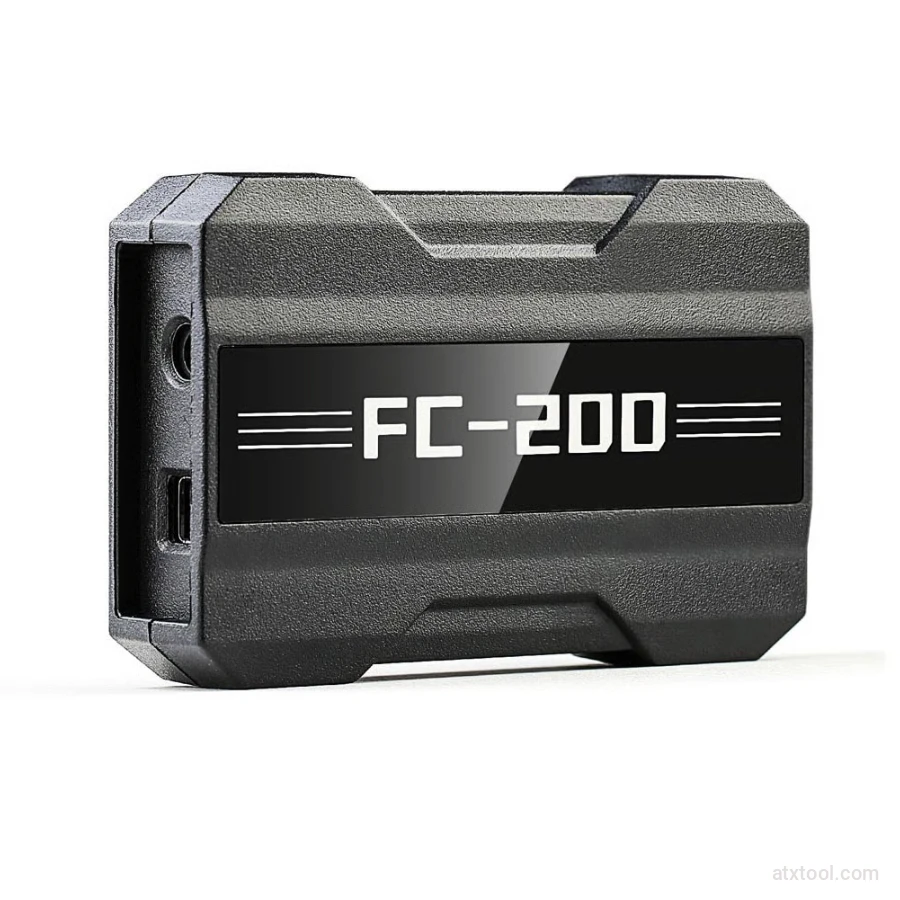
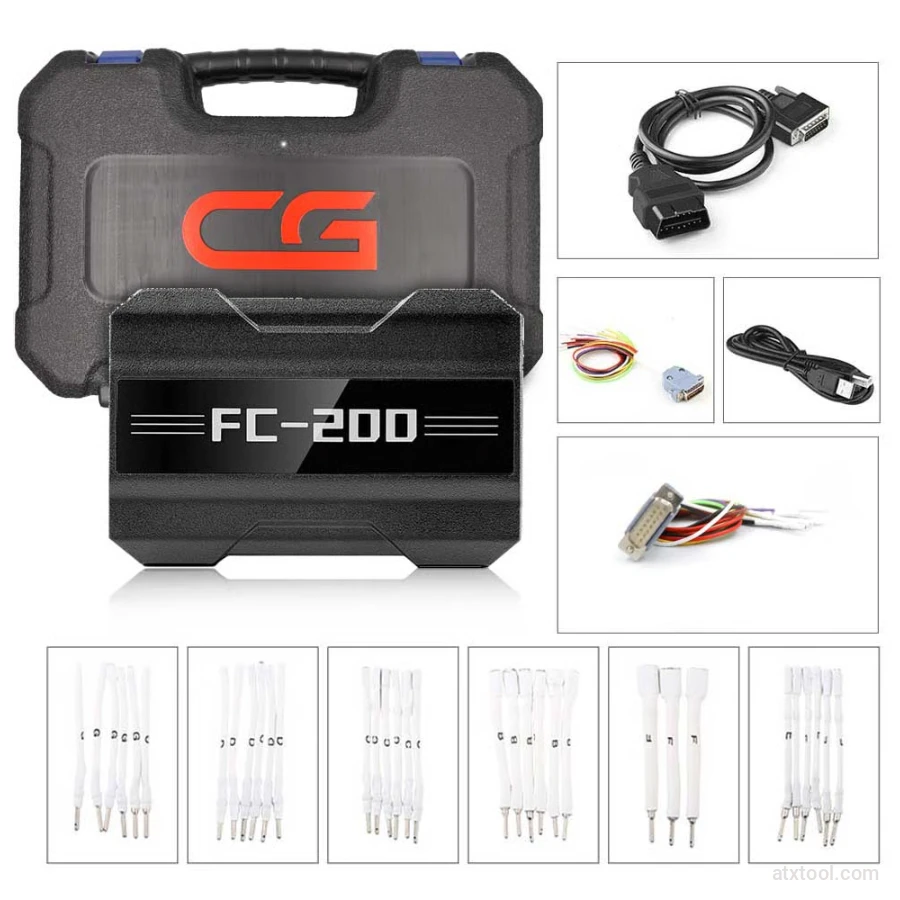
CGDI CG FC200 ECU Programmer Full Version
CGDI Super Kilometer CAN Filter Mileage Correction Emulator
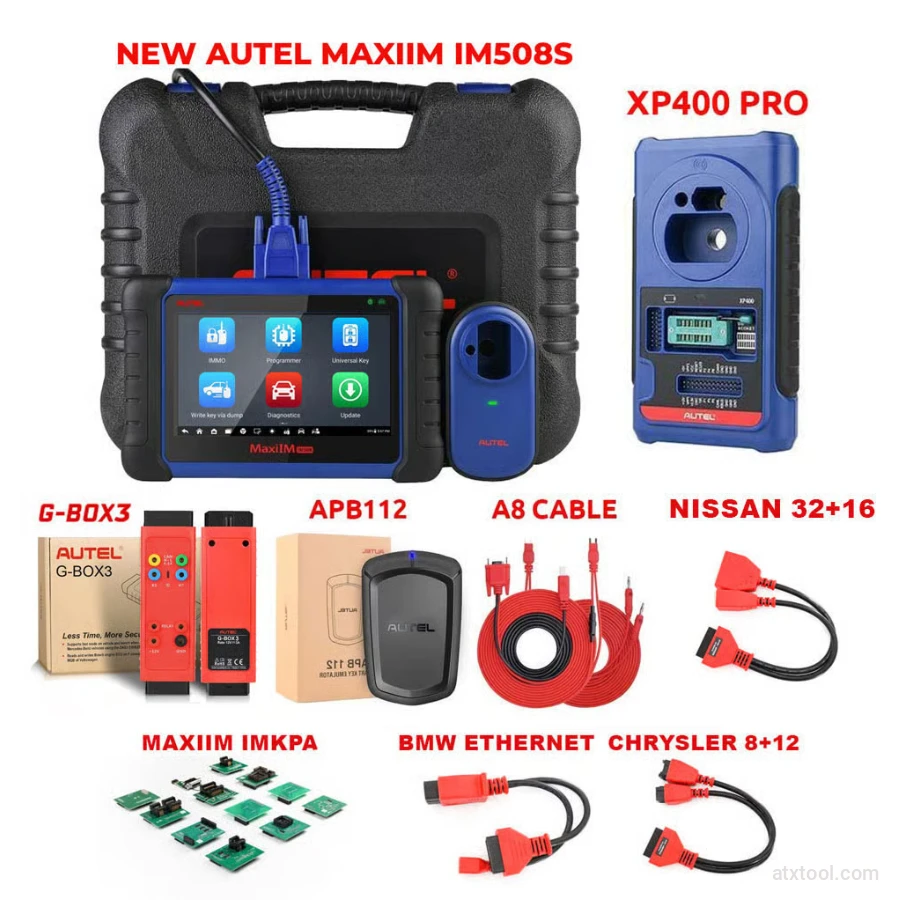
Autel MaxiIM IM508S Key Programming Full Package Bundle
Autel MaxiIM IM508S Key Programming Service Tool Device
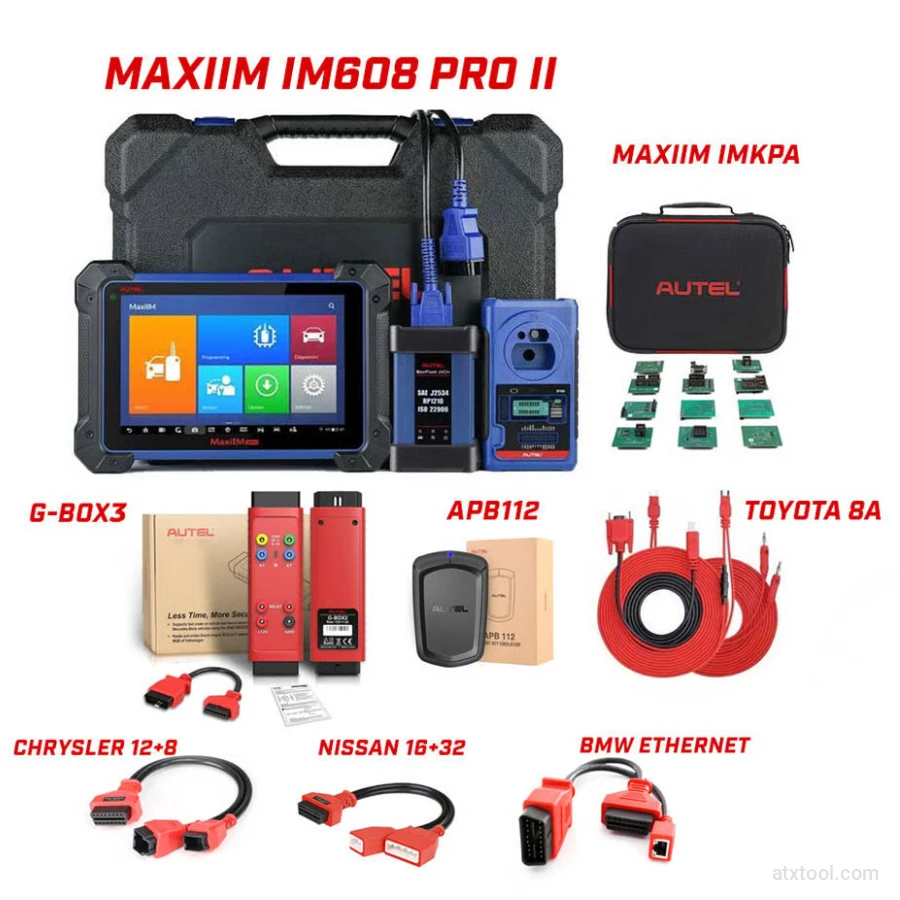
Autel MaxiIM IM608 PRO II Key Programming Tool Full Adapters Bundle
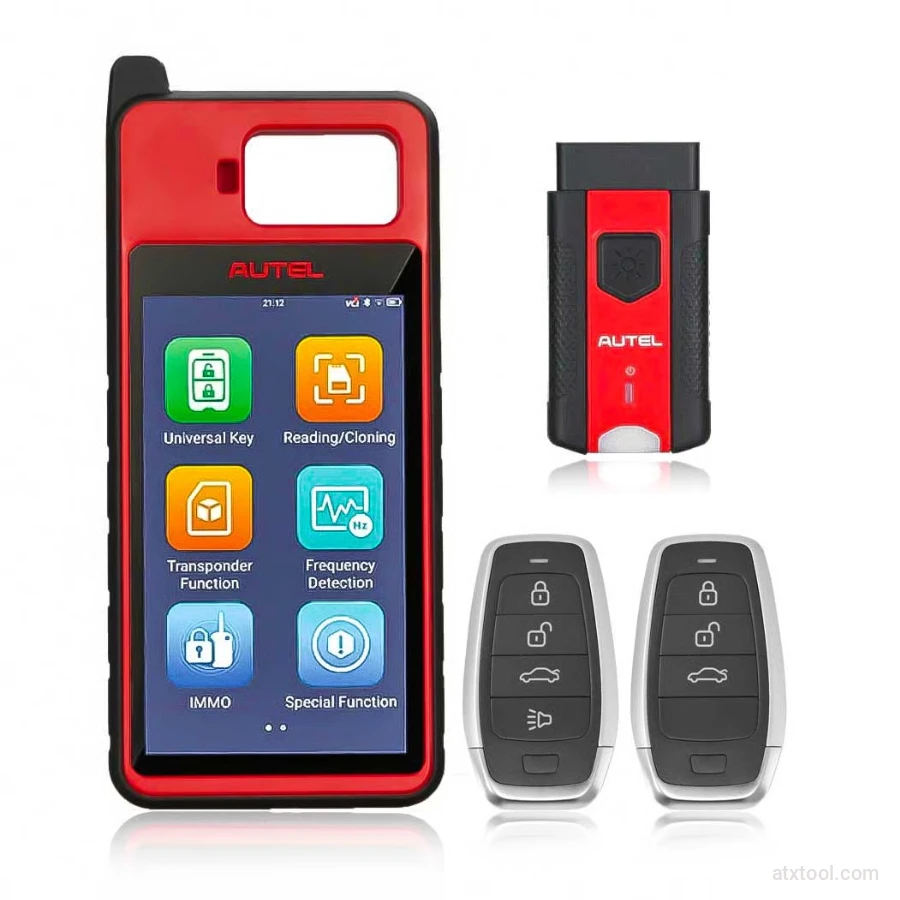
Autel MaxiIM KM100 Universal Key Generator and IMMO Tool
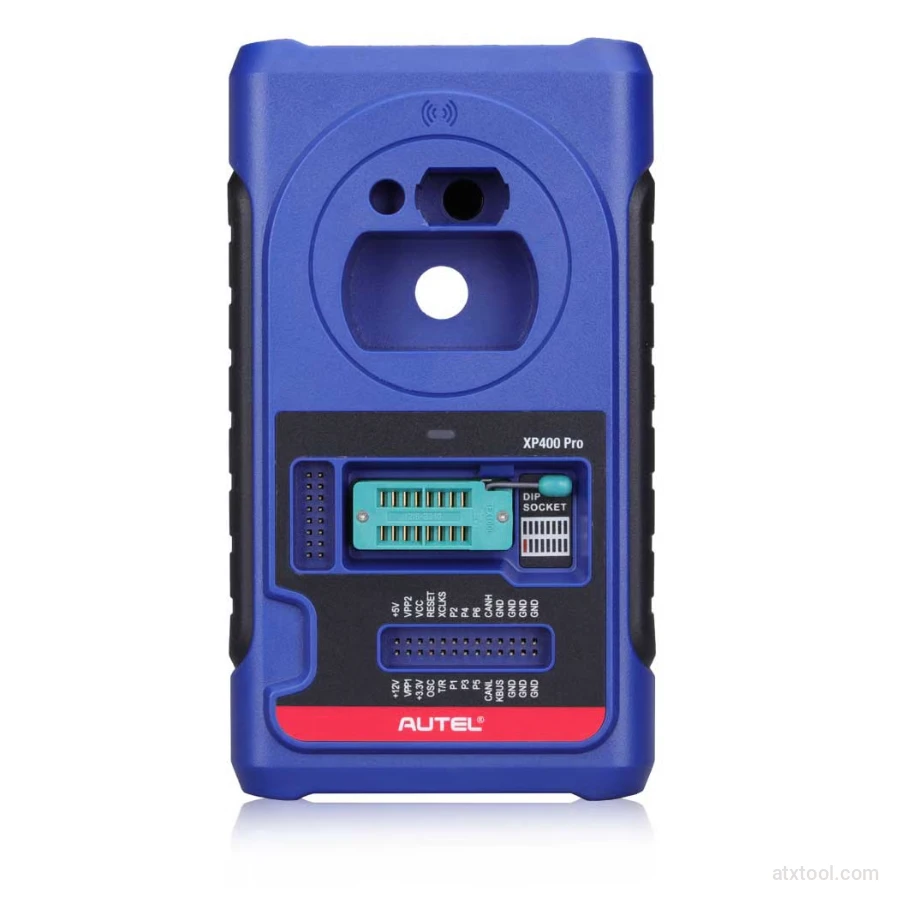
Autel XP400 PRO Key and Chip Programmer
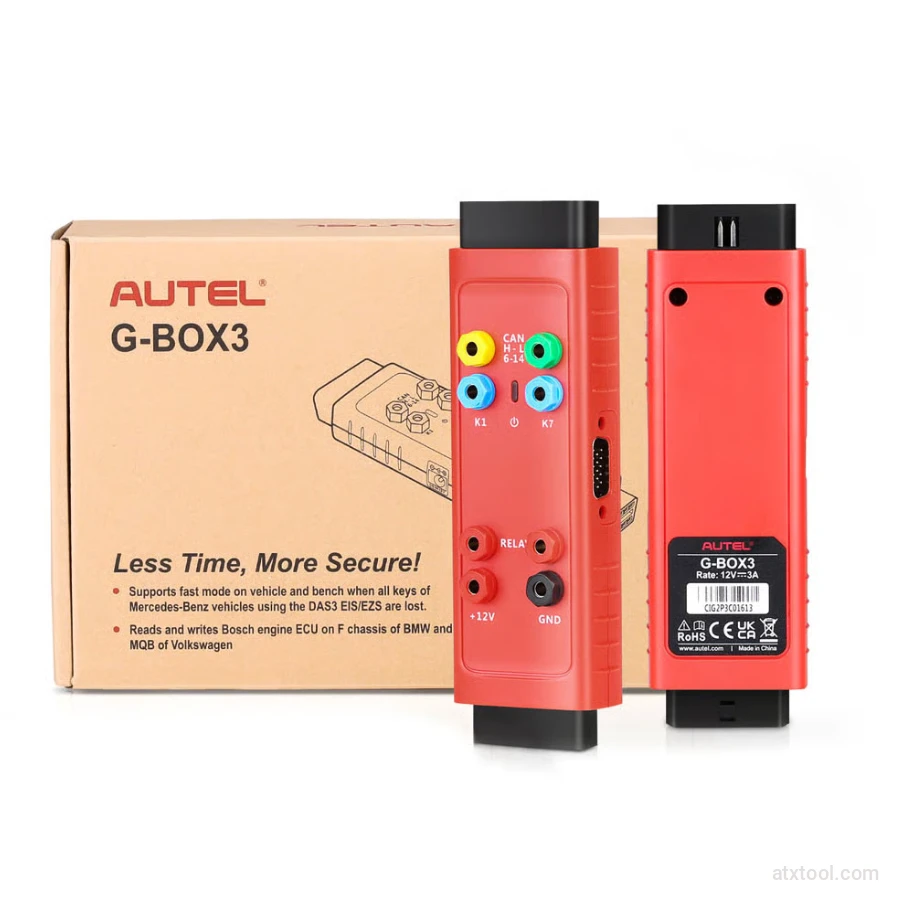
Autel G-BOX2 Key Programming Adapter for Mercedes and BMW Vehicles
Autel MaxiDiag MD909 Pro Professional Scan Tool
Autel MaxiSys Ultra Advanced OBD2/CAN Diagnostic Tool
Autel MaxiSYS MS909EV Tablet Diagnostic Tool
Get In Touch With ATXTool




Share with Friends
Trading is more effective when you share products with friends!Share you link
Share to